 ProMapRanker
Best Accounting Software for Tracking Projects in 2026


project profit for growing firms · Pricing starts at: $38 per month
Key takeaways
- QuickBooks Online Plus is the most complete small business pick for project profit and billing.
- Xero suits teams that want unlimited users and project tracking on its higher tier.
- FreshBooks and Zoho Books suit service firms that bill by time and want simple project profit views.
- Check whether project features sit on the tier you would buy, because they often do not sit on the cheapest plan.
Quick comparison
| Pick | Great for | Pricing starts at | Free tier | |
|---|---|---|---|---|
| QuickBooks Online | project profit for growing firms | $38 per month | Free trial (30 days) | Visit |
 Xero | teams with many users | $27 per month | Free trial (30 days) | Visit |
 FreshBooks | service firms billing by time | $23 per month | Free trial (30 days) | Visit |
 Zoho Books | affordable project accounting | $15 per month | Yes | Visit |
 Sage Intacct | mid-market project accounting | See website | No | Visit |
 BQE CORE | professional services project billing | See website | No | Visit |
 Acumatica | growing firms with complex projects | See website | No | Visit |
 Deltek Ajera | architecture and engineering firms | See website | No | Visit |
The best best accounting software for tracking projects
Project tracking in accounting means linking time, costs, and bills to a job, so you can see profit per project. We compared tools that tie project records to the ledger, not tools that only manage tasks.

If project profit for growing firms is the main job, QuickBooks Online stands out for project profitability and job costing tied to the ledger, which helps firms see profit per job. In our comparison of official feature pages and pricing, that combination stood out because it answers the core job without forcing a separate tool for every step.
That strength shows up in daily use, not only on a feature page. The plan limits and the way the tool handles real work matter, so check trial terms, user limits, and what happens when you outgrow the entry tier. A tool that fits the first month but blocks the sixth month is a poor buy.
The catch is that project features need Plus or higher, and price rises with users and add-ons. Before you commit, run a real task in the trial or free tier, check the plan limits, and confirm the tool fits the team that will use it every day. That short test usually reveals more than a feature list.
- Project profitability, job costing, and estimate versus actual reports
- Wide accountant support
- Project features need Plus or higher
- Price rises with users and add-ons
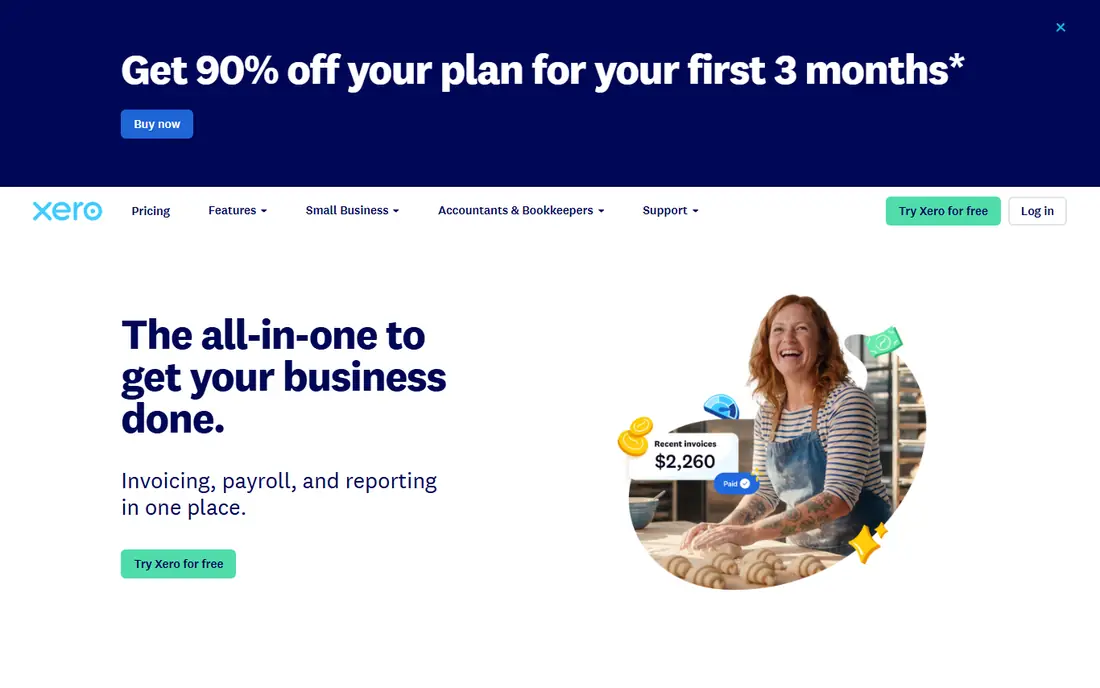
For teams focused on teams with many users, Xero stands out for unlimited users and project time, costs, and invoicing on its higher tier. In our comparison of official feature pages and pricing, that combination stood out because it answers the core job without forcing a separate tool for every step.
Pricing and limits shape the real cost. Check what the entry plan includes, what sits on higher tiers, and whether extra users, volume, or add-ons change the bill. A clear plan page is a good sign, while vague pricing usually means a sales call and a custom quote.
The catch is that project tracking needs the Established tier, and inventory is more basic than some rivals. Before you commit, run a real task in the trial or free tier, check the plan limits, and confirm the tool fits the team that will use it every day. That short test usually reveals more than a feature list.
- Unlimited users on plans
- Project time, costs, and invoicing on higher tier
- Strong bank feeds
- Project tracking needs the Established tier
- Inventory features are more basic than some rivals
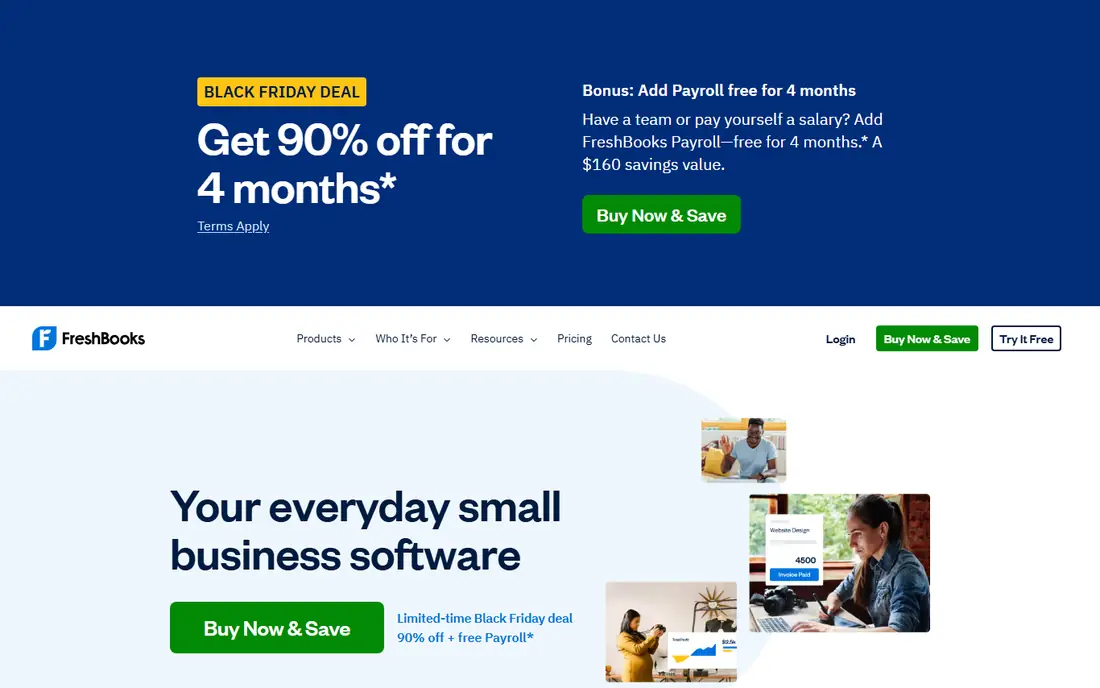
When service firms billing by time matters most, FreshBooks stands out for billable time, team cost rates, and project profitability, with strong invoicing. In our comparison of official feature pages and pricing, that combination stood out because it answers the core job without forcing a separate tool for every step.
Daily workflow is where a tool earns its place. Look at how quickly a new user can complete the core job, how clear errors and reports are, and how well the tool connects to the rest of your stack. A strong feature that is hard to find rarely gets used.
The catch is that client caps on lower tiers push growing firms to higher plans, and accounting depth is lighter. Before you commit, run a real task in the trial or free tier, check the plan limits, and confirm the tool fits the team that will use it every day. That short test usually reveals more than a feature list.
- Billable time, team cost rates, project estimates, and profitability
- Strong invoicing
- Client caps on lower tiers push growing firms to higher plans
- Accounting depth is lighter than full systems
If your priority is affordable project accounting, Zoho Books stands out for project accounting and time tracking at a lower price, with strong Zoho integrations. In our comparison of official feature pages and pricing, that combination stood out because it answers the core job without forcing a separate tool for every step.
Support and docs matter when work stalls. Check the help centre, community, and update history before you commit. A tool with clear docs and recent updates is easier to trust than one with a polished landing page and thin guidance.
The catch is that fewer third-party integrations than larger rivals, and payroll features vary by region. Before you commit, run a real task in the trial or free tier, check the plan limits, and confirm the tool fits the team that will use it every day. That short test usually reveals more than a feature list.
- Project accounting, time tracking, and invoicing at a lower price
- Strong Zoho integrations
- Fewer third-party integrations than larger rivals
- Payroll features vary by region
For buyers who need mid-market project accounting, Sage Intacct stands out for project costing and revenue recognition for larger firms, with strong reporting. In our comparison of official feature pages and pricing, that combination stood out because it answers the core job without forcing a separate tool for every step.
That strength shows up in daily use, not only on a feature page. The plan limits and the way the tool handles real work matter, so check trial terms, user limits, and what happens when you outgrow the entry tier. A tool that fits the first month but blocks the sixth month is a poor buy.
The catch is that pricing is custom, and implementation takes planning, so small firms may find it too heavy. Before you commit, run a real task in the trial or free tier, check the plan limits, and confirm the tool fits the team that will use it every day. That short test usually reveals more than a feature list.
- Project costing, revenue recognition, and multi-dimensional reporting for larger firms
- Pricing is custom and implementation takes planning
- Small firms may find it too heavy
When the brief is professional services project billing, BQE CORE stands out for project budgets, time and expense tracking, and profitability for professional service firms. In our comparison of official feature pages and pricing, that combination stood out because it answers the core job without forcing a separate tool for every step.
Pricing and limits shape the real cost. Check what the entry plan includes, what sits on higher tiers, and whether extra users, volume, or add-ons change the bill. A clear plan page is a good sign, while vague pricing usually means a sales call and a custom quote.
The catch is that pricing is custom, and scope is service-focused rather than general business wide. Before you commit, run a real task in the trial or free tier, check the plan limits, and confirm the tool fits the team that will use it every day. That short test usually reveals more than a feature list.
- Project budgets, time and expense tracking, and profitability for service firms
- Pricing is custom
- Accounting scope is service-focused rather than general business wide
If growing firms with complex projects tops your list, Acumatica stands out for project budgets, cost commitments, and progress billing for firms with complex jobs. In our comparison of official feature pages and pricing, that combination stood out because it answers the core job without forcing a separate tool for every step.
Daily workflow is where a tool earns its place. Look at how quickly a new user can complete the core job, how clear errors and reports are, and how well the tool connects to the rest of your stack. A strong feature that is hard to find rarely gets used.
The catch is that pricing is custom, and implementation is a project in itself. Before you commit, run a real task in the trial or free tier, check the plan limits, and confirm the tool fits the team that will use it every day. That short test usually reveals more than a feature list.
- Project budgets, cost commitments, change orders, and progress billing
- Pricing is custom and implementation is a project in itself
- Small firms may find it too heavy
For work centred on architecture and engineering firms, Deltek Ajera stands out for project budgeting and labour costing built for project-based firms. In our comparison of official feature pages and pricing, that combination stood out because it answers the core job without forcing a separate tool for every step.
Support and docs matter when work stalls. Check the help centre, community, and update history before you commit. A tool with clear docs and recent updates is easier to trust than one with a polished landing page and thin guidance.
The catch is that industry focus limits fit for general businesses, and pricing is custom. Before you commit, run a real task in the trial or free tier, check the plan limits, and confirm the tool fits the team that will use it every day. That short test usually reveals more than a feature list.
- Project budgeting, labour costing, and billing built for project-based firms
- Industry focus limits fit for general businesses
- Pricing is custom
How we picked these
We compared official pricing pages and feature lists for accounting tools with project tracking in October 2026. We kept tools where project costs, time, or billing connect to accounting records. We left out pure task tools with no ledger, because they do not cover the accounting job in this list. We compared official feature pages, pricing, and app store listings where relevant, plus public reviews. We did not claim hands-on testing that did not happen, and we kept only products that exist and work today.
What to check before you buy
Track costs at project level from day one
Assign time, expenses, and bills to a project when they happen. Rebuilding project costs at month end takes time and hides overruns until it is too late to fix them.
Compare estimate with actual often
A project budget only helps if you check it during the job. Look for estimate versus actual reports, and review them weekly on active projects.
Bill from tracked work, not memory
Use tracked time and expenses to build invoices. That reduces missed billable work and gives clients a clear record of what they paid for.
Frequently asked questions
What is the best accounting software for project tracking?
QuickBooks Online Plus is a strong general pick for project profit, billing, and reporting. Xero is a good choice for teams with many users. FreshBooks and Zoho Books suit smaller service firms that want simpler project profit views.
Does QuickBooks track projects?
Yes, project tracking and profitability reports sit on QuickBooks Online Plus and higher tiers. The cheapest tier does not include the full project feature set, so check the tier before buying.
Can Xero track project costs?
Yes, Xero Projects tracks time and costs and sits on the Established tier in the United States, with project invoicing and expense allocation. Lower tiers do not include the full project feature set.
What is project accounting?
Project accounting links income, costs, time, and bills to a single project, so a business can see profit per job. It differs from general accounting, which only shows company totals, and from task tools, which do not post to the ledger.
Is FreshBooks good for project tracking?
Yes, for service firms that bill by time. FreshBooks tracks billable time, team costs, and project profitability, with estimates and invoicing. It is less suited to complex inventory or multi-entity accounting than larger systems.
Sources
See where you really rank - block by block
ProMapRanker scans Google Maps across a grid of your service area. Simple monthly plans from $19, white-label on every plan.
Start freeKeep reading
 zoho inventory alternatives
6 Alternatives to Zoho Inventory, Compared on Price and Fit
Zoho Inventory alternatives: 6 tools compared on price, free plans and fit. Katana leads the list for manufacturers. Fit and flaws are laid out for each entry.
Read → zoho crm alternatives
Best Zoho CRM Alternatives (2026)
Need Zoho CRM alternatives? We compare 7 tools on cost, free access and who each suits. Every pick gets a straight assessment. Built for quick decisions.
Read → zelle alternatives
Best Zelle Alternatives in 2026
Compare the best Zelle alternatives for sending money to friends, paying sellers and moving funds abroad, with honest notes on fees, speed and safety in 2026.
Read →