 ProMapRanker
Best Accounting Software for Small Plumbing Business in 2026


Core ledger and job costing · Pricing starts at: See website
Key takeaways
- Most plumbing firms need two layers: field job software for work, and a ledger for accounts.
- Job costing by labour, materials, and subcontractors shows which jobs actually make money.
- QuickBooks sync matters, since most plumbing accountants already work in QuickBooks.
- Per-user pricing can climb fast as technicians are added, so count field seats honestly.
- This article gives general information only and is not tax or accounting advice.
Quick comparison
| Pick | Great for | Pricing starts at | Free tier | |
|---|---|---|---|---|
| QuickBooks Online | Core ledger and job costing | See website | No | Visit |
 Jobber | Small plumbing teams end to end | See website | No | Visit |
 Housecall Pro | Growth and customer marketing | See website | No | Visit |
 ServiceTitan | Larger plumbing operations | See website | No | Visit |
 Xero | Multi-user ledger alternative | See website | No | Visit |
 FreshBooks | Simple service invoicing | See website | No | Visit |
 Wave | Free starter bookkeeping | See website | Yes | Visit |
 Tradify | Trade job management on a budget | See website | No | Visit |
 Knowify | Trade job costing with QuickBooks | See website | No | Visit |
The best accounting software for small plumbing business
Plumbing accounting is job accounting, so we judged these tools on invoicing, job costing, scheduling links, payment handling, and how cleanly job data reaches the ledger.

QuickBooks Online is the accounting foundation for most small plumbing businesses, even when field software handles the day-to-day jobs. It covers invoicing, expenses, bank reconciliation, and payroll add-ons, and its project and class features let owners track income and costs by job. Because most accountants and field platforms integrate with it, it rarely creates a dead end.
It is not field service software. Dispatch, scheduling, and technician mobile workflows need a companion tool such as Jobber or Housecall Pro, with sync carrying job and invoice data into QuickBooks. For the ledger itself, though, QuickBooks Online is the safest starting point for a plumbing firm.
- Widely supported by plumbing accountants
- Job costing via projects and classes
- Strong invoicing and bank feeds
- No built-in dispatch or scheduling
- Higher tiers needed for deeper job features
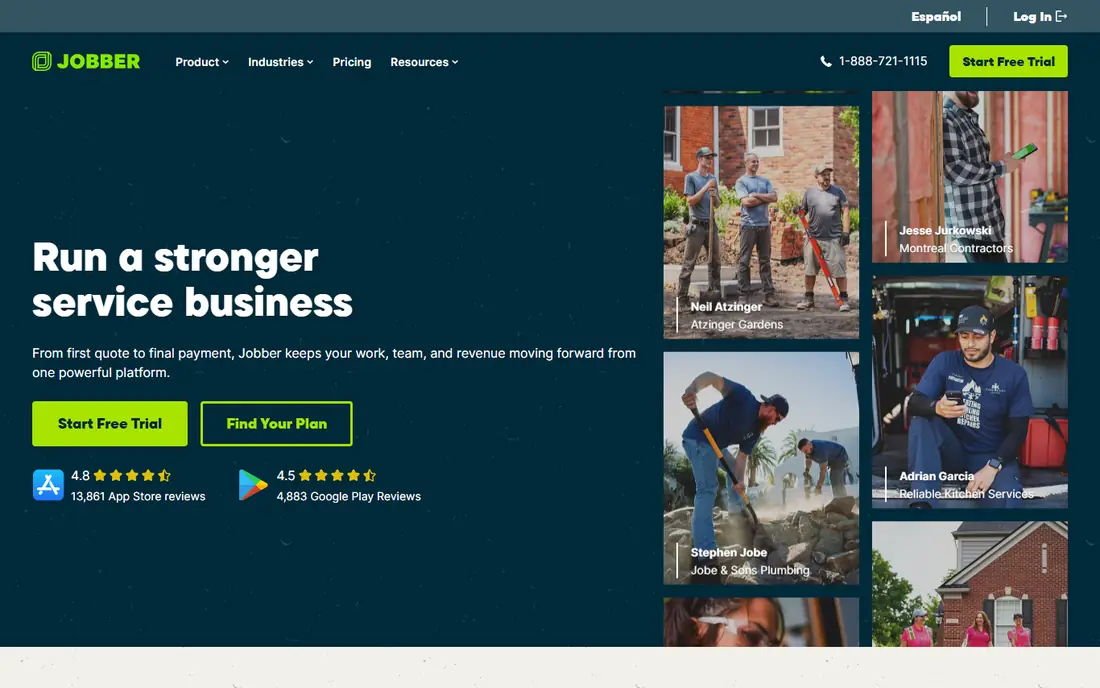
Jobber is the field-first choice for small plumbing teams that want quoting, scheduling, invoicing, and payments without a steep learning curve. Jobs, customer details, and invoice status stay linked, technicians can work from a mobile app, and online booking and client reminders reduce phone work. Its QuickBooks Online sync keeps the ledger in step without double entry.
Jobber does not replace a full accounting system for complex job costing, payroll, or tax reporting, so most firms pair it with QuickBooks Online as they grow. For a solo plumber or a small crew, Jobber plus QuickBooks covers the full workflow cleanly and at a manageable price.
- Quoting, scheduling, invoicing, and payments in one app
- Reliable QuickBooks Online sync
- Good mobile app for technicians
- Accounting depth is lighter than a full ledger
- Higher tiers needed for larger teams
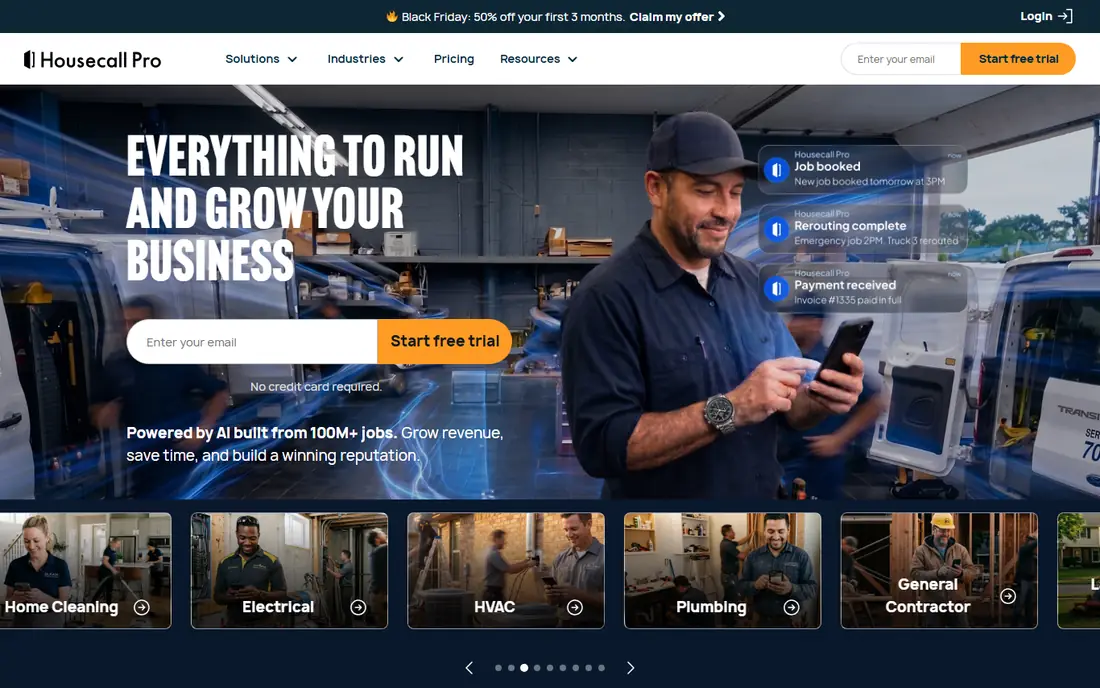
Housecall Pro combines scheduling, dispatch, invoicing, payments, and customer communication in one platform, with extra weight on growth tools such as review requests, follow-ups, and repeat booking campaigns. For a plumbing firm actively trying to win repeat work and referrals, those tools can justify a higher price than a simpler job app. Its QuickBooks integration keeps accounting data flowing.
Smaller crews that only need clean scheduling and invoicing may find Housecall Pro more than they need, and pricing should be quoted for the actual technician count. If growth and customer retention are the priority, Housecall Pro is a strong contender alongside Jobber.
- Scheduling, dispatch, invoicing, and payments
- Built-in review and marketing tools
- QuickBooks integration
- Price rises with team size and features
- Marketing tools may be more than a small crew needs
ServiceTitan is the full platform for mid-sized and larger plumbing companies that need dispatch, flat-rate price books, job costing, marketing, and reporting in one system. Real-time profitability by job, technician, and department helps owners see which work makes money and where estimates miss. Two-way QuickBooks integration keeps field and finance data aligned.
It is priced by quote and is usually the most expensive option here, with implementation and training to match. A solo plumber or a two-person crew will not need that depth, but a firm with ten or more technicians, or one scaling fast, will find ServiceTitan's control hard to match.
- Deep job costing and real-time profitability
- Dispatch, price book, and reporting depth
- Two-way QuickBooks integration
- Custom pricing, usually higher
- Implementation and training take time
Xero is a strong ledger alternative for plumbing firms that prefer it to QuickBooks, especially when several staff, bookkeepers, and advisors need access without per-seat charges. Invoicing, expenses, bank feeds, and reporting are clean, and its marketplace includes field service apps that can handle scheduling and job data. Multi-currency support also helps firms with varied suppliers.
Job costing in Xero is workable through projects and tracking, but it is not as plumbing-specific as ServiceTitan or Knowify, and field work still needs a companion app. For a firm whose accountant prefers Xero, it is a credible core ledger, paired with Jobber, Tradify, or a similar field tool.
- Unlimited users on plans
- Clean invoicing and bank reconciliation
- Large app marketplace for field tools
- Job costing needs projects or add-ons
- Plumbing field workflow needs a companion app
FreshBooks suits a small plumbing business that mainly needs clean invoicing, time tracking, and expense handling, rather than complex job costing or dispatch. Its client-facing invoices look professional, payments are straightforward, and the learning curve is short, which matters for an owner doing books in the evening. For simple service work, it covers the essentials well.
Trade-specific needs are the limit. Dispatch, price books, and detailed job costing by labour and materials are not FreshBooks strengths, so a growing plumbing firm will likely move to QuickBooks plus a field app. As a simple invoicing ledger for a very small operation, FreshBooks is easy to recommend.
- Polished invoicing and client experience
- Time tracking and expense handling
- Easy to learn
- Job costing and inventory depth are limited
- Not built for trade dispatch
Wave is the free starting point for a solo plumber who needs invoicing, expense tracking, and bank reconciliation without a monthly ledger fee. Setup is quick, and optional paid add-ons cover payroll and card payments where available. For a new business testing demand, Wave keeps bookkeeping costs at zero while work builds.
It does not offer plumbing job costing, dispatch, or scheduling, so it fits only the earliest stage. Once jobs multiply, or a second technician joins, a firm should move to QuickBooks plus Jobber or Housecall Pro rather than stretching Wave. As a starter ledger, though, Wave is honest and useful.
- Free core accounting and invoicing
- Simple setup
- Paid payroll and payments as optional add-ons
- No trade job costing or dispatch
- Limited for growing plumbing teams
Tradify is a focused trade job management app that covers the core plumbing workflow: enquiries, quotes, scheduling, timesheets, job photos, invoices, and payments. Its pricing is published per user, which makes budgeting simple for a small crew, and sync with Xero and QuickBooks keeps the ledger clean. A full-feature trial lets a firm test it with real jobs before paying.
Per-user pricing is also the constraint, since a larger crew pays for every seat, and its integration list is lighter than ServiceTitan or Housecall Pro. For a small plumbing team that wants trade-specific job handling without enterprise cost, Tradify is a strong, practical choice.
- Quotes, scheduling, timesheets, and invoicing for trades
- Accounting sync with Xero and QuickBooks
- Clear per-user pricing
- Per-user pricing adds up for larger crews
- Integration list is lighter than larger platforms
Knowify bridges trade operations and accounting for specialty contractors, including plumbing firms that need proper job costing. It breaks costs down by phase and category, tracks purchase orders and committed costs, handles change orders, and syncs two ways with QuickBooks Online, so job and accounting data stay aligned. Labour burden and work-in-progress views help owners judge profitability during a job, not just after it.
Pricing is tiered and quoted, and a solo plumber with simple jobs may find it more than needed. For a plumbing firm doing larger projects, renovations, or subcontracted work, Knowify's costing depth is exactly the gap that general ledgers leave open.
- Job costing by labour, materials, equipment, and subcontractors
- Two-way QuickBooks sync
- Purchase orders and change orders
- Pricing needs a quote for tiers
- More system than a solo plumber needs
How we picked these
We compared official feature and pricing pages, plumbing-focused reviews, and documentation, and we weighted invoicing, job costing, scheduling links, payment handling, and ledger sync. We did not run hands-on trials, and we did not invent prices or technician limits. Tools were included only when they offer a real accounting or job costing angle for plumbing, not just a generic task list.
How to set up plumbing job costing that you will actually use
Start by defining a simple cost structure and sticking to it: labour, materials, equipment, and subcontractors, split by job and phase where useful. Record time and materials against the job as work happens, not at month end, since memory-based costing is where profit leaks hide. Use a price book or standard rates for common jobs, and review estimate versus actual cost after each job, not just at year end.
Pair field software with the ledger from the start, and agree which system is the source of truth for each data type: jobs and schedules in the field app, invoices and accounts in the ledger, with sync carrying data between them. Reconcile weekly while the business is small, so errors stay small too. This article gives general information only and is not tax or accounting advice, so confirm tax, payroll, and licensing questions with a qualified professional.
Frequently asked questions
Do I need both field service software and accounting software?
Often, yes, once work grows beyond a handful of jobs. Field software handles scheduling, quoting, and job tracking, while accounting software handles the ledger, tax, and payroll, and sync links the two so data is not entered twice.
What is job costing for a plumbing business?
Job costing tracks labour, materials, equipment, and subcontractor costs against each job, so an owner can see profit per job rather than just total bank balance. That view shows which job types, customers, or technicians are profitable and which need repricing.
Is QuickBooks enough on its own for a small plumbing firm?
For bookkeeping, often yes, especially for a solo plumber with simple jobs. For dispatch, scheduling, and technician mobile work, a field app paired with QuickBooks usually works better than forcing QuickBooks to cover field operations.
How should I price a plumbing job in software?
Use a price book or standard rates for common tasks, add materials and labour at current costs, and review actual versus estimated cost after each job. Software helps only if time and materials are recorded against the job as work happens.
When should a small plumbing firm move to ServiceTitan?
Consider it when dispatch, price book control, real-time job profitability, and reporting across many technicians become daily needs, and when the team can absorb implementation and training. Smaller firms usually do well with Jobber or Housecall Pro plus QuickBooks first.
Sources
See where you really rank - block by block
ProMapRanker scans Google Maps across a grid of your service area. Simple monthly plans from $19, white-label on every plan.
Start freeKeep reading
 worlds best local seo company
8 Worlds Best Local SEO Companies for Map Pack Growth in 2026
Compare the worlds best local seo company options for Google Business Profile work, citations, reviews, and multi-location rankings and reporting in 2026.
Read → world's best web hosting company
World's Best Web Hosting Company in 2026
Searching for the world's best web hosting company? We compared 10 hosts on price, renewal rates, speed, and support to help you choose well today in 2026.
Read → who's got the best nanny tax services
Who's Got the Best Nanny Tax Services in 2026
We answer who's got the best nanny tax services, comparing full filing, back taxes, software, and pricing so families can handle nanny taxes correctly.
Read →