 ProMapRanker
Best Accounting Software for Small Churches in 2026

Key takeaways
- Aplos and PowerChurch Plus are built for church fund accounting, while QuickBooks needs workarounds for restricted funds.
- ChurchTrac and IconCMO give small churches accounting plus member tools at lower starting prices.
- Wave and Zoho Books can work for very small churches, but check free-plan limits on users, invoices and bank feeds.
- Keep member and giving data under clear access rules, and separate finance duties where a small team allows it.
Quick comparison
| Pick | Great for | Pricing starts at | Free tier | |
|---|---|---|---|---|
 Aplos | Cloud fund accounting for churches | $79 per month | Free trial | Visit |
 PowerChurch Plus | One-time purchase desktop accounting | $445 one-time | No | Visit |
 ChurchTrac | Budget all-in-one church tool | $29 per month | Yes | Visit |
 IconCMO | Modular church accounting and management | $35 per month | Free trial | Visit |
 QuickBooks Online | General accounting with wide accountant support | See website | Free trial | Visit |
 Zoho Books | Low-cost accounting with a free tier | Free | Yes | Visit |
 Wave | Free invoicing and basic books | Free | Yes | Visit |
 ShelbyNext Financials | Mid-size churches that need deeper finance tools | See website | No | Visit |
The best accounting software for small churches
We compared official feature pages, pricing pages and public user feedback for tools that handle church income, expenses, funds, donations and reports.
This article gives general information only and is not tax or accounting advice. Member and giving data should stay private, with access limited to staff and volunteers who need it for finance work.
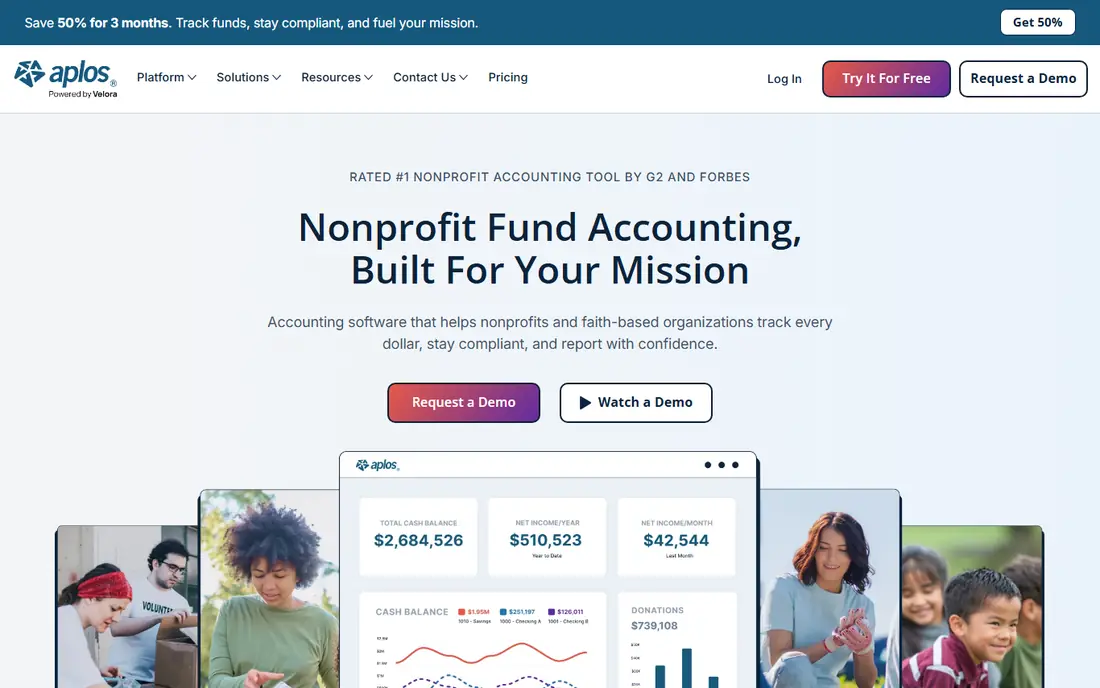
Aplos is the clearest cloud pick for a church that needs true fund accounting. Restricted gifts, general funds and designated funds can be tracked separately, which matters when a donor gives for a building project and the money must not drift into general spending. Donation forms, contribution statements and fund reports sit alongside the books, so the treasurer does not need a separate giving spreadsheet.
The price is the main hurdle for a very small church. At $79 per month for the entry plan, it costs more than ChurchTrac or a free general tool, and payroll or assisted bookkeeping adds more. Churches that handle restricted funds regularly will usually find the fund structure worth it, while a church with one simple account may not.
- Fund accounting built for churches and nonprofits
- Donation tracking and reports
- Bank connections
- Higher starting price than budget rivals
- Payroll and bookkeeping help cost extra
PowerChurch Plus suits a church that prefers to buy once rather than rent software every month. Membership, contributions and accounting are covered in one desktop programme, and the one-time price of $445 gives a small church a clear total for the software itself. An online version is also offered at $47 per month for churches that want web access.
Desktop design is both the appeal and the limit. It is not as flexible for remote volunteers as a cloud tool, and the desktop version is Windows based, so Mac-only teams should check the online option first. Churches that value a single purchase and a familiar church package will still find it a strong fit.
- One-time purchase option
- Membership, contributions and accounting together
- Long church track record
- Desktop-first design
- Online access costs $47 per month
- Windows only for the desktop version
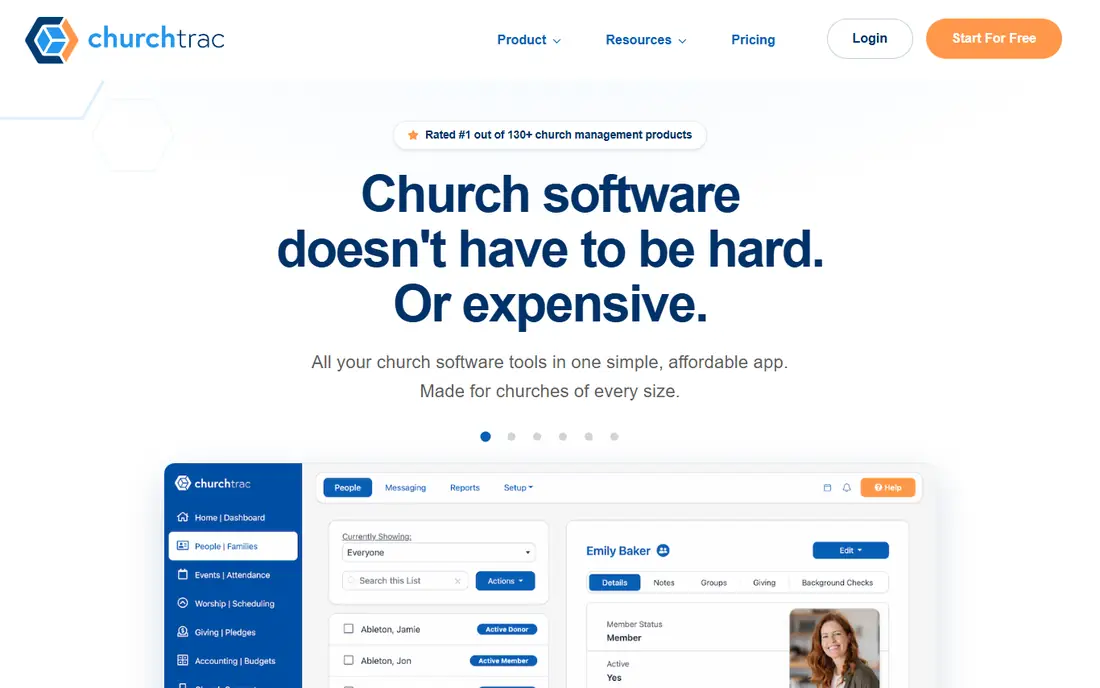
ChurchTrac is the budget all-in-one on this list. For $29 per month, a small church gets accounting alongside member, giving and communication tools, which helps a volunteer team avoid paying for three separate apps. A free plan also lets a tiny church start without a monthly bill, though limits apply.
The trade-off is depth. Fund reporting and advanced accounting are lighter than on Aplos or ShelbyNext, so a church with complex restricted funds should test the reports before switching. For a small church with straightforward income, expenses and giving, the lower price and combined tools are hard to beat.
- Low starting price
- Accounting plus member and giving tools
- Free plan for very small churches
- Accounting depth is lighter than Aplos
- Higher plans needed for more features
IconCMO lets a church buy modules for the work it actually does, rather than paying for a single large bundle. Accounting, membership, contributions and other church tools can be combined, and the starting price of $35 per month keeps the entry point within reach for a small church. Unlimited users on some plans also help volunteer teams that share finance and admin work.
Modular pricing needs attention, since adding modules lifts the bill. A church should list its must-have modules first, price that exact combination, and compare it with an all-in-one rival before deciding. Done that way, IconCMO can stay affordable while still growing with the church.
- Modular pricing
- Church accounting plus management tools
- Unlimited users on some plans
- Modules can add cost
- Setup needs care to pick the right combination
QuickBooks Online is the general accounting tool most outside accountants already know, which is a real advantage for a church that hires a bookkeeper. Invoicing, expenses, bank reconciliation and reports are polished, and finding help is easy. A church with simple finances and a trusted accountant may find it the smoothest option.
Church-specific fund accounting is the weakness. Restricted funds need classes, tags or other workarounds, and those workarounds can confuse volunteers and complicate year-end reports. Churches that track several restricted funds should weigh that friction against the benefit of using a tool their accountant already uses.
- Widely used by accountants
- Strong invoicing, expenses and reports
- Large integration range
- Fund accounting needs workarounds
- Price rises with users and plans
Zoho Books gives a very small church a real free starting point, as long as its volume stays within the free-plan limits. Invoices, expenses and reports cover the basics, and the free plan includes one user plus one accountant, which suits a treasurer working with an outside reviewer. Paid plans from $20 per month add bank feeds and more capacity.
The limits matter. The free plan caps annual revenue and invoice numbers, and automatic bank imports need a paid plan, so a growing church should price the Standard plan early. For a small church under those limits, it is a careful, low-cost way to keep clean books.
- Genuine free plan for small volumes
- Invoicing, expenses and reports
- Bank reconciliation
- Free plan has revenue and invoice limits
- Automatic bank feeds need a paid plan
Wave suits a very small church that mainly needs invoices and basic income and expense tracking without a monthly fee. The free Starter plan allows unlimited invoices for the owner, and the layout is simple enough for a volunteer treasurer to learn quickly. That simplicity is valuable when finance work is done by one or two people in limited hours.
Bank connections are the catch. Automatic bank feeds now need Wave Pro at $19 per month, so free users must enter or import transactions by hand. A church that relies on bank feeds should price Pro from the start rather than treating Wave as free in practice.
- Free invoicing and basic accounting
- Simple layout for volunteers
- Paid Pro adds bank connections
- No bank connection on the free plan
- Payroll and payments cost extra
ShelbyNext Financials
Great for: Mid-size churches that need deeper finance tools
ShelbyNext Financials is aimed at churches that have outgrown a simple ledger. Fund handling, budgeting and finance reporting are deeper than on budget all-in-one tools, and it links with Shelby church management for a shared member and finance record. That shared record helps larger small churches avoid double entry between systems.
Pricing is by quote, and the scope is more than a tiny church needs, so it should not be the first pick for a church with one account and a handful of transactions. For a growing church with multiple funds, staff and budgets, the depth becomes the reason to consider it.
- Church finance depth
- Fund and budget tools
- Links with Shelby church management
- Quote-based pricing
- More than a tiny church needs
How we picked these
We compared official feature and pricing pages and public user feedback, and we kept only tools that are sold today and can handle church or nonprofit accounting. We included purpose-built church tools and general tools that small churches actually use, and we marked pricing as "See website" where a vendor does not publish a firm list price. We did not claim hands-on testing.
What to check before you buy
Start with funds, not features. List every restricted fund, designated gift and regular account the church holds, then test how each tool reports those funds at month end and year end. A tool that cannot show a restricted balance clearly will create extra work for the treasurer and the board.
Next, settle who can see what. Giving records are sensitive, so limit finance access, use separate logins, and keep donor details out of general church chat. Confirm data export, backup and support hours too, since a volunteer team needs a way out if the tool stops fitting.
Frequently asked questions
Does a small church need fund accounting software?
It depends on how it handles gifts. A church with one general account and no restricted gifts can use a general tool. A church that receives building, mission or other designated gifts should use fund accounting, so restricted money is tracked and reported separately.
Is Aplos or PowerChurch Plus better for a small church?
Aplos fits a church that wants cloud access, fund accounting and online giving in one place. PowerChurch Plus fits a church that prefers a one-time desktop purchase and a long-standing church package. A remote volunteer team will usually prefer Aplos, while a single-office team may prefer PowerChurch.
Can a church use QuickBooks Online?
Yes, and many do, especially when their accountant already uses it. The catch is fund accounting, which needs workarounds such as classes or tags. Test the year-end fund reports before committing, and ask the accountant how they will handle restricted gifts.
Is there free accounting software for small churches?
Yes, with limits. Zoho Books has a free plan for low volumes, and Wave has a free plan for invoicing and basic books without automatic bank feeds. Both work for very small churches, but growing churches should price the paid plans early.
How should a church protect member and giving data?
Use separate logins, limit finance access to those who need it, and avoid sharing giving details in email or group chat. Keep a simple access list, review it when volunteers change, and check the vendor privacy policy for data storage and sharing.
Sources
See where you really rank - block by block
ProMapRanker scans Google Maps across a grid of your service area. Simple monthly plans from $19, white-label on every plan.
Start freeKeep reading
 what’s the best risk software for enterprises
What Is the Best Risk Software for Enterprises in 2026
We compared what’s the best risk software for enterprises on risk registers, controls, third-party risk, and reporting, with pricing notes for large teams.
Read → what's the best pam software for enterprises
What is the Best PAM Software for Enterprises in 2026
Find what's the best pam software for enterprises, with vaulting, session recording, just in time access and pricing compared for large enterprise IT teams.
Read → what’s the best grc software
What Is the Best GRC Software in 2026
We compared what’s the best grc software on risk, compliance, audit and vendor risk, so teams can pick a platform that fits their frameworks and budget.
Read →