 ProMapRanker
Best Accounting Software for Small Business With Inventory in 2026


Broad inventory and accountant support · Pricing starts at: See website
Key takeaways
- Inventory depth varies sharply by plan, so check the exact tier that includes stock tracking before you buy.
- Costing method, item limits, and warehouse support matter more than a long feature list.
- A separate inventory app paired with a ledger can beat a weak built-in stock module for complex operations.
- Bank feeds, invoicing, and purchase orders should flow into stock counts without double entry.
- This article gives general information only and is not tax or accounting advice.
Quick comparison
| Pick | Great for | Pricing starts at | Free tier | |
|---|---|---|---|---|
| QuickBooks Online | Broad inventory and accountant support | See website | No | Visit |
 Xero | Unlimited users with stock tracking | See website | No | Visit |
 Zoho Books | Value inventory on mid tiers | See website | Yes | Visit |
 Sage 50 | Advanced desktop inventory | See website | No | Visit |
 Wave | Free basic bookkeeping | See website | Yes | Visit |
 AccountEdge | Low-cost desktop inventory | See website | No | Visit |
 NetSuite | Scaling inventory and ERP needs | See website | No | Visit |
 Odoo | Modular inventory and accounting | See website | Yes | Visit |
 Akaunting | Free open-source bookkeeping | See website | Yes | Visit |
The best accounting software for small business with inventory
Selling physical products means stock, purchase orders, and cost of goods sold must stay in step with the ledger, so we judged these tools on inventory tracking, costing, item limits, and accounting depth.

QuickBooks Online is the default shortlist pick for many product businesses because accountants know it, integrations are plentiful, and inventory tracking on higher tiers covers stock quantities, purchase orders, and cost tracking. Sales and purchases can flow into stock and the ledger together, which reduces manual reconciliation at month end. For a growing business, that ecosystem is a real advantage.
The catch is tiering. Basic plans do not include full inventory tracking, so a business must budget for Plus or Advanced to get it, and add-ons such as payroll raise the total further. Check the current plan comparison for your item count and costing needs, and confirm with your accountant that the tier you choose covers the reports they need.
- Inventory tracking on higher tiers
- Widely supported by accountants
- Strong bank feeds and reporting
- Inventory needs Plus or Advanced
- Price rises with tiers and add-ons
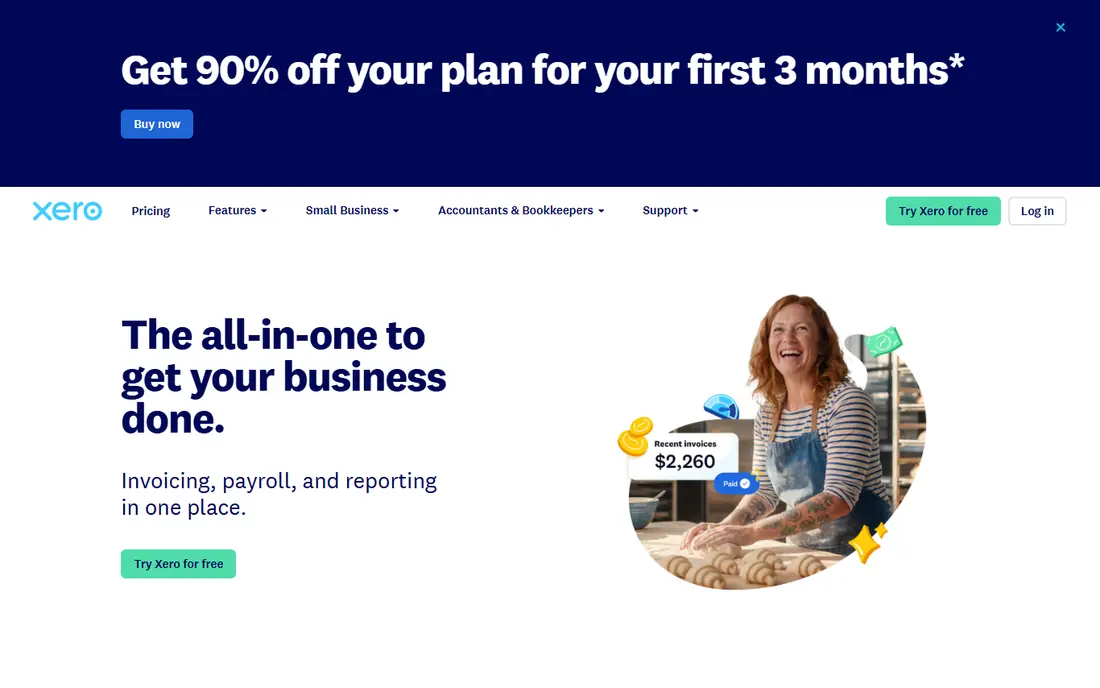
Xero appeals to teams that want many staff, bookkeepers, and advisors in the same system without paying per seat. Its inventory tracking covers items, purchase orders, and sales, and it uses weighted average costing, which suits many small product businesses. Multi-currency handling and a large app marketplace add flexibility as a business grows.
Item and location limits are the detail to check. Plans track a set number of items in one location, so a business with several warehouses or a very large catalog may need a dedicated inventory app alongside Xero. For a single-location business with a manageable catalog, Xero is a clean, scalable choice.
- Stock tracking on plans with item limits
- Unlimited users on plans
- Strong multi-currency and app marketplace
- Single-location item limits apply
- Complex warehouse needs may need an add-on
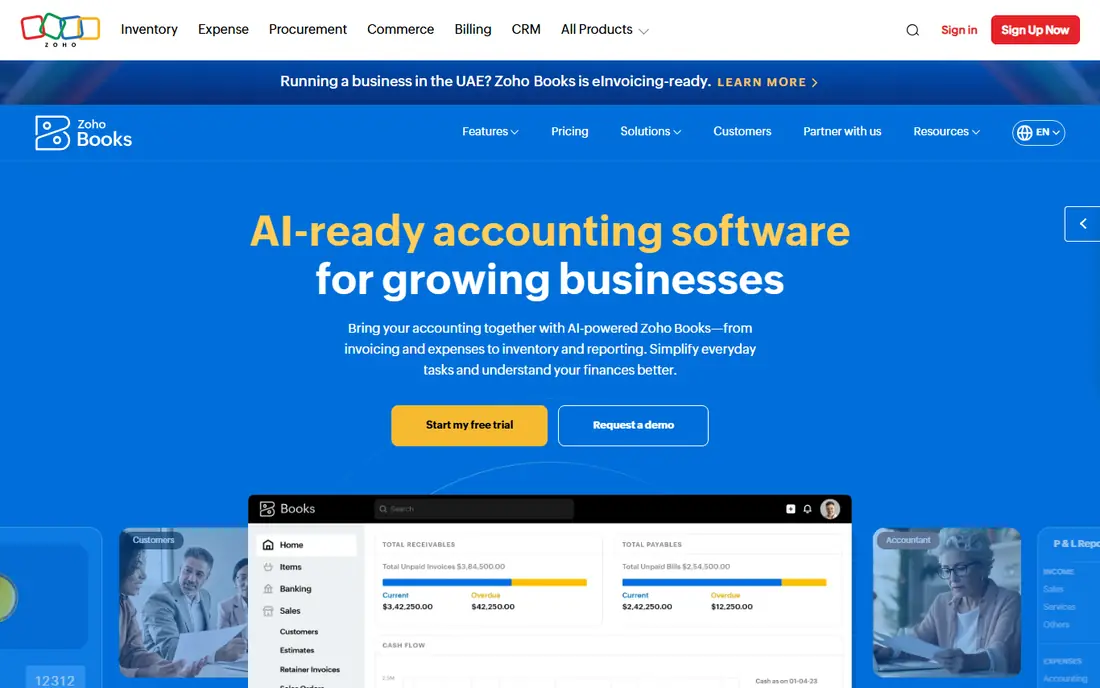
Zoho Books gives cost-conscious businesses a full double-entry ledger, invoicing, and bank reconciliation, with inventory tracking available from its mid tiers. Stock, purchase orders, and sales orders sit alongside accounting, and businesses already using other Zoho apps get a connected workflow without a second login. The free plan can suit very small businesses under its revenue limit.
Inventory depth depends on tier, and businesses with multiple warehouses or advanced stock needs may need Zoho Inventory as a companion. That is not a flaw on its own, but it changes the total price, so compare the combined cost rather than the Books tier alone. For a single-warehouse business, Zoho Books is strong value.
- Inventory from mid tiers
- Free plan for smaller businesses
- Good automation and Zoho integration
- Inventory is not on the lowest paid tier
- Larger catalogs may need Zoho Inventory
Sage 50 is a desktop accounting product with deeper inventory capability than many cloud starters, including serial and lot handling, assemblies, and detailed costing on appropriate tiers. Businesses that manage complex stock, multiple companies, or detailed job and department tracking often find its depth worth the learning curve. Accountants familiar with Sage can also work with it readily.
The trade-off is style. A desktop-first product fits teams that prefer local data control and are comfortable with its interface, but it is less convenient for fully remote teams that expect browser access everywhere. Check current pricing and whether cloud access options match how your team actually works.
- Advanced inventory and costing features
- Multi-company support on higher tiers
- Long track record with accountants
- Desktop focus suits some teams less
- Higher price than cloud-only starters
Wave is the free starting point for a very small business that sells a few products and mainly needs invoicing, expense tracking, and bank reconciliation. Setup is quick, the core ledger is free, and paid add-ons such as payroll and payment processing are optional. For a side business or a service-led firm with light product sales, that simplicity is enough.
It is not a serious inventory system. Stock tracking, purchase orders, and costing are limited compared with the tools above, so a business whose stock is central to its profit should not stretch Wave to fit. Use Wave while stock is simple, and plan a move to QuickBooks, Xero, or Zoho Books when inventory complexity grows.
- Free core accounting and invoicing
- Simple setup for very small businesses
- Payroll available as a paid add-on in some regions
- Inventory features are limited
- Not built for complex stock operations
AccountEdge offers desktop accounting with inventory tracking at a lower cost than many full suites, which appeals to small businesses that want stock, invoicing, and payroll-related features without a high monthly bill. Its inventory covers items, assemblies, and stock control in a way that suits retailers and wholesalers with straightforward operations.
The ecosystem is smaller than QuickBooks or Xero, so integrations and accountant familiarity may be thinner. Teams that need browser access from anywhere, or a large app marketplace, should weigh that against the price saving. For a desktop-based small business, AccountEdge remains a practical option.
- Desktop accounting with inventory
- One-time style pricing history
- Good for small product businesses
- Smaller integration ecosystem
- Cloud access is less central than rivals
NetSuite is the step up when a small business outgrows a simple ledger plus stock module. It combines financials, order management, inventory across locations, and procurement in one system, which helps businesses that sell through several channels or hold stock in several places. As complexity grows, having one source for orders, stock, and accounts reduces reconciliation work.
That power is also the drawback for a true small starter. Pricing is quoted, implementation takes planning, and a business with one warehouse and a modest catalog will pay for scope it does not yet need. Consider NetSuite when inventory, orders, and finance are already tangled across tools, not as a first accounting purchase.
- Inventory across multiple locations
- Financials, orders, and stock in one ERP
- Scales as complexity grows
- Enterprise pricing and implementation
- More system than a small starter needs
Odoo takes a modular approach: a business can start with accounting and inventory apps and add sales, purchasing, manufacturing, or e-commerce modules as needed. That flexibility suits product businesses whose needs change, and the community edition gives a low-cost way to test the core. Inventory features cover warehouses, stock moves, and product variants in a structured way.
Modularity also means setup work. Choosing modules, configuring workflows, and keeping them updated takes more effort than a single-purpose ledger, and paid hosting or support changes the total cost. For a team comfortable with configuration, Odoo can grow without forcing a later platform change.
- Modular apps for inventory, sales, and accounting
- Open-source community edition available
- Scales module by module
- Configuration takes time
- Support and hosting costs vary by edition
Akaunting is a free, open-source accounting tool for businesses that want a low-cost ledger with invoicing and expense tracking. Its app marketplace adds features as needed, and self-hosting gives control over data and costs. For a microbusiness with simple stock, it can cover the basics without a monthly fee.
Inventory depth is the limit. It does not match the stock, costing, and warehouse features of QuickBooks, Sage 50, or NetSuite, so a product-heavy business should test it against its actual catalog and order flow first. As a free starting ledger, though, Akaunting is honest value for very small operations.
- Free open-source core
- Invoicing, expenses, and bank handling
- App marketplace for extra features
- Inventory is basic compared with paid suites
- Self-hosting adds maintenance
How we picked these
We compared official feature and pricing pages, inventory documentation, and accounting reviews, and we weighted stock tracking, purchase orders, costing method, item and location limits, and ledger depth. We did not run hands-on trials, and we did not invent prices or item limits. Tools were included only when they offer both accounting and a real inventory angle, not just a product list on invoices.
How to match inventory depth to your catalog
Count items, locations, and sales channels before you compare prices. A single-location business with under a few hundred items has different needs from a business with multiple warehouses, variants, bundles, or serial-tracked goods, and the cheapest plan that claims inventory may not cover the second case. Ask each vendor how costing works, how purchase orders update stock, how returns and adjustments are handled, and what happens when an item runs out mid-order. Those answers matter more than a marketing claim about inventory support.
Also plan the move from your current system. Export items, quantities, costs, and supplier details, and reconcile opening stock in the new tool before live trading resumes. A short parallel run, where both systems record the same week of sales and purchases, catches costing and quantity errors early. Keep your accountant involved in that check, since stock valuation affects tax and profit reporting. This article gives general information only and is not tax or accounting advice, so confirm tax treatment with a qualified professional.
Frequently asked questions
Do I need inventory features if I only sell a few products?
If stock value affects profit or tax, yes, even a simple stock count helps. A basic inventory module tracks quantities and costs so sales do not silently oversell or misstate profit, while a full warehouse system is overkill for a handful of items.
What costing method should a small business use?
Common methods include first-in first-out and weighted average cost, and the right choice depends on your products, accounting rules, and accountant advice. Check which method each tool supports, since switching later can be disruptive.
When should I add a separate inventory app?
Add one when you need multiple warehouses, advanced picking, serial or lot tracking, or channel-specific stock rules that your ledger does not cover. Pairing a ledger with a dedicated inventory app often beats forcing a weak built-in module to fit.
Can I track inventory on a free plan?
Some free plans include basic bookkeeping but not full inventory tracking, and others limit items or locations. Read the plan comparison for the exact tier, and do not assume a free tier covers stock, purchase orders, and costing.
How do purchase orders affect stock and accounts?
A purchase order records an intent to buy, while receiving goods updates stock quantities and supplier balances, and the supplier bill updates accounts payable. A good system links those steps so stock, costs, and bills stay consistent without retyping data.
Sources
See where you really rank - block by block
ProMapRanker scans Google Maps across a grid of your service area. Simple monthly plans from $19, white-label on every plan.
Start freeKeep reading
 worlds best local seo company
8 Worlds Best Local SEO Companies for Map Pack Growth in 2026
Compare the worlds best local seo company options for Google Business Profile work, citations, reviews, and multi-location rankings and reporting in 2026.
Read → world's best web hosting company
World's Best Web Hosting Company in 2026
Searching for the world's best web hosting company? We compared 10 hosts on price, renewal rates, speed, and support to help you choose well today in 2026.
Read → who's got the best nanny tax services
Who's Got the Best Nanny Tax Services in 2026
We answer who's got the best nanny tax services, comparing full filing, back taxes, software, and pricing so families can handle nanny taxes correctly.
Read →