 ProMapRanker
Best Accounting Software for SaaS Companies in 2026


Early-stage SaaS teams · Pricing starts at: $38 per month
Key takeaways
- Sage Intacct and Oracle NetSuite lead for SaaS companies that need revenue recognition, multi-entity reporting and investor-grade controls.
- QuickBooks Online and Xero suit early-stage SaaS teams that need solid books, billing integrations and accountant familiarity.
- FreshBooks, Zoho Books and Wave fit very small SaaS teams, but they lack the revenue recognition depth of the mid-market options.
- Billing, subscription data and tax handling matter as much as the ledger, so check integrations before you choose.
Quick comparison
| Pick | Great for | Pricing starts at | Free tier | |
|---|---|---|---|---|
| QuickBooks Online | Early-stage SaaS teams | $38 per month | Free trial | Visit |
 Xero | Growing SaaS teams with unlimited users | $25 per month | Free trial | Visit |
 Sage Intacct | Multi-entity SaaS finance teams | See website | No | Visit |
 Oracle NetSuite | Scaling SaaS companies needing ERP depth | See website | No | Visit |
 FreshBooks | Service-led SaaS billing | $23 per month | Free trial | Visit |
 Zoho Books | Value accounting in the Zoho suite | Free | Yes | Visit |
 Wave | Free starter accounting | Free | Yes | Visit |
 FreeAgent | Small SaaS teams and freelancers | See website | Free trial | Visit |
 Odoo | All-in-one apps with accounting | See website | Free trial | Visit |
The best accounting software for SaaS companies
We compared accounting tools on subscription billing support, revenue recognition, multi-entity and multi-currency handling, integrations and pricing. Prices below are current list prices where published, and See website where the vendor quotes per customer.

QuickBooks Online is the default choice for many early-stage SaaS companies, and accountant familiarity is a genuine advantage. Most US bookkeepers and CPAs know it, and it connects with billing tools, payment providers and banks. Simple Start starts at $38 per month, with Essentials at $85, Plus at $140 and Advanced at $340 in current US list pricing.
The catch is cost growth and depth. Prices rose twice during 2026, so budget on list price rather than an intro offer. Revenue recognition and advanced controls sit on the Advanced plan, so a SaaS team with complex contracts may outgrow the lower tiers faster than expected.
- Widest accountant familiarity in the US
- Strong billing and payment integrations
- Scales from solo to larger teams
- Prices rose sharply during 2026
- Advanced revenue and reporting features sit on higher plans
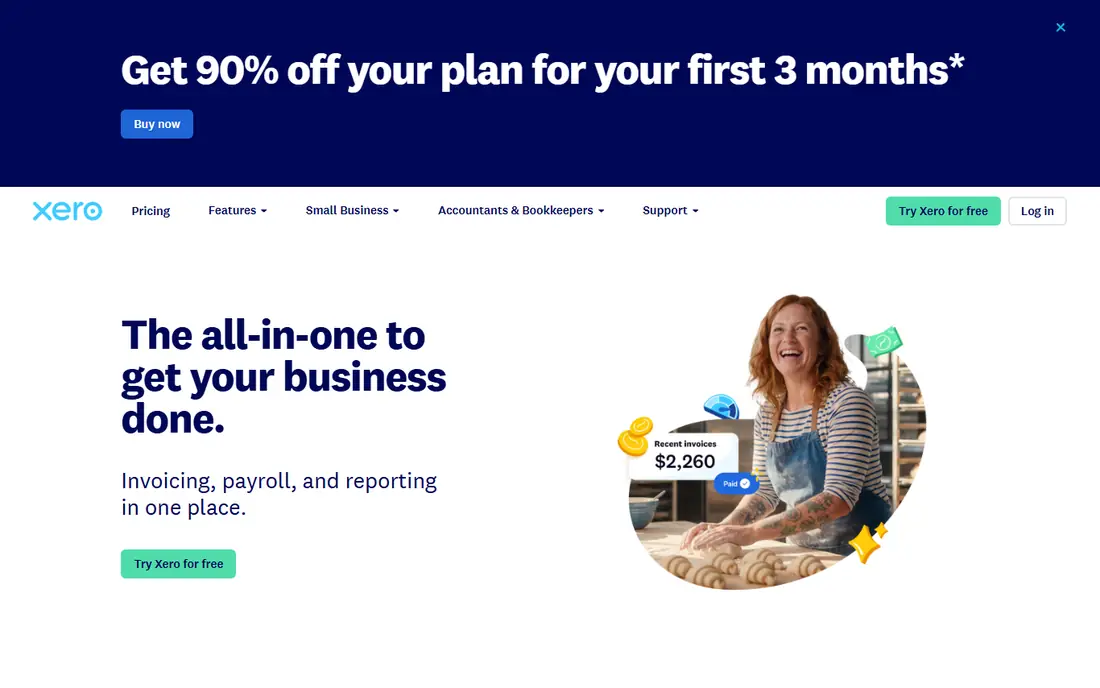
Xero suits a SaaS team that adds finance, operations and advisor users without per-seat fees. US plans start at $25 per month for Early, with Growing at $55 and Established at $90 in recent reporting. Bank reconciliation is strong, and the app marketplace connects billing platforms, payment tools and reporting apps that SaaS teams rely on.
Its limits show in US-specific depth. Payroll is an add-on, and multi-entity consolidation usually needs extra tooling. For a single-entity SaaS company with international customers, though, Xero offers good value and a cleaner user experience than many rivals.
- Unlimited users on every plan
- Clean reconciliation
- Strong app marketplace for billing and payments
- US payroll and tax features are thinner than QuickBooks
- Multi-entity consolidation needs add-ons
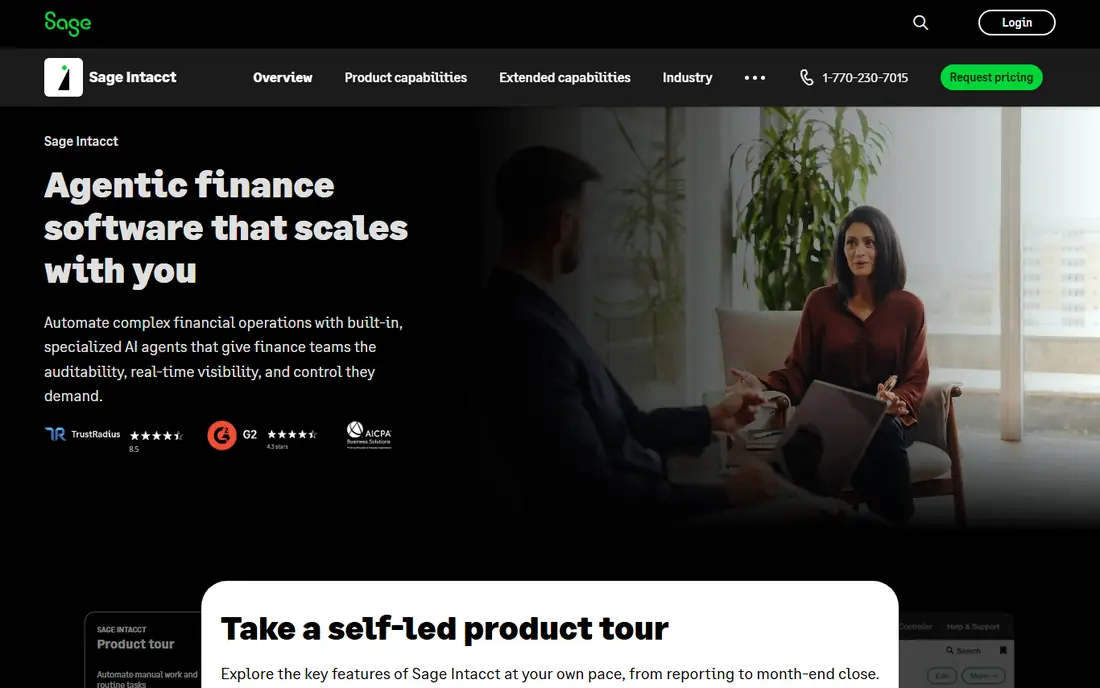
Sage Intacct is our pick for a SaaS company that has outgrown entry-level accounting. It handles subscription contracts, revenue recognition schedules and multi-entity consolidation in a way that entry tools cannot match. Dimensional reporting lets finance teams cut results by product, customer cohort or department without spreadsheet workarounds.
Pricing is quoted, and partner-reported entry points run into five figures per year, so this is a mid-market investment. Implementation takes weeks to months, but for a venture-backed SaaS firm preparing for audit or fundraising, that depth is often the point.
- Strong revenue recognition and contract handling
- Multi-entity consolidation
- Dimensional reporting for SaaS metrics
- Quoted pricing only
- Implementation needs a partner and a real project plan
Oracle NetSuite combines accounting with billing, revenue management, procurement and broader ERP functions. For a scaling SaaS company, that breadth means subscription billing, revenue recognition and financial reporting can live in one system rather than across several tools. Multi-subsidiary support suits companies expanding into new countries or entities.
NetSuite is an enterprise commitment. Pricing is quoted, implementation is a project, and ongoing admin needs skilled staff or a partner. Smaller SaaS teams should only move here when entry tools clearly limit reporting, controls or scale.
- Full ERP with billing, revenue and financials in one system
- Multi-subsidiary support
- Strong controls and audit trails
- Enterprise pricing and implementation
- Needs experienced administrators
FreshBooks fits a small SaaS team whose billing looks more like client invoicing than complex subscription schedules. Lite starts at $23 per month for up to five billable clients, with Plus at $43 and Premium at $70. Invoices, recurring billing, expenses and payments work together cleanly, and the interface is friendly for non-accountants.
Its limits are clear for subscription SaaS. FreshBooks does not offer the contract and revenue recognition depth of Sage Intacct or NetSuite, and client caps force upgrades as you grow. Use it while billing stays simple, and plan a move when contracts get complex.
- Polished invoicing and client billing
- Time and expense tracking
- 30-day free trial
- Limited to five billable clients on Lite
- No deep revenue recognition for complex SaaS contracts
Zoho Books offers rare value for a small SaaS team already using Zoho apps. Its free plan covers businesses with revenue up to $50,000, with paid plans starting around $20 per month in recent listings. Automation, recurring invoices and client portals cover the basics well, and the price is hard to beat.
The free tier has limits on users and invoice volume, and it will not replace a revenue recognition system for a larger SaaS firm. For a bootstrapped team validating a product, though, Zoho Books keeps costs low while books stay clean and audit-ready.
- Free plan for businesses under $50,000 revenue
- Paid plans from $20 per month in some listings
- Strong automation for the price
- Free plan limits users and invoices
- Revenue recognition depth is limited compared with mid-market tools
Wave is the simplest free starting point for a very small SaaS team. Its free Starter plan offers unlimited invoicing and bookkeeping records, with a Pro plan at $19 per month in recent listings for added features such as receipt scanning. Setup is quick, and the interface suits founders doing their own books.
Wave is not a SaaS finance platform. It lacks revenue recognition, multi-entity consolidation and the controls a growing company needs. Treat it as a starter tool, and move to QuickBooks, Xero or Sage Intacct once billing, headcount or investor reporting grows.
- Free invoicing and bookkeeping with no revenue cap
- Simple setup
- Paid Pro plan adds receipt scanning
- No subscription revenue recognition
- Payroll is a separate paid product
- Support is lighter than paid rivals
FreeAgent suits a small SaaS team or solo founder who wants clear cash flow, invoicing and tax estimates without a steep learning curve. Its dashboard shows money in, money out and upcoming tax in plain terms, and accountants can access the same data. A free trial lets you test the workflow before paying.
US SaaS teams should check tax and payroll coverage carefully, since FreeAgent has deeper UK roots. It also lacks the contract revenue features of mid-market tools. For simple billing and clean books, it works well; for complex subscriptions, look higher up this list.
- Clear dashboard and cash flow view
- Invoicing and expense tracking
- Accountant access included in many plans
- Stronger in UK small business than US SaaS
- Revenue recognition and billing depth are limited
Odoo appeals to a SaaS team that wants accounting inside a wider business system. Its apps cover CRM, subscriptions, projects, inventory and accounting, so a team can run several functions on one platform. Modular pricing lets you start with accounting and add apps as needs grow.
The risk is sprawl. Odoo has many apps and configuration choices, and accounting quality depends on the modules and setup you choose. Budget for implementation help, and confirm that subscription billing and revenue handling match your contract model before committing.
- Accounting alongside CRM, subscriptions and project apps
- Modular pricing
- Open customisation options
- Setup and app choices need care
- Accounting depth depends on modules chosen
How we picked these
We compared official pricing pages and recent pricing coverage, each tool's billing and revenue features, and integration options for subscription platforms. We favoured tools live in October 2026 with real SaaS users, and we kept free and low-cost options only where they genuinely fit very small SaaS teams. We did not claim hands-on testing of any ledger.
What SaaS finance teams should check
Start with your revenue model. Monthly subscriptions, annual prepay, usage-based billing and multi-year contracts each create different recognition schedules. A tool that handles simple monthly billing may fail on annual deals with implementation fees or variable usage. Ask vendors to show a contract like yours, from booking through recognition to renewal, before you buy.
Next, check the billing chain. Your subscription platform, payment provider, tax tool and ledger must agree, or month-end becomes reconciliation work. Look for native integrations or reliable connectors, and confirm how refunds, credits, failed payments and tax changes flow through. A clean billing chain saves more time than any dashboard feature.
Finally, think about reporting and audit needs. Investors and auditors ask for monthly recurring revenue, churn, deferred revenue and cohort views, and your ledger should support those cuts without heavy spreadsheet work. Multi-entity and multi-currency support also matter once you hire abroad or open a subsidiary. Choose a tool that fits the next two years, not only this quarter.
Frequently asked questions
What is the best accounting software for a SaaS company?
For most scaling SaaS firms, Sage Intacct or Oracle NetSuite lead on revenue recognition and multi-entity reporting. Early-stage teams often start with QuickBooks Online or Xero, then move up as contracts and reporting grow more complex.
Do I need revenue recognition software for SaaS?
If you sell annual or multi-year subscriptions, usage billing or bundled services, yes, you need proper recognition schedules. Entry tools handle simple monthly billing, but contract complexity usually requires Sage Intacct, NetSuite or a dedicated revenue tool.
How much does SaaS accounting software cost?
QuickBooks Online starts at $38 per month and Xero at $25 per month in current US listings, while FreshBooks starts at $23. Sage Intacct and NetSuite are quoted per customer and run into five figures per year at entry level.
Can QuickBooks handle SaaS billing?
QuickBooks handles invoicing, recurring billing and payments well for early-stage SaaS teams, especially with billing integrations. Complex revenue recognition, however, sits on its Advanced plan or needs an add-on, so larger teams often move to Sage Intacct.
Should a SaaS startup use free accounting software?
Free tools such as Wave or Zoho Books work for a very small team with simple billing. Once you have paying subscribers, investors or tax complexity, a paid tool with better reporting, integrations and support usually pays for itself.
What integrations matter most for SaaS accounting?
Subscription billing platforms, payment providers, payroll, expense tools and tax software matter most. Confirm that invoices, payments, refunds and credits sync cleanly, and that your chart of accounts matches how you report revenue.
Sources
See where you really rank - block by block
ProMapRanker scans Google Maps across a grid of your service area. Simple monthly plans from $19, white-label on every plan.
Start freeKeep reading
 worlds best local seo company
8 Worlds Best Local SEO Companies for Map Pack Growth in 2026
Compare the worlds best local seo company options for Google Business Profile work, citations, reviews, and multi-location rankings and reporting in 2026.
Read → world's best web hosting company
World's Best Web Hosting Company in 2026
Searching for the world's best web hosting company? We compared 10 hosts on price, renewal rates, speed, and support to help you choose well today in 2026.
Read → who's got the best nanny tax services
Who's Got the Best Nanny Tax Services in 2026
We answer who's got the best nanny tax services, comparing full filing, back taxes, software, and pricing so families can handle nanny taxes correctly.
Read →