 ProMapRanker
Best Accounting Software for Purchase Orders in 2026


Most small businesses · Pricing starts at: See website
Key takeaways
- QuickBooks Online is our pick for most small businesses because purchase orders sit inside a full accounting system that already handles bills and inventory.
- Xero is a strong alternative for businesses that want clean purchase orders in every plan and a wide app ecosystem.
- Zoho Books fits budget conscious teams that want purchase orders, inventory, and vendor management without a high monthly bill.
- Purchase order depth varies by plan, so check whether POs, approvals, and inventory sit on the plan you will actually buy.
- A purchase order only helps if it converts cleanly into a bill when goods arrive, so test that conversion in a trial.
Quick comparison
| Pick | Great for | Pricing starts at | Free tier | |
|---|---|---|---|---|
| QuickBooks Online | Most small businesses | See website | Free trial | Visit |
 Xero | Clean POs in every plan | See website | Free trial | Visit |
 Zoho Books | Budget friendly POs | See website | Yes | Visit |
 Sage 50 | Desktop and cloud choice | See website | Free trial | Visit |
 FreshBooks | Service firms with simple POs | See website | Free trial | Visit |
 Wave | Very small businesses | Free | Yes | Visit |
 NetSuite | Mid market and growing firms | See website | No | Visit |
 Odoo | Customizable accounting plus inventory | See website | Yes | Visit |
 Kashoo | Simple small business accounting | See website | Free trial | Visit |
The best accounting tools for purchase orders
A purchase order inside accounting software does more than create a form. It records a commitment before you spend, it gives vendors a clear order, and it lets you match the bill to the order when goods arrive. That matching is where errors and overbilling get caught. The tools below all include purchase orders as part of a wider accounting system, but they differ in approval depth, inventory ties, and plan gating. We focused on tools live in October 2026 for United States small and mid sized businesses.
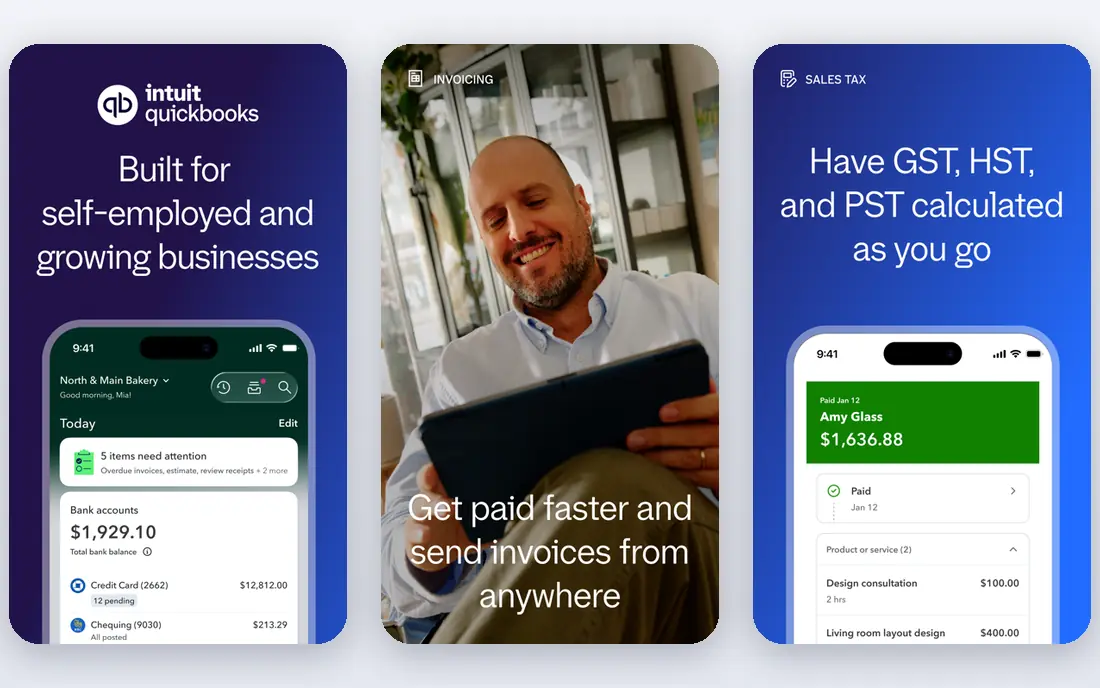
QuickBooks Online is the safe default for purchase orders inside accounting, because most accountants, vendors, and app makers already know it. You create a purchase order for a vendor, send it, and when goods arrive you convert that order into a bill without retyping line items. That conversion is the core value, since it ties the commitment, the receipt, and the payment into one chain. Plus and Advanced plans add inventory tools, including stock counts, low stock alerts, and purchase orders tied to inventory levels.
The catch is plan gating. Recent listings put QuickBooks Online Plus at around $140 per month, and inventory depth sits on Plus and higher, not on the entry plan. Small businesses that only need basic purchase orders may find the entry plan enough, but product sellers should budget for Plus. Check the current pricing page for your user count, since QuickBooks pricing changes often and add ons add up.
- Purchase orders convert into bills when goods arrive
- Inventory tools on Plus and Advanced
- Wide bank and app connections
- Inventory and some PO depth sit on higher plans
- Pricing rises as you add users and features

Xero takes a simpler approach that many small firms prefer: purchase orders are included in every plan, not gated behind a higher tier. You create an order, email it to the vendor, and convert it to a bill when the goods arrive. That simplicity keeps the workflow fast for teams that order regularly but do not need multi level procurement approvals. The wider app ecosystem also helps, since inventory, expense, and payroll apps connect to Xero.
The limit is scale. Higher volume sellers often need an Inventory Plus add on or a separate inventory tool, and approval workflows are lighter than in a dedicated procurement platform. For a small firm that wants purchase orders inside clean accounting, Xero is an excellent pick. For a mid market firm with complex multi level approvals, a procurement first tool or NetSuite may fit better.
- Purchase orders included in every plan
- Clean vendor and bill workflow
- Strong third party app ecosystem
- Higher volume inventory needs an add on
- Approval depth is lighter than dedicated procurement tools
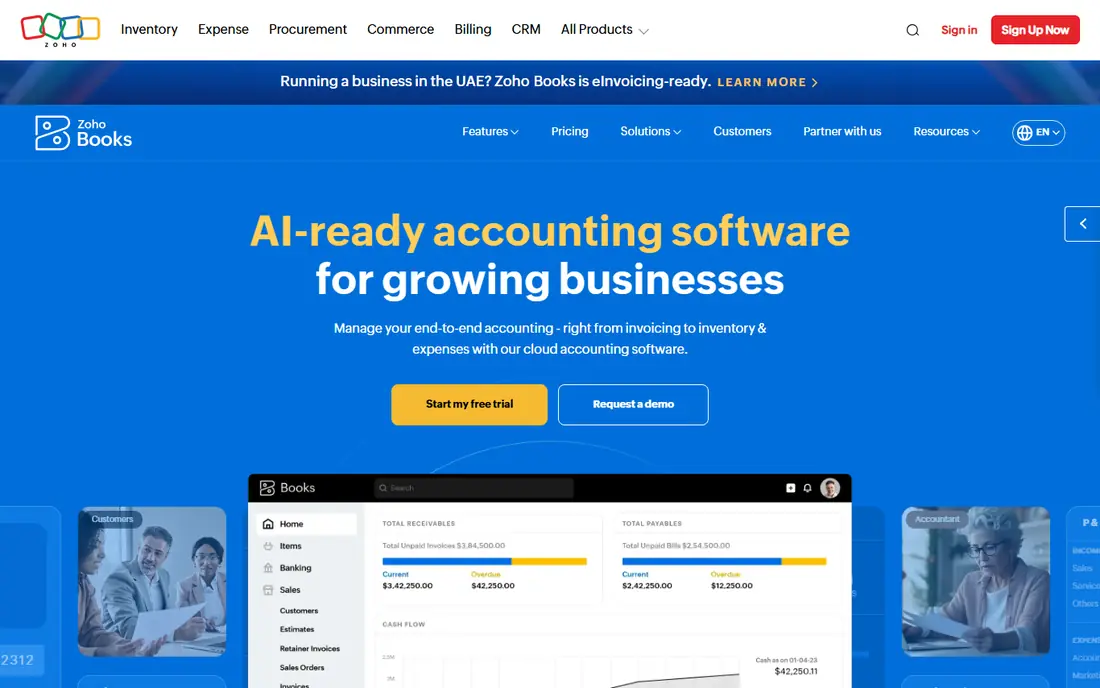
Zoho Books is the value pick in this list. It includes purchase orders, vendor records, bills, and inventory features at prices that undercut QuickBooks and Xero for many small teams. A free plan covers very small firms, and paid plans add users, automation, and deeper inventory. For a business already using Zoho for CRM, email, or inventory, the shared ecosystem is a real advantage, since vendor and item data can flow across apps.
The trade off is ecosystem fit in the United States. Bank connections, payroll, and accountant familiarity are less deep than QuickBooks, and very complex inventory work points to Zoho Inventory as a separate app. If your accountant already works in QuickBooks, that familiarity may outweigh the savings. If you run a lean team and want purchase orders without a high bill, Zoho Books deserves a trial.
- Purchase orders, vendor management, and inventory tools at a lower price point
- Free plan for very small firms
- Strong Zoho ecosystem
- United States payroll and bank depth is less than QuickBooks
- Complex inventory needs Zoho Inventory
Sage 50 gives product based businesses a choice that most cloud tools do not: a locally installed desktop edition or a cloud hosted edition of the same familiar platform. Purchase orders, vendor management, invoicing, and inventory sit together, with Premium and Quantum plans adding serialized inventory tracking and deeper inventory control. That makes Sage 50 a good fit for sellers who track individual units, lots, or serial numbers.
The interface feels older than QuickBooks Online or Xero, and pricing varies by plan and user count, so check the current Sage page for your setup. Sage 50 also suits businesses that want more control over where their accounting data runs. If you want a modern cloud only experience, Xero or Zoho Books will feel fresher. If you want desktop control plus purchase orders, Sage 50 is a strong legacy option that still works well.
- Choice of desktop or cloud editions
- Purchase orders tied to vendors and inventory
- Serialized inventory on higher plans
- Interface feels older than cloud rivals
- Pricing varies by edition and users
FreshBooks is best known for invoicing, and it serves service firms that need simple purchase orders alongside client billing. A consulting firm, agency, or contractor that orders materials for a client project can record the purchase, track the expense, and bill the client without learning a full ERP. The interface is plain and fast, and new staff learn it quickly.
Product sellers should look elsewhere. FreshBooks purchase order and inventory depth is lighter than QuickBooks, Xero, or Sage 50, and high volume stock control is not its strength. If your orders are occasional and your core work is services, FreshBooks is a pleasant, low friction choice. If your orders drive your inventory every day, pick a product focused accounting tool instead.
- Very easy invoicing and expense tracking
- Clean client and vendor records
- Good mobile experience
- Purchase order depth is lighter than QuickBooks or Xero
- Inventory tools are limited
Wave is the lowest cost entry point for a very small business that needs to record purchases without a monthly subscription. Core accounting, invoicing, and expense tracking are free, which helps freelancers and micro businesses that are just starting. You can record vendor bills and expenses, track income, and keep a clean set of books without committing to a paid plan.
Purchase order depth is the limit. Wave is not built for multi level approvals, complex inventory, or high volume ordering, and paid add ons cover payroll and payments. A business that orders weekly from several vendors will outgrow Wave fast. A solo operator who orders occasionally and wants free books will find Wave a sensible starting point, with a clear upgrade path to QuickBooks or Xero later.
- Free accounting for very small firms
- Simple invoicing and expense tracking
- No monthly fee for core accounting
- Purchase order features are basic
- Payroll and advanced tools are paid add ons
NetSuite is the step up when a small accounting tool stops coping. Purchase orders connect to inventory, financials, multi warehouse stock, and three way matching, so a growing firm can control spend across locations and departments. Approval workflows, vendor management, and reporting are deeper than in small business accounting, and the system scales as order volume grows. Businesses that outgrow QuickBooks often land here.
The cost is money and time. NetSuite pricing is quote based, and implementation often needs partner help and staff training. A small firm with simple orders should not buy NetSuite, since the setup burden will outweigh the benefit. A mid market firm with multiple locations, high order volume, or complex approvals will find that NetSuite replaces several separate tools at once.
- Purchase orders tied to inventory, financials, and multi location stock
- Strong approval and matching controls
- Scales well
- Quote based pricing
- Implementation takes time and often needs partner help
Odoo is a modular business system where accounting, purchasing, inventory, and sales can run together or separately. Purchase orders flow into receipts, bills, and stock levels, and the wider app set covers CRM, projects, and manufacturing for firms that need more than accounting. A free community tier and a low cost entry make Odoo attractive to teams that want control without enterprise pricing.
Customization is both the strength and the risk. Odoo needs careful setup, and a poorly configured system can confuse staff more than a simpler tool. Support quality also varies by partner, so choose an implementation partner with references in your industry. If you have someone technical on staff or a good partner, Odoo can be excellent value. If you want a tool that works with minimal setup, QuickBooks or Xero will be faster.
- Accounting, purchase, inventory, and sales in one modular system
- Free community options
- Highly customizable
- Setup and configuration take effort
- Support quality varies by partner and plan
Kashoo suits small businesses that want simple accounting without a steep learning curve. You can record purchases, track expenses, invoice clients, and see clear reports in a plain interface. For a small firm that orders from a handful of vendors and does not need complex inventory, that simplicity keeps bookkeeping from becoming a second job.
Depth is the limit. Purchase order approvals, multi location inventory, and a wide app ecosystem are thinner than in QuickBooks, Xero, or NetSuite. Kashoo is a good fit for a simple operation, and a poor fit for a product seller with complex stock. Try it if your team values simplicity above all else, and move up to a deeper tool when order volume or inventory complexity grows.
- Simple purchase and expense recording
- Clean reports
- Low learning curve
- Purchase order and inventory depth is lighter than larger tools
- Smaller app ecosystem
How we picked these
We compared official feature and pricing pages, recent accounting guides, and public reviews checked in October 2026. We kept only accounting tools that are live today and that include purchase orders as part of accounting, not only as a separate procurement add on. We excluded pure procurement platforms from this article, since they appear in the companion purchase order software list. Where pricing varies by plan, users, or region, we wrote See website rather than guessing a figure, except where a recent vendor listing gave a clear starting price.
How to choose accounting software for purchase orders
Start with the order flow, not the feature list. Write down who requests an order, who approves it, who sends it to the vendor, and who matches the bill when goods arrive. Then test that exact flow in a trial with a real vendor and a real item. If approval takes five clicks and three screens, staff will bypass it. If conversion from order to bill retypes line items, errors will creep in. The flow test reveals more than a demo ever will.
Next, check the plan gate. Many tools include purchase orders on every plan, while others gate inventory, approvals, or multi user access behind higher tiers. List the features you need, then find the cheapest plan that includes all of them, not the cheapest plan on the pricing page. Add user costs, since a low per month price that charges per user can rise fast as your team grows.
Finally, check inventory and accountant fit together. If you sell products, purchase orders must update stock when goods arrive, or you will track stock in a spreadsheet anyway. If your accountant works in one system, switching systems adds cost and friction at tax time. The best tool is the one that fits both your stock flow and your accountant, even if a rival tool looks slightly cheaper on paper.
Frequently asked questions
What is the best accounting software for purchase orders?
For most small businesses, QuickBooks Online is the best accounting software for purchase orders because POs convert into bills and tie into inventory on higher plans. Xero is a strong alternative with POs in every plan, and Zoho Books is the value pick. The best choice depends on your plan budget and inventory needs.
What is the best accounting app for purchase orders on a budget?
Zoho Books offers a free plan and low cost paid plans with purchase orders included, making it a strong budget pick. Wave is free for core accounting but has more basic purchase features. For a product seller on a budget, Zoho Books usually offers more PO depth than Wave.
Does QuickBooks have purchase orders?
Yes. QuickBooks Online includes purchase orders, and Plus and Advanced plans add inventory tools that tie orders to stock levels. You create an order for a vendor, send it, and convert it into a bill when goods arrive. Check the current plan page, since PO and inventory depth varies by plan.
What is the best purchase order system in accounting software?
The best purchase order system in accounting software is one that records the commitment, sends a clear order to the vendor, and matches the bill to the order on receipt. QuickBooks Online, Xero, and NetSuite all do this well at different scales. Dedicated procurement tools offer deeper approvals, but they sit outside accounting unless they sync back to it.
Can accounting software handle purchase order approvals?
Some tools offer simple approvals, while others offer only basic order creation. Xero and QuickBooks handle straightforward approvals, while NetSuite and dedicated procurement tools handle multi level approvals with department and budget rules. Test the approval flow in a trial with your real approvers before you commit.
Do I need separate purchase order software if I have accounting software?
Not always. If your accounting tool covers order creation, approval, vendor sending, and bill matching, separate software adds cost without benefit. Separate procurement software makes sense when you need multi level approvals, budget controls across departments, supplier portals, or high volume three way matching that your accounting tool cannot handle.
Sources
- https://quickbooks.intuit.com
- https://www.xero.com
- https://www.zoho.com/books/
- https://www.sage.com/en-us/sage-business-cloud/sage-50-accounting/
- https://www.freshbooks.com
- https://www.waveapps.com
- https://www.netsuite.com
- https://www.odoo.com
- https://www.kashoo.com
- https://thebudgetbadger.com/news/accounting-software-inventory-order-management-ecommerce-sellers
- https://planyard.com/blog/best-construction-purchase-order-software
See where you really rank - block by block
ProMapRanker scans Google Maps across a grid of your service area. Simple monthly plans from $19, white-label on every plan.
Start freeKeep reading
 zscaler alternatives
Best Zscaler Alternatives in 2026
Looking for zscaler alternatives? We compare 9 SASE and zero trust platforms on architecture, data protection, pricing, and fit for your network and team.
Read → zapier alternatives free
Best Zapier Alternatives Free in 2026
Nine automation tools for zapier alternatives free in 2026, all with genuinely free tiers, plus free plan limits, starting prices and upgrade paths explained.
Read → which platform is best for online reputation
Which Platform Is Best for Online Reputation in 2026
Wondering which platform is best for online reputation? We compare 8 review, listing, and response tools for small and multi-location businesses and agencies.
Read →