 ProMapRanker
Best Accounting Software for Personal Use in 2026

Key takeaways
- Quicken Simplifi is the best value paid all-rounder for tracking, bills, and projected cash flow.
- YNAB suits people who want a hands-on method for giving every dollar a job, not just a dashboard.
- Monarch Money is the strongest household dashboard for couples who share accounts and goals.
- Rocket Money, Goodbudget, and EveryDollar offer free starting points, with paid plans for bank links and extras.
- This is general information only, not financial advice, and bank link reliability varies by institution.
Quick comparison
| Pick | Great for | Pricing starts at | Free tier | |
|---|---|---|---|---|
 Quicken Simplifi | Value all-round tracking | $5.99 per month | Free trial | Visit |
 YNAB | Hands-on zero-based budgeting | $109 per year | Free trial | Visit |
 Monarch Money | Household dashboard | $99.99 per year | Free trial | Visit |
 Copilot Money | Apple users who value design | $95 per year | Free trial | Visit |
 Rocket Money | Subscription cleanup | Free | Yes | Visit |
 Goodbudget | Manual envelope budgeting | Free | Yes | Visit |
 EveryDollar | Simple zero-based plans | Free | Yes | Visit |
 PocketGuard | Safe-to-spend tracking | Free | Yes | Visit |
 Quicken Classic | Desktop-style personal accounting | See website | Free trial | Visit |
The best accounting software for personal use
Personal accounting software should answer simple questions: what came in, what went out, what is due soon, and what is left. Some tools do that with bank links and forecasts, while others use manual entry to slow spending down. The picks below cover both styles, so you can match the tool to how much attention you want to give your money.
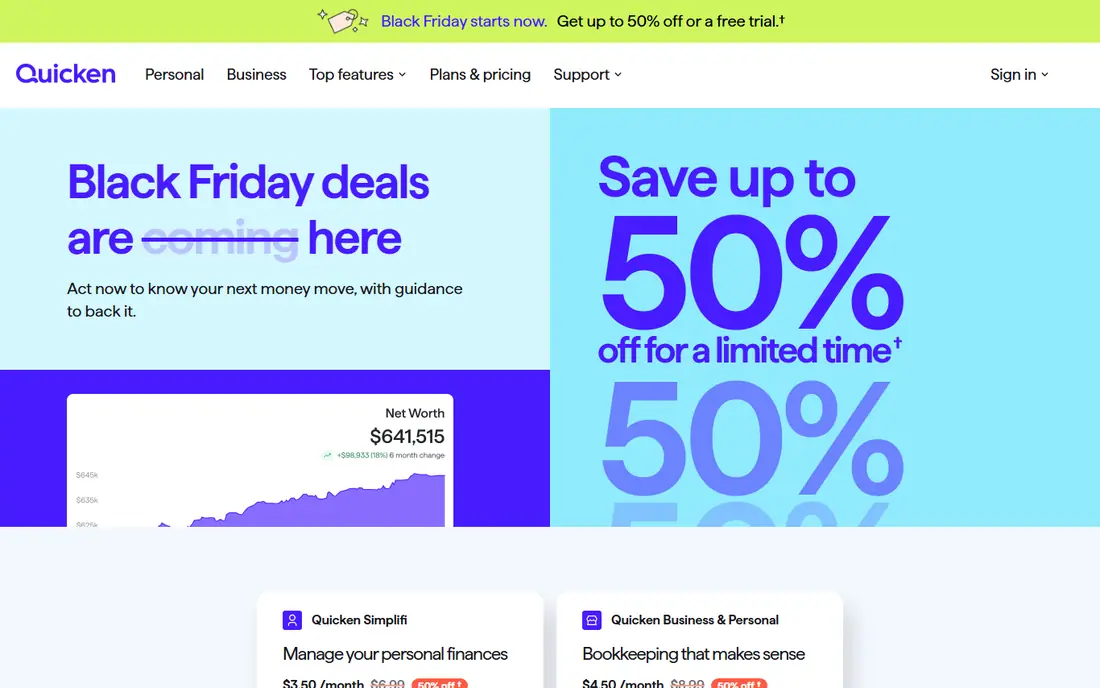
Quicken Simplifi is our pick for most people who want one capable tool at a modest price. It pulls accounts together, builds a spending plan from bills and subscriptions, and shows projected cash flow so a large bill does not arrive as a surprise. Watchlists let you track one habit, such as dining out, without rebuilding a whole budget each month.
The catch is pricing clarity. First-year offers and renewal prices have differed in published comparisons, so check the renewal figure before you commit. Household collaboration is also less refined than in Monarch Money. If you mainly track your own money, or one shared household account set, Simplifi gives a lot for its price.
- Spending plans and watchlists
- Projected cash flow
- Bill and subscription tracking
- Introductory pricing can differ from renewal pricing
- Household sharing is less polished than Monarch
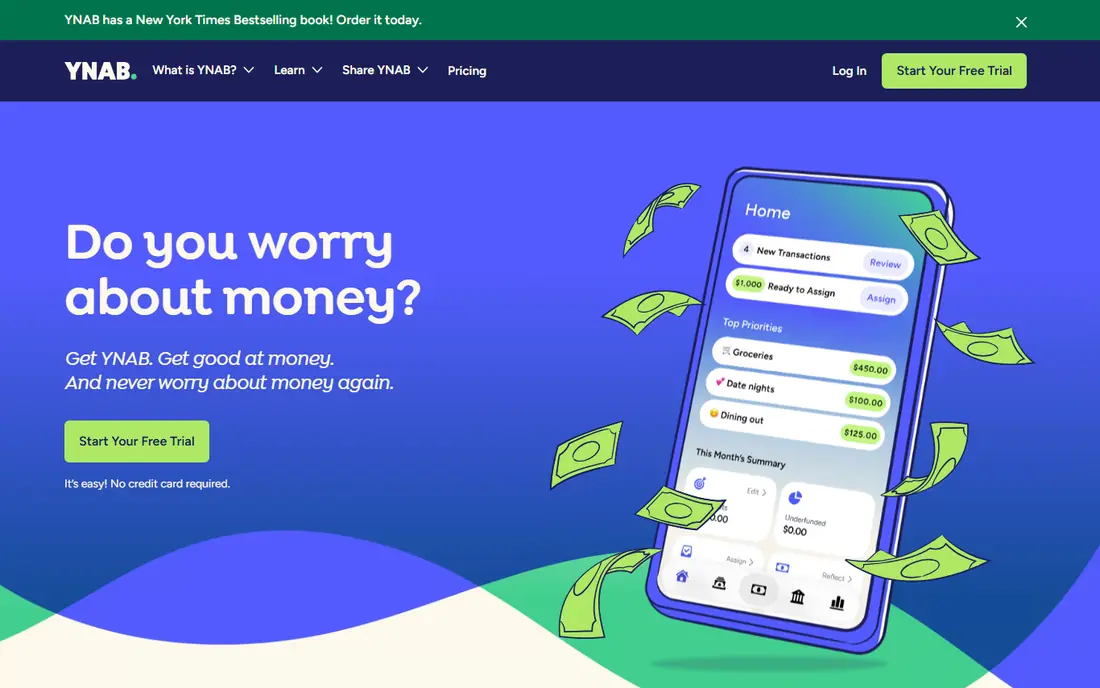
YNAB, short for You Need A Budget, is less a dashboard and more a method with an app attached. You assign money you already have to jobs, plan for true expenses such as car repairs, and adjust when life changes. That active process changes spending behaviour for many users in a way that passive tracking does not.
It is not a glance-once-a-week tool. The method takes a few weeks to feel natural, and the annual price is high for software that asks for regular input. If you want to change habits and you are willing to work in the app several times a week, YNAB is the strongest method-driven choice here. If you want automation, look at Simplifi or Monarch instead.
- Clear zero-based method
- Strong education and workshops
- Shared budgeting for households
- Higher price for a hands-on tool
- Method takes time to learn
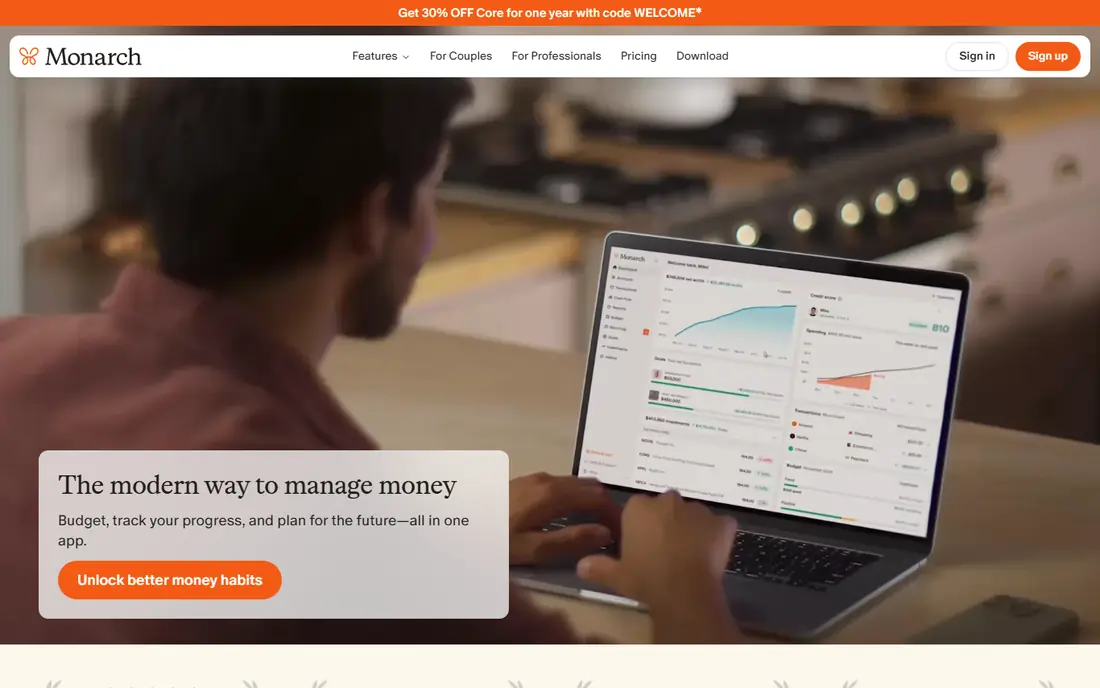
Monarch Money is the best household dashboard on this list. It combines budgeting, account tracking, investments, and net worth in one polished place, and shared views help couples separate joint, personal, and shared spending without separate subscriptions. The web app feels as considered as the mobile app, which matters for a monthly money review.
There is no free tier, only a short trial, so you need to be comfortable paying about $99.99 per year. Some bank connections also need occasional refreshes, as with most aggregators. For a couple or household that wants one shared view of everything, Monarch is worth the price. For a single tracker, Simplifi may do the same core job for less.
- Net worth, investments, and budgeting in one place
- Shared views for couples
- Clean web and mobile apps
- No free tier beyond the trial
- Price is high for basic tracking alone
Copilot Money is the pick for Apple households that care about design. Its iPhone, iPad, and Mac apps feel fast and clear, with smart categorisation and useful views of cash flow, spending, and net worth. It is the kind of app you actually open, which matters more than a long feature list you never use.
The limit is platform. There is no Android app, so a household with mixed devices cannot share it easily. The price is also in the same range as Monarch, without the same household sharing depth. If everyone in your household uses Apple devices, Copilot is a pleasure to use. If not, skip it.
- Polished Apple-first design
- Smart categorisation
- Clear cash flow and net worth views
- Apple devices only
- No Android app
Rocket Money is a good free starting point, especially for finding subscriptions you forgot about. Its free tools show spending and recurring charges, and its premium plan adds deeper budgeting and negotiation-style features. For many people, the free view alone is enough to cancel two or three unused subscriptions.
Premium pricing is pay-what-you-want within a published range in some listings, so check the current offer before upgrading. It is also less of a full accounting system than Quicken or Monarch, with less depth for investments and long-term planning. Use it to clean up recurring costs, then decide if you need a fuller tool.
- Free basic tools
- Subscription tracking
- Bill and spending overviews
- Key premium features sit behind a paid plan
- Premium pricing varies
Goodbudget turns the old envelope method into a digital system. You fill envelopes for rent, groceries, and other categories, then spend from them, which makes limits visible before you overspend. The free tier covers a limited number of envelopes and devices, while the paid plan adds more envelopes and bank sync options.
Manual entry is the point, and also the cost. If you will not enter purchases by hand, Goodbudget will feel like extra work, not help. For couples who want shared envelopes without linking every bank account, or for people who distrust automatic imports, that manual step is a feature that keeps spending honest.
- Genuine free tier
- Envelope method that suits couples
- Works without bank links
- Manual entry on the free tier
- Bank sync needs a paid plan
EveryDollar keeps zero-based budgeting simple. You plan income against expenses until the remaining amount is zero, which gives each month a clear target. The free manual version suits people who are happy to enter transactions themselves, and the layout is easy to explain to a partner.
Bank connections and automatic imports sit in the premium plan, priced at $79.99 per year in published comparisons, so the free version is deliberately hands-on. Variable income also needs extra care, since a fixed monthly plan can feel rigid when pay changes. For a simple, repeatable monthly plan, EveryDollar is easy to learn.
- Simple zero-based budgeting
- Free manual version
- Clear monthly plan view
- Bank connections need the premium plan
- Approach is rigid for variable income
PocketGuard answers one question well: after bills, goals, and planned spending, how much can you safely spend today. That single figure helps people who overspend in small daily amounts more than a detailed report does. Bill tracking and subscription views support that daily number.
It does not offer the planning depth of YNAB, or the household and investment breadth of Monarch. The premium plan, priced at $74.99 per year in published comparisons, adds more features, but the free version covers the core safe-to-spend idea. If you want a guardrail, not a full accounting system, PocketGuard fits.
- Clear safe-to-spend figure
- Bill and subscription tracking
- Free version covers core tracking
- Less planning depth than YNAB or Monarch
- Premium features need a paid plan
Quicken Classic is the traditional desktop option for people who want detailed registers, reports, and long-term records. It suits users who track investments, property, and rental activity alongside household spending, and who prefer a desktop workflow to a mobile-first app. Its history also means many long-time users already know its structure.
The tradeoff is feel. It is less modern than Simplifi or Monarch, and plan tiers vary, so check which edition covers your needs. It is also more system than a simple budgeter needs. For detailed personal accounting with years of history, Quicken Classic remains a solid, if old-school, choice.
- Long-established desktop accounting
- Detailed registers and reports
- Investment and property tracking options
- Desktop-first feel
- Pricing and plan tiers need checking
How we picked these
We compared vendor pricing pages, product descriptions, and public comparisons of personal finance tools, focusing on account tracking, budgeting method, bill handling, household sharing, and platform support. We favoured tools that are still offered, that clearly serve personal use rather than business accounting, and that cover free, manual, and paid automatic styles. Where pricing differs between first-year offers and renewals, we used the published regular figure and noted the difference.
What to check before you buy personal accounting software
Start with how you want to interact with money. If you like daily control, a hands-on tool such as YNAB or Goodbudget will suit you. If you want a weekly review, an automatic dashboard such as Monarch or Simplifi fits better. Buying a method you will not use is worse than buying a simpler tool you will open.
Next, test bank links with your actual institutions during a trial. Connection reliability varies, and a tool that cannot sync your main bank will become manual work anyway. Check security practices, two-factor options, and how the vendor handles account data, and never share passwords outside the official connection flow. Finally, check renewal pricing, cancellation terms, and data export, so you can leave with your history intact.
Questions to ask on a trial
- Do all of my main bank, card, and loan accounts connect and stay connected?
- Can I build a plan for irregular bills and variable income, not just a fixed month?
- Can I export transactions and reports if I cancel?
Frequently asked questions
What is the best accounting app for personal use?
Quicken Simplifi is the best value all-rounder, Monarch Money is the best household dashboard, and YNAB is the best method-driven budgeter. The right pick depends on whether you want automation, shared household views, or a hands-on method. Try the free trials with your real accounts before choosing.
Is there good free personal accounting software?
Yes, with limits. Rocket Money, Goodbudget, EveryDollar, and PocketGuard all offer free tiers that cover core tracking or manual budgeting. Free plans usually limit bank sync, envelopes, or premium reports. They are good starting points, and you can upgrade only if the paid features solve a real problem.
Can personal accounting software replace a spreadsheet?
For most households, yes, if bank links work well. Automatic categorisation, bill tracking, and cash flow forecasts save time over manual spreadsheets. A spreadsheet still wins for custom calculations or unusual income patterns. Some people use both, with the app for daily tracking and a spreadsheet for annual planning.
Is it safe to link bank accounts to these apps?
Reputable apps use secure aggregation services and read-only connections, and they should offer two-factor protection for your app account. No system is risk-free, so use a strong unique password, turn on available protections, and review connected accounts regularly. This guide is general information only, not financial advice.
What is the difference between Quicken Simplifi and Quicken Classic?
Simplifi is a modern, web and mobile-first tool focused on spending plans and cash flow, while Classic is the long-established desktop product with detailed registers and reports. Simplifi suits most households that want a simple monthly view. Classic suits users who want desktop depth and long-term record keeping.
Sources
See where you really rank - block by block
ProMapRanker scans Google Maps across a grid of your service area. Simple monthly plans from $19, white-label on every plan.
Start freeKeep reading
 zscaler alternatives
Best Zscaler Alternatives in 2026
Looking for zscaler alternatives? We compare 9 SASE and zero trust platforms on architecture, data protection, pricing, and fit for your network and team.
Read → zapier alternatives free
Best Zapier Alternatives Free in 2026
Nine automation tools for zapier alternatives free in 2026, all with genuinely free tiers, plus free plan limits, starting prices and upgrade paths explained.
Read → which platform is best for online reputation
Which Platform Is Best for Online Reputation in 2026
Wondering which platform is best for online reputation? We compare 8 review, listing, and response tools for small and multi-location businesses and agencies.
Read →