 ProMapRanker
Best Accounting Software for Paying Bills in 2026


Full accounting with bill pay built in · Pricing starts at: $38 per month
Key takeaways
- QuickBooks Online and Xero suit firms that want bills inside a full accounting system, while BILL and Melio focus mainly on paying vendors.
- Melio and Ramp start free, and Zoho Books and Wave offer free tiers, so a small firm can start without a large monthly fee.
- Approval workflows matter most once more than one person touches a bill, so check who can approve, edit and release payments before you buy.
- Card-funded vendor payments can carry a percentage fee, so compare ACH, check and card costs against your usual bill volume.
- This article is general information only, not tax or accounting advice, and tax and payment rules can vary by state.
Quick comparison
| Pick | Great for | Pricing starts at | Free tier | |
|---|---|---|---|---|
| QuickBooks Online | Full accounting with bill pay built in | $38 per month | Free trial | Visit |
 Xero | Multi-user accounting without per-seat fees | $27 per month | Free trial | Visit |
 FreshBooks | Service firms that bill clients and pay bills | $23 per month | Free trial | Visit |
 Zoho Books | Low-cost full accounting | Free | Yes | Visit |
 Wave | Solo owners starting free | Free | Yes | Visit |
 BILL | Structured approvals and vendor payments | $49 per user per month | No | Visit |
 Melio | Simple small-business bill pay | Free | Yes | Visit |
 Ramp | Cards, expenses and bill pay in one place | Free | Yes | Visit |
The best accounting software for paying bills
We looked for tools that capture a bill, route it for approval, pay the vendor and keep the books in step. The eight below cover full accounting systems and dedicated bill pay tools.

QuickBooks Online is the safe default for a growing US small business, mainly because so many accountants already work in it. You can enter bills, schedule payments, track due dates and see the effect on cash flow without moving data between tools. That familiarity also helps at year end, when your accountant can review the same records you use day to day.
The catch is the plan structure. Simple Start covers one user, so a team that needs several people entering and approving bills will need a higher plan. Check the current user limits and the cost of payroll before you commit, since those add-ons change the monthly total fast.
- Widely used by accountants
- Bill capture and payment in one system
- Payroll and inventory add-ons available
- Per-plan user limits
- Entry plan is limited for larger teams
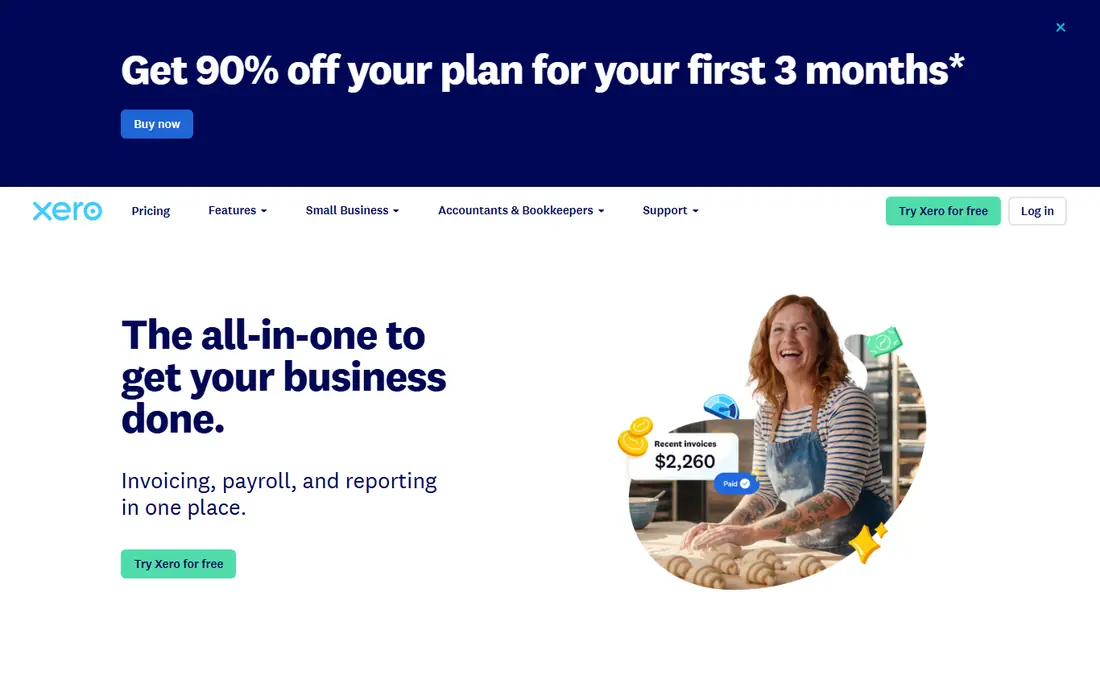
Xero stands out for teams that share the books. Every plan includes unlimited users, so an owner, a bookkeeper and an accountant can all work in the same file without extra seat charges. Bill entry, bank feeds and reconciliation feel straightforward, and the dashboard gives a clear view of what is owed and when it is due.
The entry plan is the weak point for bill-heavy firms, because it limits the number of bills each month. Firms with steady vendor volume should price the Growing plan instead. US payroll is also handled through a partner rather than built in, so confirm that setup if payroll matters to you.
- Unlimited users on every plan
- Clean bank reconciliation
- Strong app connections
- Entry plan caps bills and invoices
- Payroll in the US runs through a partner
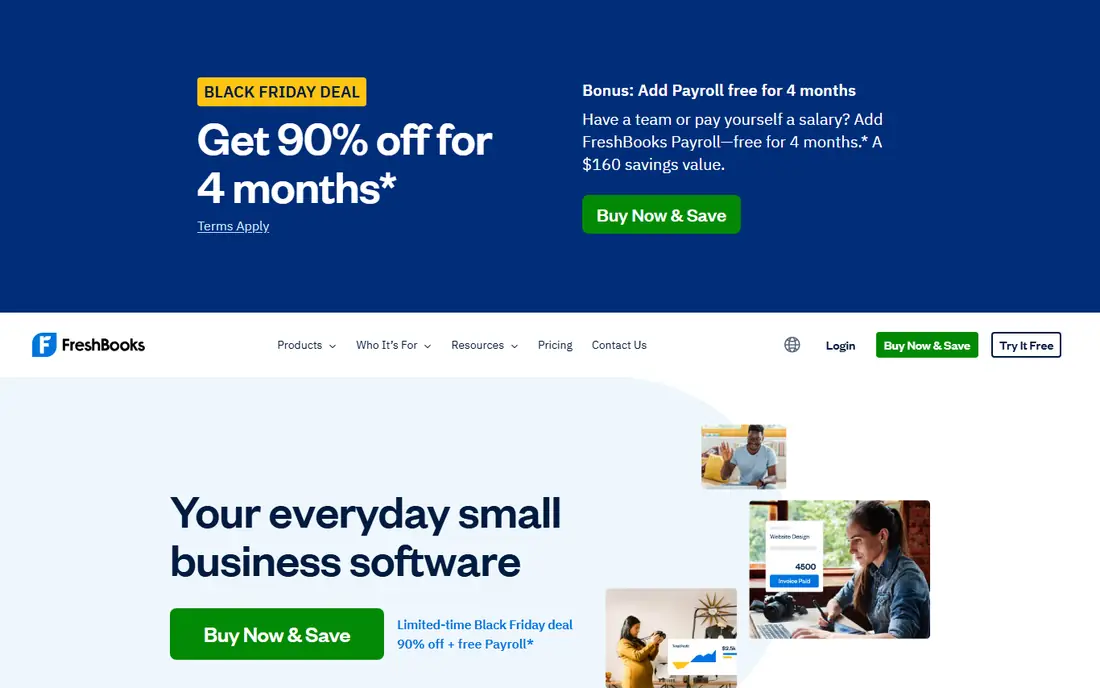
FreshBooks fits service businesses where client billing comes first and vendor bills come second. The invoicing side is polished, time tracking is simple, and the interface does not demand accounting training. For a freelancer or small agency, that balance often matters more than advanced inventory or job costing.
Bill pay here is practical rather than deep. You can record expenses and track what you owe, but firms with complex approval chains or high bill volume may outgrow it. The Lite plan also caps billable clients, so growing firms should check the next plan before they settle.
- Clear invoicing and time tracking
- Simple client-facing documents
- Easy to learn
- Lite plan caps billable clients
- Accounting depth is lighter than QuickBooks or Xero
Zoho Books is the strongest free starting point in this list. The free tier covers real accounting work for businesses under the published revenue limit, including invoicing, expenses and bank reconciliation. Paid plans add bank feeds, more users and deeper features at prices that stay below many rivals.
The main limit is scale. The free plan is not meant for a large firm, and Zoho Payroll does not cover every US state. If you already use other Zoho apps, the shared data and single sign-on add real value. If you do not, judge Zoho Books on its accounting tools alone.
- Genuine free tier for smaller firms
- Full double-entry accounting
- Wide Zoho app connections
- Free plan has a revenue limit
- Payroll coverage varies by state
Wave suits a solo owner who wants to send invoices, record bills and keep basic books at no monthly cost. Setup is quick, the interface is plain, and you can add payroll and payment processing when the business needs them. For a side business or a very small firm, that is often enough.
The free Starter plan leaves out automatic bank import and receipt capture, which move to the paid Pro plan. That trade-off is fair at this price, but it means more manual entry if you stay on the free tier. Wave is built for US and Canadian businesses, so firms elsewhere should look elsewhere.
- Free invoicing and accounting starter plan
- Simple setup
- Payroll add-on available
- Bank auto-import and receipt capture sit on the paid plan
- No inventory depth
BILL is built for firms where bill approval is the problem, not just bill payment. Invoices can be captured from email or upload, routed through multi-step approvals and paid by ACH, card, check or wire from one place. Accounting sync with common systems keeps the ledger current without retyping payment details.
The cost needs care. The subscription is per user, and payment fees sit on top of it, so a firm with many approvers should model the full monthly cost. Smaller firms with a handful of bills may find Melio or their accounting system enough. Larger firms that need audit trails and controls will get more from BILL.
- Strong approval workflows
- ACH, card, check and wire payments
- Broad accounting sync
- Per-user pricing adds up
- Transaction fees apply on top of the subscription
Melio keeps bill pay simple for owner-operated firms. You can import or scan a bill, schedule a payment, pay by ACH or card, and sync the result to QuickBooks or Xero. Vendors do not need to sign up to get paid, which removes a common source of delay. The free Go plan includes a small number of free ACH payments each month.
Approval controls are lighter than BILL, so firms that need strict separation of duties should test that part first. Card-funded payments also carry a percentage fee, so use them for cash flow timing rather than as the default. For modest bill volume, Melio is hard to beat on price and ease.
- Free entry plan
- Card-funded payments for vendors who take checks
- QuickBooks and Xero sync
- Approval controls are basic
- Card payments carry a 2.9 percent fee
Ramp is a finance platform first and a bill pay tool second, and that breadth is its appeal. The free plan covers corporate cards, expenses and basic bill pay, with invoice capture and accounting sync to QuickBooks and Xero. Firms that already want card controls and spend visibility get bill pay as part of the same system.
The free plan covers basic approvals, while deeper routing, three-way matching and procurement are paid features. Ramp also works best when the team uses Ramp cards, so firms that want to keep existing cards should weigh that. For US startups and small firms, the free core plan is a strong starting point.
- Free core plan with cards and expenses
- Bill capture with line items
- QuickBooks and Xero sync on free plan
- Advanced approvals and procurement sit on paid plans
- Requires Ramp cards for full value
How we picked these
We compared official feature pages, pricing pages and app store listings, plus public reviews, for tools that capture bills, support approvals and pay vendors in the US. We favored tools that exist and work today, that sync with common accounting systems, and that state their prices or fees plainly. We did not claim hands-on testing that did not happen, and we left prices as See website where a vendor price could not be verified from its own site.
Choosing the right bill pay setup
Start with bill volume and who approves payments. A solo owner with ten bills a month needs a different tool from a firm with five approvers and two hundred bills. Count your monthly bills, your approvers and your payment methods before you compare prices, since per-user fees and transaction fees change the total.
Next, check the accounting connection. A bill pay tool that syncs cleanly to your ledger saves hours and cuts errors, while a tool that needs manual export creates work every month. Test the sync with a real bill during a trial, including edits, voids and partial payments. Also confirm payment timing, since ACH delivery times differ and late vendor payments can damage supplier terms.
Finally, set controls before volume grows. Decide who can enter, approve and release payments, and keep those roles separate where possible. Review fees each quarter, especially card-funded payments, and keep a record of approvals for tax and audit purposes. This article is general information only, and state rules on taxes, employment and payments can differ, so check with a qualified professional for your situation.
Frequently asked questions
What is the cheapest way to pay business bills?
Melio, Ramp, Zoho Books and Wave all offer free entry options, but free does not mean free for every payment type. Check ACH allowances, check fees and card fees, then compare the total against your monthly bill count.
Do I need BILL if I already use QuickBooks or Xero?
Not always. QuickBooks and Xero handle basic bill entry and payment for many small firms. BILL earns its place when approvals, audit trails and high bill volume make the accounting system alone feel thin.
Can I pay vendors by credit card if they only take checks?
Yes, through tools such as Melio, which can fund a payment by card while the vendor receives a check or bank transfer. Expect a percentage fee on card-funded payments, so use this option deliberately.
How long do ACH vendor payments take?
Timing varies by provider and bank, and most tools quote delivery in business days rather than instantly. Schedule payments a few days before the due date and confirm the delivery estimate shown at payment time.
Is accounting software the same as tax advice?
No. Accounting software records and organizes your finances, but it does not replace advice from a tax professional. Tax rules, deductions and filing duties vary by state and business type.
Sources
See where you really rank - block by block
ProMapRanker scans Google Maps across a grid of your service area. Simple monthly plans from $19, white-label on every plan.
Start freeKeep reading
 what’s the best risk software for enterprises
What Is the Best Risk Software for Enterprises in 2026
We compared what’s the best risk software for enterprises on risk registers, controls, third-party risk, and reporting, with pricing notes for large teams.
Read → what's the best pam software for enterprises
What is the Best PAM Software for Enterprises in 2026
Find what's the best pam software for enterprises, with vaulting, session recording, just in time access and pricing compared for large enterprise IT teams.
Read → what’s the best grc software
What Is the Best GRC Software in 2026
We compared what’s the best grc software on risk, compliance, audit and vendor risk, so teams can pick a platform that fits their frameworks and budget.
Read →