 ProMapRanker
Best Accounting Software for Multiple Currencies

Key takeaways
- Multi-currency support is not on every plan. Xero needs Established at $97 a month, QuickBooks needs Essentials at $85, and FreshBooks needs Plus at $43.
- Zoho Books Standard at $15 a month billed annually is the value pick, with multi-currency, three users and 5,000 invoices a year.
- Xero is the best pick for teams with many users, because every plan includes unlimited users at a flat organization price.
- Check the exchange rate source, the tier that includes multi-currency and the per-user cost before you buy, because the entry price rarely covers foreign currency work.
Quick comparison
| Pick | Great for | Pricing starts at | Free tier | |
|---|---|---|---|---|
 Xero | Teams with many users and foreign clients | $27/month | No | Visit |
 QuickBooks Online | US firms wanting accountant familiarity | $38/month | No | Visit |
 Zoho Books | Best value with a free plan | $15/month | Yes | Visit |
 FreshBooks | Freelancers billing clients abroad | $23/month | No | Visit |
 Wave | Free start for freelancers | $19/month | Yes | Visit |
 FreeAgent | Small firms wanting simple multi-currency | $20/month | No | Visit |
 Sage Accounting | UK and global firms on Sage | $7/month | Yes | Visit |
 Akaunting | Free open-source multi-currency | Free | Yes | Visit |
The best accounting software for multiple currencies
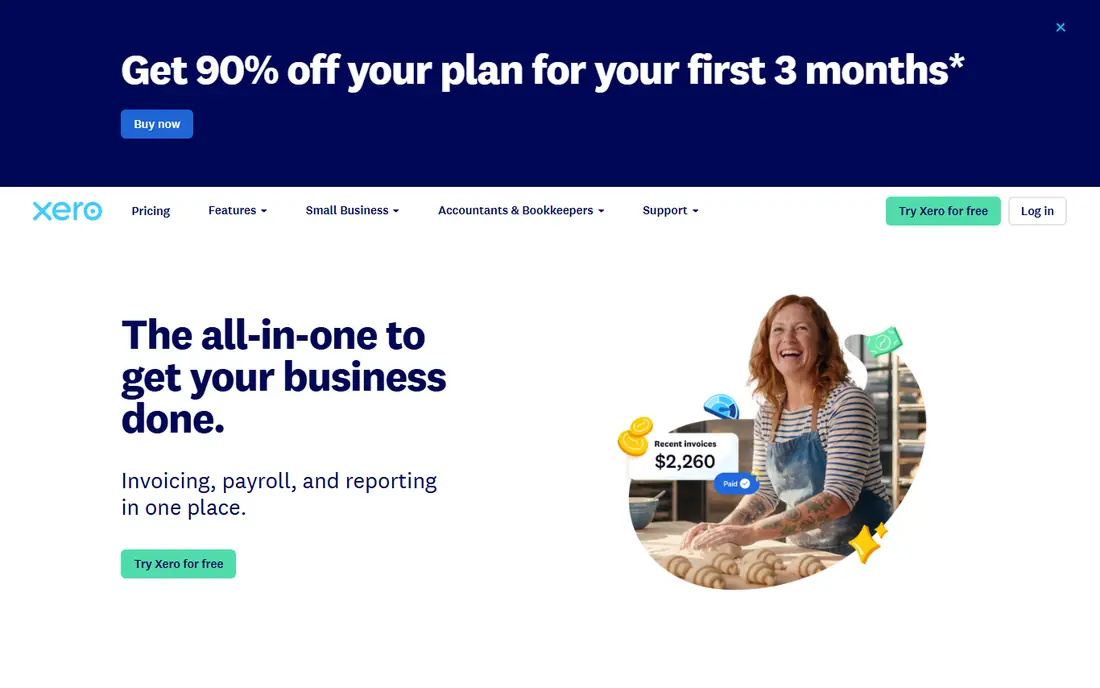
Xero costs $27 a month for Early, $59 for Growing and $97 for Established in the US, after a price rise on October 1, 2026. Every plan includes unlimited users at a flat organization price, so a founder, a co-founder and an accountant can all log in without a per-seat charge. Bank reconciliation is clear, invoicing is straightforward, and the Established plan adds multiple currencies, project time and costs, expense claims and a 180-day forecast. A 30-day free trial is available.
The catch is the tier. Multi-currency sits only in Established at $97 a month, so a small firm that bills abroad pays the top tier even when it needs little else from it. The Early plan also caps you at 20 invoices and 5 bills a month, which suits a tiny business but not a growing one. For a team with many users and foreign clients, Xero is still the best value here, because QuickBooks charges per user and the gap widens as you add people.
- Unlimited users on every plan
- Strong bank reconciliation
- Multi-currency with exchange gains tracked
- Multi-currency sits only in the Established plan at $97 a month
- Entry Early plan caps at 20 invoices and 5 bills a month

QuickBooks Online costs $38 a month for Simple Start, $85 for Essentials, $140 for Plus and $340 for Advanced in the US, after list prices rose on August 1, 2026. Simple Start covers 1 user, Essentials covers 3, Plus covers 5 and Advanced covers 25. Multi-currency is not in Simple Start, so a firm billing abroad needs Essentials at $85 or Plus at $140. Plus adds inventory, projects, budgeting and purchase orders, while Advanced adds a custom report builder and workflow automation. A 30-day free trial is available.
The limit is the seat math. A 5-user team on Plus pays $140 a month, while the same team on Xero Growing pays $59, and an 8-person team is forced to Advanced at $340. QuickBooks is the best pick when your accountant already works in it and your team is small, because familiarity saves more time than the price gap costs. For larger teams or many currencies, compare the per-user total with Xero first.
- Most accountants know it
- Multi-currency from Essentials
- Strong inventory and reporting on Plus
- Per-user pricing climbs fast, with Plus at $140 for 5 users
- Simple Start lacks multi-currency
- Advanced jumps to $340 a month
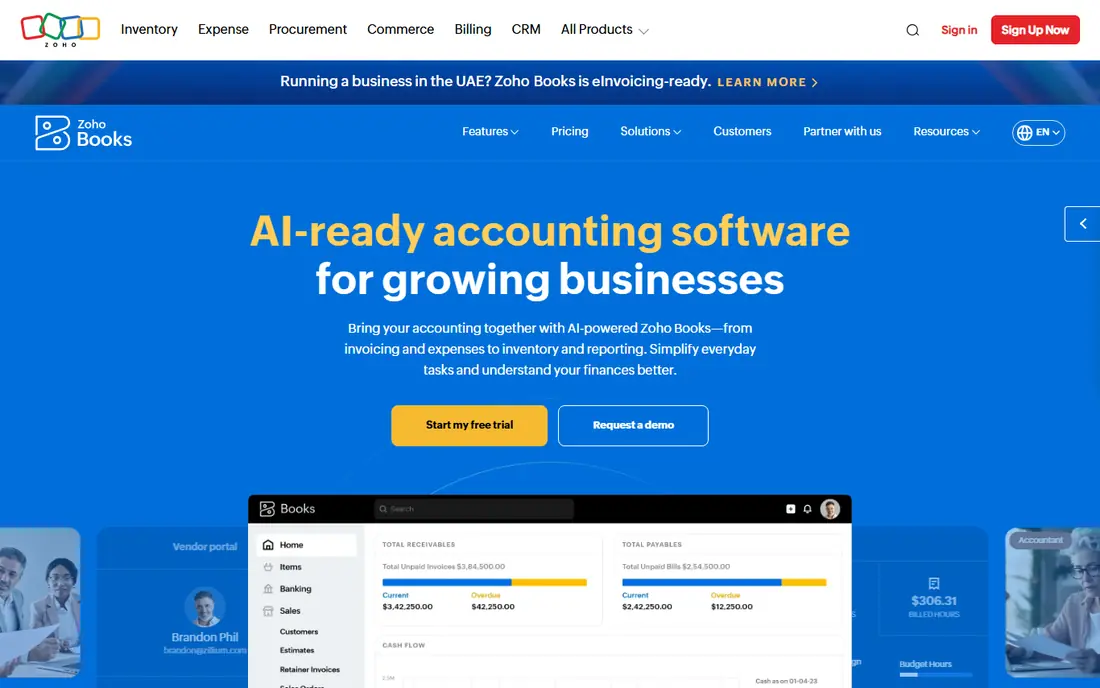
Zoho Books is the value pick in this list. The free plan covers full accounting for businesses under $50,000 in annual revenue, with 1 user plus 1 accountant, invoicing, expense tracking and bank reconciliation for up to 1,000 invoices a year. Standard costs $15 a month billed annually, or $20 monthly, and includes 3 users and 5,000 invoices a year. Professional costs $40 a month billed annually with 5 users, and Premium costs $60 with 10 users. Multi-currency support arrives with the Standard plan.
The limits are the free tier caps and the bank feeds. The free plan suits a microbusiness, but a growing firm will move to Standard quickly, and bank feeds sit in Standard rather than the free plan. Payroll covers select US states only. For a small business that bills in more than one currency and wants the lowest yearly cost, Zoho Books Standard at $180 a year is hard to beat.
- Free plan for businesses under $50,000 revenue
- Standard at $15 a month billed annually
- Multi-currency from Standard
- Free plan covers 1 user plus 1 accountant only
- Bank feeds sit in Standard, not the free plan
- Payroll covers select US states
FreshBooks costs $23 a month for Lite, $43 for Plus and $70 for Premium, after a price rise on March 5, 2026, with a 30-day free trial. Lite covers invoices to 5 clients, Plus covers 50 clients with double-entry reports, and Premium covers unlimited clients. Extra team members cost $11 a month each on every plan. Invoicing is the best in this list, with clean templates, time tracking and payment reminders that suit freelancers and service businesses.
The limit is the tier for multi-currency. Lite at $23 does not include the multi-currency features a freelancer billing abroad needs, so the real starting price for this topic is Plus at $43 a month. The client caps also bite. A freelancer with 6 billable clients must leave Lite, and a team of 3 on Plus pays $43 plus $22 for two extra members, or $65 a month. For a solo freelancer with a small client list, FreshBooks is excellent. For a team, compare the total with Zoho Books.
- Best invoicing in this list
- Simple client-based pricing
- 30-day free trial
- Multi-currency sits in Plus and Premium, not Lite
- Lite caps at 5 billable clients
- Extra team members cost $11 a month each
Wave offers a free Starter plan with invoicing and accounting, which suits freelancers and small businesses that want to start without a subscription. Pro costs $19 a month and adds automatic bank imports, receipt scanning and the ability to request deposits from estimates. Pro also lets you add unlimited users to your account for free, which is rare at this price. Wave charges 2.9 percent plus 60 cents per credit card transaction and 1 percent for bank payments, and payroll costs $40 a month plus $6 per person.
The limit is multi-currency depth. Wave handles basic foreign currency invoicing, but its reporting and reconciliation in other currencies are thinner than Xero or QuickBooks, and it lacks the multi-currency controls a firm with several foreign bank accounts needs. For a freelancer with occasional foreign invoices, Wave is a fine free start. For a business that lives in several currencies, Xero or Zoho Books fits better.
- Free Starter plan with invoicing and accounting
- Pro at $19 a month adds auto imports
- Unlimited users on Pro
- Multi-currency handling is thinner than Xero or QuickBooks
- Payroll is a $40 a month add-on
- Payment fees of 2.9 percent plus 60 cents apply
FreeAgent costs $10 a month for the first 6 months, then $20 a month, with a 30-day free trial. It is built for small businesses, freelancers and startups, and it covers invoicing, expenses, bank reconciliation, time tracking and tax estimates in a simple interface. Multi-currency support is included, with foreign currency bank accounts and invoicing, so a small firm billing abroad does not need a higher tier to work in more than one currency.
The limits are the ecosystem and the inventory. FreeAgent has fewer integrations and add-ons than Xero or QuickBooks, and its inventory features are limited, so a product business may outgrow it. The $20 monthly price is fair for the simplicity it offers, and the multi-currency inclusion makes it cheaper in practice than Xero Established for a one-person firm. For a small service business with foreign clients, FreeAgent is a strong, simple pick.
- Simple interface with multi-currency included
- Foreign currency bank accounts and invoicing
- 30-day free trial
- Costs $10 a month for 6 months, then $20 a month
- Smaller ecosystem than Xero or QuickBooks
- Limited inventory features
Sage Accounting starts free with an Individual plan for testing the basics, then costs $7 a month for the Individual plan and $18 a month for the Start plan in the US. In the UK, Sage Accounting Start costs 20 pounds a month, Standard costs 43 pounds and Plus costs 59 pounds, with multi-currency and unlimited users in Plus. The platform covers invoicing, cashflow, tax and payroll, with strong UK VAT support and a long record with small businesses.
The limit is the tier for multi-currency. The $7 Individual plan does not include it, so a firm billing abroad needs a higher tier, and US pricing varies by plan, which makes comparison harder. Some plans also charge $30 or more per extra user. For a UK firm that needs VAT, CIS and multi-currency in one place, Sage Accounting Plus is a solid pick. For a US firm, compare the multi-currency tier price with Xero Established and QuickBooks Essentials first.
- Free Individual plan to test the basics
- Strong UK VAT and payroll support
- Multi-currency in higher tiers
- Multi-currency sits in higher tiers, not the $7 plan
- US pricing varies by plan
- Per-user fees apply on some plans
Akaunting is free, open-source accounting software with multi-currency support built in. You can self-host it, which means your data stays on your own server, and the core covers invoicing, expenses, banking and reporting in more than one currency. Apps add features such as inventory, projects and payroll, and a cloud version is available for teams that do not want to host it themselves. For a technical user or a small team with no budget, it is the only free multi-currency option in this list.
The limits are setup and support. Self-hosting needs installation, updates and backups, which takes time and skill, and support comes from the community unless you buy a cloud plan. Bank feeds are fewer than the cloud tools here. For a developer, a nonprofit or a microbusiness with technical help, Akaunting is a real free answer. For a team that wants support and bank feeds, Zoho Books or Wave fits better.
- Free and open source with multi-currency built in
- Self-hosted, so your data stays yours
- Apps add invoicing, inventory and more
- Self-hosting needs technical setup and maintenance
- Support comes from the community unless you buy a plan
- Fewer bank feed options
How we chose
We compared vendor pricing pages, plan details and multi-currency documentation for accounting software, checked on November 12, 2026. Prices are US list prices before tax and before introductory offers, unless stated otherwise. We kept only tools with a live multi-currency feature and a published price. We did not claim hands-on testing, and we did not invent prices. Where a vendor hides multi-currency in a higher tier, we name that tier and its price.
What to check before you buy
First, price the tier that includes multi-currency, not the entry tier. The yearly cost of the multi-currency tier is the real comparison.
| Tool | Multi-currency tier | Monthly price | Cost per year | | Zoho Books Standard | Standard | $15 billed annually | $180 | | FreeAgent | All plans | $20 | $240 | | FreshBooks Plus | Plus | $43 | $516 | | Xero Established | Established | $97 | $1,164 | | QuickBooks Online Plus | Plus | $140 | $1,680 |
Second, check four things before you sign. One, which tier includes multi-currency, and whether the free plan covers it. Two, where exchange rates come from, and whether gains and losses are tracked automatically. Three, whether bank feeds work in foreign currencies, or only in your home currency. Four, whether the price is per user or per organization, because QuickBooks charges per user while Xero and Zoho Books charge per organization. A tool that looks cheap at $27 a month can cost $97 a month once multi-currency is included.
Frequently asked questions
What is multi-currency accounting software?
Multi-currency accounting software lets a business invoice, receive payments, hold bank balances and report in more than one currency. It converts foreign amounts to your home currency using an exchange rate, tracks gains and losses when rates move, and shows balances per currency. The tools in this list all handle more than one currency, but the tier that includes it varies.
Which accounting software is best for multiple currencies?
Xero Established is the best pick for teams with many users, because every plan includes unlimited users and Established adds multi-currency at $97 a month. QuickBooks Online Plus suits US firms whose accountant already works in QuickBooks. Zoho Books Standard is the value pick at $15 a month billed annually, with multi-currency and three users included.
Do I need a higher tier for multi-currency?
Often, yes. Xero needs Established at $97 a month, QuickBooks needs Essentials at $85, FreshBooks needs Plus at $43, and Sage needs a higher tier than its $7 plan. FreeAgent includes multi-currency on all plans, Zoho Books includes it from Standard at $15 a month, and Akaunting includes it free. Check the tier before you compare entry prices.
How do exchange rates work in these tools?
Most tools pull daily exchange rates automatically and apply them to invoices, bills and bank transactions. When a rate moves between the invoice date and the payment date, the tool records a gain or a loss. Check whether your tool updates rates daily, whether it lets you set a custom rate, and whether it reports gains and losses by currency.
Can I file taxes in multiple currencies?
Tax is usually filed in your home currency, so the software converts foreign amounts to that currency for reporting. Check that your tool produces tax reports in your home currency, that it handles VAT or sales tax per country, and that your accountant can review the converted figures. For complex cross-border tax, talk to an accountant before you rely on the software alone.
Sources
See where you really rank - block by block
ProMapRanker scans Google Maps across a grid of your service area. Simple monthly plans from $19, white-label on every plan.
Start freeKeep reading
 what’s the best risk software for enterprises
What Is the Best Risk Software for Enterprises in 2026
We compared what’s the best risk software for enterprises on risk registers, controls, third-party risk, and reporting, with pricing notes for large teams.
Read → what's the best pam software for enterprises
What is the Best PAM Software for Enterprises in 2026
Find what's the best pam software for enterprises, with vaulting, session recording, just in time access and pricing compared for large enterprise IT teams.
Read → what’s the best grc software
What Is the Best GRC Software in 2026
We compared what’s the best grc software on risk, compliance, audit and vendor risk, so teams can pick a platform that fits their frameworks and budget.
Read →