 ProMapRanker
Best Accounting Software for Landscaping Company in 2026


Most US grounds-care firms · Pricing starts at: $38 per month
Key takeaways
- QuickBooks Online suits most US grounds-care firms, since accountants know it and it syncs with many job tools.
- Xero suits firms that want unlimited users, while FreshBooks suits firms that mainly bill by project or hour.
- A free plan from Wave or Zoho Books can suit a new solo firm, but check invoice limits and payroll needs.
- Keep job software and accounting software in sync, so invoices, payments, and job costs match at tax time.
Quick comparison
| Pick | Great for | Pricing starts at | Free tier | |
|---|---|---|---|---|
| QuickBooks Online | Most US grounds-care firms | $38 per month | No | Visit |
 Xero | Unlimited users and clean reconciliation | $25 per month | No | Visit |
 FreshBooks | Simple invoicing and time billing | $23 per month | No | Visit |
 Wave | Free start for very small firms | Free | Yes | Visit |
 Zoho Books | Free plan for small revenue firms | Free | Yes | Visit |
 Sage | Established small business accounting | See website | No | Visit |
 Bench | Bookkeeping done for you | See website | No | Visit |
 AccountEdge | Desktop-style accounting for Mac users | $20 per month | No | Visit |
 Patriot Software | Payroll and accounting in one place | See website | No | Visit |
The best accounting software for grounds-care companies
We compared accounting tools used by grounds-care firms in the United States, looking at invoicing, bank reconciliation, payroll options, job tool sync, and price.

QuickBooks Online is our pick for most grounds-care firms because it is the default that accountants, bookkeepers, and job tools already support. Invoices, bank reconciliation, expense tracking, and reports run in one system, and sync with job tools keeps job invoices and payments aligned. That ecosystem saves time at tax time and when an accountant reviews the books.
The trade-off is user limits and price steps. The Simple Start plan starts near $38 per month for one user in recent September 2026 list-price checks, with higher tiers needed for more users, bill pay, and inventory. Count users before choosing a tier, and check payroll as a separate add-on. For a US firm that wants the widest support, QuickBooks is still the safest pick.
- Widely known by US accountants
- Syncs with Jobber and Housecall Pro
- Strong invoicing and reporting
- Entry plan allows only one user
- Price rises sharply on higher tiers
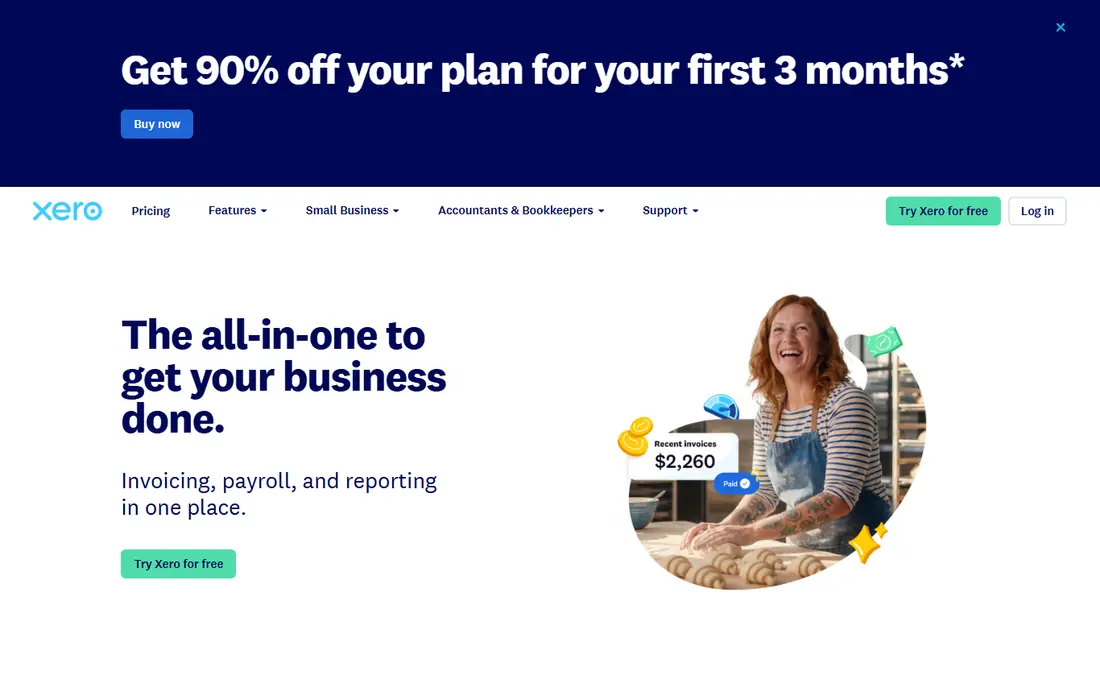
Xero suits firms where several office staff, an accountant, and crew leads need access without paying per user. Bank reconciliation is clean and fast, and the dashboard gives a clear view of invoices owed and bills due. Training resources are strong for owners who handle books themselves.
The catch is entry limits. The Early plan starts near $25 per month but caps invoices and bills per month, so most growing firms need the Growing or Established tier. US payroll also runs through a partner such as Gusto, which adds a separate cost. For firms that value unlimited users and a calm interface, Xero is a strong alternative to QuickBooks.
- Unlimited users on listed plans
- Clean bank reconciliation
- Strong app and training resources
- Entry plan caps invoices and bills
- Payroll in the US runs through a partner
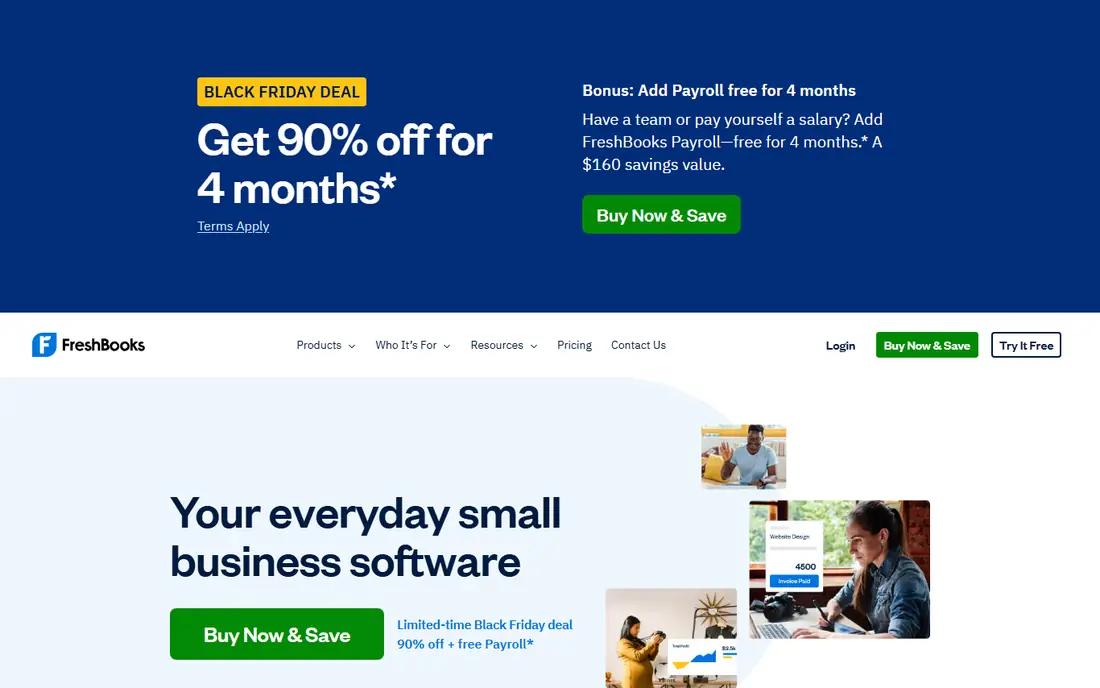
FreshBooks suits grounds-care firms that bill mainly by project, visit, or hour and want invoicing to feel simple. Time tracking, estimates, and client billing are easy to use, and the interface is less intimidating than full double-entry systems for a new owner. That simplicity helps firms that invoice often and track time by job.
The limit is client caps and accounting depth. The Lite plan starts near $23 per month for a small number of billable clients, so firms with many small customers may need Premium. Entry plans also lack full double-entry accounting, which matters if an accountant needs full books. For invoice-led firms, FreshBooks is a friendly pick.
- Friendly invoicing and time tracking
- Simple client billing
- Good for project-based work
- Billable client caps on lower tiers
- Double-entry features are limited on the entry plan
Wave is the best free starting point for a very small grounds-care firm that needs invoices and basic books without a monthly fee. Setup is quick, invoicing is simple, and the free plan covers the core needs of a new solo operator. That low barrier helps a firm test whether formal books improve cash flow.
The weakness is automation and support. Bank import and some features differ by plan, and support is lighter than at paid rivals. As invoice volume grows, a paid tool with stronger reconciliation and accountant access may save more time than Wave saves in fees. For a new firm with few customers, Wave is a sensible free start.
- Free Starter plan for invoicing and accounting basics
- Simple setup
- Payroll as a paid add-on
- No automatic bank import on the free plan in some checks
- Support is more limited than paid rivals
Zoho Books suits small firms that already use Zoho apps or want a capable free plan with clear limits. The free plan applies to firms under $50,000 in annual revenue in published terms, with paid plans from near $20 per month in some checks. Invoicing, expenses, and client portals are strong for the price.
The catch is scale. Free plan invoice counts and user counts are limited, so a growing firm will move to a paid tier. Payroll also sits in a separate Zoho module on higher plans. For a small firm inside the free threshold, Zoho Books offers more depth than a basic free invoice tool.
- Free plan for firms under a revenue threshold
- Strong invoicing and expense features
- Zoho app integration
- Free plan invoice limits apply
- User count is limited on lower plans
Sage suits firms that want an established accounting brand with invoicing, expenses, and reporting in one place. Its small business plans cover the core books, with payroll options for firms that pay staff. That breadth helps a firm that wants one vendor for books and payroll.
The drawback is clarity across product lines. Sage sells several accounting products with different plan names and prices, so buyers should confirm the exact product and tier before comparing. Check whether the plan includes bank reconciliation, multi-user access, and payroll in your country. For firms that value a long-standing vendor, Sage is a solid pick.
- Long track record in small business accounting
- Invoicing, expenses, and reporting in one system
- Payroll options
- Pricing and plan names vary by product line
- Some plans are subscription-only
Bench suits owners who do not want to do bookkeeping at all and prefer a service over software alone. A dedicated bookkeeper categorizes transactions, reconciles accounts, and prepares monthly reports, so the owner sees clean books without learning accounting. That service model fits busy owners who spend days in the field.
The trade-off is cost and control. Bench costs more per month than QuickBooks or Xero alone, and owners who like to check every transaction may prefer software they control. Ask what is included, how catch-up books are priced, and how tax documents are handled. For owners who hate bookkeeping, Bench removes a real burden.
- Dedicated bookkeeper does monthly books
- Clear reports for owners
- Tax-season support options
- Monthly service cost is higher than software alone
- Less hands-on control for owners who want to do books themselves
AccountEdge suits Mac-based owners who prefer desktop-style accounting and a simple single-user setup. Its Pro plan has been listed near $20 per month in recent checks, with payroll and inventory features that suit small firms. The interface feels familiar to owners who learned accounting on desktop software.
The limit is collaboration. AccountEdge is built for one user, so firms with several office staff or an accountant who needs live access may prefer QuickBooks or Xero. Hosted plans add cloud access at a higher price. For a solo Mac owner who works alone on books, AccountEdge is a practical pick.
- Desktop-style accounting with payroll options
- Single-user simplicity
- Long history for small firms
- Single-user focus limits team access
- Cloud access needs a hosted plan
Patriot Software suits small grounds-care firms that want accounting and payroll from one vendor with simple setup. Payroll is often the harder part for firms with seasonal crews, and Patriot covers payroll tax filings and employee pay in one flow. Accounting covers invoicing, expenses, and basic reports for daily books.
The catch is depth for complex firms. A firm with inventory, multi-location job costing, or complex project accounting may need QuickBooks or Xero instead. Check payroll pricing by employee count and whether accounting and payroll are billed separately. For a small firm that values simple payroll, Patriot is a good combined pick.
- Accounting and payroll from one vendor
- Simple payroll setup
- US-based support focus
- Accounting depth is lighter than QuickBooks for complex firms
- Pricing depends on employee count
How we picked these
We compared official pricing pages, plan features, payroll options, and public reviews for accounting tools used by grounds-care firms in the United States in October 2026. We kept only tools with a working official homepage and current small business accounting, and we wrote See website where pricing depends on product line or employee count. We favored tools that sync with job software, handle invoicing and bank reconciliation well, and offer a clear path from a free or low-cost start to a paid plan.
We also weighed user limits, client caps, and payroll handling, since those factors change the true cost for a grounds-care firm with seasonal staff and many customers.
How to choose accounting software for a grounds-care firm
Start with who does the books. An owner who does books alone needs simplicity and good bank reconciliation. A firm with an accountant needs a tool the accountant already uses, which in the US is often QuickBooks or Xero. A firm that hates bookkeeping may prefer Bench, even at a higher monthly cost.
Match invoicing to your customer base. A firm with many small customers needs unlimited or high client limits, while a firm with a few large contracts can use a capped plan. Check billable client caps, invoice caps, and user caps before choosing a tier, since those limits force upgrades sooner than feature needs do.
Keep job and accounting tools in sync
Connect the job tool to the accounting tool so quotes, invoices, and payments flow without double entry. Test the sync with a real job, including a partial payment and a change order if you use them. Reconcile bank accounts monthly, and review job profitability by customer at least quarterly.
Plan for payroll and tax time
Seasonal crews, overtime, and contractor payments make payroll more complex for outdoor firms. Confirm whether payroll is included, an add-on, or a partner service, and check tax filing coverage for your state. Export reports for your accountant before tax season, and keep receipts and mileage records in the same system as invoices.
Frequently asked questions
What is the best accounting software for a small grounds-care firm?
QuickBooks Online suits most US firms, Xero suits firms that want unlimited users, and FreshBooks suits invoice-led firms. A new solo firm may start free with Wave or Zoho Books. The right pick depends on user count, customer count, and whether an accountant already uses a specific tool.
Can accounting software handle payroll for seasonal crews?
Yes, many tools offer payroll as an add-on or through a partner, with tax filings for employees. Check employee pricing, seasonal hiring rules, and state filing coverage before choosing. A tool like Patriot Software combines accounting and payroll, while QuickBooks and Xero use payroll add-ons or partners.
Do I need both a CRM and accounting software?
Yes, for most firms, since a CRM runs daily jobs and customers while accounting software runs books, taxes, and payroll. Sync the two so invoices and payments match. Using only one tool often means either job details or full books are missing at tax time.
Is free accounting software enough for a new firm?
Free plans from Wave and Zoho Books can be enough for a new firm with few customers and simple books. As invoice volume, staff, and tax needs grow, a paid plan with stronger reconciliation and accountant access usually saves time. Start free, then upgrade when limits or manual work slow you down.
How do I move books to a new accounting tool?
Export customers, invoices, payments, and chart of accounts from the old tool, and import them into the new tool with help from support or an accountant. Reconcile the opening balances before invoicing from the new system. Keep the old books readable for at least a full tax year.
Sources
See where you really rank - block by block
ProMapRanker scans Google Maps across a grid of your service area. Simple monthly plans from $19, white-label on every plan.
Start freeKeep reading
 worlds best local seo company
8 Worlds Best Local SEO Companies for Map Pack Growth in 2026
Compare the worlds best local seo company options for Google Business Profile work, citations, reviews, and multi-location rankings and reporting in 2026.
Read → world's best web hosting company
World's Best Web Hosting Company in 2026
Searching for the world's best web hosting company? We compared 10 hosts on price, renewal rates, speed, and support to help you choose well today in 2026.
Read → who's got the best nanny tax services
Who's Got the Best Nanny Tax Services in 2026
We answer who's got the best nanny tax services, comparing full filing, back taxes, software, and pricing so families can handle nanny taxes correctly.
Read →