 ProMapRanker
Best Accounting Software for Inventory Management in 2026


Growing US sellers needing full inventory · Pricing starts at: $38 per month
Key takeaways
- Inventory is not on every accounting plan, so check the tier, not just the brand: QuickBooks gates it to Plus, and Xero points high volume sellers to an add on.
- Zoho Books offers the lowest cost path to real inventory for small sellers, with a free tier for very small businesses.
- Multi warehouse, barcode, and batch tracking needs push most small business tools toward an ERP or a dedicated inventory add on.
- Costing method matters: FIFO and average cost give different margins when purchase prices move, so confirm the method your tool supports.
- A tool that updates stock, cost of goods sold, and revenue from one sale saves more time than a cheaper tool that needs manual reconciliation.
Quick comparison
| Pick | Great for | Pricing starts at | Free tier | |
|---|---|---|---|---|
| QuickBooks Online | Growing US sellers needing full inventory | $38 per month | Free trial (30 days) | Visit |
 Xero | Teams wanting unlimited users and inventory | See website | Free trial (30 days) | Visit |
 Zoho Books | Budget sellers and Zoho users | Free | Yes | Visit |
 Sage 50 | Desktop sellers wanting deep inventory | See website | Free trial | Visit |
 Oracle NetSuite | Scaling firms needing ERP inventory | See website | No | Visit |
 Odoo | Sellers wanting modular ERP and accounting | See website | Yes | Visit |
 Sage Intacct | Mid market firms needing strong controls | See website | No | Visit |
 Katana | Makers and small manufacturers | See website | Free trial | Visit |
 inFlow Inventory | Small sellers wanting dedicated inventory depth | See website | Free trial | Visit |
The best accounting software for inventory management
For a product business, accounting and inventory are the same job: when a sale posts, stock should fall, cost of goods sold should record, and revenue should appear, without typing the same numbers twice. Many accounting tools claim inventory support, but the depth varies hugely by plan. We compared nine tools that combine accounting with real stock tracking in 2026. Our pick for most small sellers is QuickBooks Online Plus, with Zoho Books as the best value start and Xero as the best team option.
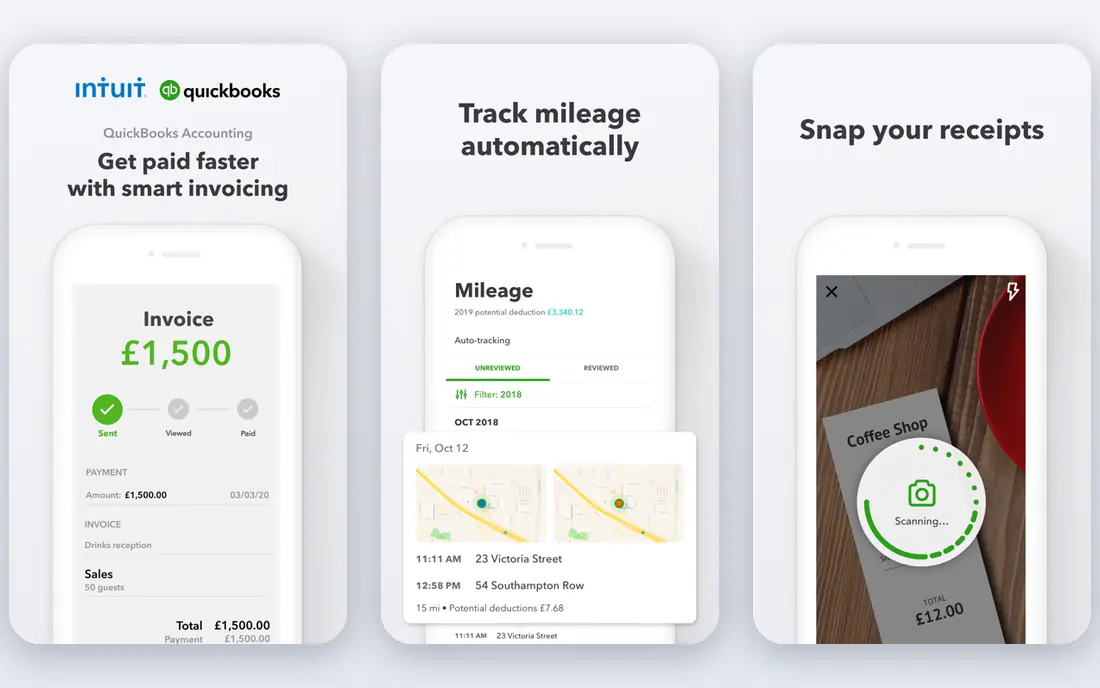
QuickBooks Online is the default for US small businesses, and its inventory tools on Plus and higher explain why product sellers stay with it. It tracks stock in real time, sends low stock alerts, creates purchase orders that turn into bills when goods arrive, and records cost of goods sold as sales post. Its integration catalogue also connects to Shopify, Amazon, and payment tools that sellers already use.
The catch is the tier. Inventory is not on the cheapest Simple Start plan, so sellers must budget for Plus, and higher plans cost much more. Lower plans also limit users, which matters when a bookkeeper and a warehouse lead both need access. For a growing US seller that wants accounting and inventory in one familiar system, QuickBooks Plus is still the most practical choice.
- Inventory on Plus and higher
- Purchase orders
- Low stock alerts
- Broad integrations
- Inventory needs the Plus plan
- Per user limits on lower plans
- Price rises steeply to Advanced
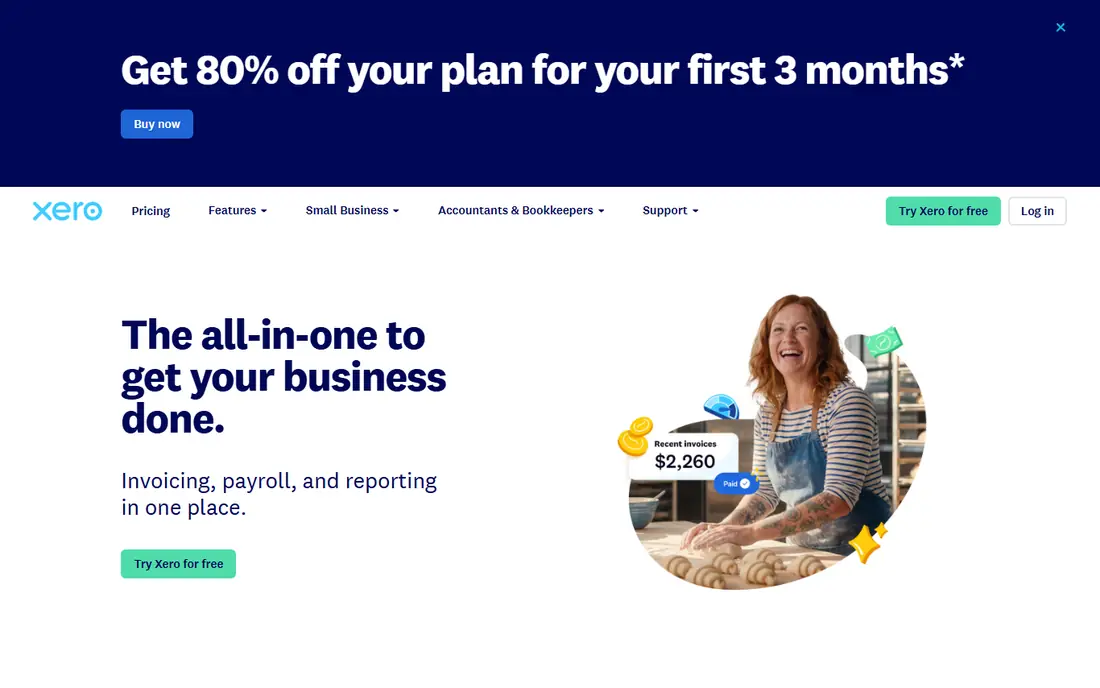
Xero stands out for collaboration: every plan includes unlimited users, so a bookkeeper, an accountant, and a warehouse manager can all work in the same books without per seat maths. It tracks inventory, reconciles bank feeds, and connects to a large marketplace of ecommerce and inventory apps. That openness suits sellers who want to add specialist tools later.
High volume sellers should check the Inventory Plus add on, since basic inventory may not cover complex needs, and lower plans cap monthly invoices and bills. Payroll is also a separate consideration. For a team that values shared access and clean bank reconciliation beside its stock counts, Xero is a strong pick.
- Inventory tracking on plans
- Unlimited users
- Bank reconciliation
- Broad app marketplace
- High volume sellers need an Inventory Plus add on
- Lower plans cap invoices and bills
- Payroll is separate
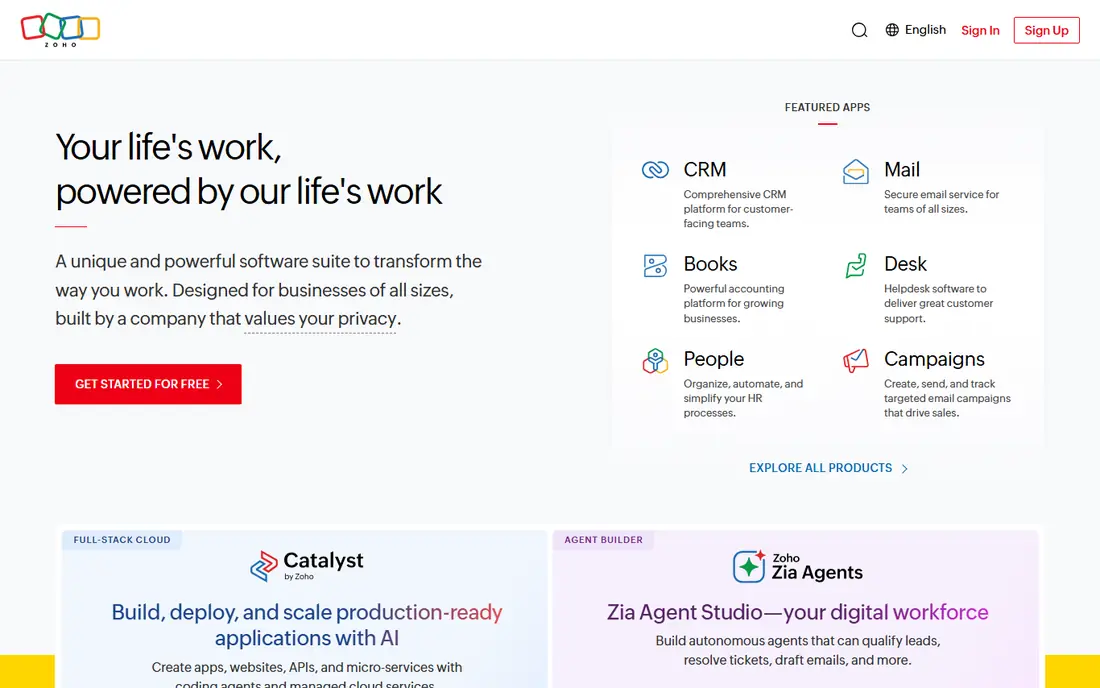
Zoho Books offers the best value path to accounting plus inventory for a small seller. It includes inventory tracking, purchase orders, invoicing, and multi currency support, with a free tier for very small businesses under a revenue cap. Sellers already using Zoho CRM or other Zoho apps get extra value from the shared ecosystem.
The free tier has limits on revenue and invoices, and more complex inventory needs may require a higher Zoho Books tier or the separate Zoho Inventory product. US bank feed coverage is also thinner than QuickBooks. For a budget conscious seller who wants real inventory without a large monthly bill, Zoho Books is hard to beat.
- Inventory management
- Free tier for small businesses
- Purchase orders
- Multi currency
- Free tier has revenue and invoice limits
- Advanced inventory needs higher tiers or Zoho Inventory
- Fewer US bank feeds
Sage 50, formerly Sage 50cloud, is a long standing choice for sellers who want deep inventory and job costing in a desktop rooted system. It tracks stock, manages detailed item records, and integrates with Microsoft 365 for spreadsheets and documents. Businesses that have used Sage for years often stay for its inventory depth and reporting control.
The trade off is modernity and price. Plans are annual subscriptions, the mobile experience is limited, and small teams may pay more than they would for a cloud only tool. For a seller that values inventory depth and desktop control over a slick mobile app, Sage 50 remains a serious option.
- Strong inventory depth
- Job costing
- Microsoft 365 integration
- Detailed item records
- Annual subscription
- Limited mobile app
- Higher cost than cloud rivals for small teams
Oracle NetSuite is the graduation point when a product business outgrows small business accounting. It combines financials with full ERP inventory, including multi warehouse tracking, demand planning, and order management across channels. Multi entity firms get consolidated reporting that small tools cannot match.
The cost and implementation effort are the barriers. Pricing is quoted, setup needs consultants, and a small seller will pay for capacity it does not use. NetSuite belongs on the list because it defines what full inventory accounting looks like at scale, not because most small sellers should buy it now. Consider it when warehouses, entities, or order volume overwhelm a simpler tool.
- Full ERP inventory
- Multi warehouse
- Demand planning
- Multi entity accounting
- Quote based pricing
- Complex implementation
- Overkill for small sellers
Odoo takes a modular approach: start with accounting and inventory apps, then add sales, purchase, manufacturing, or ecommerce as the business grows. That flexibility suits sellers who want ERP depth without paying for every module on day one. The community edition is free to use, while paid plans add hosting and support.
Modularity needs discipline. Setup takes care to configure warehouses, products, and costing correctly, and the community edition differs from the paid version in features and support. For a seller comfortable with setup, or working with an Odoo partner, it offers remarkable depth for the price.
- Modular apps
- Inventory and accounting together
- Manufacturing options
- Open source community edition
- Setup needs care
- Community edition differs from paid
- Support depends on plan and partner
Sage Intacct is a mid market cloud accounting system with strong inventory and order workflows, multi entity support, and reporting that finance teams trust. It suits firms that need audit controls, approvals, and consolidated views across locations or subsidiaries, alongside accurate stock and costing.
Pricing is quoted and implementation needs professional help, so it is not a small seller tool. The depth that makes it attractive to finance teams can also slow a simple setup. For a growing firm that needs controls and multi entity inventory accounting, Sage Intacct is a credible step up from small business software.
- Multi entity accounting
- Inventory and order workflows
- Strong reporting
- Audit controls
- Quote based pricing
- Implementation needs consultants
- Heavy for small sellers
Katana is built for makers and small manufacturers who need to track raw materials, finished goods, and production alongside sales. It manages inventory, purchase orders, and manufacturing orders in one place, then integrates with accounting tools such as QuickBooks and Xero for the books. That pairing suits workshops that make what they sell.
Katana is not a full accounting system on its own, so sellers still need an accounting tool beside it. Pricing also varies by plan and by the integrations used. For a maker whose main pain is production inventory rather than general bookkeeping, Katana plus an accounting integration is a practical combination.
- Manufacturing and inventory together
- Raw material tracking
- Sales order management
- Accounting integrations
- Not a full accounting system alone
- Needs an accounting integration
- Pricing varies by plan
inFlow Inventory
Great for: Small sellers wanting dedicated inventory depth
inFlow Inventory is a dedicated inventory system that pairs with accounting software, and its depth shows in barcode support, purchase orders, sales orders, and multi location tracking. Small sellers who have outgrown spreadsheet stock counts often move to inFlow before they move to an ERP, because it keeps inventory accurate without forcing a full system change.
Like Katana, inFlow is not a standalone accounting system, so it works best beside QuickBooks, Xero, or another accounting tool. Full features need a paid plan. For a seller whose stock accuracy is the bottleneck, inFlow gives inventory the attention it deserves while the accounting tool keeps the books.
- Dedicated inventory tracking
- Barcode support
- Purchase and sales orders
- Accounting integrations
- Not a full accounting system alone
- Needs an accounting link
- Paid plans for full features
How we picked these
We compared vendor pricing pages, feature documentation, and public reviews for accounting tools with live inventory features in October 2026. We favoured tools that update stock, cost of goods sold, and revenue from a sale, and we noted where inventory sits on a higher tier or needs an add on. Where pricing is quoted or varies by plan, we used See website rather than repeating an outdated figure. This is general information, not financial advice; check costing and tax treatment with your accountant.
Choosing inventory accounting for your sales volume
List your must haves before you compare prices: number of SKUs, warehouses, sales channels, and whether you need barcode scanning or batch tracking. A single warehouse seller on one channel can live happily on QuickBooks Plus, Xero, or Zoho Books. A multi warehouse seller with barcode needs should trial an ERP or a dedicated inventory tool such as inFlow or Katana beside accounting software. Check costing method, purchase order flow, and how returns update stock, since those three details cause most inventory headaches. Finally, import a real sample of your products and run ten sales, a return, and a restock before you commit: a tool that handles that loop cleanly will handle your busy season.
Frequently asked questions
What is the best accounting software for inventory?
QuickBooks Online Plus is our pick for most growing sellers, thanks to real time stock, purchase orders, and broad integrations. Zoho Books is the best value start, and Xero suits teams that need unlimited users.
What is the best accounting software with inventory management for small business?
Zoho Books suits very small sellers best on value, while QuickBooks Online Plus suits sellers who need deeper integrations and US accountant support. Xero suits small teams that share the books widely.
What is the best inventory accounting software for small business on a budget?
Zoho Books, with its free tier for very small businesses, is the lowest cost route to accounting plus inventory. Check its revenue and invoice limits before you rely on the free tier for a growing store.
Does QuickBooks include inventory management?
Yes, on Plus and Advanced plans, where it tracks stock, sends low stock alerts, and creates purchase orders. The cheapest Simple Start plan does not include inventory, so sellers must choose Plus or higher.
What is inventory management in accounting software?
It means stock counts, purchase orders, and cost of goods sold update automatically when you buy and sell. A sale should reduce stock, record revenue, and record the cost of the goods sold in one step, without manual retyping.
Sources
See where you really rank - block by block
ProMapRanker scans Google Maps across a grid of your service area. Simple monthly plans from $19, white-label on every plan.
Start freeKeep reading
 outreach alternatives
Outreach Alternatives in 2026
Compare outreach alternatives for 2026, from Salesloft and Apollo to HubSpot and Lemlist, with pricing, channels, features, limits, and honest trade-offs.
Read → best web conference tools
Best Web Conference Tools in 2026
Compare the best web conference tools for meetings, webinars and team calls, with current pricing, free plans and honest limits for each option here today.
Read → best voice cloning tools
Best Voice Cloning Tools in 2026
Compare the best voice cloning tools in 2026, from ElevenLabs and Descript to Resemble and Cartesia, with consent rules, pricing, licenses, and limits.
Read →