 ProMapRanker
Best Accounting Software for Data Capture in 2026


Full accounting with built in capture · Pricing starts at: See website
Key takeaways
- Data capture is not just scanning a receipt, it is extracting vendor, date, tax, and amount, then posting that data to the ledger without retyping it.
- Dext is our pick for capture alone, while QuickBooks Online and Xero are the best full accounting platforms with capture built in.
- The best tool depends on your ledger: a capture app that does not sync cleanly with QuickBooks, Xero, or Sage will create more work, not less.
- Line item capture, supplier rules, and bank feeds matter more than a single scan, because they decide how much manual checking remains each month.
- Keep the original receipt image attached to each transaction, because it is the audit record that supports the extracted data.
Quick comparison
| Pick | Great for | Pricing starts at | Free tier | |
|---|---|---|---|---|
| QuickBooks Online | Full accounting with built in capture | See website | Free trial | Visit |
 Xero | Cloud accounting with Hubdoc capture | See website | Free trial | Visit |
 Dext | Dedicated receipt and invoice capture | See website | Free trial | Visit |
 Hubdoc | Xero users wanting document capture | See website | No | Visit |
 Expensify | Team expenses with receipt capture | See website | Free trial | Visit |
 Zoho Books | Low cost accounting with capture | See website | Yes | Visit |
 Sage Accounting | Sage users needing capture and invoicing | See website | Free trial | Visit |
 FreshBooks | Freelancers with simple capture | See website | Free trial | Visit |
 Wave | Free accounting with receipt capture | See website | Yes | Visit |
 AutoEntry | Value capture for accountants | See website | Free trial | Visit |
The best accounting software for data capture
We compared full accounting platforms with built in capture and dedicated capture apps that feed a ledger. The list starts with the two largest cloud ledgers, then covers dedicated capture tools, then lower cost and freelancer options.
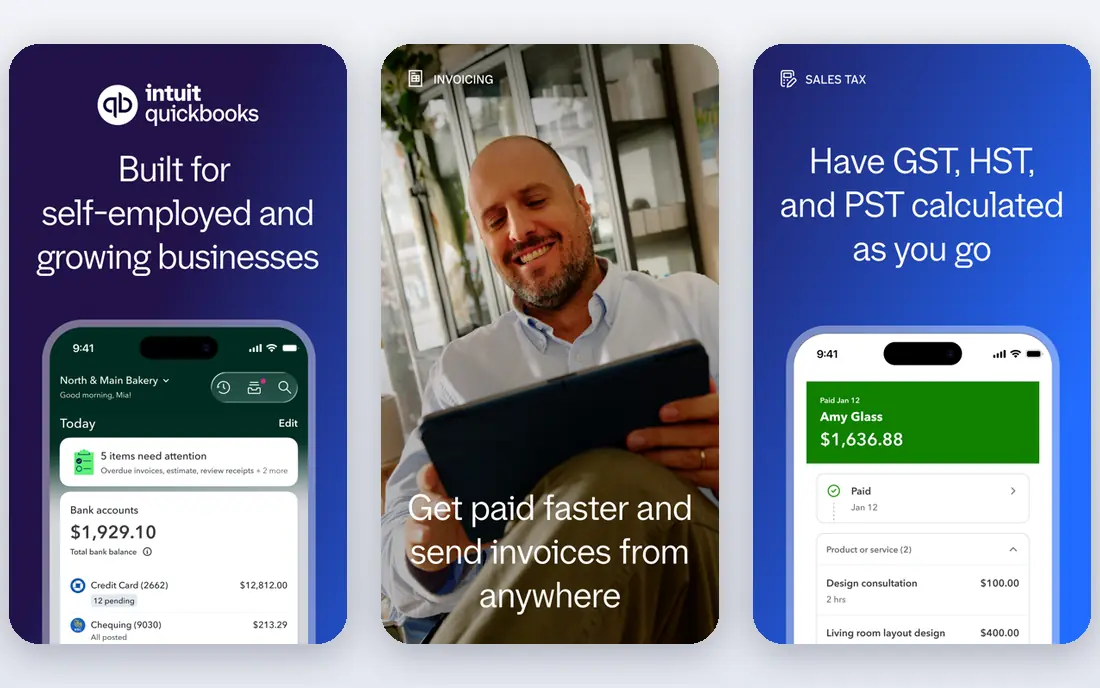
QuickBooks Online includes receipt capture at no extra cost if you already subscribe, which makes it the simplest choice for an existing QuickBooks user. You photograph a receipt in the mobile app, QuickBooks extracts the vendor, date, and amount, and you match it to a transaction or create an expense. That built in flow avoids a second subscription and a second sync to manage.
The capture itself is less advanced than a dedicated tool. Line item extraction, supplier rules, and high volume automation are stronger in Dext or AutoEntry, so a business with hundreds of receipts a month may still need a dedicated app. For a small business that wants one system for invoicing, bank feeds, expenses, and capture, QuickBooks Online is a practical default.
- Receipt capture built into the app
- Bank feeds and invoicing in one place
- Wide accountant support in the United States
- Capture is basic compared with Dext
- Higher plans needed for advanced features
- Interface can feel busy for a solo user
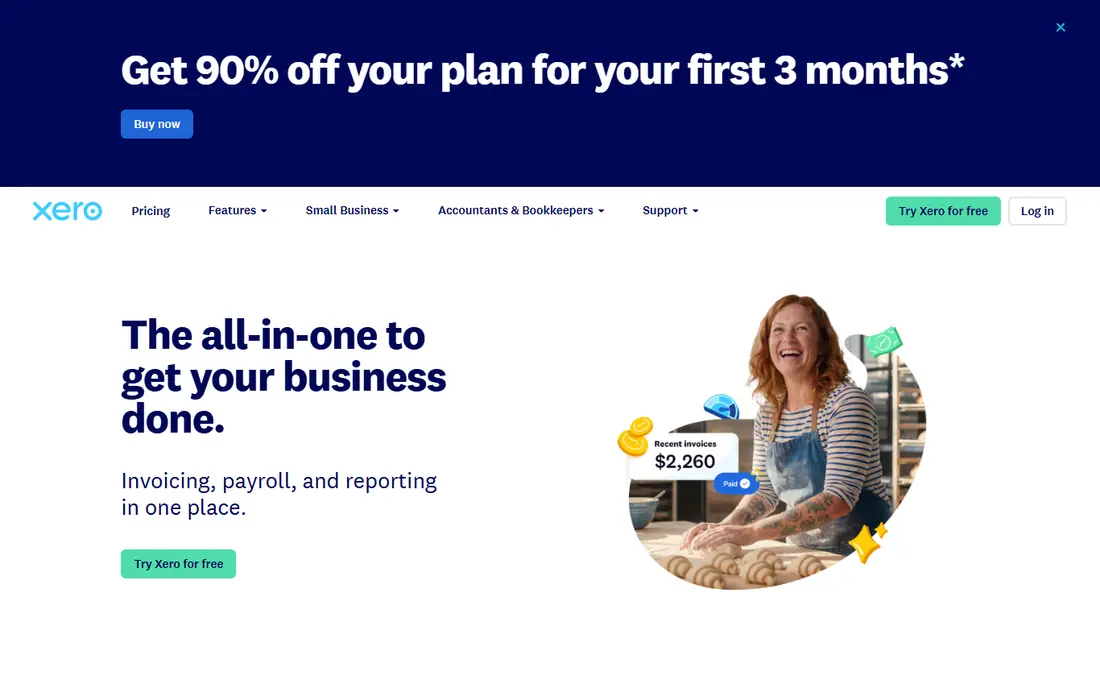
Xero pairs a clean cloud ledger with Hubdoc, its document capture tool, which is included on many Xero plans. Hubdoc fetches bills and statements from suppliers, extracts key data, and pushes documents into Xero with the image attached. That fetch feature is useful, because it reduces the need to photograph every bill by hand.
Xero is strongest for businesses that work with an accountant, especially outside the United States, where its ecosystem is deep. The capture workflow is less unified than QuickBooks, because Hubdoc sits as a connected tool rather than a single app screen, but the result is similar: less typing, a clear audit trail, and a ledger that stays current. Check which plan includes Hubdoc before you subscribe.
- Clean cloud ledger
- Hubdoc capture included on many plans
- Strong bank feeds and accountant ecosystem
- Capture through Hubdoc is separate in workflow
- Higher plans needed for multi currency and projects
- US payroll needs a partner
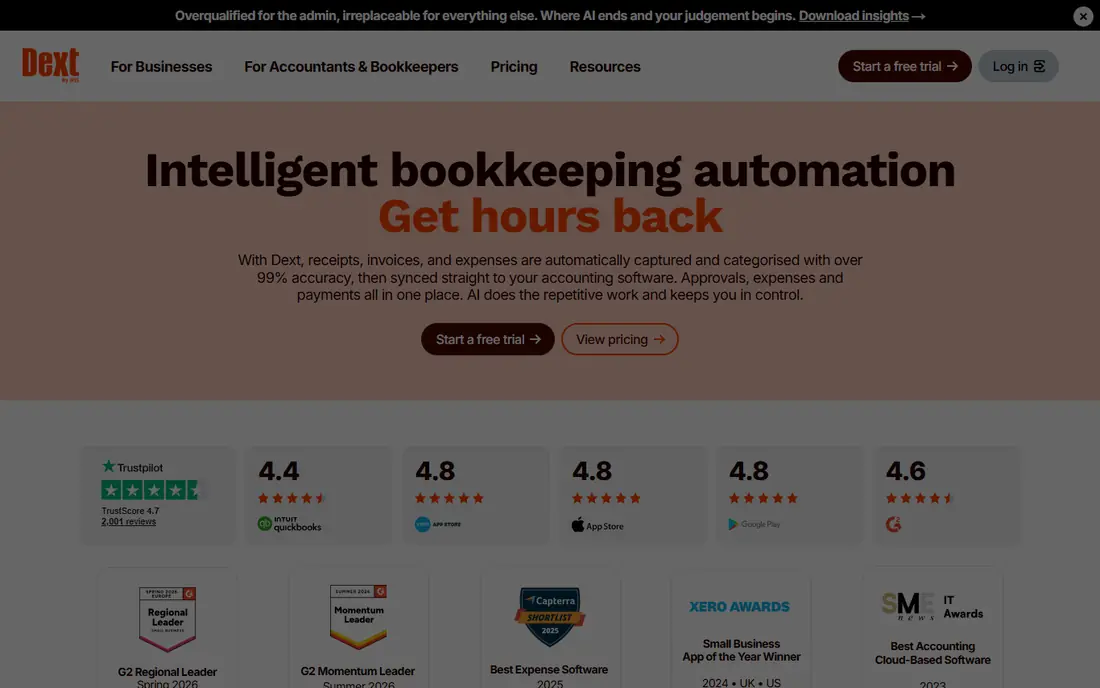
Dext, formerly Receipt Bank, is the dedicated capture tool that accountants most often recommend. You snap a receipt, forward an invoice by email, or pull a document from a supplier portal, and Dext extracts supplier, date, tax, and amount, then publishes the result to Xero, QuickBooks, Sage, or another ledger. Supplier rules learn from your past approvals, so repeat vendors need less checking over time.
Dext is not cheap, and it is not a ledger, so you still need accounting software alongside it. That cost is justified when receipt volume is high, when an accountant handles many clients, or when accuracy and line item detail matter for tax and reporting. For a solo user with a handful of receipts a month, built in capture in QuickBooks or Xero may be enough.
- Highly accurate receipt and invoice extraction
- Supplier rules that learn from approvals
- Connects to many ledgers
- Higher price than built in capture
- Practice plans have minimums
- It feeds a ledger, it does not replace one
Hubdoc is the capture tool that Xero owns, and it is often included with a Xero subscription, which makes it the natural capture choice for a Xero user. It can fetch bills, statements, and receipts from supplier portals and banks, extract the key fields, and push them into Xero with the original document attached. That fetch step saves time for recurring bills that arrive by email or portal.
Hubdoc is less compelling if you do not use Xero, because its main value is the Xero sync. Its extraction is also less detailed than Dext for complex line items, though it handles standard receipts and invoices well. If you already pay for Xero, use Hubdoc first and only add Dext if you hit its limits.
- Owned by Xero and included on many Xero plans
- Automatic fetching from suppliers and banks
- Image stays attached to the transaction
- Less useful outside Xero
- Extraction is less advanced than Dext for line items
- No standalone value for non Xero users
Expensify is built for team expenses, and its SmartScan capture is designed for employees who photograph receipts on the go. The app extracts vendor, date, and amount, builds an expense report, routes it for approval, and syncs the result to QuickBooks, Xero, Sage, or another ledger. That approval workflow is the reason teams choose Expensify over a simple scanner.
Expensify is not a full accounting platform, so you still need a ledger for invoicing, bank reconciliation, and reporting. It is also priced per user, which can add up for a large team, though the time saved on expense reports often offsets that cost. For a business where staff submit many expenses, Expensify is a strong capture and approval tool.
- SmartScan receipt capture
- Expense reports and approvals for teams
- Corporate card and reimbursement tools
- Best for expenses, not full accounting
- Per user pricing adds up for large teams
- Advanced features need higher plans
Zoho Books offers a free plan for smaller businesses, with invoicing, bank feeds, and receipt capture in the mobile app. That free tier makes it a good starting point for a freelancer or a new business that needs a real ledger without a monthly fee. When paired with Zoho Expense, it also handles team expenses, mileage, and approvals at a lower price than many rivals.
The capture tools are solid for standard receipts, but they lack the supplier rules and line item depth of Dext. Accountant support in the United States is also smaller than for QuickBooks and Xero, so a business that relies on an external accountant should check that the accountant works with Zoho. For a cost conscious small business, Zoho Books is a strong value choice.
- Free plan for small businesses
- Receipt capture in the mobile app
- Strong value when used with Zoho Expense
- Capture is less advanced than Dext
- US accountant support is smaller than QuickBooks
- Some features need Zoho Expense
Sage Accounting is a full cloud ledger with receipt capture built into its mobile app, plus invoicing, bank feeds, and reporting. It is widely used by accountants in the United Kingdom, and it pairs well with Dext and AutoEntry for businesses that need stronger capture than the built in tool offers. That combination gives a Sage user both a solid ledger and a dedicated capture layer.
The built in capture handles standard receipts, but it does not match Dext for high volume or line item work. Sage features also vary by country, so a United States user should check the local plan before assuming UK features apply. For a business already on Sage, built in capture plus Dext or AutoEntry is the practical path.
- Full accounting with invoicing and bank feeds
- Receipt capture in the mobile app
- Strong UK and accountant ecosystem
- Capture is basic compared with Dext
- US features differ from UK features
- Interface can feel dated
FreshBooks is designed for freelancers and service businesses that need simple invoicing and expense tracking. You photograph a receipt, attach it to an expense, and FreshBooks helps you track billable time, send invoices, and see profit on a project. That simplicity is the appeal, because a freelancer does not need the full complexity of a larger ledger.
FreshBooks capture is basic, and it is not the right tool for a business with inventory, complex payroll, or detailed department reporting. If your main need is to capture receipts, invoice clients, and track expenses without learning accounting, FreshBooks is a good fit. If you need a full ledger with strong capture, QuickBooks, Xero, or Dext will serve you better.
- Simple invoicing and expense capture
- Receipt photos attach to expenses
- Easy for non accountants
- Not a full double entry ledger for complex businesses
- Capture is basic
- Higher plans needed for team features
Wave offers free accounting and invoicing, with receipt capture in its mobile app, which makes it one of the lowest cost ways to start a ledger. A new freelancer can invoice clients, track expenses, and photograph receipts without a monthly subscription, and the original receipt image stays attached to the expense. That free model is hard to beat for a very small business.
Wave capture is less accurate and less automated than Dext, and its accountant tools are more limited than QuickBooks or Xero. Paid add ons cover payroll and payments, so the total cost can rise as the business grows. For a sole trader with simple needs, Wave is a sensible free start, with a clear upgrade path to a paid ledger later.
- Free accounting and invoicing
- Receipt capture in the mobile app
- Good for new freelancers and sole traders
- Capture is less accurate than Dext
- Limited accountant tools
- Some features are paid add ons
AutoEntry is a value focused capture tool that handles receipts, invoices, bank statements, and supplier documents, with line item extraction and sync to QuickBooks, Xero, and Sage. It is popular with accountants who need reliable capture at a lower price than Dext, especially for clients with steady document volume. The tool can also process statements, which helps with bank reconciliation.
AutoEntry is less polished than Dext, and it still needs a ledger, so it is not a standalone accounting system. For a business that wants dedicated capture without paying Dext prices, AutoEntry is a strong alternative. Compare the per document pricing and the line item features with Dext before you choose, because the best value depends on your monthly volume.
- Low cost capture for receipts, invoices, and statements
- Line item extraction
- Syncs to QuickBooks, Xero, and Sage
- Interface is less polished than Dext
- Needs a ledger alongside it
- Support and setup vary by region
How we picked these
We compared official vendor pages, capture features, ledger integrations, and pricing, focusing on extraction accuracy, supplier rules, line item support, and the quality of the sync to the ledger. We favored tools that still work in October 2026 and that keep the original document attached to the transaction. We did not claim hands-on testing, and we wrote See website where a price varies by plan or region.
How to choose capture software that actually saves time
Start with your ledger, not with the scanner. If you use QuickBooks, built in capture or Dext will sync cleanly. If you use Xero, Hubdoc or Dext will sync cleanly. If you use Sage, Dext or AutoEntry will sync cleanly. Check whether supplier rules learn from your corrections, whether tax is captured correctly, and whether the image stays attached for audit. A low capture price can become expensive at high volume, and a high capture price can be good value if it removes a day of manual entry each month. Set a review date after one month, check how many documents needed correction, and keep the tool only if the correction time is clearly lower than manual entry.
Frequently asked questions
What is the best accounting software for data capture?
For capture alone, Dext is the strongest dedicated tool, because it extracts receipts and invoices accurately and syncs to major ledgers. For a full accounting platform with capture built in, QuickBooks Online and Xero are the strongest choices, with Hubdoc as the Xero capture layer. The best choice depends on whether you already use a ledger and how many documents you process each month.
Which accounting software captures data best?
Dext captures data best among dedicated tools, thanks to supplier rules, line item extraction, and a wide range of ledger integrations. AutoEntry is a strong value alternative with similar line item features at a lower price. Among full ledgers, QuickBooks Online and Xero capture standard receipts well, but they are less detailed than a dedicated tool for complex invoices.
What are the best data capture accounting software reviews based on?
Reviews usually focus on extraction accuracy, the time saved on manual entry, the quality of the ledger sync, and the cost per document. The most useful reviews test real receipts and invoices, not clean samples, and they report how many fields needed correction. Check whether the reviewer used your ledger, because a tool that syncs well with Xero may sync less well with another system.
Can accounting software capture data from bank statements?
Yes, many tools can. Dext and AutoEntry can process bank statements, and QuickBooks, Xero, and Sage can import bank feeds and statement files. Bank feeds are often faster than statement capture for ongoing transactions, while statement capture helps for historical periods or for banks without a direct feed. Check whether your bank supports a direct feed before relying on statement uploads.
Is scanned receipt data accepted for taxes?
In general, clear digital copies of receipts are accepted for tax and audit purposes, and keeping the original image attached to the transaction helps support the extracted data. Retention rules vary by country and by tax authority, so check your local requirements and speak to a tax professional about how long to keep records. Capture software helps with organization, but it does not replace professional tax advice.
Sources
See where you really rank - block by block
ProMapRanker scans Google Maps across a grid of your service area. Simple monthly plans from $19, white-label on every plan.
Start freeKeep reading
 zscaler alternatives
Best Zscaler Alternatives in 2026
Looking for zscaler alternatives? We compare 9 SASE and zero trust platforms on architecture, data protection, pricing, and fit for your network and team.
Read → zapier alternatives free
Best Zapier Alternatives Free in 2026
Nine automation tools for zapier alternatives free in 2026, all with genuinely free tiers, plus free plan limits, starting prices and upgrade paths explained.
Read → which platform is best for online reputation
Which Platform Is Best for Online Reputation in 2026
Wondering which platform is best for online reputation? We compare 8 review, listing, and response tools for small and multi-location businesses and agencies.
Read →