 ProMapRanker
Best Accounting Software for Consultants in 2026

Key takeaways
- Consultants need time billing, project profit and retainer handling more than inventory, so service focused tools often fit best.
- Zoho Books offers a free tier and strong value for small firms, while QuickBooks Online suits firms whose accountant already uses it.
- FreshBooks suits independent consultants who invoice from tracked time, while Xero suits firms with many accounting users.
- Wave offers free core accounting for solo consultants, but paid features are needed for bank feeds on higher plans.
- This is general information only, not tax or accounting advice, and tax rules vary by state and country.
Quick comparison
| Pick | Great for | Pricing starts at | Free tier | |
|---|---|---|---|---|
 Zoho Books | Best value for small consulting firms | Free | Yes | Visit |
 QuickBooks Online | Firms whose accountant uses QuickBooks | $38 per month | No | Visit |
 FreshBooks | Independent consultants billing time | $23 per month | No | Visit |
 Xero | Firms with many accounting users | See website | No | Visit |
 Wave | Solo consultants on a free core plan | Free | Yes | Visit |
 Sage | Firms that need inventory and job costing | $25 per month | No | Visit |
 Striven | Consulting firms ready for more depth | See website | No | Visit |
 Kashoo | Non accountants who want simplicity | $216 per year | Free trial | Visit |
 Patriot Accounting | Very small firms that want simple setup | $20 per month | Free trial | Visit |
The best accounting software for consultants
We compared accounting tools for consultants and small consulting firms, focusing on invoicing, time tracking, project profit, retainers and accountant access. This is general information only, not tax or accounting advice.
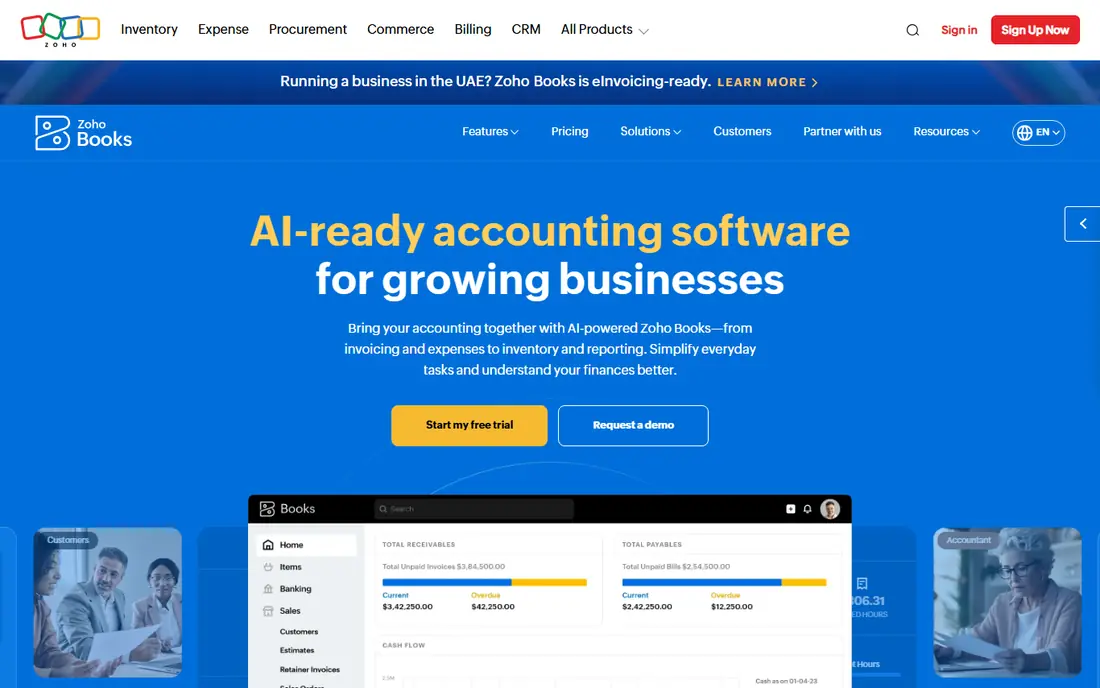
Zoho Books is the value pick for small consulting firms. The free tier covers light use, and paid plans add project billing, time tracking and multi user access at prices below QuickBooks for similar scope. Consultants who also use Zoho CRM or other Zoho apps get shared data without extra integrations. The limit is ecosystem breadth. QuickBooks has more third party apps and more accountants already using it, so a firm with a complex stack may need workarounds. For a small firm that invoices time, tracks projects and wants a low bill, Zoho Books is hard to beat.
- Free tier for small firms
- Project billing and time tracking on paid plans
- Accountant access included
- Fewer third party integrations than QuickBooks
- Some features need higher plans

QuickBooks Online is the safe choice when your accountant already works in it. Time entry appears on Essentials and higher plans, project profitability on Plus and Advanced, and payroll, payments and reporting can be added as the firm grows. That familiarity saves time at year end, because your accountant does not need to learn a new system. The bill needs care. Per user pricing rises with team size, and intro discounts reset to full price after a few months, so budget the month after the discount ends. Solo consultants who only invoice may find FreshBooks or Wave cheaper, but growing firms often stay with QuickBooks for accountant compatibility.
- Widely used by accountants
- Time entry and project profit on higher plans
- Wide integration library
- Per user plans get expensive as teams grow
- Intro discounts end after a few months
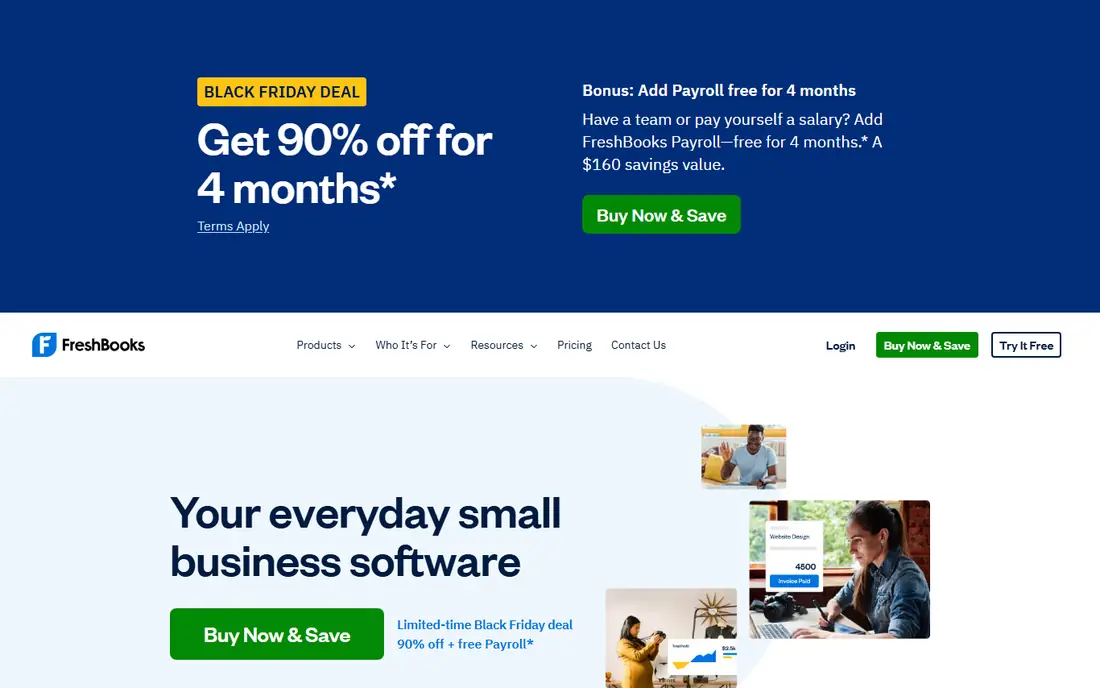
FreshBooks is built for service businesses that sell time. You can track time, add expenses, turn tracked work into invoices, and send proposals and payment reminders without a full accounting background. Independent consultants often find it faster for client billing than QuickBooks. It is not built for complex bookkeeping or inventory heavy firms. Double entry depth, advanced reporting and multi entity work are thinner, so firms that grow into those needs may move to QuickBooks, Xero or Zoho Books later. For a solo or small consulting practice, FreshBooks covers the daily billing job well.
- Invoices built from tracked time and expenses
- Clean client billing
- Good for service businesses
- Limited inventory and complex bookkeeping depth
- Billable client limits vary by plan
Xero suits consulting firms where several people need accounting access: owners, bookkeepers and accountants can all log in without per user fees. Bank reconciliation is strong, and project tracking on higher plans helps firms see profit by client or engagement. That user model can save real money as a firm grows. US payroll is the gap to check. Xero payroll coverage is limited in the US and often needs a partner such as Gusto, so price that add-on if you run payroll. Also check invoice and bill caps on lower plans, since growing firms can hit them sooner than expected.
- Unlimited users on every plan
- Strong bank reconciliation
- Project tracking on higher plans
- Payroll in the US is limited and often needs an add-on
- Invoice and bill caps vary by plan
Wave is the free starting point for solo consultants. Core accounting, invoicing and receipt handling are free, with no revenue cap on the free tier, so a new consultant can bill clients and track income and expenses without a monthly fee. Payment processing and payroll are paid add-ons. The limits matter as you grow. Bank feeds now need a paid Pro plan, and project profit tools are thinner than FreshBooks or Zoho Books. For a solo practice with simple books, Wave is excellent value; for a firm with staff, projects and retainers, a paid tool will serve better.
- Free core accounting and invoicing
- Unlimited invoices
- Simple for solo owners
- Bank feeds need a paid plan
- Payroll is a paid add-on
- Fewer advanced project tools
Sage suits consulting firms that also handle products, stock or detailed job costing, where FreshBooks would be too light. It offers deeper inventory, job costing and reporting, which helps firms that bill a mix of time and goods or run complex engagements. Larger small firms often value that depth. Pure service consultants may find Sage heavier than they need. Setup and learning take longer than FreshBooks or Wave, and the interface reflects its broader accounting roots. Pick Sage when job costing or inventory is a real need, not just a future possibility.
- Deep inventory and job costing
- Strong reporting
- Suits firms that also sell products
- Learning curve is steeper than FreshBooks or Wave
- Interface feels heavier for pure service firms
Striven fits consulting firms that want accounting, CRM, project management and operations in one system rather than stitching several tools together. Time tracking is built in, project profitability is central, and teams can manage clients, projects and billing from the same record. That depth helps firms that have outgrown a simple invoicing tool. The price is per user, and smaller firms may pay for breadth they do not use. Solo consultants should compare FreshBooks or Zoho Books first, while firms with five or more staff and complex projects should trial Striven with a real engagement, including retainers and expenses.
- Built in time tracking and project profitability
- CRM and operations alongside accounting
- Per user depth for teams
- Pricing is per user and quote influenced
- Smaller firms may find it more than they need
Kashoo is built for owners who do not want to learn accounting. The interface is simple, invoicing and expenses are clear, and the yearly price is low, which suits solo consultants who want clean books without a steep learning curve. Bank connections and basic reports cover most solo needs. The trade off is depth. Multi user work, advanced project reporting and complex payroll needs are thinner than QuickBooks, Xero or Zoho Books. If your books stay simple, Kashoo is a calm choice; if they grow complex, you will likely move to a deeper tool.
- Very simple interface for non accountants
- Clean invoicing and expense tracking
- Low yearly price
- Feature set is limited compared with QuickBooks or Xero
- Reporting depth is thinner
Patriot Accounting suits very small consulting firms that want simple setup and a low monthly price. It covers core accounting, invoicing and reporting without a long implementation, and payroll can be added for firms that hire. Owners who handle their own books often find it approachable. Reporting and third party integrations are limited compared with QuickBooks or Xero, so firms with complex client reporting or many integrations should check those needs first. For a tiny firm with straightforward books, Patriot keeps costs and complexity low.
- Easy setup for very small businesses
- Payroll add-on available
- Simple reporting for owners
- Reporting and integrations are limited
- Less suited to larger consulting firms
How we picked these
We compared official pricing and feature pages for accounting tools used by consultants, focusing on time billing, project profit, retainers, invoicing and accountant access, and we kept only tools still sold in October 2026. Where pricing varies by plan or region, we used a published starting price or See website rather than repeating a promo price as the regular price.
What to check before you buy
Start with how you bill. If you bill hours, test time tracking to invoice in a trial, including expenses and retainers. If you bill fixed fees, test project profit by engagement, so you can see which clients actually make money after costs. If your accountant will use the tool, ask them which system they prefer, since that choice can save hours at year end. Next, check tax and reporting needs for your state or country, and confirm whether sales tax, 1099 forms or multi currency handling matter for your clients. This article is general information only, not tax or accounting advice, so confirm tax treatment with a qualified adviser. Finally, price the full year, including payroll, payments and user seats, and test bank feeds and accountant access before you migrate old data.
Frequently asked questions
What is the best accounting software for consultants?
Zoho Books offers the best value for small firms, FreshBooks suits independent consultants billing time, and QuickBooks Online suits firms whose accountant already uses it. Xero suits firms with many accounting users, because it does not charge per user.
Do consultants need time tracking in accounting software?
Most do, because time is the product. FreshBooks, Zoho Books, QuickBooks Online and Striven all offer time tracking on some plans, and turning tracked time into invoices saves manual work and billing errors.
Can I handle retainers in these tools?
Yes, in most cases, but the workflow varies. Check how retainers, deposits and credit balances work on your chosen plan, and test a retainer invoice in a trial before you rely on it for real clients.
Is Wave really free for consultants?
Wave core accounting and invoicing are free, with no revenue cap, but bank feeds need a paid plan and payroll is a paid add-on. Solo consultants with simple books get strong value, while larger firms may need a paid tool.
How much does accounting software cost for a consultant?
Starting prices here range from free for Zoho Books and Wave to $38 per month for QuickBooks Online, with paid plans rising by users and features. Payroll, payments and higher tiers add to the total, so price the full year.
Is this tax advice?
No. This article is general information only, not tax or accounting advice. Tax rules vary by state, country and business type, so confirm your situation with a qualified tax or accounting adviser.
Sources
See where you really rank - block by block
ProMapRanker scans Google Maps across a grid of your service area. Simple monthly plans from $19, white-label on every plan.
Start freeKeep reading
 what’s the best risk software for enterprises
What Is the Best Risk Software for Enterprises in 2026
We compared what’s the best risk software for enterprises on risk registers, controls, third-party risk, and reporting, with pricing notes for large teams.
Read → what's the best pam software for enterprises
What is the Best PAM Software for Enterprises in 2026
Find what's the best pam software for enterprises, with vaulting, session recording, just in time access and pricing compared for large enterprise IT teams.
Read → what’s the best grc software
What Is the Best GRC Software in 2026
We compared what’s the best grc software on risk, compliance, audit and vendor risk, so teams can pick a platform that fits their frameworks and budget.
Read →