 ProMapRanker
Best Accounting Software for Cleaning Business in 2026


Most cleaning businesses overall · Pricing starts at: $38 per month
Key takeaways
- QuickBooks Online is our pick for most cleaning businesses because accountants already know it and it covers invoicing, expenses, payroll links, and reporting.
- Xero is the strongest alternative for cloud accounting with project tracking and accountant access.
- FreshBooks suits solo cleaners and small teams that mainly need simple invoicing and expense tracking.
- Zoho Books and Wave are the lowest-cost routes for new businesses, with free tiers for small volumes.
- Cleaning operations tools such as Jobber and ZenMaid help with scheduling, but most firms still need a real accounting ledger for tax and payroll.
Quick comparison
| Pick | Great for | Pricing starts at | Free tier | |
|---|---|---|---|---|
| QuickBooks Online | Most cleaning businesses overall | $38 per month | Free trial | Visit |
 Xero | Cloud accounting alternative | $25 per month | Free trial | Visit |
 FreshBooks | Simple invoicing for small teams | $23 per month | Free trial | Visit |
 Zoho Books | Budget-friendly automation | $15 per month | Yes | Visit |
 Wave | Solo cleaners starting out | Free | Yes | Visit |
 Sage Accounting | Traditional accounting controls | See website | Free trial | Visit |
 Jobber | Cleaning operations plus invoicing | $29 per month | Free trial | Visit |
 ZenMaid | Residential cleaning scheduling and billing | $19 per month | Free trial | Visit |
The best Accounting Software for Cleaning Business in 2026
A cleaning business needs clean books as much as clean premises. The tools below cover invoicing, expenses, bank reconciliation, and reporting, with notes on where a scheduling tool should sit alongside the ledger.

QuickBooks Online is the default choice for many cleaning firms for a simple reason: bookkeepers and accountants already work in it. Invoices, expenses, bank feeds, and reports sit in one place, and payroll can be added as the team grows. That familiarity saves time at tax time and when you hire help.
The downside is tiering. Useful features such as advanced reporting and batch invoicing sit on higher plans, so a growing firm should check the plan it will actually need, not only the entry price. Used with a scheduling tool, it also needs classes or custom fields to show job-level profit clearly.
- Invoicing and expense tracking
- Bank reconciliation
- Payroll add-ons
- Wide accountant support
- Higher plans needed for advanced features
- Batch invoicing needs a higher tier
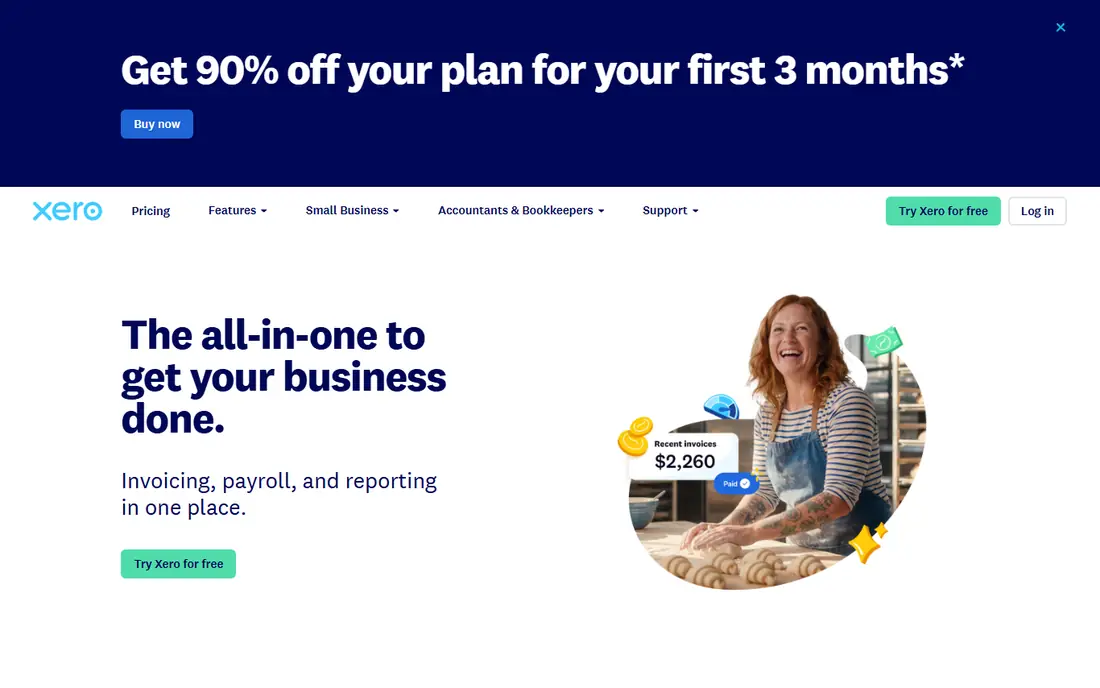
Xero gives cleaning businesses a clear cloud ledger with invoicing, expense claims, bank reconciliation, and project tracking. Its interface is straightforward, and accountants can access the same books without file transfers. For firms that want a QuickBooks alternative with strong online access, it is a solid pick.
Payroll and deeper job costing need care. Depending on your location, payroll may sit in a partner product, and job profit views need consistent project setup. Firms that already use Xero-friendly scheduling tools will get the most from it, since synced invoices reduce double entry.
- Clean cloud accounting
- Project tracking
- Strong bank feeds
- Accountant access
- Payroll needs a partner or add-on in some regions
- Job costing needs setup
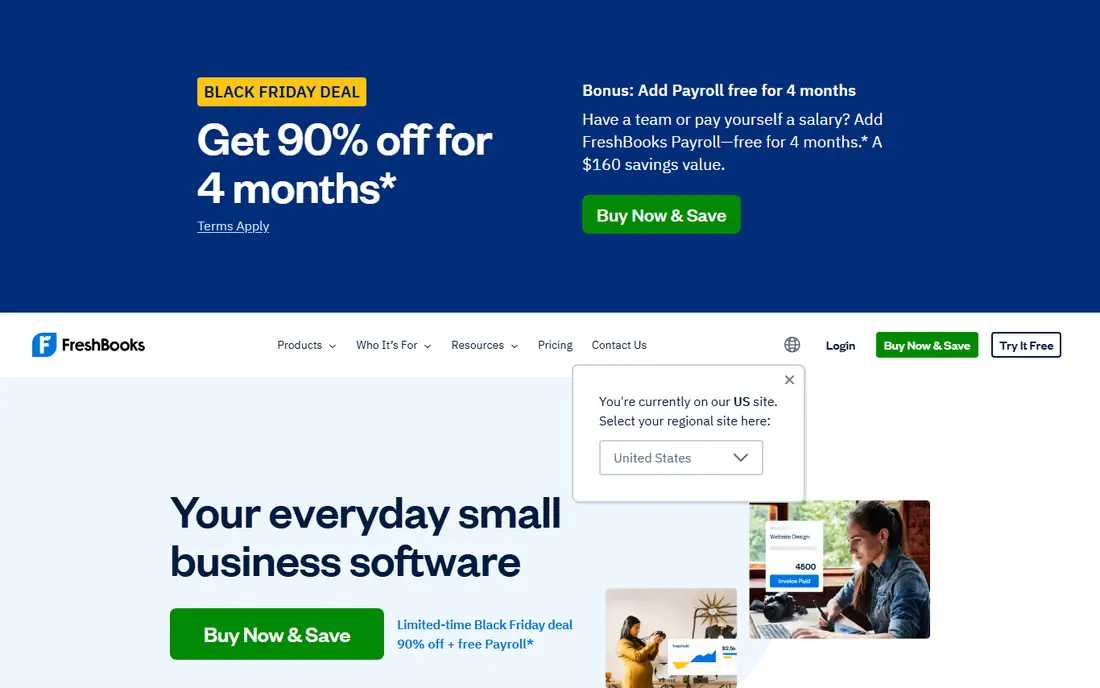
FreshBooks suits solo cleaners and small teams that want invoices out fast and payments tracked without accounting jargon. Estimates, time-based invoicing, and recurring billing fit one-off deep cleans and regular residential work. The mobile app also helps when you are on site between jobs.
The limit is depth. It is less suited to complex job costing, inventory, or multi-entity reporting than QuickBooks Online or Xero. The entry plan also limits the number of billable clients, so a firm with many regular customers should price the next tier, not the first one.
- Easy invoicing and estimates
- Time tracking
- Client payments
- Simple expense capture
- Limited double-entry depth
- Entry plan limits billable clients
Zoho Books is a strong value choice for a new cleaning business. The free tier covers one user and a limited number of invoices each year, which can be enough at the start. Paid plans add automation, recurring invoices, and more users at a modest monthly cost.
The free tier has firm limits on users, invoices, and annual revenue, so growing firms should plan the move to a paid plan. Payroll support is also limited compared with QuickBooks. For a firm already using Zoho apps for mail or CRM, the shared setup is a plus.
- Free tier for small firms
- Automation and recurring invoices
- Zoho app integrations
- Free tier has user and revenue limits
- Payroll is limited
Wave is the lowest-cost starting point for a solo cleaner. Invoicing, estimates, and basic bookkeeping are free, which helps when cash flow is tight and the client list is small. Receipt capture keeps expenses organised without a separate app.
Free does not mean unlimited. Bank transaction imports, multi-user access, and automated late payment reminders sit on the paid Pro plan, and reporting is simpler than in QuickBooks or Xero. Wave works best as a starter ledger, with a move to a fuller system as the team grows.
- Free invoicing and bookkeeping
- Receipt capture
- Simple payments
- Bank imports and multi-user access need a paid plan
- Limited advanced reporting
Sage Accounting suits cleaning firms that want traditional accounting controls in a cloud product. It covers invoicing, expenses, bank reconciliation, and cash flow reporting, with a structure that accountants recognise. Larger cleaning firms with several cost centres may value that discipline.
The interface is more formal than FreshBooks or Wave, and pricing varies by plan and region, so check the current quote for your country. Very small solo firms may find it more than they need at first, but firms that plan to scale often grow into it well.
- Double-entry accounting
- Invoicing and cash flow tools
- Accountant-friendly reporting
- Pricing varies by plan and region
- Interface feels formal for very small teams
Jobber is an operations tool that many cleaning firms use daily, even though it is not a full accounting system. It handles scheduling, quoting, invoicing, and payments for field teams, and it syncs customer and invoice data with QuickBooks Online. That pairing covers both the job and the ledger.
The catch is scope. Jobber alone does not replace bookkeeping, payroll, or tax reporting. Firms should budget for both Jobber and an accounting product if they need both scheduling depth and full accounts. Used alone, it works best for small firms with simple tax needs.
- Scheduling and quoting for field teams
- Invoicing and payments
- QuickBooks sync
- Not a full accounting ledger
- Higher plans needed for advanced automation
ZenMaid is built for residential cleaning firms, with scheduling, client records, and billing shaped around recurring home cleans. That focus keeps setup simple for a maid service that does not need a general field-service platform. Payroll features on higher plans help small teams manage staff pay.
Commercial cleaning firms with large sites, contract billing, or complex job costing may outgrow it. Like Jobber, it is best paired with a proper accounting ledger when tax and payroll needs grow. For a small residential firm, it is a practical, low-cost operations base.
- Built for maid services
- Scheduling and client management
- Invoicing and payments
- Smaller feature set for commercial work
- Accounting depth is limited
How we picked these
We compared official pricing pages, feature pages, and app listings for each product, and we checked that each homepage belongs to the product named. We favoured tools that handle invoicing, expenses, bank reconciliation, and reporting for service businesses, and we noted where an operations tool should sit alongside a ledger rather than replace it. Prices marked See website were not published as a single standard list price at the time of checking. This article is general information, not tax or accounting advice.
Choosing by team size and job type
Start with how you bill. Residential firms with many small recurring jobs need recurring invoices and easy client records. Commercial firms with contract sites need job costing and clear site-level reporting. Match the tool to that billing pattern first, and the rest of the choice gets easier.
Next, check the payroll and accountant link. If you have staff, confirm how hours, pay, and tax filings are handled, and whether your accountant can access the books directly. A tool that your accountant already uses will save fees and questions at year end.
Finally, test the scheduling link before you buy two products. If you use Jobber or ZenMaid, confirm that invoices, payments, and customer details sync with your ledger without manual retyping. A broken sync creates the same double entry that the software was meant to remove.
Also keep business and personal money apart from the first invoice. A separate business account, a simple receipt habit, and a weekly check of unpaid invoices will make any tool on this list work better, since clean inputs produce clean reports. Photograph receipts on site, record supply purchases the same day, and reconcile the bank account at least once a month. Those habits matter more than the brand you pick, and they make tax filing far less painful at year end.
Review pricing at least once a year, since cleaning firms change quickly. A solo cleaner who hires two staff members may need payroll, more users, and higher invoice limits, while a firm that drops commercial work may need less. An annual check prevents paying for tiers you no longer use.
Frequently asked questions
What is the best accounting software for a cleaning business?
For most firms, QuickBooks Online is the safest overall choice because it covers invoicing, expenses, payroll links, and accountant access. Xero is the strongest alternative, while FreshBooks suits smaller firms that mainly need simple invoicing.
Do I need both Jobber and QuickBooks?
Many firms do. Jobber handles scheduling and job invoicing, while QuickBooks handles the full ledger, payroll links, and tax reporting. Solo cleaners with simple needs can start with one tool and add the second when scheduling or tax work grows.
What is the cheapest option?
Wave offers free invoicing and bookkeeping for solo operators, and Zoho Books has a free tier for small firms. Check the limits on users, invoices, and bank imports before you rely on a free plan for a growing team.
Can I track profit per cleaning job?
Yes, with setup. QuickBooks Online uses classes or projects, Xero uses projects, and operations tools track job revenue. Profit per job is only reliable when labour, supplies, and travel are recorded against the same job consistently.
Should I use accounting software from day one?
Yes, if you plan to grow. Early records make tax filing, pricing, and loan or insurance applications easier. Even a free ledger is better than spreadsheets and paper receipts once you have regular clients.
Sources
See where you really rank - block by block
ProMapRanker scans Google Maps across a grid of your service area. Simple monthly plans from $19, white-label on every plan.
Start freeKeep reading
 zoro.to alternatives
Best Zoro.to Alternatives in 2026
We compare the best zoro.to alternatives in 2026, listing only legal licensed anime streaming services, from Crunchyroll to free options for fans today.
Read → zip alternatives
Best Zip Alternatives in 2026
We compare the best zip alternatives for buy now, pay later in 2026, covering pay-in-4 plans, fees, spending limits, and credit reporting options today.
Read → yesware alternatives
Best Yesware Alternatives in 2026
Compare the best yesware alternatives for sales email tracking, templates, and sequences, with current pricing and honest tradeoffs for small sales teams.
Read →