 ProMapRanker
Best Accounting Software for App Integration in 2026


Largest app marketplace · Pricing starts at: See website
Key takeaways
- QuickBooks Online and Xero lead for app choice, with large marketplaces covering sales, payroll, inventory, and payments.
- FreshBooks and Zoho Books suit smaller teams that want invoicing, time tracking, and CRM links without a steep setup.
- Wave is the best free starting point, but its integration list is narrower than the paid leaders.
- Sage, FreeAgent, and Odoo suit businesses that want accounting tied to payroll, projects, or wider business tools.
- This is general information only, not accounting or tax advice. Check integration limits and pricing on the vendor site before you commit.
Quick comparison
| Pick | Great for | Pricing starts at | Free tier | |
|---|---|---|---|---|
| QuickBooks Online | Largest app marketplace | See website | Free trial | Visit |
 Xero | Multi-user teams and app choice | See website | Free trial | Visit |
 FreshBooks | Freelancers and service firms | See website | Free trial | Visit |
 Zoho Books | Zoho users and small teams | See website | Yes | Visit |
 Wave | Free accounting for small firms | Free | Yes | Visit |
 Sage Business Cloud Accounting | Payroll and compliance links | See website | Free trial | Visit |
 FreeAgent | UK freelancers and small firms | See website | Free trial | Visit |
 Odoo Accounting | Wider business suite links | See website | Free trial | Visit |
The best accounting software for app integration
Good integration means more than a long app list. It means bank feeds that stay connected, sales data that flows without manual retyping, and payroll that posts cleanly to the ledger. We weighed marketplace size, native links, API access, and how well each tool fits a distinct business type.

QuickBooks Online is our pick for most US small businesses that want app choice. Its marketplace covers e-commerce, payments, payroll, inventory, time tracking, and CRM tools, and many accountants already know the system. That familiarity matters when you hand books to an outside accountant at year end.
The catch is cost and plan tiers. Users, features, and some integrations are gated by plan, so a team that grows will pay more over time. Before you buy, list the five apps you must connect, check each one in the QuickBooks marketplace, and confirm whether your chosen plan includes it. A long marketplace list is only useful if your apps are on it.
- Very large app marketplace
- Strong Shopify, PayPal, and payroll links
- Widely used by US accountants
- Pricing rises with users and features
- Some integrations need a higher plan
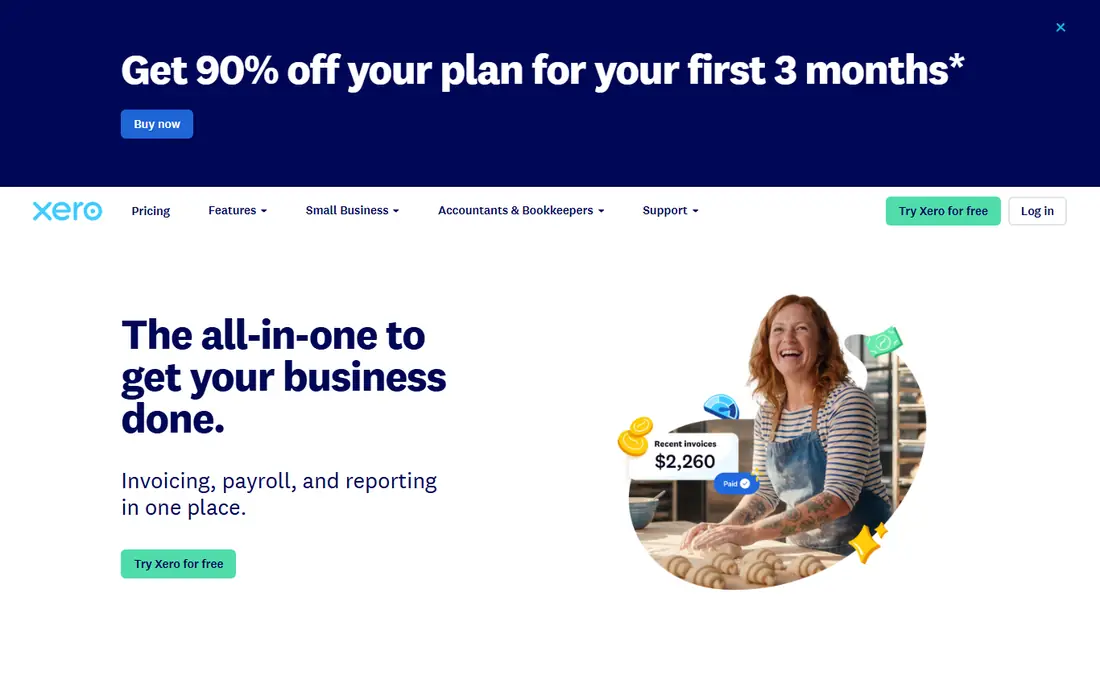
Xero suits a growing team that wants everyone in the books without paying per seat. Its app marketplace covers e-commerce, payments, inventory, payroll links, and project tools, and bank reconciliation is a clear strength. Multi-currency support also helps firms that invoice in more than one currency.
The main gap for US firms is payroll. Xero links to third-party payroll providers such as Gusto rather than offering native US payroll, which adds a subscription and a connection to manage. Inventory is also more basic than QuickBooks at comparable tiers. If team access and clean bank feeds matter most, Xero is hard to beat.
- Unlimited users on plans
- Large app marketplace
- Strong bank reconciliation and multi-currency support
- US payroll needs a third-party link
- Inventory depth is lighter than QuickBooks on higher plans
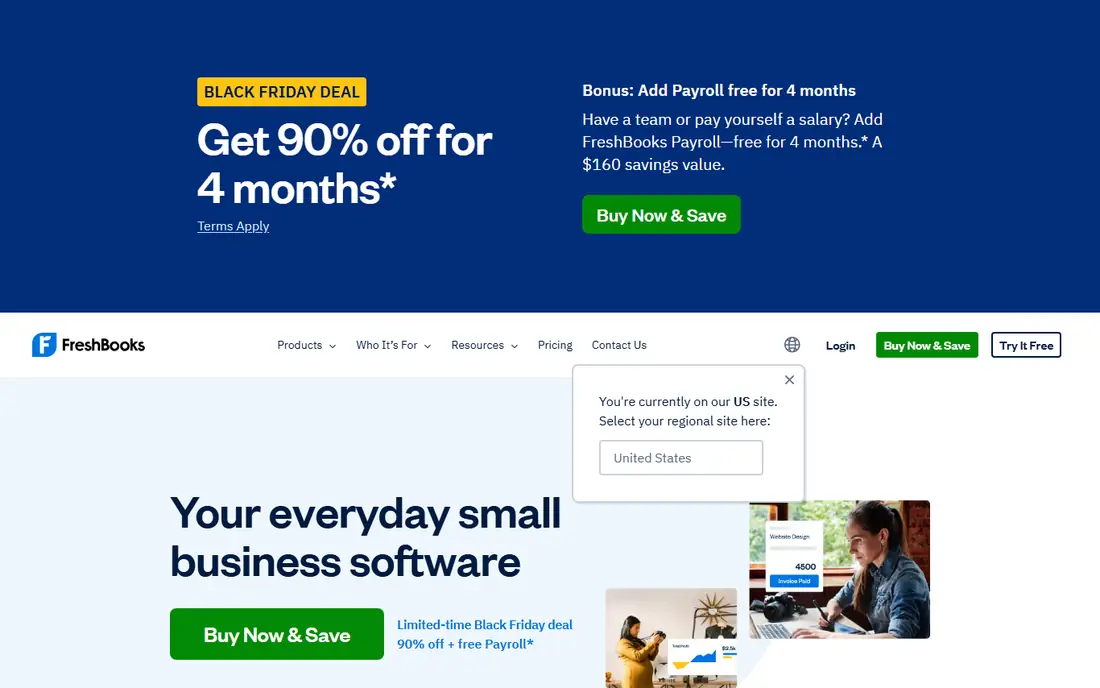
FreshBooks is built for service businesses that invoice by project or by hour. Time tracking, expenses, and client invoicing feel simple, and links to Stripe, PayPal, and common project tools cover the daily workflow. For a freelancer or small agency, that focus saves time compared with a full accounting suite.
The limit is accounting depth. Larger firms that need advanced inventory, job costing, or complex reporting will outgrow FreshBooks faster than QuickBooks or Xero. Check whether your bank, payment provider, and CRM connect cleanly, and test an invoice-to-payment flow during the trial. If your work is mostly services and invoices, FreshBooks fits well.
- Clean invoicing and time tracking
- Good Stripe and PayPal links
- Easy client portal
- Full accounting depth is lighter than QuickBooks or Xero
- Some integrations are basic
Zoho Books makes most sense inside the Zoho world. Links to Zoho CRM, Zoho Inventory, Zoho Expense, and Zoho Projects let data move between sales, stock, and accounting without manual exports. Workflow rules and automation help small teams handle recurring invoices, payment reminders, and approvals.
Outside Zoho, the case is weaker. Third-party app choice is good but not as deep as QuickBooks or Xero for some US-specific tools, and the modular setup takes time to learn. If you already use Zoho CRM or Zoho Inventory, Zoho Books is a natural fit. If you do not, compare its marketplace against your must-have apps first.
- Strong links across the Zoho suite
- Free plan for smaller firms
- Good automation and workflow rules
- Best value depends on using other Zoho apps
- Interface takes time to learn
Wave is the best free starting point for a very small business. Core accounting, invoicing, and receipt handling cost nothing, and setup is quick for a sole trader or micro firm. Bank connections and PayPal links cover the basics, and paid payroll and payment processing are available where supported.
The trade-off is scope. Wave connects to far fewer apps than QuickBooks or Xero, and there is no deep inventory or project suite behind it. A firm that grows into e-commerce, multi-location stock, or complex payroll will likely need to migrate. For a new business with simple books, Wave lets you start cleanly at no cost.
- Free core accounting and invoicing
- Simple setup
- PayPal and bank links for basic needs
- Narrower integration list
- Payroll is a paid add-on in supported regions
- No phone support on free plans
Sage suits businesses that want accounting tied closely to payroll and compliance reporting. Its bank feeds, invoicing, and cash flow views cover daily bookkeeping, and accountants familiar with Sage will find the reports easy to work with. Links to payroll and common business tools help keep staff costs in the same system.
App choice is the limit. Sage marketplace is solid for core business tools but smaller than the two leaders, so check your e-commerce or CRM link before you commit. Pricing and plan names also vary by country, so use the Sage site for your region. If payroll accuracy and accountant familiarity matter most, Sage is a strong pick.
- Strong payroll and compliance heritage
- Bank feeds and invoicing
- Accountant-friendly reports
- App marketplace is smaller than QuickBooks or Xero
- Pricing varies by region and plan
FreeAgent is built around the needs of UK freelancers, contractors, and small companies. It shows tax timelines, estimates, and filing reminders in plain language, and its bank feeds, invoicing, and expense tools cover the daily routine. Accountants get a dashboard that makes client review straightforward.
The fit narrows outside the UK. US payroll, US tax, and some US e-commerce integrations are thinner than QuickBooks or Xero, so a US firm should look elsewhere. For a UK-based freelancer who wants accounting and tax planning in one calm app, FreeAgent is one of the easiest tools to live with.
- Clear UK tax timelines and estimates
- Bank feeds and invoicing
- Good accountant dashboard
- US-focused integrations are thinner
- Best fit is UK-based firms
Odoo Accounting suits a business that wants accounting inside a wider system, not as a standalone app. Sales, CRM, inventory, projects, and HR modules share the same data, so an order can flow to an invoice without retyping. The modular design lets a firm add only the apps it needs.
That breadth needs planning. Odoo takes longer to set up well than FreshBooks or Wave, and accounting on its own can feel heavy if you never use the other modules. Work with the module list before you buy, and test the bank feed and invoice flow in a trial. For a growing firm that wants one suite, Odoo is a strong long-term choice.
- Links to CRM, sales, inventory, and projects in one suite
- Flexible modules
- Open app ecosystem
- Setup needs planning
- Accounting alone feels heavy if you do not use other Odoo apps
How we picked these
We compared official marketplace pages, integration lists, pricing pages, and app store listings for October 2026. We kept only accounting tools that are live, maintained, and offer real third-party connections, not just manual imports. We weighed marketplace depth, native links for sales, payments, payroll, and inventory, user limits, and price. We did not claim hands-on testing, and we did not invent integration counts, ratings, or feature claims.
How to choose accounting software by its integrations
Start with a short must-have list, not a long wish list. Write down your bank, payment provider, e-commerce platform, payroll provider, CRM, and time-tracking tool, then check each one in the vendor marketplace. Note whether the link is native, needs a third-party connector, or only syncs one way. A one-way sync that drops refunds or fees will create manual work every month.
Next, test the flow during a trial. Connect a bank feed, create an invoice, record a payment, and check how the transaction appears in the ledger. Check user limits, multi-currency needs, and whether your accountant can access the file without a new licence. Finally, confirm data export options, so you can leave if the tool stops fitting. The best integration is the one your team actually uses every week, not the longest list on a sales page.
Frequently asked questions
What is the best accounting software for app integration?
QuickBooks Online and Xero lead for most firms, thanks to large marketplaces and strong links for sales, payments, payroll, and inventory. QuickBooks suits US firms that want accountant familiarity, while Xero suits multi-user teams. Your must-have apps should decide the winner, so check the marketplace before you buy.
What accounting software has the top app integrations for e-commerce?
QuickBooks Online and Xero both offer strong e-commerce links, including Shopify and common payment providers. Zoho Books is also strong if you use Zoho Inventory. Check whether orders, refunds, fees, and taxes sync cleanly, since those details decide how much manual cleanup you face.
Is there accounting software with a free plan and good integrations?
Wave offers free core accounting with basic bank and PayPal links, which suits very small firms. Zoho Books also offers a free plan for smaller firms, with stronger links inside the Zoho suite. Free plans cover basics well, but paid plans add the deeper marketplace and automation most growing firms need.
What is the best accounting software for integrations with payroll?
QuickBooks Online offers native US payroll as an add-on, which keeps payroll postings close to the ledger. Xero links to third-party payroll providers such as Gusto, and Sage links payroll closely in its supported regions. Compare payroll cost, tax filing coverage, and posting detail, not just the headline accounting price.
How many apps should accounting software connect to?
Focus on the five to ten apps your business actually uses, not the total marketplace size. A tool with a huge list but a weak link to your payment provider will cost you time. Test bank feeds, payment sync, and payroll posting during the trial, and check whether sync is two-way where it matters.
Can I switch accounting software later if integrations change?
Yes, but migration takes planning. Export contacts, chart of accounts, open invoices, and transaction history before you move, and run the old and new systems in parallel for a short period if you can. Check export formats on both sides, and ask your accountant to review opening balances after the move.
Sources
See where you really rank - block by block
ProMapRanker scans Google Maps across a grid of your service area. Simple monthly plans from $19, white-label on every plan.
Start freeKeep reading
 zoho inventory alternatives
6 Alternatives to Zoho Inventory, Compared on Price and Fit
Zoho Inventory alternatives: 6 tools compared on price, free plans and fit. Katana leads the list for manufacturers. Fit and flaws are laid out for each entry.
Read → zoho crm alternatives
Best Zoho CRM Alternatives (2026)
Need Zoho CRM alternatives? We compare 7 tools on cost, free access and who each suits. Every pick gets a straight assessment. Built for quick decisions.
Read → zelle alternatives
Best Zelle Alternatives in 2026
Compare the best Zelle alternatives for sending money to friends, paying sellers and moving funds abroad, with honest notes on fees, speed and safety in 2026.
Read →