 ProMapRanker
Best Accounting Software in 2026

Most US small businesses · Pricing starts at: See website
Key takeaways
- QuickBooks Online is the safest default for US small businesses, because most accountants know it and its integration range is widest.
- Xero suits teams, since it includes unlimited users on its plans and handles multi-currency work cleanly.
- FreshBooks is the best accounting app for service businesses that bill by time or project and want polished invoicing.
- Wave and Zoho Books offer genuine free tiers for very small businesses, with paid plans when volume grows.
- Entry-plan limits matter more than headline price, so check invoice caps, user counts and bank feed rules before you subscribe.
Quick comparison
| Pick | Great for | Pricing starts at | Free tier | |
|---|---|---|---|---|
| QuickBooks Online | Most US small businesses | See website | No | Visit |
 Xero Xero | Teams and multi-currency businesses | See website | No | Visit |
 FreshBooks FreshBooks | Service businesses and freelancers | See website | No | Visit |
 Wave Wave | Free bookkeeping for solo operators | Free | Yes | Visit |
 Zoho Books Zoho Books | Low-cost automation for small businesses | Free | Yes | Visit |
 Sage 50 Sage 50 | Inventory and operational accounting | See website | No | Visit |
 FreeAgent FreeAgent | Freelancers and small firms that want clarity | See website | No | Visit |
 AccountEdge AccountEdge | Small businesses that prefer desktop-style software | See website | No | Visit |
The best accounting software
We compared official pricing pages, feature pages, app store listings and public reviews for leading accounting tools. The best software for small business depends on whether you sell products or time, how many people need access, and whether your accountant already uses one platform. All eight tools below are actively sold in 2026, though pricing and plan names change, so check the vendor pricing page before you buy.
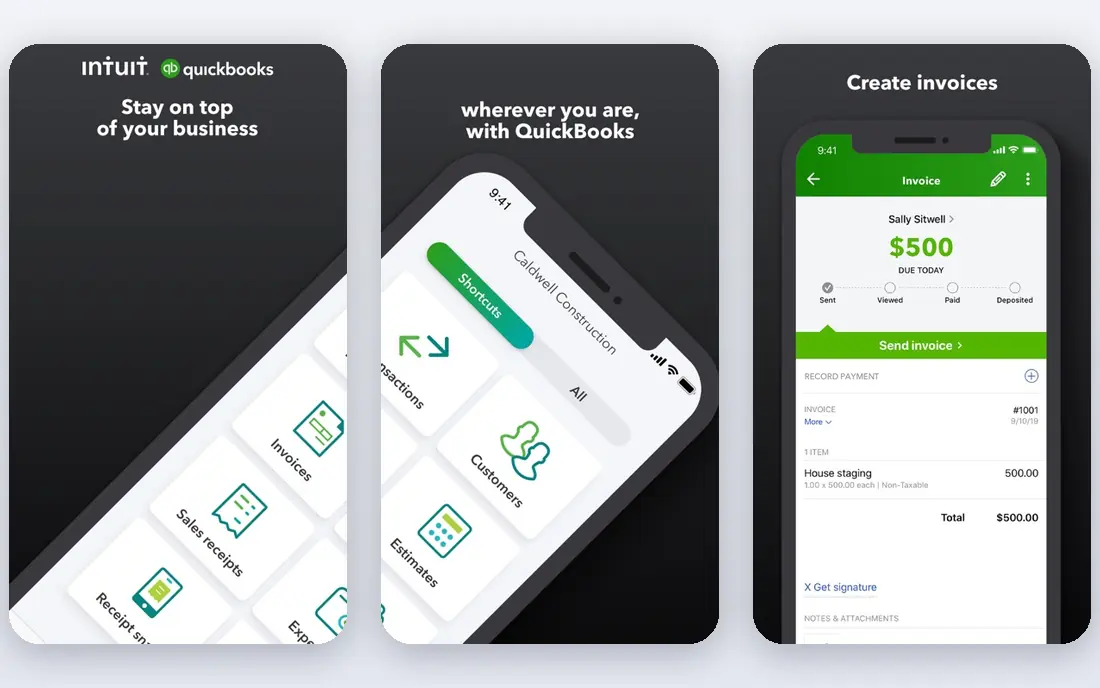
QuickBooks Online is our pick for most US small businesses, and the reason is practical rather than exciting: your accountant probably already uses it. That familiarity saves time at tax season, and its integration range covers payroll, payments, inventory and hundreds of other tools. Higher plans add inventory tracking, project profitability and advanced reporting as a business grows.
The honest catch is cost and complexity. QuickBooks is pricier than Xero or FreshBooks at entry level, and the entry plan allows only one user, so teams pay more. Beginners can also find the settings dense. If you work with a US accountant, run payroll or hold stock, QuickBooks is still the path of least resistance, and its free trial lets you test the workflow before committing.
- Widest accountant network in the US
- Broad integrations
- Inventory and payroll options on higher plans
- Higher price than rivals
- Entry plan limits users
- Learning curve can be steep for beginners
Xero is the best small business accounting software for teams. Unlimited users on every plan means you do not pay per seat as staff and accountants join, and bank reconciliation is widely praised for its clarity. Multi-currency support is strong, which helps businesses that invoice clients abroad or buy stock in other currencies.
The weakness is the entry plan, which caps monthly invoices and bills, so growing businesses often need the mid-tier plan. US payroll also runs through a partner, which adds a separate subscription. If your team is larger than two people, or you work across currencies, Xero often works out cheaper and calmer than QuickBooks despite a similar headline price.
- Unlimited users on all plans
- Clean bank reconciliation
- Strong multi-currency support
- Entry plan caps invoices and bills
- US payroll needs a partner such as Gusto
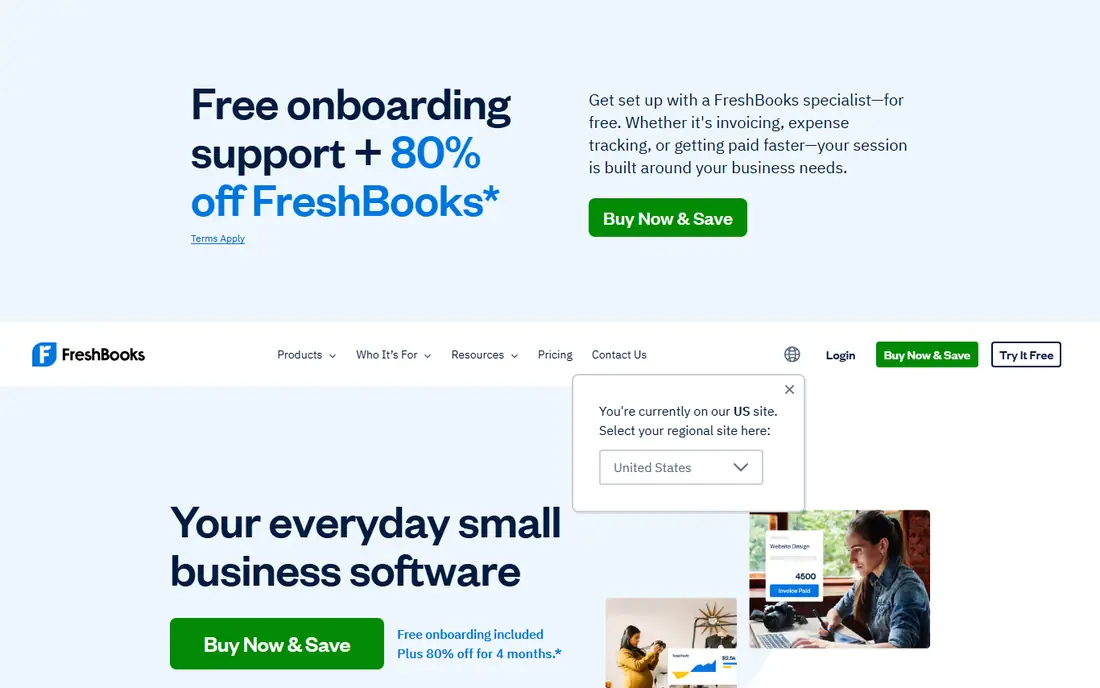
FreshBooks is the best business accounting software for people who bill for time. Invoices look professional, clients can pay online, and time tracking, proposals and recurring billing fit agencies, consultants and tradespeople. Payment reminders and late-fee options help cash flow without awkward follow-up emails.
The trade-off is accounting depth. FreshBooks is not built for complex inventory or deep double-entry reporting, and lower plans limit billable clients. If you sell services and want invoicing that clients actually enjoy using, FreshBooks is a strong pick. If you sell stock or need advanced inventory, QuickBooks or Xero will serve you better.
- Polished invoicing and client experience
- Time tracking and proposals
- Recurring invoices and payment reminders
- Lighter on pure accounting depth and inventory
- Client limits on lower plans
Wave is the best free accounting software for very small businesses. Its free tier covers invoicing and double-entry accounting, which is more than many free tools offer, and the interface is simple enough for a solo operator with no accounting background. Paid Pro adds features, and payroll is available as an add-on in supported states.
The limits appear as volume grows. Automatic bank imports require a paid plan, and Wave lacks the inventory depth and integration range of QuickBooks or Xero. For a side business, a freelancer with few clients or a startup testing an idea, Wave is a genuine free starting point. Move to a paid platform before year-end if invoice volume, payroll or inventory grows.
- Free invoicing and accounting for small businesses
- Double-entry bookkeeping
- Simple interface
- Automatic bank imports need a paid plan
- Payroll is a paid add-on
- Fewer advanced features
Zoho Books is the value pick among the best small business financial software options. Its free plan suits businesses under a revenue threshold, and paid plans add automation, workflows and client portals at prices below QuickBooks. If you already use Zoho CRM, Zoho Inventory or Zoho Mail, the integration is a real advantage.
The catch is ecosystem fit. Zoho Books works best inside Zoho, and businesses that rely on other tools may find integrations thinner than QuickBooks. The free plan also has limits on invoices and users. For cost-conscious businesses that like automation, Zoho Books offers a lot for little money, and its paid plans scale sensibly.
- Free plan for smaller businesses
- Strong automation and workflows
- Integrates with Zoho apps
- Full value needs the Zoho ecosystem
- Free plan has revenue and feature limits
Sage 50 suits businesses that outgrow simple cloud invoicing. Its inventory management, job costing and detailed reporting fit manufacturers, wholesalers and larger service firms that need operational control. The desktop-style interface appeals to bookkeepers who want precise control over accounts, departments and budgets.
The downside is price and complexity. Sage 50 is sold as an annual subscription at a higher price than cloud rivals, and it is overkill for a freelancer or simple service business. If you hold stock, track jobs or need detailed inventory reports, Sage 50 earns its cost. If you mainly send invoices, a cheaper cloud tool will do the job faster.
- Strong inventory and job costing
- Detailed reporting
- Desktop-style control for established firms
- Annual subscription pricing is high
- Learning curve
- Less suited to simple freelancers
FreeAgent is a calm, clear option for freelancers and small firms. Its dashboard shows cash flow, tax timelines and outstanding invoices at a glance, and it covers invoicing, expenses, time tracking and project work in one place. Accountants can access the same data, which simplifies year-end work.
The limit is US scale. FreeAgent is stronger in the UK than in the United States, and its US payroll and integration options are thinner than QuickBooks or Xero. For a small service business that values clarity over depth, FreeAgent is still worth a trial, especially if your accountant already supports it. Check US tax and payroll fit before you commit.
- Clear dashboard and tax timelines
- Invoicing, expenses and time tracking
- Accountant access
- Smaller US presence than QuickBooks or Xero
- Fewer integrations for US payroll
AccountEdge suits small businesses that prefer a desktop-style accounting workflow. It offers full double-entry accounting, payroll and inventory in a single package, without the per-user pricing that cloud tools often charge. Businesses that have used desktop accounting for years may find its structure familiar and reassuring.
The trade-off is modernity. AccountEdge has fewer cloud integrations than QuickBooks or Xero, and its interface feels dated compared with newer tools. It also suits single-user or small-team setups better than larger firms. If you want desktop control and do not need a large app marketplace, AccountEdge is a solid, lesser-known option.
- Full double-entry accounting
- Payroll and inventory options
- One-time-style desktop workflow with subscription hosting options
- Smaller integration range than cloud leaders
- Interface feels dated to some users
How we picked these
We compared official pricing pages, feature pages, app store listings and public reviews for leading accounting platforms. We favoured tools that are actively sold in 2026, cover invoicing, expenses, bank reconciliation and reporting, and offer a clear advantage for a specific business type. We treated headline prices with caution, since vendors run frequent promotions and plan limits change, and we noted entry-plan caps where they affect real use.
How to choose accounting software without a painful migration
Start with your accountant, if you have one. A platform your accountant already uses will save hours at year-end, even if another tool looks cheaper. Next, list what you actually do: invoice clients, track time, hold stock, run payroll or work in multiple currencies. Match the tool to that list, not to a feature page.
Then test the entry plan with real data. Import a month of bank transactions, send a test invoice and run a profit and loss report. Check invoice caps, user limits and whether bank feeds are automatic on the plan you would actually buy. Finally, check export options before you subscribe, so you can leave if the tool stops fitting. A clean export path is the cheapest insurance against a future migration.
Frequently asked questions
What is the best accounting software for small business?
QuickBooks Online is the best accounting software for most US small businesses, thanks to accountant familiarity and broad integrations. Xero suits teams and multi-currency work, while FreshBooks suits service businesses that bill by time.
What is the best free accounting software?
Wave offers the strongest free accounting tier for solo operators, with free invoicing and double-entry bookkeeping. Zoho Books also offers a free plan for smaller businesses, though it has revenue and feature limits.
What is the best accounting app for freelancers?
FreshBooks is the best accounting app for freelancers who bill by time or project, thanks to polished invoicing and time tracking. Wave suits freelancers who want a free start, and FreeAgent suits freelancers who want a clear tax timeline.
Is QuickBooks or Xero better?
QuickBooks is better if your accountant uses it, you run US payroll or you hold stock, while Xero is better for teams, since it includes unlimited users, and for multi-currency work. Try both free trials with real transactions before you choose.
What are the top 10 accounting software options for small business?
The leading options include QuickBooks Online, Xero, FreshBooks, Wave, Zoho Books, Sage 50, FreeAgent and AccountEdge, plus invoicing tools such as Zoho Invoice and Square Invoices. The right shortlist depends on whether you sell products, bill time or need payroll.
Do I need accounting software if I use a spreadsheet?
Spreadsheets work for very simple income and expense tracking, but accounting software adds bank reconciliation, invoicing, tax reports and accountant access that save time as volume grows. If you have more than a few clients, employ staff or need quarterly tax figures, a dedicated tool usually pays for itself.
Sources
See where you really rank - block by block
ProMapRanker scans Google Maps across a grid of your service area. Simple monthly plans from $19, white-label on every plan.
Start freeKeep reading
 youtube alternatives
Best YouTube Alternatives in 2026
Looking for youtube alternatives in 2026? We compare Vimeo, Dailymotion, Twitch, Rumble, and more on price, audience, monetization, control and privacy.
Read → what's the best ai tool for photo editing
What Is the Best AI Tool for Photo Editing in 2026
What is the best AI tool for photo editing? We compare ten tools for 2026, from Photoshop and Lightroom to Luminar, Topaz, Canva and mobile editors today.
Read → twitter alternatives
Best Twitter Alternatives in 2026
Compare the best twitter alternatives for 2026, from Bluesky, Threads, and Mastodon to Reddit, Tumblr, and Micro.blog, with free plans and audience notes.
Read →