 ProMapRanker
Best Accounting Reconciliation Software for Automation in 2026


Enterprise reconciliation at scale · Pricing starts at: See website
Key takeaways
- BlackLine and Trintech lead for large enterprises with many entities, high volumes, and strict controls.
- FloQast suits mid-market teams that want close checklists and reconciliations without a long implementation.
- Numeric is the modern choice for growing teams on NetSuite or QuickBooks that want faster setup.
- AutoRek, ReconArt, and SolveXia suit specialist needs, from financial services volumes to flexible matching rules.
- Most enterprise tools in this list are quoted, so budget on implementation time and volume, not only on licence cost.
Quick comparison
| Pick | Great for | Pricing starts at | Free tier | |
|---|---|---|---|---|
| BlackLine | Enterprise reconciliation at scale | See website | No | Visit |
 FloQast | Mid-market close management | See website | No | Visit |
 Trintech | Complex multi-entity close | See website | No | Visit |
 Numeric | Modern close for growing teams | $30 per user per month | Free trial | Visit |
 AutoRek | Financial services reconciliation | See website | No | Visit |
 ReconArt | Configurable matching rules | See website | No | Visit |
 SolveXia | Flexible automation for varied data | See website | No | Visit |
 HighRadius | Close plus receivables automation | See website | No | Visit |
The best Accounting Reconciliation Software for Automation in 2026
Month-end close stalls when reconciliations live in spreadsheets and inboxes. The tools below automate matching, track sign-off, and surface exceptions, so finance teams can close with a clearer audit trail.
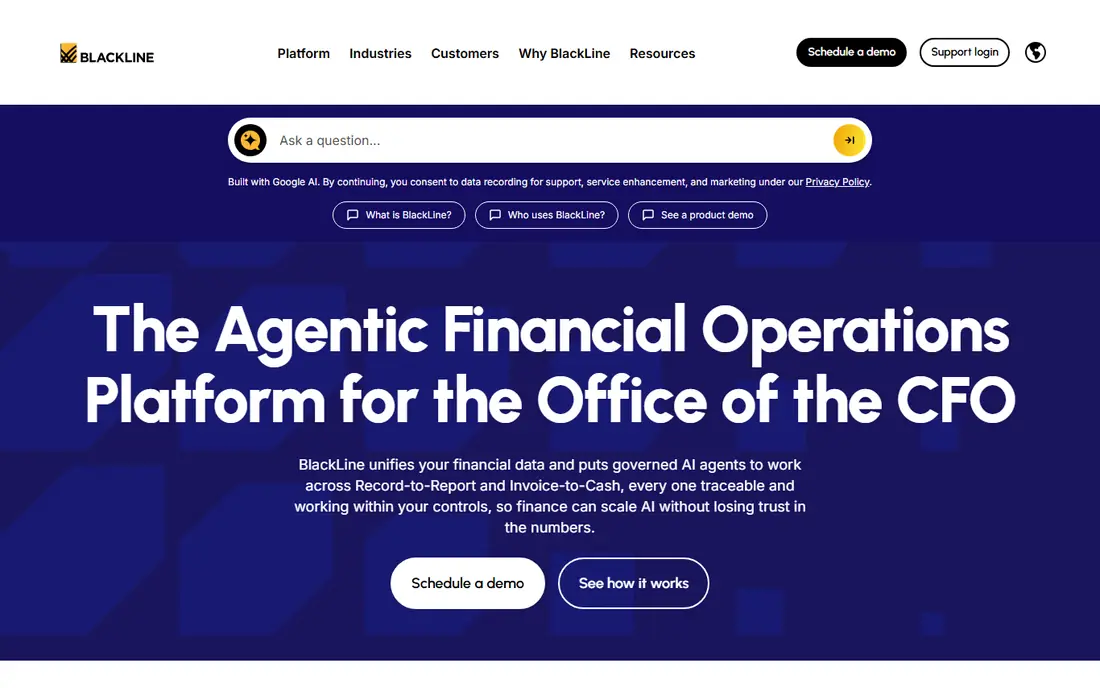
BlackLine is the standard choice for large finance teams that reconcile many accounts across entities and ERPs. It automates transaction matching, manages close tasks, and keeps a clear record of who prepared and approved each reconciliation. That control structure is the main reason large firms choose it.
The cost is time as well as money. Large deployments can take months, often with a partner, and the platform needs careful design around accounts, rules, and approvals. For a mid-market team with a simple close, that weight is too much. For a large enterprise, it is the point.
- Account reconciliations and transaction matching
- Close task management
- Strong controls and audit trails
- Long implementation for large deployments
- Enterprise pricing
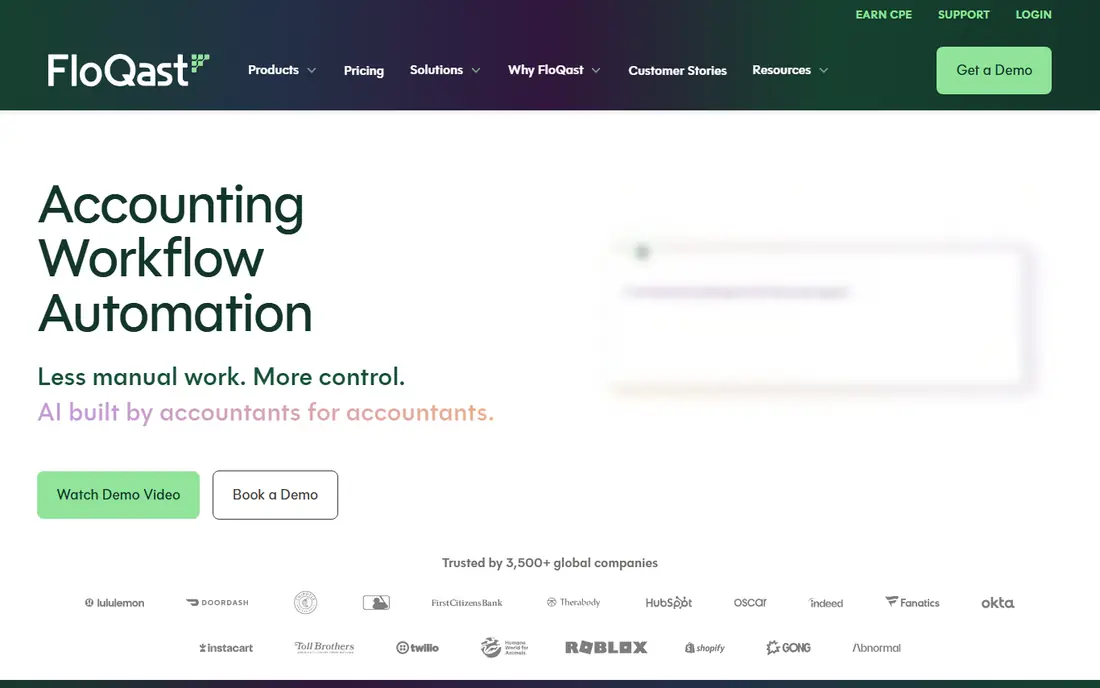
FloQast organises the close around checklists, reconciliations, and review steps that accountants already understand. Teams can link spreadsheets, track task status, and see what is still open without chasing updates in email. That clarity helps mid-market teams close faster without replacing their ERP.
Pricing is quoted rather than published, so teams should ask for a price tied to entity count and user count. It is also less suited than BlackLine to very complex, high-volume matching across many systems. For a growing team that needs structure first, it is a practical starting point.
- Close checklists and reconciliations in one workflow
- Excel links
- Review and sign-off tools
- Pricing is quoted
- Some advanced features need higher tiers
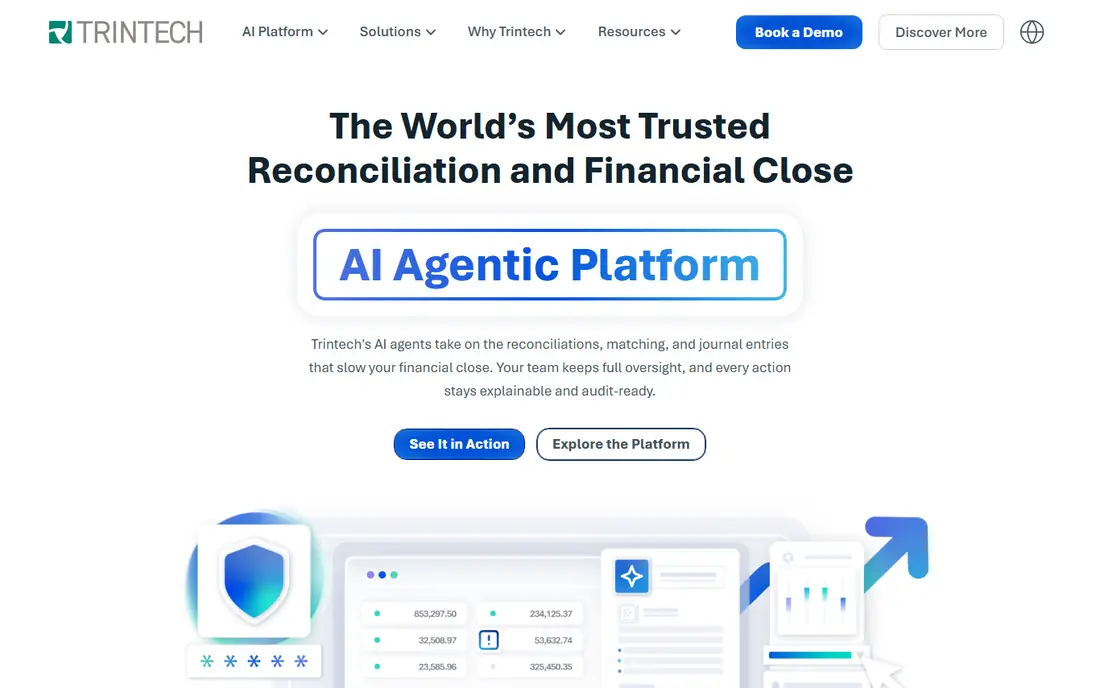
Trintech covers both ends of the market through Cadency for large enterprises and Adra for mid-market teams. Both offer reconciliation, transaction matching, journal workflows, and controls, with support for complex intercompany work. That range helps groups with varied entity sizes.
The range also needs care in selection. Teams must choose the right Trintech product for their size and ERP, and enterprise deployments still need planning and integration work. A clear demo on your own account types and volumes will show whether the fit is right.
- Cadency for enterprise close
- Adra for mid-market
- Matching, journals, and controls
- Enterprise deployment can be long
- Product range needs careful selection
Numeric is built for growing accounting teams that want a modern close platform without a long project. Close tasks, reconciliations, variance checks, and journal workflows sit in one place, with links to NetSuite and QuickBooks. The published entry price also makes early budgeting easier than with quoted rivals.
The limit is scale. Very large enterprises with many entities and complex matching may still need BlackLine or Trintech. For a high-growth firm that wants speed and a clear monthly view of the close, Numeric is a strong modern choice.
- Close checklists and reconciliations
- Variance analysis
- NetSuite and QuickBooks links
- Newer platform
- Less suited to very large enterprise complexity
AutoRek suits financial services firms that reconcile high volumes of cash, securities, and fee transactions. It handles complex matching rules and exception queues, with records that support audit review. That specialist depth is hard to find in general close tools.
The focus is also its limit. Firms outside financial services may find the setup heavier than needed, and pricing is quoted. Teams should bring real transaction samples to the demo, since matching quality depends on rule design and data cleanliness.
- High-volume matching for cash and securities
- Exception workflows
- Audit-ready records
- Specialist focus
- Implementation needs data and rule design
ReconArt appeals to finance teams that want to shape matching rules without heavy IT work. Users can configure rules for different account types and data sources, then track exceptions and approvals in one place. That flexibility helps teams with varied reconciliation types.
Flexibility needs ownership. Someone must design, test, and maintain the rules as systems change, or matching quality will drift. Pricing is quoted, so ask for a price based on account and transaction volume. For teams with strong finance operations, it is a flexible choice.
- User-configurable matching
- Multi-source reconciliations
- Approval workflows
- Needs internal ownership of rules
- Pricing is quoted
SolveXia automates reconciliations and reporting for teams with varied or non-standard data. It can pull from multiple sources, apply rules, and produce reconciliations with an audit trail, which helps firms whose close does not fit a single ERP pattern. That flexibility suits mid-sized teams with mixed systems.
The trade-off is that process mapping still matters. Teams must define sources, rules, and sign-off steps clearly before automation helps. Pricing is quoted, and the vendor is smaller than BlackLine or Trintech, so check support and roadmap fit during evaluation.
- Reconciliation and reporting automation
- Flexible data handling
- Audit trails
- Smaller vendor profile
- Setup needs process mapping
HighRadius suits enterprises that want reconciliation inside a wider finance automation suite. Close and reconciliation tools sit alongside receivables and order-to-cash automation, so teams can link cash application, disputes, and reconciliations. AI-assisted exception handling helps surface items that need attention.
The suite can be more than a reconciliation-only buyer needs, and enterprise pricing and implementation reflect that scope. Teams that only need matching should compare a focused tool first. Teams that also automate receivables may get more value from the combined platform.
- Reconciliation and close automation
- Receivables and order-to-cash links
- AI exception handling
- Enterprise focus
- Broader suite may exceed a reconciliation-only need
How we picked these
We compared official product and pricing pages for each vendor, and we checked that each homepage belongs to the product named. We favoured tools with clear matching, exception handling, sign-off, and audit features, and we left out tools that only offered spreadsheet templates. Prices marked See website were not published as a standard list price at the time of checking. This article is general information, not financial advice.
Choosing by volume and ERP
Start with volume and account count. A team with a few dozen bank and balance-sheet accounts needs a different tool from a group with thousands of accounts across entities. Count accounts, transaction lines, and entities before you shortlist, and share those numbers with vendors.
Next, check the ERP link. Confirm that data flows from your ERP, banks, and subledgers without manual file handling, and that exceptions return to the right owner. A tool that needs constant file uploads will not save time at month end, even if matching itself is strong.
Finally, plan the close calendar, not only the software. Agree who prepares, who reviews, and what evidence is needed for each account type. Automation helps most when sign-off rules are clear, and it helps least when the close process itself is still undefined.
Also watch exception ageing, not only matching rates. A tool can match most transactions and still leave a growing pile of old breaks that no one owns, which creates risk at audit time and at year end. Set a rule for how long an exception can sit open, who must clear it, and what evidence is needed for high-risk accounts. Review the oldest exceptions each week, and keep a clear record of approvals. That discipline turns automation into control, rather than a faster way to hide unresolved items.
Test the tool with a prior month close before you rely on it for a live close. Load real prior-month data, run matching, and compare the result with the signed-off close you already have. Differences will show rule gaps, missing data, and approval steps that need fixing before the next month end.
Keep the audit trail simple to follow. Each reconciliation should show its source data, its matching rules, its preparer, and its approver in one place, so an auditor can trace a balance without asking for extra files. If that trail needs manual assembly, the tool is not yet doing the full job.
Frequently asked questions
What does reconciliation automation do?
It matches transactions between systems, such as bank feeds and the general ledger, flags differences, and tracks preparation and approval. That reduces manual spreadsheet work and gives auditors a clearer record of each reconciliation.
Do I still need accountants to review reconciliations?
Yes. Automation handles routine matching, while accountants review exceptions, approve high-risk accounts, and investigate breaks. The goal is faster review, not a close with no human sign-off.
How long does implementation take?
It varies widely. Modern mid-market tools can deploy in weeks, while large enterprise platforms can take months, especially across many entities and ERPs. Ask vendors for a timeline based on your account count and systems.
Which tool is best for a mid-market team?
FloQast and Numeric are strong mid-market choices, with FloQast offering close structure and Numeric offering a modern, faster setup. Adra by Trintech is another mid-market option for teams that want Trintech depth at lower scale.
Can reconciliation software replace my ERP?
No. These tools sit alongside your ERP and accounting system. They automate matching and close tasks, while the ERP remains the system of record for transactions and financial reporting.
Sources
See where you really rank - block by block
ProMapRanker scans Google Maps across a grid of your service area. Simple monthly plans from $19, white-label on every plan.
Start freeKeep reading
 zoro.to alternatives
Best Zoro.to Alternatives in 2026
We compare the best zoro.to alternatives in 2026, listing only legal licensed anime streaming services, from Crunchyroll to free options for fans today.
Read → zip alternatives
Best Zip Alternatives in 2026
We compare the best zip alternatives for buy now, pay later in 2026, covering pay-in-4 plans, fees, spending limits, and credit reporting options today.
Read → yesware alternatives
Best Yesware Alternatives in 2026
Compare the best yesware alternatives for sales email tracking, templates, and sequences, with current pricing and honest tradeoffs for small sales teams.
Read →