 ProMapRanker
Best Accounting Automation Apps for Mobile in 2026


US small businesses and accountants · Pricing starts at: $38 per month
Key takeaways
- The best mobile accounting apps automate the boring middle of bookkeeping, which is bank feeds, categorisation, invoice reminders and receipt capture.
- QuickBooks Online suits US businesses that work with an accountant, while Xero suits teams that need unlimited users and clean reconciliation.
- FreshBooks suits service businesses that live on invoices and billable time, while Wave and Zoho Books suit tight budgets with real free tiers.
- Check invoice and client limits on entry plans, because a cheap plan can become expensive once volume grows.
- This article is general information only, not financial advice, and tax rules vary by location, so confirm filings with a qualified adviser.
Quick comparison
| Pick | Great for | Pricing starts at | Free tier | |
|---|---|---|---|---|
| QuickBooks Online | US small businesses and accountants | $38 per month | Free trial | Visit |
 Xero | Teams and multi-currency work | $27 per month | Free trial | Visit |
 FreshBooks | Invoicing and billable time | $23 per month | Free trial | Visit |
 Wave | Free start for solo operators | Free | Yes | Visit |
 Zoho Books | Value and automation | Free | Yes | Visit |
 Sage Accounting | Growing UK and global firms | See website | Free trial | Visit |
 FreeAgent | Freelancers and small teams | See website | Free trial | Visit |
 Puzzle | Startups wanting live insights | $30 per month | Free trial | Visit |
The best accounting automation apps for mobile
Mobile accounting automation means you can send an invoice from a job site, photograph a receipt in a shop, and watch the bank feed categorise the transaction without opening a laptop. The eight apps below do that work to different degrees, and the right pick depends on your business type, your accountant, and how much automation you actually need.
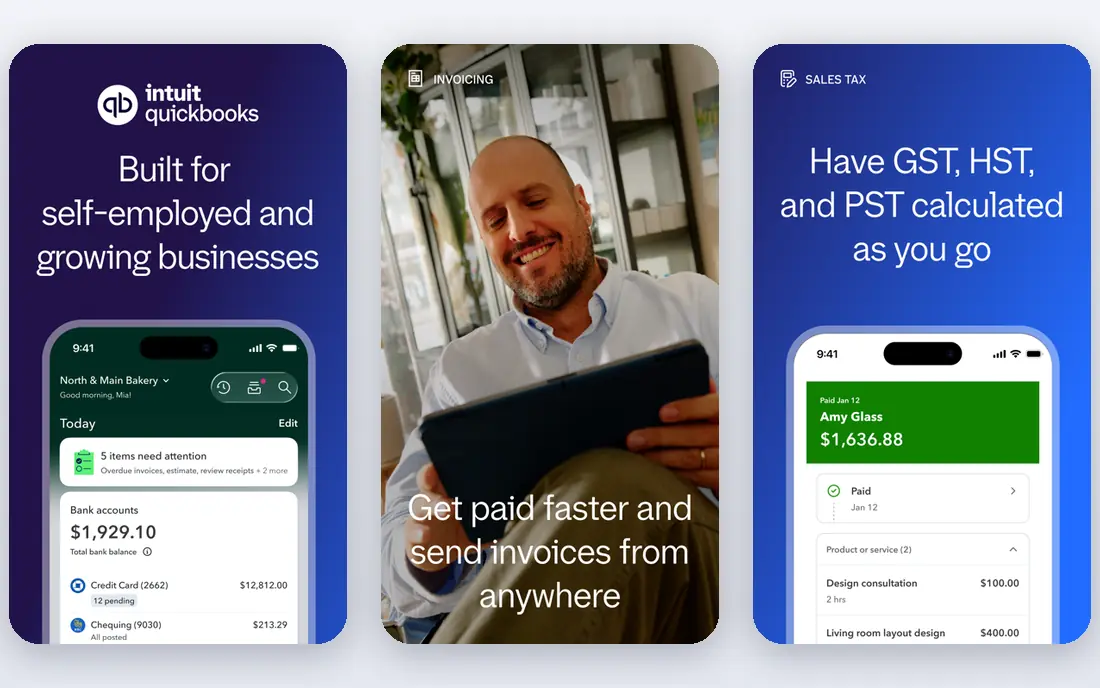
QuickBooks Online is the default for many US small businesses for a practical reason, which is that accountants already know it. That familiarity saves time at tax season, because your books arrive in a format your adviser can open without conversion work. On mobile, the app covers invoicing, expense capture, bank reconciliation and reporting, with automation for recurring transactions, categorisation and payment reminders.
The cost and complexity are the honest catches. Entry pricing sits above Wave, Zoho Books and FreshBooks in current comparisons, and advanced inventory, forecasting and payroll features sit on higher tiers or as add ons. A solo freelancer with simple invoicing may not need that depth. A growing US business that plans to hire an accountant should still start here, because the ecosystem around QuickBooks is hard to match.
- Wide accountant familiarity in the US
- Bank feed automation and categorisation
- Large integration library
- Higher entry price than rivals
- Learning curve grows with advanced features
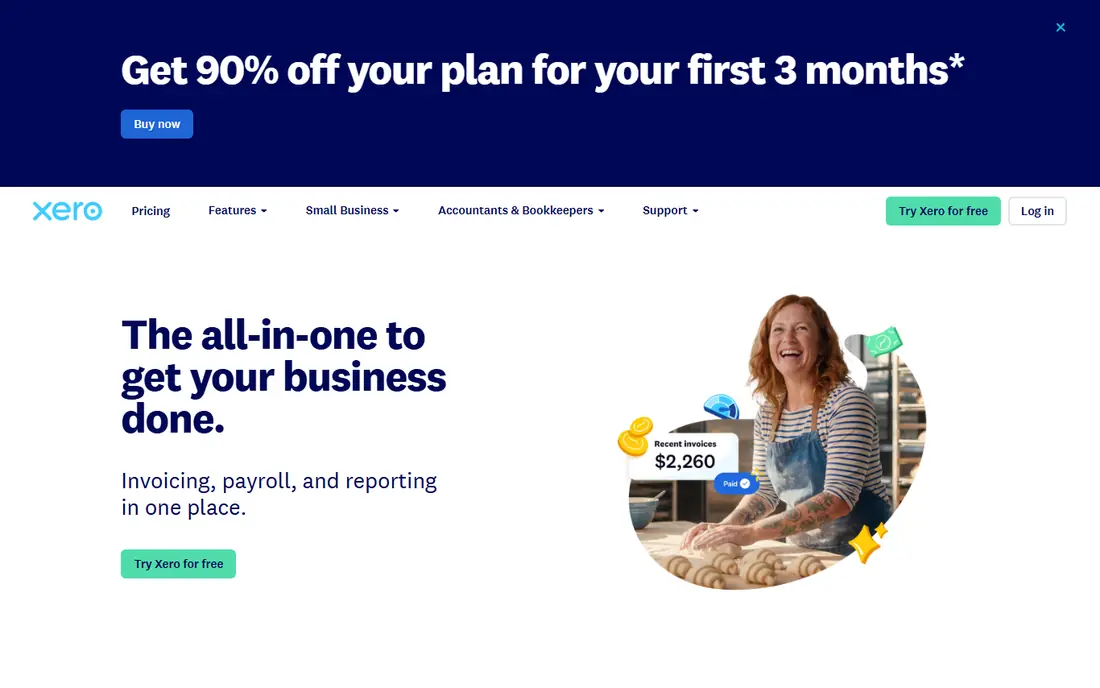
Xero stands out for teams, because plans include unlimited users, so adding a bookkeeper, a manager and an adviser does not trigger a per seat charge. The mobile app handles invoicing, receipt capture and bank reconciliation, and the reconciliation screen is one of the clearest in this list for matching transactions to bank feeds. Multi-currency support also helps businesses that invoice clients in more than one currency.
Entry plan limits need a check before you sign up. The cheapest plan caps the number of invoices and bills, which can surprise a business that sends many small invoices. Payroll in the US runs through partners rather than as a native Xero payroll product, so US teams should confirm that route. For a team that values shared access and clean reconciliation, Xero is our pick for most people outside a QuickBooks centred accountant relationship.
- Unlimited users on plans
- Clean bank reconciliation
- Strong multi-currency support
- Lowest plan caps invoices and bills
- Payroll in the US runs through partners
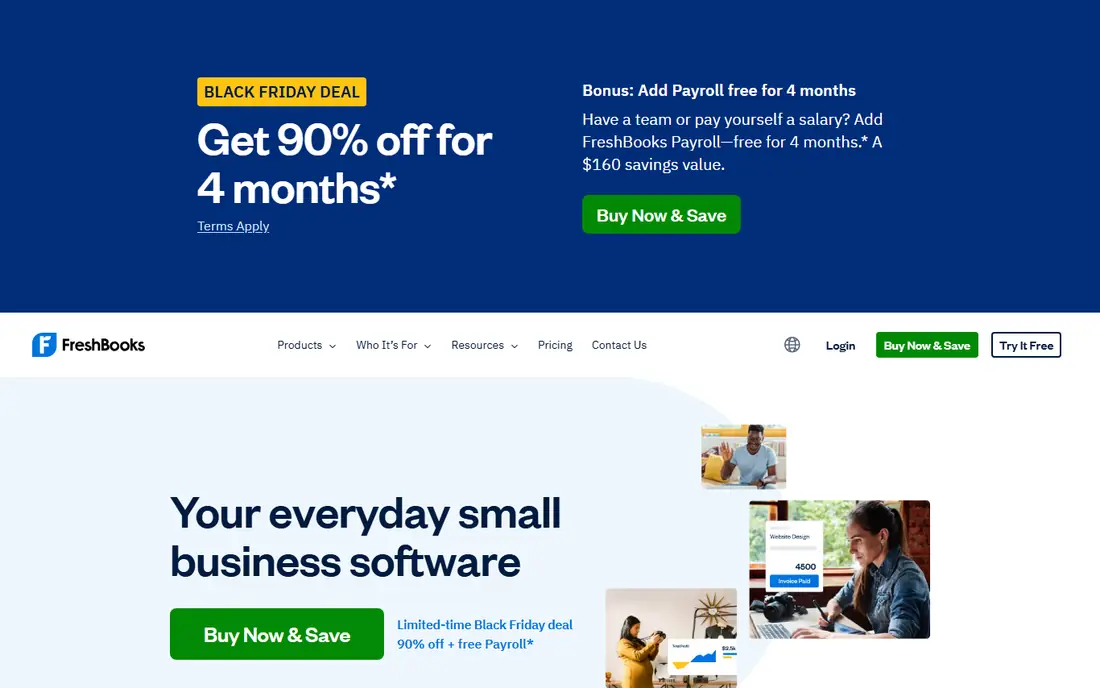
FreshBooks feels built for service businesses first and accountants second, and that order shows in the mobile experience. Creating an invoice, tracking billable time, logging an expense and sending a reminder takes few taps, and clients see a clean payment page. Automation covers recurring invoices, late payment reminders and expense categorisation, which removes the chasing work that eats into a freelancer week.
Depth is the limit. FreshBooks is lighter on inventory and on advanced accounting reports than QuickBooks or Xero, and lower tiers limit billable clients. A consultant, designer, agency or trades business that bills by hour or project will likely love it. A product business with stock, purchase orders and complex inventory should look at QuickBooks or Xero instead.
- Excellent invoicing and client experience
- Built in time tracking
- Simple mobile workflow
- Client limits on lower tiers
- Lighter inventory and pure accounting depth than QuickBooks or Xero
Wave is the easiest way to start accounting automation without a monthly bill, because its core accounting and invoicing tools are free. A solo operator can send unlimited invoices, track income and expenses, and keep double entry books from a phone, which is more than a spreadsheet offers and far cheaper than a paid suite. That free start makes Wave ideal for a side business, a new freelancer, or a business testing whether formal bookkeeping will stick.
Automation limits appear as volume grows. Current comparisons note that automated bank feeds sit on the paid Pro plan, so free users do more manual import work, and payroll is a paid add on where available. Support and integrations are also narrower than QuickBooks or Xero. Use Wave to start free and prove the habit, then move to a paid app when bank feed automation and accountant access become worth paying for.
- Real free accounting and invoicing
- Simple mobile invoicing
- Double entry bookkeeping
- Automated bank feeds need a paid plan in current comparisons
- Payroll is a paid add on
Zoho Books offers a striking amount of automation for its price, with a free plan for businesses under a revenue threshold in current comparisons and paid plans from a low monthly figure. Workflows can auto categorise transactions, send invoice reminders, apply late fees and route approvals, which suits a business owner who wants bookkeeping to run in the background. The mobile app covers invoicing, expenses, bank feeds and reports, and it links to Zoho CRM, inventory and expense tools when a business grows into them.
Ecosystem fit is the deciding factor. A business already using Zoho apps will get more from Books than a business using unrelated tools, because data flows between Zoho products with less setup. US accountant familiarity is also lower than QuickBooks, so check that your adviser can work with Zoho exports. For a cost conscious business that values automation over brand familiarity, Zoho Books is the value pick in this list.
- Free plan for small businesses under a revenue limit
- Strong automation and workflows
- Zoho ecosystem links
- Full value is higher inside the Zoho ecosystem
- US accountant familiarity is lower than QuickBooks
Sage Accounting suits businesses that need mature accounting depth rather than a freelancer first design. Bank feeds, invoicing, VAT handling and reporting are built for firms that must file correctly and regularly, and Sage has a long presence in the UK and other markets outside the US. Automation covers recurring invoices, bank rules and payment reminders, which helps a small finance team keep books current without daily manual work.
Pricing and mobile feel are the caveats. Sage pricing varies by country and plan, so the vendor pricing page for your region is the only reliable figure, and the mobile app feels more like a companion to a desktop accounting system than a standalone freelancer tool. A growing firm with formal reporting needs should trial Sage against Xero. A solo service business will likely prefer FreshBooks or Wave for daily mobile use.
- Mature accounting and reporting
- Bank feed automation
- Strong UK and international presence
- Pricing varies by region and plan
- Mobile experience is less freelancer focused than FreshBooks
FreeAgent is built for freelancers, contractors and small limited companies, with a design that explains tax, expenses and invoices in plain terms rather than accounting jargon. Bank feeds import transactions, the app suggests categories, and a tax timeline shows upcoming obligations, which helps a solo operator plan cash flow instead of discovering a bill late. Mobile invoicing and receipt capture keep the workflow usable away from a desk.
Geography matters here. FreeAgent is strongest in the UK market, so US buyers should confirm availability, pricing and tax features for their location before committing. Larger firms with inventory, multi entity reporting or complex payroll will outgrow it. For a UK freelancer who wants automation plus a clear tax view, FreeAgent is a strong, focused choice.
- Clear freelancer focused design
- Bank feed automation
- Tax timeline and estimates
- US availability and pricing need a check
- Depth for larger firms is limited
Puzzle targets startups and small companies that want accounting to answer questions in real time, not just at month end. The platform combines automated categorisation with human oversight in current comparisons, and its dashboard presents cash, burn and runway style metrics alongside core books. Mobile access keeps invoicing and expense work available on the move, while the web dashboard carries the deeper reporting.
The trade off is ecosystem maturity. Puzzle costs more than the free and low cost options here, and its accountant network is smaller than QuickBooks or Xero, so a startup that relies on an external accountant should confirm compatibility first. For a founder led startup that wants live numbers and modern automation, and that can work with a newer vendor, Puzzle is worth a trial.
- Real time accounting insights
- Automation with human oversight in current comparisons
- Modern interface
- Higher entry price than Wave or Zoho Books
- Newer vendor with a smaller accountant network
How we picked these
We compared official pricing pages, app store listings and current third party comparisons for mobile accounting apps that are live in October 2026. We kept only apps with a real mobile app, bank feed or receipt automation, and invoicing, and we favoured apps with a free plan or trial so readers can test automation before paying. Where prices differ across sources, we used the most recent comparison figures and marked regional pricing as needing a vendor check.
What to automate first on your phone
Start with the three tasks that save the most time: bank feeds, receipt capture and invoice reminders. Connect your business bank account first, set categorisation rules for repeat transactions, and photograph receipts at the point of purchase so nothing sits in a drawer until month end. Then switch on recurring invoices for retainer clients and automatic reminders for overdue invoices, because chasing payment is where most small businesses lose hours.
Checks before you switch apps
Confirm that your accountant can open your books, that your bank connects cleanly, and that your invoice and client counts fit the plan you choose. Test payroll, multi-currency and inventory needs separately, because those features often sit on higher tiers or partner products. Export a sample of data before you migrate, and run the old and new apps in parallel for one month so a categorisation error does not corrupt a full quarter of books.
Frequently asked questions
What is the best accounting automation app for mobile?
QuickBooks Online is the safest pick for US businesses with an accountant, Xero is the best pick for teams that need unlimited users, and FreshBooks is the best pick for service businesses that bill by time. Wave and Zoho Books are the best free or low cost starts. The right app depends on your business type, your accountant and your invoice volume.
Can I do all my accounting from my phone?
You can handle daily work from your phone, including invoicing, receipt capture, expense logging and bank reconciliation, on all the apps here. Month end reporting, payroll setup and complex tax work are easier on a larger screen, so treat mobile as the daily tool and the web dashboard as the review tool.
Is there a truly free accounting app for mobile?
Wave offers free accounting and invoicing, and Zoho Books offers a free plan for businesses under a revenue limit in current comparisons. Both have paid upgrades for bank feed automation, payroll and higher limits, so read the free plan terms before you rely on a specific automation feature.
Does QuickBooks or Xero automate bank reconciliation?
Both automate much of it. Bank feeds import transactions, rules categorise repeat items, and the reconciliation screen matches payments to invoices and bills. You still need to review unmatched items and check for duplicates, because automation reduces manual work but does not remove the need for a human review.
What should a freelancer automate first?
Automate recurring invoices, late payment reminders, receipt capture and bank categorisation first, because those four tasks cover most freelancer bookkeeping. Add time tracking if you bill by the hour, and set a monthly reminder to review categories before tax time.
Is this article financial advice?
No. This article is general information only, not financial advice, and tax and filing rules vary by country, state and business type. Confirm deductions, VAT or sales tax, payroll and filing deadlines with a qualified accountant or tax adviser for your location.
Sources
- https://quickbooks.intuit.com
- https://www.xero.com
- https://www.freshbooks.com
- https://www.waveapps.com
- https://www.zoho.com/books
- https://www.sage.com
- https://www.freeagent.com
- https://www.puzzle.io
- https://www.business-software.com/blog/user-friendly-accounting-software/
- https://www.techrepublic.com/article/quickbooks-online-reviews/
See where you really rank - block by block
ProMapRanker scans Google Maps across a grid of your service area. Simple monthly plans from $19, white-label on every plan.
Start freeKeep reading
 zyte alternatives
Best Zyte Alternatives in 2026
These zyte alternatives cover managed scraping APIs, proxy networks and no code tools for lawful collection from your own or consented sources only in 2026.
Read → zerto alternatives
Best Zerto Alternatives in 2026
Compare the best zerto alternatives for disaster recovery and replication, with recovery targets, cloud options and honest trade-offs for teams in 2026.
Read → zerofox alternatives
Best ZeroFox Alternatives in 2026
We compared 9 zerofox alternatives for brand protection, phishing takedowns, dark web monitoring, and social impersonation, with clear coverage notes.
Read →