 ProMapRanker
Best Account Management Software in 2026

Key takeaways
- HubSpot and Salesforce suit teams that want account management inside the CRM they already use.
- Gainsight leads for large customer success teams, while Totango, ChurnZero, and Vitally suit mid-size teams.
- Planhat and Kapta suit structured account planning, with org charts, whitespace, and renewal workflows.
- Handle customer data with consent and least-privilege access, and review permissions when staff change roles.
Quick comparison
| Pick | Great for | Pricing starts at | Free tier | |
|---|---|---|---|---|
 HubSpot | Teams already on HubSpot CRM | See website | Yes | Visit |
 Salesforce Sales Cloud | Large CRM-based account teams | $25 per month | Yes | Visit |
 Gainsight | Large customer success teams | See website | No | Visit |
 Totango | Multi-segment success teams | See website | No | Visit |
 ChurnZero | Mid-market engagement teams | See website | No | Visit |
 Vitally | Product-led mid-size teams | See website | No | Visit |
 Planhat | Custom account workflows | See website | No | Visit |
 Kapta | Renewal and expansion planning | See website | No | Visit |
The best account management software
Account management software gives each customer a clear owner, plan, health view, and renewal path. It pulls CRM, support, billing, and usage data into one account record, so managers can spot risk early and plan expansion honestly. Use customer data only with proper consent and access controls, and keep permissions tight.
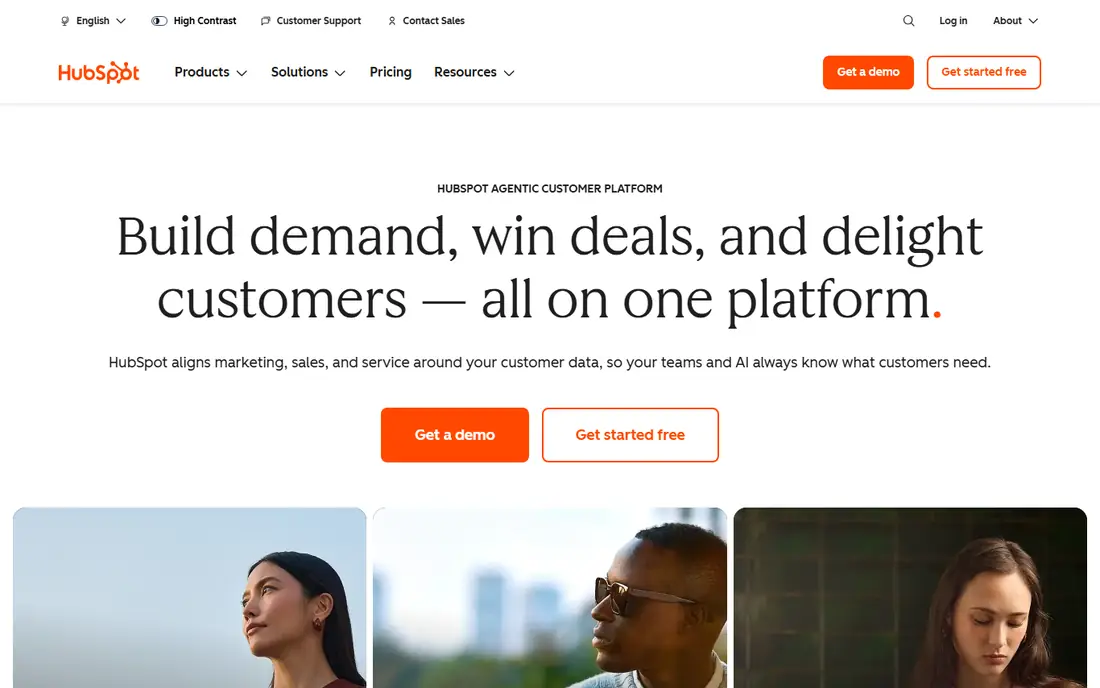
HubSpot is the simplest account management choice for teams already on its CRM. Accounts, contacts, deals, tickets, and notes sit in one record, and the free CRM core covers basic account tracking. Service Hub Professional adds a customer success workspace with health scores, which helps a small success team without buying a separate platform.
Advanced orchestration and reporting need paid seats, and very complex enterprise account structures may need custom work. For a team that already lives in HubSpot, adding account management there avoids a new tool and a new data sync.
- Free CRM core
- Account views with deals and tickets
- Service Hub adds health scores on paid plans
- Advanced success features need paid seats
- Complex account models may need custom setup
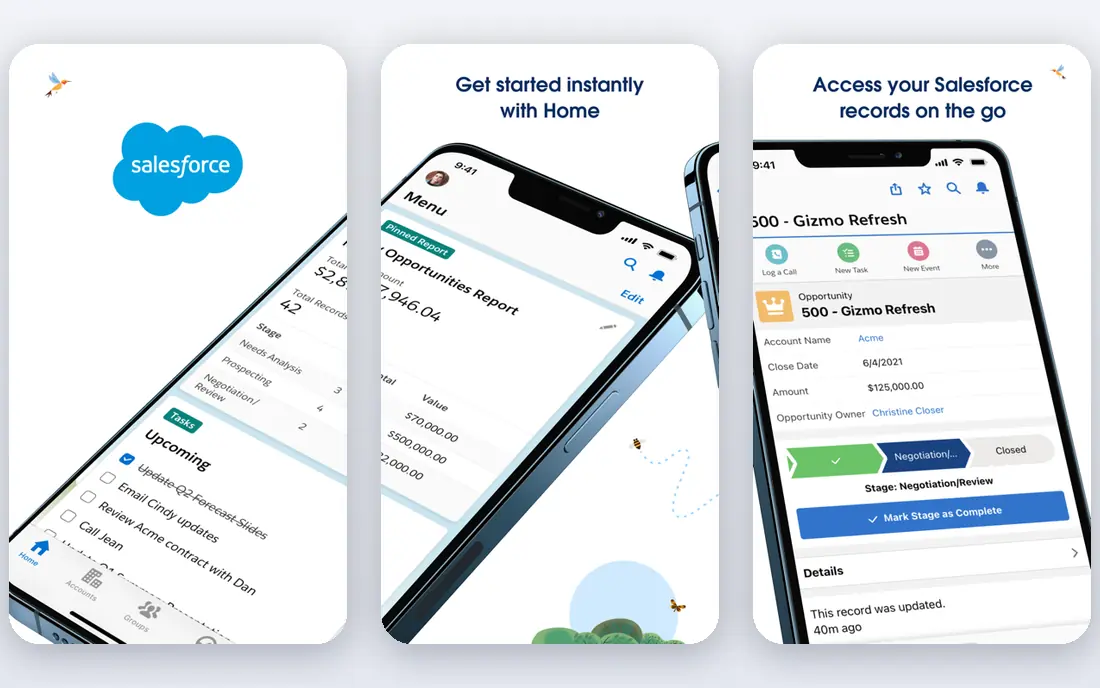
Salesforce Sales Cloud is the account system of record for many large firms. Accounts can model complex hierarchies, contacts, opportunities, and activities, with reporting that slices by owner, region, or segment. The app ecosystem adds planning, forecasting, and success tools on top of the core CRM.
That depth needs administration. A firm without admin capacity may struggle to keep data clean and workflows current, and edition costs rise with features. For a large team that needs a CRM-centred account model, Salesforce remains the standard.
- Deep account, contact, and opportunity modelling
- Strong reporting
- Huge app ecosystem
- Needs admin capacity
- Costs rise with editions and add-ons
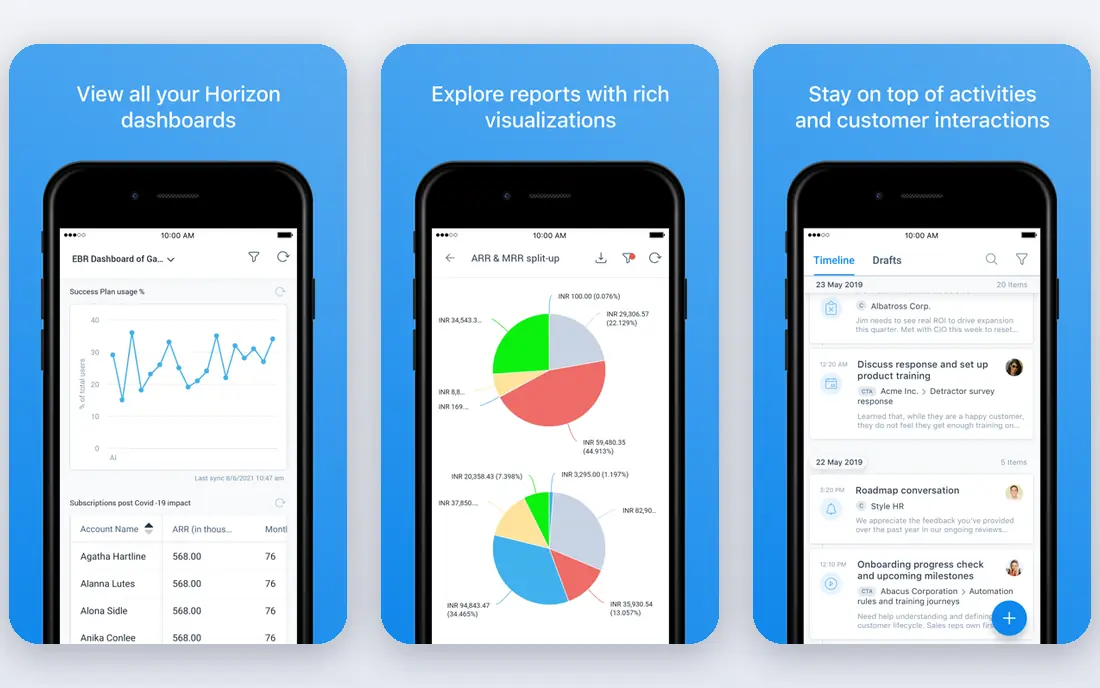
Gainsight is built for large customer success organisations managing many accounts. Customer 360 pulls usage, support, billing, and relationship data into one view, health scoring weights those signals, and journey orchestration triggers playbooks across teams. Renewal and executive reporting tools suit board-level reviews.
Pricing is quoted and entry costs are high, with implementation often taking months and needing a dedicated admin. Smaller teams may buy more platform than they can run in year one. For a large success team where retention is worth a large sum each year, Gainsight depth is unmatched.
- Deep health scoring and journey orchestration
- Customer 360 view
- Strong Salesforce integration
- Quote-based pricing
- Implementation often takes months and needs an admin
Totango suits teams with many customer segments that need different journeys. SuccessBLOCs model onboarding, adoption, renewal, and expansion as separate journeys, so a team can treat enterprise, mid-market, and self-serve accounts differently. Health views and alerts help managers focus on accounts that need attention.
Pricing is quoted and tiered, and segment design takes planning before value shows. For a team that serves distinct customer groups with different needs, Totango's modular approach fits better than a one-size-fits-all tool.
- Segment-based success journeys
- Modular design for different customer groups
- Solid health views
- Quote-based pricing
- Setup needs thought for each segment
ChurnZero is a mid-market favourite for teams that want engagement inside the product, not just dashboards. In-app messages, emails, and playbooks can guide onboarding and adoption, while health scores and alerts flag accounts at risk. Implementation is usually faster than enterprise platforms.
It does not match Gainsight depth for very large, complex organisations, and pricing is quoted. For a mid-size SaaS team that wants to act inside the product and keep churn low, ChurnZero is a practical choice.
- Strong in-app messaging and playbooks
- Clear health and engagement views
- Mid-market focus
- Quote-based pricing
- Enterprise depth is less than Gainsight
Vitally suits product-led and mid-size SaaS teams that want a clean account view without enterprise overhead. Health scoring, notes, tasks, and playbooks sit in a polished interface, and unlimited seats in some plans help lean teams give everyone access. Its developer-friendly data model suits teams that track product usage closely.
Pricing is quoted, and the ecosystem is smaller than Gainsight or Salesforce. For a lean team that wants modern success tooling without a large admin burden, Vitally is a strong pick.
- Polished interface
- Flexible health scoring
- Unlimited seats in some plans
- Quote-based pricing
- Smaller ecosystem than Gainsight
Planhat gives success teams a configurable workspace for account data, health, and workflows. Its no-code data model lets teams shape account records around their own process, rather than forcing a fixed template. Integrations with HubSpot, Salesforce, and other tools keep CRM data in sync.
Configuration is the cost. A team that wants a ready-made template may find setup slow, and pricing is quoted. For a mid-market team that wants custom workflows without heavy development, Planhat is a flexible choice.
- Highly configurable data model
- Health scores and workflows
- Works with major CRMs
- Quote-based pricing
- Configuration takes time to get right
Kapta focuses on the planning side of account management. Account plans, voice-of-customer notes, whitespace analysis, and renewal tracking help managers plan expansion and prepare for renewals with evidence, not guesswork. That structure suits key account teams with a defined book of strategic customers.
Pricing is quoted, with entry costs reported around a monthly level for small teams, and Salesforce integration is strongest. For a sales-led key account programme, Kapta gives planning discipline that a general CRM alone may lack.
- Structured account plans
- Voice-of-customer tracking
- Whitespace and renewal views
- Quote-based pricing
- Salesforce integration is strongest
How we picked these
We compared official product and pricing pages and recent key account and customer success comparisons, and weighed account planning, health scoring, CRM integration, playbooks, and renewal workflows. We favoured tools that exist and work today, and we used quote-based pricing honestly where vendors do not publish a list price.
Choosing the right account management tool
Start with who owns accounts. A sales-led key account programme points to Kapta, Salesforce, or HubSpot. A customer success-led programme points to Gainsight, Totango, ChurnZero, Vitally, or Planhat. That ownership choice narrows the list faster than any feature comparison.
Check CRM fit next. A tool that syncs cleanly with your CRM will be trusted, while a tool that needs manual copying will be ignored. Test health scoring with real accounts, since a score that flags every account as at risk helps no one. Pilot with one team and a small book of accounts before rolling out widely.
Set data rules early. Use customer data only with proper consent, limit access to staff who need it, and review permissions when roles change. Record why an account is scored a certain way, so managers can explain decisions to customers and colleagues. Revisit plans quarterly, since accounts, champions, and priorities change.
A practical test is to run a weekly account review with real data in the trial. Pick five accounts, including one at risk and one ready for expansion, and ask each tool to show health, recent activity, open tasks, and the next step for each account. If managers cannot answer those questions in a few minutes, the tool will not be used consistently, no matter how strong its feature list looks. Agree on who updates account plans, how often health is reviewed, and what happens when a champion leaves, since those habits decide whether the software improves retention or just adds another dashboard.
Also agree on how success will be measured before rollout. Choose a small set of measures, such as renewal rate, time to first value, and the share of accounts with a current plan, and review them monthly with the team that owns the accounts. A tool that improves those measures is worth its cost, while one that only adds reporting without changing behaviour should be questioned. Keep the rollout small at first, learn from the pilot team, and expand only when account managers say the tool saves them time rather than adding admin work.
Frequently asked questions
What is account management software?
It is software that organises customer accounts, plans, health, contacts, and renewals in one place, so account managers and success teams can grow and retain customers systematically.
Is account management the same as CRM?
No. A CRM stores accounts, contacts, and deals, while account management software adds health scores, success plans, playbooks, and renewal workflows on top of that data. Many teams use both together.
How do health scores work?
Health scores combine usage, support, billing, and relationship signals into a view of account risk or growth potential. Scores need tuning to your business, or they will flag too many accounts at once.
How much does account management software cost?
HubSpot and Salesforce publish entry prices, while most dedicated success platforms are quoted. Budget for implementation and admin time as well as licences.
How should customer data be handled?
Use it only with proper consent, limit access to staff who need it, and follow your privacy policy and applicable law. Review permissions regularly and remove access when staff leave a role.
Sources
See where you really rank - block by block
ProMapRanker scans Google Maps across a grid of your service area. Simple monthly plans from $19, white-label on every plan.
Start freeKeep reading
 what’s the best risk software for enterprises
What Is the Best Risk Software for Enterprises in 2026
We compared what’s the best risk software for enterprises on risk registers, controls, third-party risk, and reporting, with pricing notes for large teams.
Read → what's the best pam software for enterprises
What is the Best PAM Software for Enterprises in 2026
Find what's the best pam software for enterprises, with vaulting, session recording, just in time access and pricing compared for large enterprise IT teams.
Read → what’s the best grc software
What Is the Best GRC Software in 2026
We compared what’s the best grc software on risk, compliance, audit and vendor risk, so teams can pick a platform that fits their frameworks and budget.
Read →