 ProMapRanker
Best Academic Advising Software in 2026

Key takeaways
- EAB Navigate360 and Starfish by EAB are the two most widely adopted advising platforms, and they suit different priorities: Navigate360 centers on the student-facing experience, while Starfish centers on faculty-driven early alerts.
- Stellic is our pick for degree planning specifically, because its visual planner shows students exactly how each course counts toward graduation.
- Most advising platforms are sold as annual institutional contracts with quoted pricing, so budget talks should start with a demo and a written quote, not a price page.
- Appointment scheduling and virtual meeting support matter more than many buyers expect, which is why ConexED earns a place here even though it is narrower than the full suites.
Quick comparison
| Pick | Great for | Pricing starts at | Free tier | |
|---|---|---|---|---|
 EAB Navigate360 | Whole student success workflow | See website | No | Visit |
 Starfish by EAB | Faculty-driven early alerts | See website | No | Visit |
 Stellic | Visual degree planning | See website | No | Visit |
 Ellucian Degree Works | Degree audits inside Ellucian systems | See website | No | Visit |
 Watermark Student Success and Engagement | Advising notes and case tracking | See website | No | Visit |
 ConexED | Virtual advising appointments | See website | No | Visit |
 Civitas Learning | Student success analytics | See website | No | Visit |
 Jenzabar Student | Advising inside Jenzabar campuses | See website | No | Visit |
 Mainstay | Student outreach and nudges | See website | No | Visit |
The best academic advising software
Advising software earns its keep when it turns scattered notes, degree rules, and appointment calendars into one shared record that students and advisors can both see. These nine tools do that job in different ways, from full student success suites to focused scheduling and outreach products.
Navigate360 is the platform we would shortlist first for a college that wants one system covering recruitment through graduation. Students get a mobile app for scheduling, tasks, and messages, while advisors get caseload views, notes, and outreach campaigns in the same place. That shared view cuts down on the email chains and hallway handoffs that slow advising offices down.
The trade-off is scope. Navigate360 is a large platform, and getting value from it means committing staff time to configuration, data feeds, and training. Smaller colleges may find the annual contract hard to justify unless several offices use it together. Ask EAB for a quote tied to your enrollment size and a clear list of which modules are included.
- Student-facing app and advisor workflows in one system
- Coordinated outreach across departments
- Appointment scheduling built in
- Enterprise pricing is quote only
- Implementation takes real staff time
Starfish takes a different route to the same goal: it puts faculty at the center. Instructors raise flags when a student misses class or struggles on early work, and those flags become cases that advisors can track to a resolution. Tutoring center scheduling sits in the same system, so a referral to tutoring does not get lost between offices.
Because Starfish and Navigate360 now sit under the same company, buyers should ask directly how the two products differ for their campus and whether a combined arrangement is possible. Starfish fits best where faculty engagement is the priority and the advising office already has a workable student portal. Its age shows in places, and the interface feels more administrative than student-first.
- Early alerts raised by faculty
- Tutoring and case management included
- Large peer community of users
- Student-facing experience is less modern than Navigate360
- Some features are sold separately
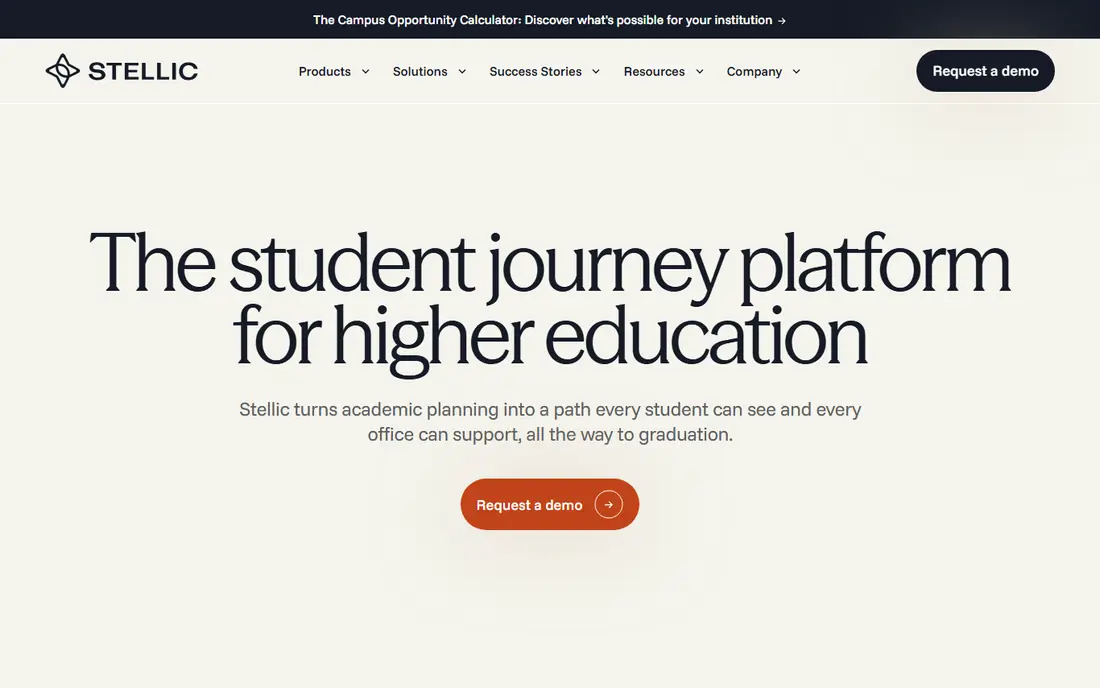
Stellic is the most student-friendly degree planning tool we found. Students drag courses into future terms and immediately see which requirements each course satisfies, including courses that count twice. Advisors see the same plan, so a meeting starts from shared facts instead of a printed audit that is already out of date.
Transfer evaluation is a genuine strength here. Stellic helps institutions set transfer rules and show incoming students how prior credit applies, which removes one of the most common sources of advising confusion. The catch is breadth: Stellic plans degrees very well, but colleges that also need early alerts, case management, and outreach may need a second product alongside it.
- Clear visual degree planner students enjoy using
- Transfer credit handling
- Shared student and advisor view of plans
- Narrower than full student success suites
- Pricing is quote only
Degree Works is the degree audit workhorse on many Ellucian campuses. It checks completed and planned courses against program requirements and shows students what remains, which keeps advising conversations grounded in the official record. The planner lets students test how a change of major would affect their time to graduation before they commit.
The honest limit is context. Degree Works shines when the student information system is already Ellucian, since the data flows are built for that pairing. Campuses on other systems will find the integration work heavier and the case for Degree Works weaker. Pair it with a modern scheduling or outreach tool if the student experience matters as much as audit accuracy.
- Deep fit with Ellucian student systems
- Trusted degree audit logic
- Planner and audit in one view
- Best value only for Ellucian campuses
- Interface feels dated next to newer tools
Watermark Student Success and Engagement
Great for: Advising notes and case tracking
Watermark Student Success and Engagement organizes the daily work of an advising office: caseloads, appointment notes, alerts, and follow-up tasks. Advisors can document a meeting, assign next steps, and see the history of a student relationship without digging through shared drives or email. That record-keeping discipline matters when advisors change or caseloads shift.
Where it lags is the student side. Students can engage with the system, but the experience is less polished than Navigate360 or Stellic, so campuses that want a student-facing hub may pair it with another tool. It makes most sense for institutions already using Watermark products, where shared data and a single vendor relationship simplify procurement.
- Structured advising notes and caseloads
- Early alert workflows
- Fits Watermark assessment users
- Student-facing tools are less developed than rivals
- Pricing is quote only
ConexED solves a specific problem well: letting students reach advising, financial aid, and tutoring without standing in a physical line. Its virtual lobby, appointment scheduling, and built-in video meetings were designed for student services from the start, and the platform pays attention to accessibility. For commuter campuses and online programs, that access is a real equity gain.
The limit is that ConexED is a front door, not a full advising record. Degree audits, early alerts, and case histories live elsewhere, so buyers should plan the integration with their student system from day one. As a focused purchase, though, it often delivers visible results faster than a suite-wide rollout.
- Virtual lobby and video meetings built for student services
- Kiosk and queuing options
- Accessible design
- Narrower scope than full suites
- Reporting depth varies by plan
Civitas Learning starts from the data: it pulls together academic, engagement, and enrollment signals to flag students who may need help, then gives advisors workflows to act on those flags. For institutions with the data foundations in place, that targeting helps small advising teams spend their time where it counts. The platform also supports planning and scheduling features that keep the work in one place.
The caution is familiar to any analytics purchase. Predictions are only as good as the data feeding them, and a campus with messy or incomplete records will get less value until that is fixed. Buyers should ask for a data readiness review during the sales process and a plain explanation of how each signal is used.
- Analytics that surface at-risk students
- Advising workflow tools
- Focus on persistence and completion
- Analytics value depends on data quality
- Pricing is quote only
Jenzabar Student bundles advising tools into the broader Jenzabar student information platform, covering appointments, advising notes, and degree progress alongside registration and records. For a campus already running Jenzabar, that integration is the main argument: one vendor, one data model, and fewer feeds to maintain. Advisors work from the same record that holds enrollment and grades.
Outside that ecosystem, the case weakens, since the advising tools are not typically bought standalone against the specialists above. The student-facing experience also depends on which modules a campus has licensed, so a demo with your own use cases matters more than a feature sheet. Jenzabar campuses should still compare Stellic for planning, since that is where the gap usually appears.
- Advising inside the Jenzabar student system
- Appointment and caseload tools
- Single vendor relationship
- Weaker fit outside the Jenzabar ecosystem
- Student experience varies by module
Mainstay, formerly AdmitHub, focuses on the part of advising that happens between meetings: timely messages that remind students about deadlines, forms, and appointments. Its chat and text outreach can reach students who never open email, and it routes students who need human help to the right staff member. For enrollment and retention teams, that reach is the whole point.
It is not an advising platform on its own, and buyers should not expect degree audits or case management from it. The best use is as a companion to a system like Navigate360 or Starfish, where Mainstay handles outreach at scale and advisors handle the conversations that follow. Watch message frequency closely, since too many nudges train students to ignore them.
- Automated outreach by text and chat
- Behaviorally informed message timing
- Referral routing to staff
- Outreach only, not a full advising record
- Message volume needs careful management
How we picked these
We compared official product pages, pricing pages, and public documentation for advising platforms in use at US colleges and universities, and we checked each vendor site to confirm the product is still offered. We favored tools with a clear advising function, such as degree planning, early alerts, appointment scheduling, or outreach, and we left out generic CRM and student information products that do not center on advising work. Prices are quoted by vendors for institutional contracts, so where no public price exists we say so rather than guessing.
What to check before you buy
Start with the advising problem, not the feature list
A campus struggling with missed appointments needs scheduling and reminders first. A campus losing students to degree confusion needs planning and audit tools first. Naming the top two problems before vendor demos keeps the conversation honest and stops a broad suite from winning on features nobody will use.
Test the student experience yourself
Ask for a student login during the demo, not just an advisor view. Students decide quickly whether a tool feels worth opening, and a clunky portal will sit unused no matter how good the back office is. Check the mobile experience too, since many students do most of their campus business on a phone.
Confirm data and privacy handling
Advising records are sensitive. Ask how student data is stored, who can see notes, how long records are kept, and how the vendor handles accessibility requirements. Get the answers in writing and have campus IT and legal review them before signing, since these terms are harder to change after rollout.
Frequently asked questions
What is the best academic advising software?
There is no single winner for every campus. Navigate360 suits colleges that want a full student success platform, Stellic suits colleges whose main problem is degree planning, and ConexED suits colleges that need virtual access fast. Match the tool to your biggest advising bottleneck, then check pricing and integration fit.
How much does academic advising software cost?
Most platforms in this list are sold as annual institutional contracts with quoted pricing based on enrollment and modules. That means a small college and a large university can pay very different amounts for the same product. Request a written quote that lists every included module and any implementation fees.
Does academic advising software replace advisors?
No. These tools organize records, surface students who need attention, and handle routine scheduling and reminders. The judgment calls, the difficult conversations, and the relationship work still belong to advisors. The best results come when software gives advisors more time for students, not when it tries to stand in for them.
Can students plan their own degrees with these tools?
Yes, and that is one of the strongest reasons to buy. Stellic and Degree Works both let students test plans against degree requirements, and Navigate360 gives students a shared view of tasks and appointments. Student planning works best when advisors review plans regularly rather than leaving students entirely on their own.
How long does implementation take?
It varies from weeks for a focused tool like ConexED to a full academic year for a broad suite with multiple data feeds. Ask vendors for a realistic timeline tied to your student system and staffing, and plan training for advisors before the student launch, not after it.
Sources
See where you really rank - block by block
ProMapRanker scans Google Maps across a grid of your service area. Simple monthly plans from $19, white-label on every plan.
Start freeKeep reading
 zoro.to alternatives
Best Zoro.to Alternatives in 2026
We compare the best zoro.to alternatives in 2026, listing only legal licensed anime streaming services, from Crunchyroll to free options for fans today.
Read → zip alternatives
Best Zip Alternatives in 2026
We compare the best zip alternatives for buy now, pay later in 2026, covering pay-in-4 plans, fees, spending limits, and credit reporting options today.
Read → yesware alternatives
Best Yesware Alternatives in 2026
Compare the best yesware alternatives for sales email tracking, templates, and sequences, with current pricing and honest tradeoffs for small sales teams.
Read →