 ProMapRanker
7 3D Scanner Software Options Ranked for 2026


Revopoint scanner owners · Pricing starts at: Free (with scanner)
Direct answer
If you need Revopoint scanner owners, Revo Scan is the first tool to look at here. If your case is different, Polycam suits phone-based scanning with pro exports and 3DF Zephyr suits Windows photogrammetry with laser scan support. Details, prices and limits for the rest of the 7 tools are below.
Key takeaways
- Number one here is Revo Scan, a fit for Revopoint scanner owners.
- A free plan is available from 5 of the 7 tools: Revo Scan, Polycam, 3DF Zephyr, Scaniverse, KIRI Engine.
- Before buying Polycam, weigh this: free level exports glTF only.
- KIRI Engine suits cheap, capable phone photogrammetry.
Quick comparison
| Pick | Great for | Pricing starts at | Free tier | |
|---|---|---|---|---|
| Revo Scan | Revopoint scanner owners | Free (with scanner) | Yes | Visit |
 Polycam | Phone-based scanning with pro exports | $150/year (Basic) | Yes | Visit |
 3DF Zephyr | Windows photogrammetry with laser scan support | 199 EUR one-time (Lite) | Yes | Visit |
 Agisoft Metashape | Survey-grade models from any camera | $169 one-time (Standard) | Free trial | Visit |
 Scaniverse | Free on-device phone scanning | Free | Yes | Visit |
 Artec Studio | Professional scan-to-CAD on Artec hardware | $1,700/year (subscription) | Free trial | Visit |
 KIRI Engine | Cheap, capable phone photogrammetry | $6.66/month (Pro, billed yearly) | Yes | Visit |
Every option for 3D scanner software explained
This ProMapRanker guide covers 7 options for 3D scanner software. Each profile lists a starting price, free plan details, strengths and drawbacks, so you can drop poor fits quickly.
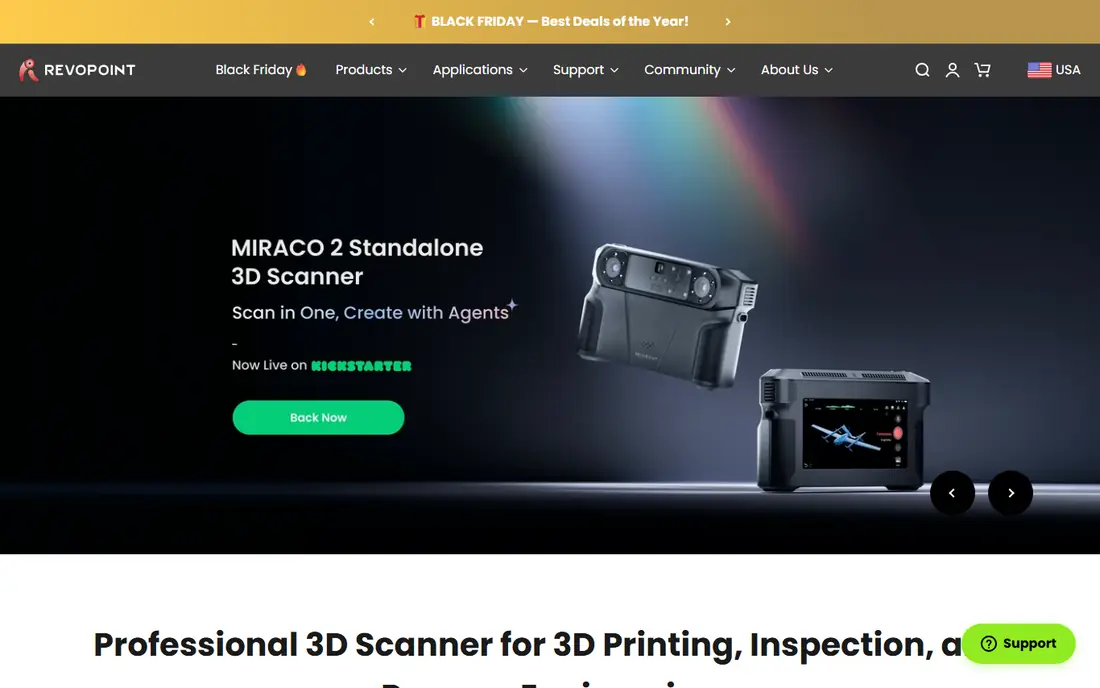
Revo Scan is designed for Revopoint scanner owners. The software deals with capture and entry-level post-processing, exports to OBJ, STL, PLY, and GLTF, and runs on desktop and mobile. So you can scan tethered to a phone in the field.
Advanced users will find the post-processing thin compared to Artec Studio or Metashape. The mobile app's store ratings suggest the phone experience is rougher than the desktop one. As for the details, for the price of the hardware plus zero software cost, it is still the best value path into real structured-light scanning. In practice, Revopoint keeps the software genuinely free with no tiered upsells, which is refreshing next to subscription-heavy rivals. Revo Scan starts at: Free. Free access exists with Revo Scan.
Honest limits: Mobile app ratings are mixed.
- Runs on Windows, Mac, iOS, Android
- Exports OBJ, STL, PLY
- Post-processing is entry-level
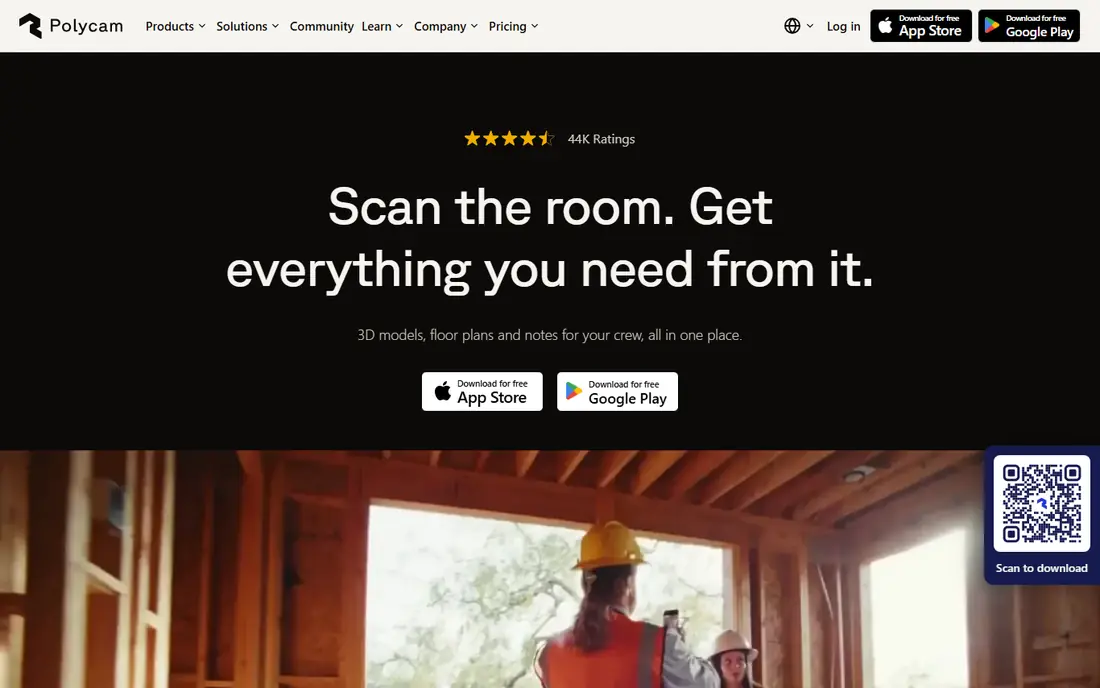
Think of Polycam for phone-based scanning with pro exports. Polycam is the reason phone scanning went mainstream. Worth adding: point your iPhone's LiDAR sensor or just take photos, and Polycam builds a 3D model, a Gaussian splat, or even a 2D floor plan.
Beyond that, if your deliverable is a mesh you can print or machine, budget for the premium level or look at KIRI Engine. For everyday use, the free level exports glTF only, which is fine for viewing but not for 3D printing or CAD. What you pay to start with Polycam: $150/year. Polycam includes a free tier.
Where it is weaker: Cloud processing can queue. Where it shines: LiDAR, photogrammetry.
- Splats in one app
- Huge user community
- Printable formats need a premium plan

3DF Zephyr serves Windows photogrammetry with laser scan support. The free edition deals with up to 50 photos, enough to learn the workflow. The Lite edition at 199 EUR is a perpetual license with unlimited photos and dual-GPU support.
For a Windows user who wants a buy-once photogrammetry tool with laser scan support, the Lite edition is one of the best values here. The catches are system and pricing levels. 3DF Zephyr cost at the entry level: 199 EUR one-time. 3DF Zephyr includes a free tier.
Watch-outs: Windows only.
- Free edition for learning
- Manages laser scan data natively
- Pro edition jumps to thousands
Choose Agisoft Metashape for survey-grade models from any camera. The price jumps hard for the Professional edition at $3,370, which brings the survey tools most firms actually need. As for the details, Metashape is the photogrammetry software that surveyors, archaeologists, and VFX studios have trusted for over a decade.
Where it is weaker: Professional edition costs $3,370.
Strengths: Perpetual licenses.
For everyday use, Metashape is also slow to learn and slow to process: large projects can run for plenty of hours even on decent hardware. But it runs on Windows, Mac, and Linux, the license never expires. The output quality is the benchmark everything else is compared against. Feed it photos from any camera, drone, or phone. It produces dense point clouds, textured meshes, orthomosaics, and DEMs with survey-grade controls like ground control points. More specifically, the Standard edition at $169 is a perpetual license, which in a world of subscriptions feels like a gift. What you pay to start with Agisoft Metashape: $169 one-time. On free options: Free trial.
- Runs on Windows, Mac, Linux
- The reference tool for survey and heritage work
- Steep ramp-up time
Pick Scaniverse if this describes you: free on-device phone scanning. Scaniverse, now part of Niantic Spatial, is the free-first phone scanner. Its classic on-device mode records and processes scans on your phone with no cloud queue and no export paywall, which is why scanning communities keep recommending it to beginners.
From a buyer's view, Niantic has added premium levels, Plus at $20 per month and Pro at $50, for cloud processing and commercial features, but the core workflow stays free. For everyday use, the feature set is narrower than Polycam's: fewer export formats, less of an ecosystem. LiDAR capture on Pro iPhones is quick, and photogrammetry mode handles everything else. Scaniverse pricing: Free. Scaniverse offers a free plan.
Highlights: Now backed by Niantic. Honest limits: Best on LiDAR iPhones.
- Classic mode is fully free with exports
- No cloud queue
- Premium cloud levels add cost for advanced features
Choose Artec Studio for professional scan-to-CAD on Artec hardware. Paired with an Artec scanner like the Eva or Leo, it records geometry at up to 0.05 mm accuracy, then provides you the full pipeline: alignment, meshing, texture mapping, deviation analysis against CAD models, and direct export to STEP, IGES, and other CAD formats. On top of that, Artec Studio is the software that professional metrology and reverse-engineering shops actually run.
Where it is weaker: Tied to Artec scanners.
For everyday use, the main limit is the ecosystem lock and the price. It is also Windows-only and hungry: the recommended specs call for a recent Core i7 or i9 with a RTX 4070. This is a tool for businesses that bill for scan work, not for hobbyists. What you pay to start with Artec Studio: $1,700/year. As for free access: Free trial.
- Best-in-class scan-to-CAD tools
- Works with the full Artec scanner lineup
- Pricey subscription
KIRI Engine is a good fit for cheap, strong phone photogrammetry. KIRI Engine is the phone scanning app for people who actually want to print their scans. Unlike Polycam, the free level exports editable meshes without a weekly cap, restricted primarily to 150 photos per scan.
It is widely considered the most solid object scanner on Android. Its neural reconstruction modes manage shiny and textureless surfaces that defeat classic photogrammetry. Also, the Pro plan at about $6.66 per month billed yearly lifts the photo cap and accelerates processing, which is cheap by any standard. Processing happens in the cloud, so you need a connection, and the app's community and integrations are smaller than Polycam's. Starting cost for KIRI Engine: $6.66/month. KIRI Engine includes a free tier.
Honest limits: Cloud-based processing needs internet.
- Solid on Android
- Most ample free level for printable exports
- Free level caps photos per scan
How we chose
Each tool was reviewed on what its vendor publishes: price, plan limits, core features and stated drawbacks. We did not run hands-on tests. Seat minimums, billing terms and add-ons can move the real cost, so the starting prices here are a guide and not a quote. The ranking is editorial: typical fit first, then clear pricing, then free access. If your needs are unusual, read the profiles rather than relying on position.
Things to verify first
- Prices are a starting point; KIRI Engine shows $6.66/month to start, so verify what your seat count would cost.
- Read the fine print on the free plans from Revo Scan, Polycam, 3DF Zephyr and others; seat, project and feature caps differ.
- Run a trial of Agisoft Metashape and Artec Studio with real work before paying for a year; your own workflow is the best test.
- Read the limits listed for Revo Scan first: tied to Revopoint hardware.
- Before you load data into KIRI Engine, check what an export looks like and who can run it.
- Confirm that Agisoft Metashape connects to the apps your team already uses, on the plan you would actually buy.
Frequently asked questions
Is Revo Scan the right pick for everyone comparing 3D scanner software?
No single tool suits every team. Revo Scan comes first because it fits Revopoint scanner owners, while Polycam suits phone-based scanning with pro exports and 3DF Zephyr suits Windows photogrammetry with laser scan support. Match the tool to your own size, budget and workflow before deciding.
Which options for 3D scanner software have a free plan?
On this list, Revo Scan, Polycam, 3DF Zephyr, Scaniverse and KIRI Engine include a free plan. Caps on seats, usage or features are common, so test the free plan against your real workload. Several others offer a trial instead.
Can I try these options before paying?
Often, yes. Revo Scan, Polycam, 3DF Zephyr and others have a free plan and Agisoft Metashape and Artec Studio offer a free trial. Use your own data and a real task during the test, and check what the free tier or trial limits before you rely on it.
What is the cheapest option for 3D scanner software in this list?
On published monthly entry prices, KIRI Engine is the lowest here at $6.66/month. Entry price is only part of the cost, because seats, add-ons and billing terms can change the total.
Sources
See where you really rank - block by block
ProMapRanker scans Google Maps across a grid of your service area. Simple monthly plans from $19, white-label on every plan.
Start freeKeep reading
 zscaler alternatives
Best Zscaler Alternatives in 2026
Looking for zscaler alternatives? We compare 9 SASE and zero trust platforms on architecture, data protection, pricing, and fit for your network and team.
Read → zapier alternatives free
Best Zapier Alternatives Free in 2026
Nine automation tools for zapier alternatives free in 2026, all with genuinely free tiers, plus free plan limits, starting prices and upgrade paths explained.
Read → which platform is best for online reputation
Which Platform Is Best for Online Reputation in 2026
Wondering which platform is best for online reputation? We compare 8 review, listing, and response tools for small and multi-location businesses and agencies.
Read →