 ProMapRanker
Best 3D Scanner App in 2026: 9 Apps Compared

Key takeaways
- Polycam is the safest starting point for LiDAR room capture on iPhone, but printable exports like STL and OBJ need its Basic plan.
- Scaniverse offers the best free path for many beginners, with on-device capture and mesh exports without a subscription for its classic workflow.
- KIRI Engine is the strongest object scanner for many Android users, with flexible exports and a free tier that lifts some earlier caps.
- For 3D printing, check export format before capture, because a beautiful splat view is not a printable mesh.
Quick comparison
| Pick | Great for | Pricing starts at | Free tier | |
|---|---|---|---|---|
 Polycam | LiDAR rooms and scenes | $30 per month | Yes | Visit |
 Scaniverse | Free on-device scanning | Free | Yes | Visit |
 KIRI Engine | Objects on Android and iPhone | Free | Yes | Visit |
 Luma AI | Cinematic splat scenes | See website | Yes | Visit |
 magicplan | Floor plans from scans | See website | Yes | Visit |
 3D Scanner App | Simple LiDAR meshes | See website | Yes | Visit |
 SiteScape | Dense point clouds and surveys | See website | Yes | Visit |
 Dot3D | Professional LiDAR capture | See website | Free trial | Visit |
 Scanbrix | Scans converted to CAD | See website | Yes | Visit |
The best 3D scanner app
Phone 3D scanning now works in two main ways: LiDAR capture on Pro iPhones and iPad Pro models, and photogrammetry, which builds a model from many photos. LiDAR is fast for rooms, while photogrammetry often gives better texture for objects. We compared apps that are still offered in October 2026, with attention to free tiers, export formats, and whether an app suits rooms, objects, or printing.
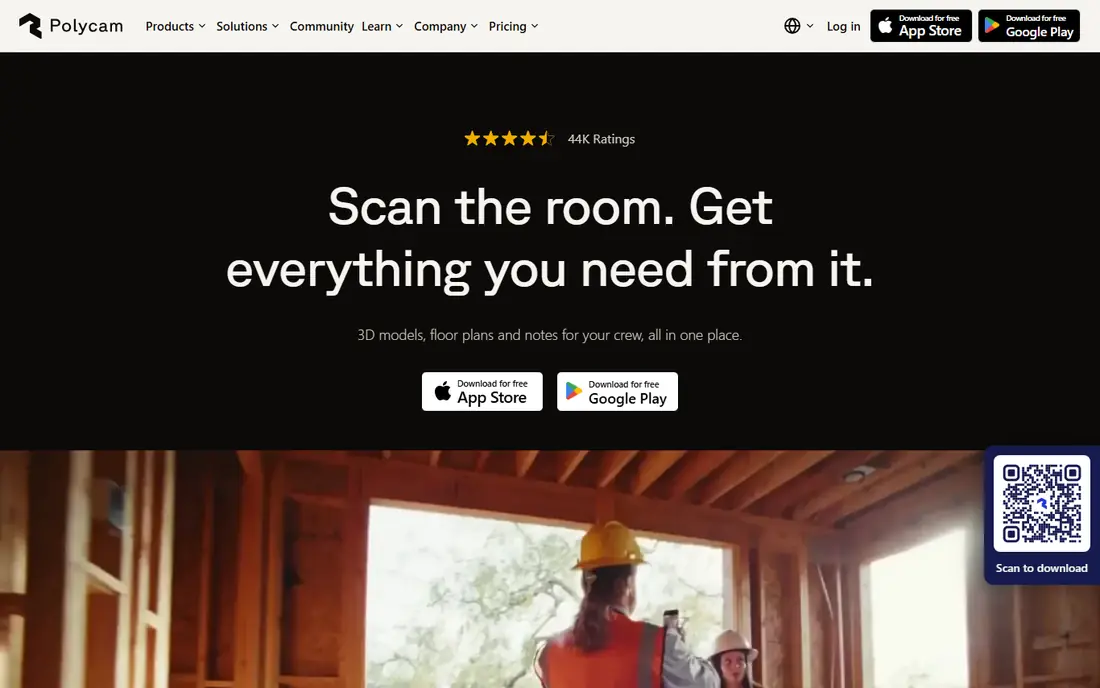
Polycam is the most widely used phone scanning app in 2026, and it covers the most capture types in one place. It offers LiDAR capture on Pro iPhones, photogrammetry from photos, and Gaussian splat capture for realistic scenes, with quick on-device previews before cloud processing. Its drone mode also accepts overlapping drone photos for larger scenes.
The key limit for printers is exports. The free tier exports GLTF, while printable formats such as STL and OBJ need Basic, at $30 per month or $150 per year in published October 2026 guides. Start with Polycam for rooms and scenes, and check the export plan before a print project.
- LiDAR, photo, and splat capture in one app
- On-device previews
- Wide export options on paid plans
- Drone photo mode
- Free exports are limited to GLTF
- Printable formats need Basic
- Android Space Mode is more limited
Scaniverse, now under Niantic Spatial, is the best free starting point for many beginners. Its classic on-device workflow, including mesh and splat generation, remains free, with processing on the phone so results appear in moments. Paid Plus at $20 per month and Pro at $50 per month add cloud processing, 360 camera support, and commercial rights in published guides.
Scaniverse is less suited to heavy editing or precise survey work, where SiteScape or Dot3D offer more control. For a first room or object scan, though, its free exports and speed make it the app we would try first, especially on a Pro iPhone.
- Classic on-device scanning stays free
- Mesh and splat exports included
- Fast results without a cloud queue
- LiDAR on Pro iPhones
- Paid tiers add cloud and 360 features
- Mesh editing is limited
- Geometry can be rough on complex scenes
KIRI Engine is the most experimental of the leading phone scanners, and that helps with objects that classic photogrammetry struggles with. It offers cloud photogrammetry, Gaussian splatting, and neural reconstruction modes, plus a documented path for featureless objects. Since version 4.0, its free tier exports without a weekly cap, with a 150-photo limit per scan that Pro lifts, at about $80 per year in published guides.
KIRI Engine is widely rated as the strongest object scanner on Android, where LiDAR is rare. It needs good lighting and many overlapping photos, and shiny or transparent surfaces will still challenge it. For printable objects, check its mesh export and clean the model before slicing.
- Flexible export formats
- Cloud photogrammetry and splat modes
- Strong Android object scanning
- Featureless object mode
- Free scans are capped at 150 photos per scan
- Cloud processing needs uploads
- Results vary with lighting and surface
Luma AI, from Luma Labs, is known for cinematic Gaussian splat scenes that look realistic on screen. It captures a scene from many angles and rebuilds it with lighting and reflections that mesh scanners often flatten. That makes it a strong choice for product showcases, real estate views, and visual presentations.
Luma AI is not a direct printing tool, because splats have no solid surface until converted to a mesh. Use it when the goal is viewing and sharing, and use Polycam, Scaniverse, or KIRI Engine when the goal is a printable model. Check current pricing and capture limits on its site before a large project.
- High-quality splat scenes
- Realistic lighting and reflections
- Easy sharing and web viewing
- Good for product and scene showcases
- Splats are not printable meshes without conversion
- Pricing and limits vary
- Best results need careful capture
magicplan turns a LiDAR room scan into a usable floor plan, which is a different job from scanning an object for printing. It measures rooms, draws walls and doors, and produces plans and reports for renovation, insurance, and real estate work. That focus makes it faster than a general scanner when a floor plan is the deliverable.
magicplan is not the right tool for detailed object models or printable parts. Its free tier lets users test capture, while paid plans add exports and advanced features. Use it beside a general scanner when you need both a plan and a 3D view.
- Fast 2D floor plans from LiDAR
- Room measurements
- Report and sketch tools
- Good for renovation and real estate
- Not a full 3D object scanner
- Advanced exports need paid plans
- Accuracy depends on careful scanning
3D Scanner App is a straightforward choice for iPhone users who want a mesh without learning a complex tool. It uses LiDAR on compatible Pro models, captures rooms and objects, and exports meshes for viewing, sharing, or further editing. Its simplicity makes it a good second app for quick scans.
Its limits are breadth and editing. It lacks the splat modes, drone tools, and cloud options of larger apps, and complex scenes may need cleanup in another tool. For a quick, free mesh, though, it is a practical pick, especially for beginners who find Polycam busy.
- Simple LiDAR capture
- Mesh exports
- Low learning curve
- Good free path for basic room and object scans
- Fewer advanced modes than Polycam
- Editing tools are basic
- Results depend heavily on device and lighting
SiteScape is built for dense point cloud capture, which suits survey, documentation, and renovation work more than casual printing. It captures LiDAR data on Pro iPhones, produces detailed point clouds, and supports workflows where measurement and documentation matter more than a pretty mesh. That focus makes it a strong choice for professionals who need site data.
SiteScape is not the easiest app for a first-time printer, because point clouds need conversion and cleanup before they become a printable mesh. Use it when the deliverable is survey data or a measured site record, and use a mesh scanner when the goal is a printed part.
- Dense point clouds
- Survey-friendly workflows
- LiDAR capture on Pro iPhones
- Export options for professional use
- Less suited to casual object printing
- Paid features vary
- Point clouds need processing for most uses
Dot3D is a professional LiDAR app for iPhone and iPad Pro, designed for users who need repeatable, accurate site capture. It supports workflows that feed CAD and BIM tools, which matters for construction, design, and facility work. Its capture and export options are built for teams that scan sites often, not for a one-off hobby scan.
Dot3D is overkill for a casual user who wants a quick printable object, and its pricing reflects professional use. We would shortlist it for firms that already use CAD deliverables, and we would test it on a real site before committing to a team plan.
- Professional LiDAR workflows
- Accurate room and site capture
- Export options for CAD and BIM
- Good for repeat site work
- Pricing is not a simple consumer plan
- Learning curve is higher
- Best value mainly for professional users
Scanbrix is different, because its value is the CAD deliverable, not just the scan. Users capture a space with the app, then order professional modeling into DWG, SketchUp, or Revit formats. Published guides note a first 1,000 square feet of professional modeling at no charge after downloading the app.
Scanbrix is not the right pick for printing a small object, because its workflow is built for rooms and buildings. For renovation, design, and as-built documentation, though, it bridges the gap between a phone scan and a usable CAD file better than a general scanner alone.
- Converts LiDAR scans to CAD deliverables
- DWG, SKP, and RVT options
- First 1,000 sq ft of modeling free in guides
- Good for as-builts
- CAD service model, not just an app
- Pricing depends on project size
- Not a general object printing tool
How we picked these
We compared official pages, app store listings, and October 2026 guides for capture method, free tier, export format, and intended use. We kept only apps still offered in October 2026, and we separated mesh scanners from splat viewers and CAD services, because those deliverables are not interchangeable. Where pricing varied by plan or region, we wrote See website rather than repeating a single figure as fact.
How to get a printable scan from your phone
Start with the export, not the capture. If you plan to print, you need a closed mesh in STL or OBJ, not a splat view or a point cloud. Check which plan gives you that export before spending time on a detailed scan, and test a small object first to see how much cleanup the mesh needs.
Next, control the capture. Use bright, even light, move slowly around the object, and take many overlapping photos or a steady LiDAR pass. Add a known reference object for scale, then measure the model against that reference after processing. Shiny, transparent, and very dark surfaces will fail most often, so test those materials early.
Finally, clean the model before slicing. Remove stray geometry, close holes, and check wall thickness in a mesh editor or slicer. Phone scans are a good starting point for prototypes, replacement parts, and visual models, but they are not a substitute for a calibrated desktop scanner when tight tolerances matter.
Frequently asked questions
What is the best 3D scanner app for 3D printing?
Polycam, Scaniverse, and KIRI Engine are the strongest printing picks, because they export meshes that can be cleaned and sliced. Polycam needs Basic for STL and OBJ exports, Scaniverse offers free mesh exports on its classic workflow, and KIRI Engine offers flexible exports. Test a small print first to check scale and mesh quality.
What is the best 3D scanning app for iPhone?
Polycam is the safest starting point for LiDAR room capture on Pro iPhones, while Scaniverse is the best free path for many beginners. For objects without LiDAR, KIRI Engine and RealityScan-style photogrammetry tools often give better texture. The best app depends on whether you need rooms, objects, or CAD output.
What is the best free 3D scanner app?
Scaniverse offers the best free path for classic on-device scanning, with mesh and splat exports without a subscription for that workflow. KIRI Engine also offers a usable free tier, with a 150-photo cap per scan. Polycam is free to capture, but printable exports need a paid plan.
What is the best LiDAR app for iPhone?
Polycam and Scaniverse are the most cited LiDAR apps for Pro iPhones, with Polycam stronger for room capture and Scaniverse stronger for free mesh exports. SiteScape and Dot3D suit professional survey work, while magicplan suits floor plans. LiDAR is available on Pro and Pro Max iPhones from iPhone 12 onward, plus iPad Pro models from 2020 onward.
Can a phone scan replace a desktop 3D scanner?
A phone scan can replace a desktop scanner for prototypes, visual models, and many hobby prints, but not for tight-tolerance engineering work. Phone results depend on light, surface, and capture skill, and they often need cleanup. Use a phone for speed and convenience, and a desktop scanner when accuracy and repeatability matter most.
Sources
See where you really rank - block by block
ProMapRanker scans Google Maps across a grid of your service area. Simple monthly plans from $19, white-label on every plan.
Start freeKeep reading
 zoho inventory alternatives
6 Alternatives to Zoho Inventory, Compared on Price and Fit
Zoho Inventory alternatives: 6 tools compared on price, free plans and fit. Katana leads the list for manufacturers. Fit and flaws are laid out for each entry.
Read → zoho crm alternatives
Best Zoho CRM Alternatives (2026)
Need Zoho CRM alternatives? We compare 7 tools on cost, free access and who each suits. Every pick gets a straight assessment. Built for quick decisions.
Read → zelle alternatives
Best Zelle Alternatives in 2026
Compare the best Zelle alternatives for sending money to friends, paying sellers and moving funds abroad, with honest notes on fees, speed and safety in 2026.
Read →