 ProMapRanker
Best 3D Modeling Software for 3D Printing Beginners in 2026

Key takeaways
- Tinkercad is the fastest first step, while Fusion 360 and FreeCAD suit beginners who want precise, printable parts.
- Check printer compatibility early: build volume, supported file formats and slicer workflow matter more than a long feature list.
- STL and 3MF are the common print formats, but some tools need a plugin or export step for STL, so test export before a big project.
- Free tools cover most beginner needs, but free cloud plans may make designs public or limit active documents.
Quick comparison
| Pick | Great for | Pricing starts at | Free tier | |
|---|---|---|---|---|
 Tinkercad | Absolute first printable models | Free | Yes | Visit |
 Autodesk Fusion | Precise parts with near professional CAD | Free | Yes | Visit |
 Blender | Organic shapes, miniatures and sculpting | Free | Yes | Visit |
 FreeCAD | Free parametric parts without subscription | Free | Yes | Visit |
 SketchUp | Fast concept models in a browser | Free | Yes | Visit |
 Onshape | Cloud CAD with sharing and collaboration | Free | Yes | Visit |
 Shapr3D | Tablet and touch based modelling | Free | Yes | Visit |
 SelfCAD | All in one design to print workflow | See website | Yes | Visit |
 OpenSCAD | Code based parametric models | Free | Yes | Visit |
The best 3d modeling software for 3d printing beginners
These tools help a beginner design a first printable model and grow toward precise parts. The right pick depends on whether you want simple shapes, exact dimensions or organic sculpting.
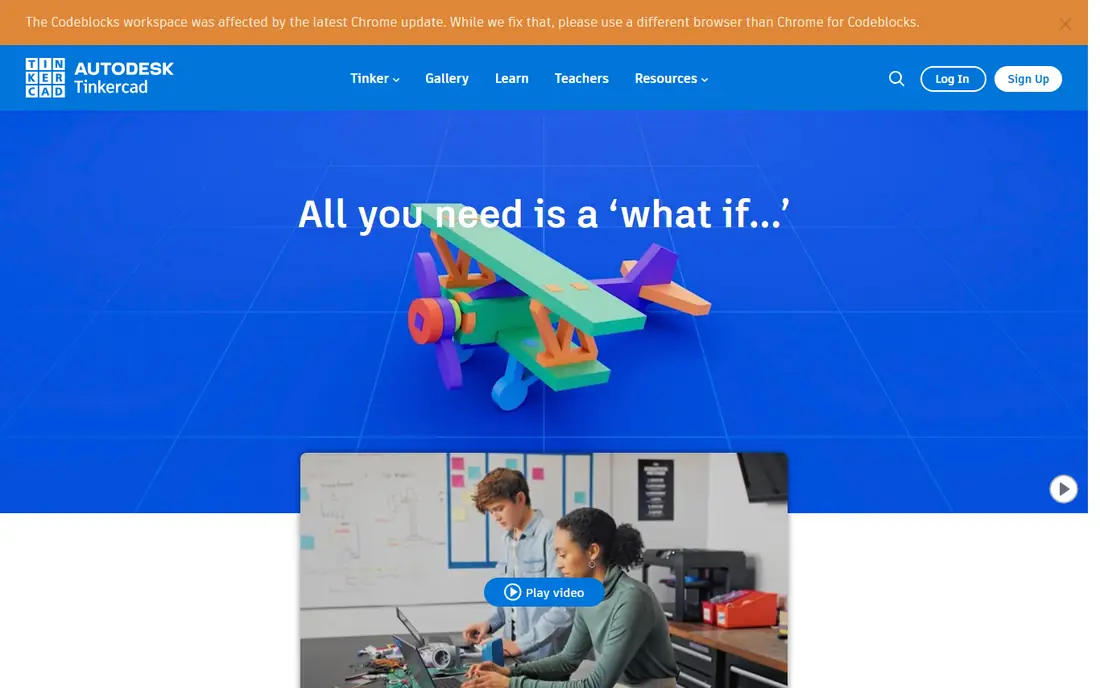
Tinkercad is the easiest place to make a first 3D print. It runs in a browser, uses drag and drop blocks and shapes, and needs no install or CAD experience. A beginner can combine, cut and size shapes, then export to STL or 3MF for a slicer. That short path from idea to print is why schools and first time makers start here, and the free Autodesk account covers the core tools. The limit is growth. Tinkercad handles simple brackets, holders, toys and prototypes well, but precise mechanical parts, complex assemblies and organic sculpting need a stronger tool. Treat Tinkercad as a learning step: make a few successful prints, learn orientation, supports and scale, then move to Fusion 360 or FreeCAD when dimensions and tolerances matter.
- Runs in a browser with no install
- Drag and drop shapes
- Direct STL and 3MF export
- Limited precision and complex modelling
- Simple shapes only for larger projects
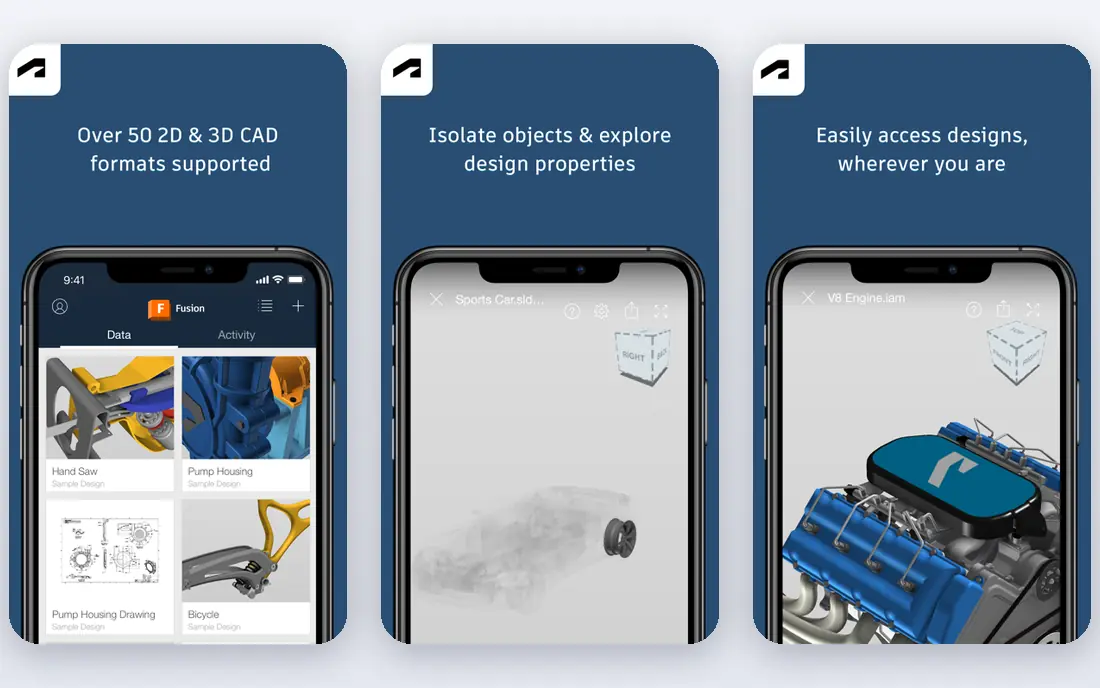
Autodesk Fusion, often called Fusion 360, is the step up for beginners who want precise, functional prints. Parametric modelling lets you set exact dimensions, change a sketch value and update the part, which matters for brackets, enclosures, mounts and parts that must fit other hardware. Export to STL, 3MF and STEP works for slicers and sharing, and the tool covers design, assembly and basic manufacturing in one place. A free personal use licence covers hobbyists, with paid plans from around $680 per year for commercial work. The honest catches are limits and learning. The free personal tier caps active editable documents at 10 and limits some commercial and advanced features, so a busy maker should check current terms. Fusion also takes weeks to learn well, compared with hours for Tinkercad. For a beginner ready to design parts that must fit, Fusion is the most capable free route.
- Full parametric CAD
- Clean STL, 3MF and STEP export
- Strong for functional parts
- Free personal use has document limits and non-commercial terms
- Learning curve is steeper
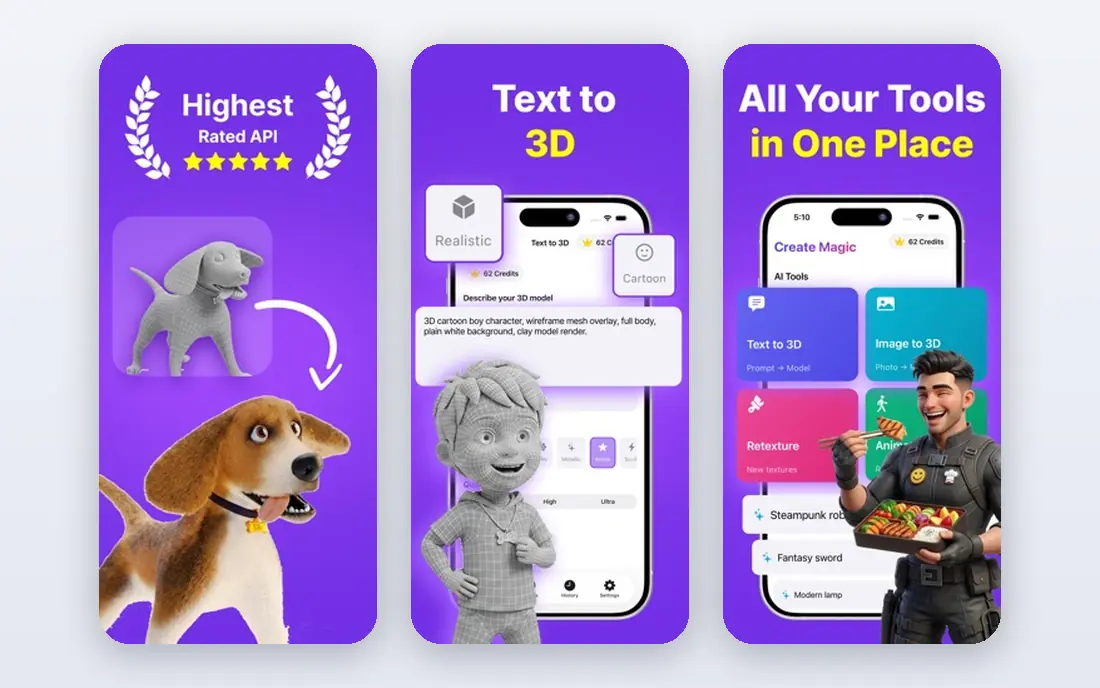
Blender suits beginners who want to print figures, miniatures, jewellery style shapes and other organic models. Its sculpting tools, mesh editing and modifiers give fine control over form, and the free open source licence means no cost barrier or document limits. A large community produces tutorials for printing workflows, including mesh cleanup, scaling and export to STL. For artistic prints, Blender is the standard free choice. The trade is precision. Blender is a mesh modeller, not a parametric CAD tool, so exact engineering dimensions, tolerances and assemblies take more care than in Fusion or FreeCAD. Beginners should also learn mesh checks, such as manifold geometry and wall thickness, before printing, since a beautiful sculpt can still fail on a printer. For art and miniatures, Blender is unmatched at its price.
- Completely free and open source
- Powerful sculpting and mesh tools
- Large tutorial community
- Steep learning curve
- Precision CAD work is harder than in Fusion or FreeCAD
FreeCAD is the best fully free option for beginners who want parametric mechanical modelling without cloud limits or commercial restrictions. Sketches, constraints, parts and assemblies follow CAD logic, so dimensions can be edited and parts updated reliably. STL export supports common slicers, and the open source community adds workbenches for sheet metal, fasteners and other tasks. There is no subscription, no public document requirement and no active document cap. The honest catch is polish. The interface and workbench system feel less smooth than Fusion or Onshape, and beginners may need tutorials to find the right workflow. Some features also vary by workbench, so a first project should stay simple. For a maker who wants free, private, precise CAD for the long term, FreeCAD is a strong and honest choice.
- Completely free parametric CAD
- No document limits
- STL export for printing
- Interface feels less polished
- Learning curve and workbench system take time
SketchUp is known for fast, intuitive modelling, and its free web version suits beginners who want to sketch ideas quickly. Push and pull tools, simple dimensions and a large library of shared models help a new user build shelves, stands, cases and simple brackets without CAD training. Paid plans start around $129 per year for wider desktop and export features, while the free web tier covers basic browser work. The print catch is export. STL handling depends on version and plugins, so a beginner should test the export route to their slicer before starting a large project. SketchUp also suits concept and architectural style models more than tight tolerance mechanical parts. For fast ideas and simple prints, it is friendly, but Fusion or FreeCAD remain better for precise functional work.
- Easy browser based modelling
- Fast for concepts and simple parts
- Large model library
- Free web version has limits
- STL export may need a plugin or paid tier workflow
Onshape gives beginners real cloud CAD without installing software or owning a powerful PC. It runs in a browser, manages versions and sharing, and supports parametric parts and assemblies with STL export for printing. Collaboration is a strength: a teacher, friend or teammate can view and comment on a design without file exchanges. That setup suits classrooms, clubs and distributed makers. The main limit is privacy on the free tier. Free Onshape documents are public, which is fine for learning and open projects but not for private or commercial designs. Paid plans add private documents and wider features, so a maker with commercial ideas should budget for that step. For learning cloud CAD and sharing work openly, Onshape is an excellent beginner route.
- Full cloud CAD in a browser
- Version control and sharing
- No install or local hardware burden
- Free documents are public
- Paid plans needed for private commercial work
Shapr3D suits beginners who prefer a tablet, stylus or touch screen over a mouse driven CAD interface. It offers parametric modelling on iPad, Mac and Windows, with direct sketching and dimension tools that feel closer to drawing than to traditional CAD menus. STL export supports printing, and the Basic free plan lets new users test the workflow with a limited number of designs. Pro pricing sits around $299 per year for wider use. The trade is cost and limits. The free Basic plan caps designs, so a busy maker will need Pro sooner than with fully free tools such as FreeCAD or Blender. Desktop CAD users may also prefer Fusion for complex assemblies. For a beginner who learns best by drawing on a tablet, Shapr3D offers the most natural modelling experience on this list.
- Natural touch and pencil modelling
- Parametric CAD on iPad and desktop
- STL export
- Free Basic plan limits designs
- Full Pro pricing is higher than some rivals
SelfCAD targets beginners who want one browser tool for modelling, sculpting and print preparation, rather than juggling separate CAD and slicer apps. It combines shape modelling, sculpting brushes and basic slicing support, with tutorials aimed at schools, hobbyists and first time makers. A free plan covers basic use, while paid plans add wider features, and STL export supports common printers. That all in one path reduces the confusion of file handoffs for a first project. The limit is depth. SelfCAD covers beginner and intermediate work well, but precise parametric engineering and advanced sculpting still favour Fusion, FreeCAD or Blender. Paid plan details should be checked, since feature limits vary. For a beginner who wants a single guided route from idea to print, SelfCAD is a friendly and practical choice.
- Modelling, sculpting and slicing in one browser tool
- Beginner friendly tutorials
- STL export
- Less depth than Fusion or Blender for advanced work
- Paid features vary by plan
OpenSCAD suits beginners who like code, or who need many versions of a part with different sizes. Models are written as code with variables, loops and functions, so changing one number can resize a whole bracket, box or mount. That parametric logic is excellent for functional prints, custom enclosures and repeatable parts. The tool is free and open source, exports STL, and runs on Windows, Mac and Linux without a subscription. The honest catch is style. OpenSCAD has no visual modelling canvas, so artists and visual learners may find it harder than Tinkercad or Shapr3D. Debugging a model means reading code, not dragging shapes. For a beginner comfortable with basic coding, OpenSCAD offers precise, repeatable parts at no cost, and it pairs well with a slicer for fast iteration.
- Completely free
- Models defined by code, so sizes update reliably
- Great for parametric parts
- No visual drag and drop modelling
- Code learning curve suits programmers more than artists
How we picked these
We compared official product pages, pricing pages and public documentation for 3D modelling tools that beginners can use for printing in October 2026. We favoured tools with clear STL or 3MF export, a genuine free or low cost entry, and a workflow that suits first prints rather than professional CAD alone. Printer compatibility, file format limits and learning curve weighed heavily, since those factors decide whether a first model actually prints. We did not claim hands-on testing that did not happen. Our findings come from vendor pages and published plan details, and free plan terms should be confirmed before a large project. Always test a small print first, check wall thickness and orientation in your slicer, and confirm your printer supports the file format and size you plan to use.
Choosing the right modelling tool for your first prints
Start with the kind of object you want to print. Simple holders and toys suit Tinkercad, functional brackets and enclosures suit Fusion or FreeCAD, and figures or miniatures suit Blender. That choice matters more than feature count, since a tool built for one style will frustrate a maker working in another. Make three small test prints in your chosen tool before committing to a large project. Next, check printer compatibility plainly. Confirm your printer build volume, since a model larger than the bed cannot print in one piece without splitting. Confirm supported file formats, usually STL or 3MF, and test the full route from model to slicer to printer. Check wall thickness, overhangs and support needs in the slicer, since thin walls and unsupported spans fail even when a model looks fine on screen. Some tools also limit export formats on free tiers, so test export early. Finally, plan your learning path. Start simple, learn orientation, layer height, infill and supports, then add precision or sculpting skills as projects grow. Keep early models in one tool, and move to a second tool only when a project needs it. That steady path produces more successful prints than switching tools every week in search of a perfect app.
Frequently asked questions
What is the easiest 3D modeling software for printing beginners?
Tinkercad is the easiest starting point, since it runs in a browser, uses drag and drop shapes and exports directly to STL or 3MF. Most beginners can make a first printable model within an hour. When precise dimensions matter, Fusion 360 Personal or FreeCAD are the natural next steps.
Do I need paid software to start 3D printing?
No. Tinkercad, Blender, FreeCAD and OpenSCAD are free, and Fusion, SketchUp, Onshape and Shapr3D offer free tiers for learning. Paid plans add private documents, wider features or commercial use, but a beginner can print many successful models without paying. Check free tier limits before a commercial project.
What file format should I export for 3D printing?
STL is the most widely supported format, and 3MF is a newer option that can carry colour, material and unit data. Most slicers accept STL, so test that route first. Some tools need a plugin or paid tier for STL export, and some printers have size or format limits, so confirm compatibility with your printer and slicer before a big print.
Will my model fit my printer?
Check your printer build volume and compare it with model dimensions in the slicer. A model larger than the bed must be scaled down or split into parts. Also check wall thickness and minimum feature size, since very thin walls may not print reliably. A small test print reveals fit and strength issues before a long print.
Should I learn CAD or sculpting first?
It depends on what you want to print. Functional parts, brackets and enclosures need CAD skills in Fusion, FreeCAD or OpenSCAD. Figures, miniatures and organic shapes need sculpting skills in Blender. Many makers learn both over time, starting with the style that matches their first projects.
Sources
See where you really rank - block by block
ProMapRanker scans Google Maps across a grid of your service area. Simple monthly plans from $19, white-label on every plan.
Start freeKeep reading
 what’s the best risk software for enterprises
What Is the Best Risk Software for Enterprises in 2026
We compared what’s the best risk software for enterprises on risk registers, controls, third-party risk, and reporting, with pricing notes for large teams.
Read → what's the best pam software for enterprises
What is the Best PAM Software for Enterprises in 2026
Find what's the best pam software for enterprises, with vaulting, session recording, just in time access and pricing compared for large enterprise IT teams.
Read → what’s the best grc software
What Is the Best GRC Software in 2026
We compared what’s the best grc software on risk, compliance, audit and vendor risk, so teams can pick a platform that fits their frameworks and budget.
Read →