 ProMapRanker
Best 3D Maker Software in 2026

Key takeaways
- Tinkercad is the best first step for beginners, while FreeCAD and Fusion 360 suit makers who need precise parts.
- Blender suits organic and artistic models, not engineering parts with exact dimensions.
- Most hobbyists never need to pay, since Tinkercad, FreeCAD, Blender and OpenSCAD are free.
- Free cloud plans often make designs public, so check privacy before modelling a commercial idea.
- For 3D printing, export a clean STL or 3MF file and check size, wall thickness and orientation before slicing.
Quick comparison
| Pick | Great for | Pricing starts at | Free tier | |
|---|---|---|---|---|
 Tinkercad | Absolute beginners and classrooms | Free | Yes | Visit |
 Blender | Organic shapes and sculpting | Free | Yes | Visit |
 Autodesk Fusion | Precise hobby and pro parts | Free for personal use | Yes | Visit |
 FreeCAD | Free parametric modelling | Free | Yes | Visit |
 SketchUp | Fast concept modelling | Free | Yes | Visit |
 Onshape | Cloud CAD and collaboration | Free | Yes | Visit |
 Shapr3D | Tablet modelling with a stylus | Free | Yes | Visit |
 SelfCAD | All-in-one design to print | See website | Yes | Visit |
 OpenSCAD | Programmers who model with code | Free | Yes | Visit |
The best 3D maker software
Maker software covers a wide range, from a first keychain in a classroom to a precise bracket that must fit a real machine. The nine tools below are judged on how easy they are to learn, how precise the output is, and how well they feed a 3D printer. Free tools dominate the hobby end, while paid plans add privacy, collaboration and professional features.
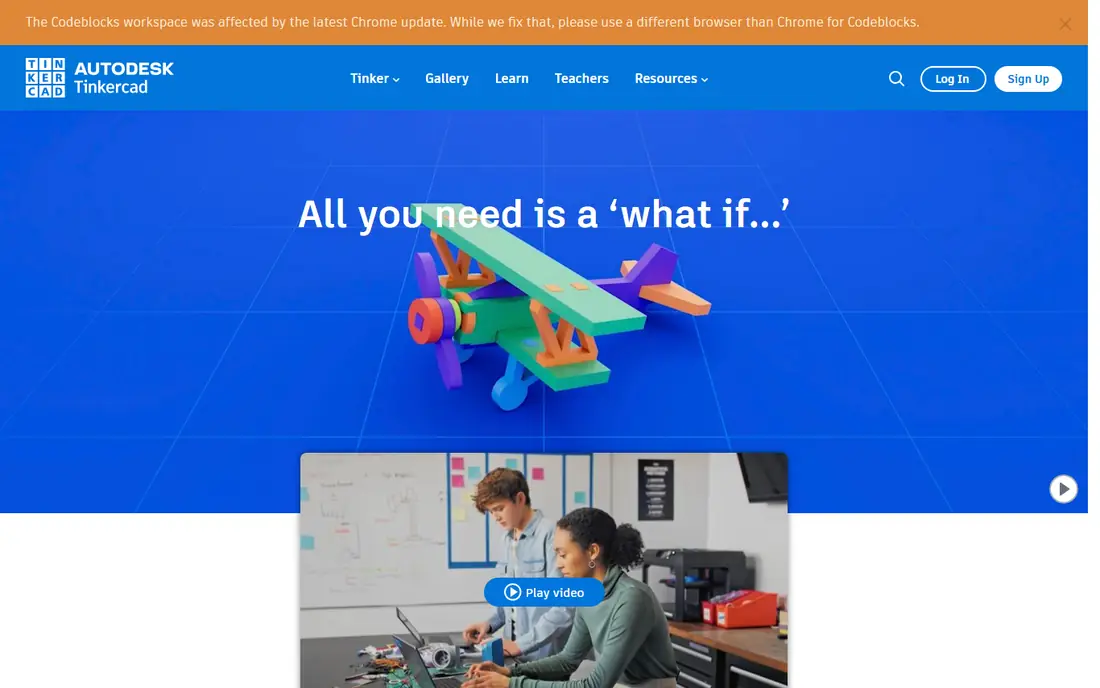
Tinkercad is where most makers start, and for good reason. It runs in a browser, uses simple shapes that combine and cut away from each other, and lets a beginner produce a printable model in an afternoon. Teachers use it in classrooms because students need no install and no prior CAD knowledge, and the export to STL works well for basic prints.
The limit is precision and complexity. Tinkercad is not a parametric engineering tool, and a part that needs exact tolerances, threads or complex curves will outgrow it quickly. That is not a flaw, it is the trade for ease. Start here, learn what a printable model needs, and move on when a design demands more control.
- Very easy to learn
- Runs in a browser
- Good for classrooms and first prints
- Limited for precise engineering
- Simple shapes only for complex parts
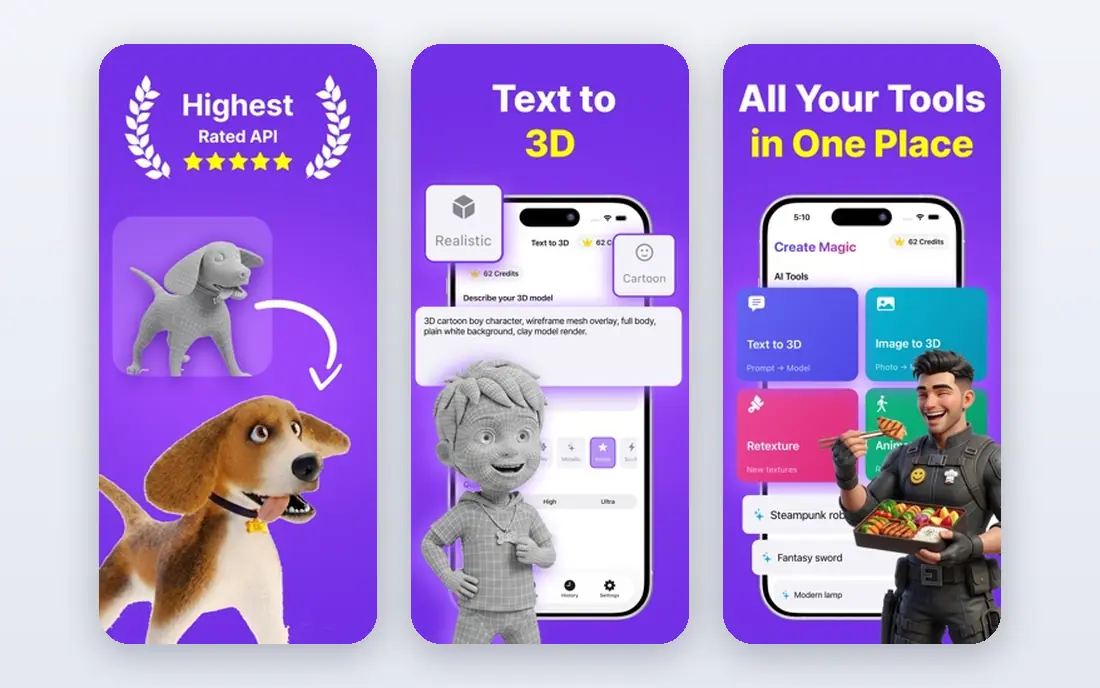
Blender is a free, open source 3D suite that handles modelling, sculpting, animation and rendering at a professional level. For makers, its sculpting tools shine on organic shapes: figures, masks, terrain and artistic objects that would be hard to build from engineering sketches. The community produces a vast library of tutorials, which helps new users through the early learning curve.
That curve is steep, and Blender is not the right tool for a bracket that must fit a bolt pattern exactly. Dimension-driven parts are easier in FreeCAD or Fusion 360. Use Blender when the shape matters more than the measurement, and use a CAD tool when the measurement matters more than the shape.
- Free and powerful
- Excellent sculpting
- Huge community and tutorials
- Steep learning curve
- Weak for dimension-driven engineering parts
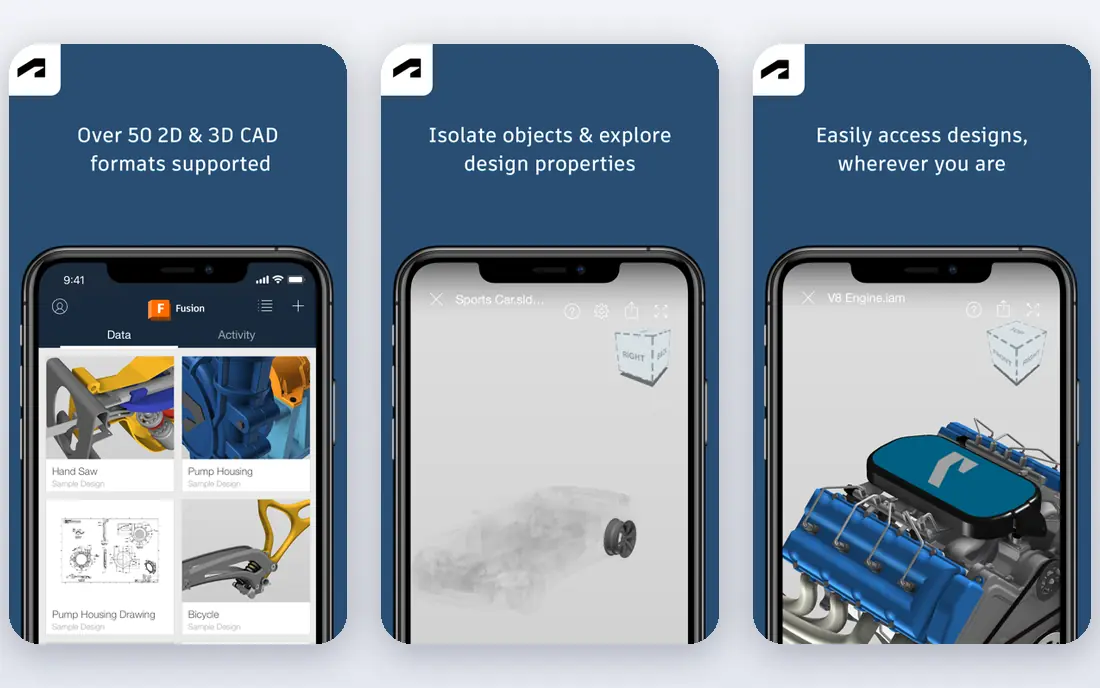
Autodesk Fusion, often called Fusion 360, is the closest a hobbyist gets to professional CAD without paying. It offers parametric modelling, assemblies, rendering and CAM for machining, which makes it ideal for functional parts that must fit, move and bear load. The personal use tier is free for non-commercial work, with limits on documents and some exports.
Commercial users need a paid plan, priced from $680 per year in published listings, and the personal tier limits are real for a busy maker. That said, a hobbyist who learns Fusion gains skills that transfer directly to professional work. For serious functional parts, Fusion is our pick among the tools here.
- Professional parametric CAD
- CAM and rendering included
- Good for functional parts
- Personal tier limits documents and exports
- Subscription cost for commercial use
FreeCAD is a free, open source parametric modeller for product design and mechanical engineering. Unlike Tinkercad, it lets you define sketches with constraints, change a dimension and watch the model update, which is how real engineering parts are designed. It exports STEP, STL and other formats useful for printing and machining, and it runs on Windows, Mac and Linux.
The interface is less polished than Fusion or Onshape, and tutorial quality varies, so new users need patience. Community support is strong, and the price is zero, which makes FreeCAD the best free route to real parametric skills. For a maker who wants engineering control without a subscription, FreeCAD is the answer.
- Free and open source
- True parametric modelling
- Good for mechanical parts
- Interface is less polished
- Learning resources vary in quality
SketchUp is the fast concept tool in this list. Its push and pull workflow lets a user build rooms, furniture, stands and architectural mockups quickly, and the free web version needs no install. The 3D Warehouse offers a large library of shared models, which helps a maker start from an existing form rather than modelling from scratch.
The free version is for personal use only, and SketchUp is weaker for precise mechanical parts than FreeCAD or Fusion. Paid plans start from $129 per year in published listings and add desktop tools and commercial use. For quick concepts, interiors and architectural ideas, SketchUp remains one of the fastest tools to learn.
- Fast and intuitive for boxy forms
- Browser-based free version
- Large model library
- Free version is personal use only
- Less suited to precise mechanical parts
Onshape brings professional parametric CAD to a browser, with collaboration and version control built in. Teams can edit the same model, track changes and branch designs without files passing back and forth, which suits classrooms, maker groups and distributed teams. Since it runs in a browser, it works on modest hardware that would struggle with desktop CAD.
The free tier makes documents public, which rules it out for a private commercial idea unless a paid tier is bought. That trade is clear and fair for a free professional tool. For a team that values collaboration and version history over desktop power, Onshape is an excellent choice.
- Real parametric CAD in a browser
- Strong collaboration and version control
- No install needed
- Free documents are public
- Paid tiers needed for private commercial work
Shapr3D stands out for tablet modelling. On an iPad with a stylus, sketching and shaping a part feels direct in a way a mouse cannot match, and the app also runs on Windows and Mac. The interface is clean, the learning curve is gentle for a CAD tool, and exports support printing and further CAD work.
The free Basic plan is limited to two designs, and the Pro plan costs $299 per year in published listings. That makes Shapr3D a paid tool for regular use, but for a maker who models away from a desk, the tablet experience justifies the cost. For desktop-only work, Fusion or FreeCAD may offer better value.
- Excellent on iPad with Apple Pencil
- Intuitive direct modelling
- Good for concept parts
- Free Basic plan limits designs
- Pro subscription is $299 per year
SelfCAD aims to cover the whole maker workflow in one browser tool: modelling, sculpting, rendering and slicing for 3D printing. That all-in-one approach helps a beginner who does not want to learn three separate apps, and a free plan exists for students and hobbyists. Tutorials guide new users through common maker projects.
Depth is the trade-off. SelfCAD does not match Fusion or FreeCAD for parametric engineering, nor Blender for high-end sculpting. For a hobbyist who wants one tool from idea to printer, especially in a classroom, SelfCAD is a convenient pick. For a precise functional part, a specialist CAD tool will serve better.
- Design, sculpting and slicing in one place
- Easy for beginners
- Free plan for students and hobbyists
- Less depth than specialist CAD
- Pricing needs checking on the vendor site
OpenSCAD takes a different path: you write code to describe a solid, and the program builds it. For programmers, that is a strength. A parametric bracket, a gear or a mounting plate can be defined with variables, reused, versioned and regenerated at a new size by changing a number. The output is precise and repeatable, which suits functional prints.
Non-programmers will find it alien, since there is no visual dragging of shapes. The learning curve is real, but the payoff is high for repeatable parts. If you already code and you print functional parts, OpenSCAD deserves a place alongside FreeCAD in your toolkit.
- Free and open source
- Precise parametric parts from code
- Excellent for repeatable designs
- No visual dragging
- Learning curve for non-programmers
How we picked these
We compared official pricing pages, product descriptions and public maker guides in October 2026, and we favoured tools that are actively maintained and that export printable files. We included beginner, artistic, parametric and code-based tools so readers can match a working style, not just a price. We did not claim hands-on testing we did not do.
How to choose for your first project
Start with the object, not the tool. A decorative figure suits Blender or Tinkercad, a bracket suits FreeCAD or Fusion, and a room layout suits SketchUp. Trying to force one tool onto every object wastes time, and learning a second tool later is normal for makers. Most experienced makers use two or three tools from this list for different jobs.
Check printability before you print
Export STL or 3MF, check the size in your slicer, and confirm wall thickness, overhangs and orientation. A model that looks fine on screen can fail if walls are too thin or if it needs supports in an awkward place. A short test print at low infill saves filament and time on a large final print.
Watch the free plan limits
Free plans differ in important ways: Tinkercad and FreeCAD are fully free, Fusion personal use limits documents, Onshape free documents are public, and Shapr3D free limits designs. Check those limits before modelling a commercial idea or a private project, and upgrade only when a limit actually blocks your work.
Frequently asked questions
What is the best 3D maker software for beginners?
Tinkercad is the best first tool for beginners and classrooms, since it runs in a browser and needs no CAD experience. When a beginner needs more control, FreeCAD or SketchUp are natural next steps.
Is Blender good for 3D printing?
Yes, for organic and artistic models. Blender exports STL and other print formats, but it is weaker for dimension-driven parts. For a precise bracket or housing, use FreeCAD or Fusion 360 instead.
Can I make 3D models for free?
Yes. Tinkercad, Blender, FreeCAD and OpenSCAD are free, and Fusion, SketchUp, Onshape and Shapr3D offer free tiers with limits. Most hobbyists can model and print without paying.
What file format do I need for 3D printing?
STL is the most widely supported format, while 3MF carries more information such as colour and material. Export from your maker tool, check the file in a slicer, and confirm size before printing.
Is Fusion 360 free for hobbyists?
Fusion offers a free personal use licence for non-commercial work, with limits on documents and some exports. Commercial use requires a paid plan, priced from $680 per year in published listings.
Which tool is best for precise mechanical parts?
FreeCAD and Fusion 360 suit precise mechanical parts, since both offer parametric modelling with constrained sketches. OpenSCAD also suits precise, repeatable parts for users comfortable with code.
Sources
See where you really rank - block by block
ProMapRanker scans Google Maps across a grid of your service area. Simple monthly plans from $19, white-label on every plan.
Start freeKeep reading
 worlds best local seo company
8 Worlds Best Local SEO Companies for Map Pack Growth in 2026
Compare the worlds best local seo company options for Google Business Profile work, citations, reviews, and multi-location rankings and reporting in 2026.
Read → world's best web hosting company
World's Best Web Hosting Company in 2026
Searching for the world's best web hosting company? We compared 10 hosts on price, renewal rates, speed, and support to help you choose well today in 2026.
Read → who's got the best nanny tax services
Who's Got the Best Nanny Tax Services in 2026
We answer who's got the best nanny tax services, comparing full filing, back taxes, software, and pricing so families can handle nanny taxes correctly.
Read →