 ProMapRanker
Best 3D Design Software in 2026

Key takeaways
- Blender is the strongest free starting point because it covers modeling, sculpting, animation, and rendering in one package.
- Fusion 360 and Rhino suit measured, buildable work, while SketchUp suits fast architectural concepts and early client sketches.
- Free tools have real limits, so check export formats, commercial use terms, and file privacy before you commit to a project.
- Paid tools only make sense when the work is billable or the file format is required by a client, a studio, or a manufacturer.
Quick comparison
| Pick | Great for | Pricing starts at | Free tier | |
|---|---|---|---|---|
 Blender | Free all-round 3D creation | Free | Yes | Visit |
 Autodesk Fusion 360 | Product design and manufacturing | $680 per year | Yes | Visit |
 SketchUp | Fast architectural concepts | $129 per year | Yes | Visit |
 Rhino | Precise surface modeling | $995 one-time | Free trial | Visit |
 Tinkercad | First models and simple prints | Free | Yes | Visit |
 FreeCAD | Free parametric engineering models | Free | Yes | Visit |
 Shapr3D | Tablet and stylus modeling | $299 per year | Yes | Visit |
 Onshape | Cloud-based team CAD | See website | Yes | Visit |
 ZBrush | Digital sculpting for characters | $399 per year | Free trial | Visit |
The best 3d design software
We compared tools for different kinds of 3D work, from simple prints to film-ready models, and the right pick depends on what you will make most often.
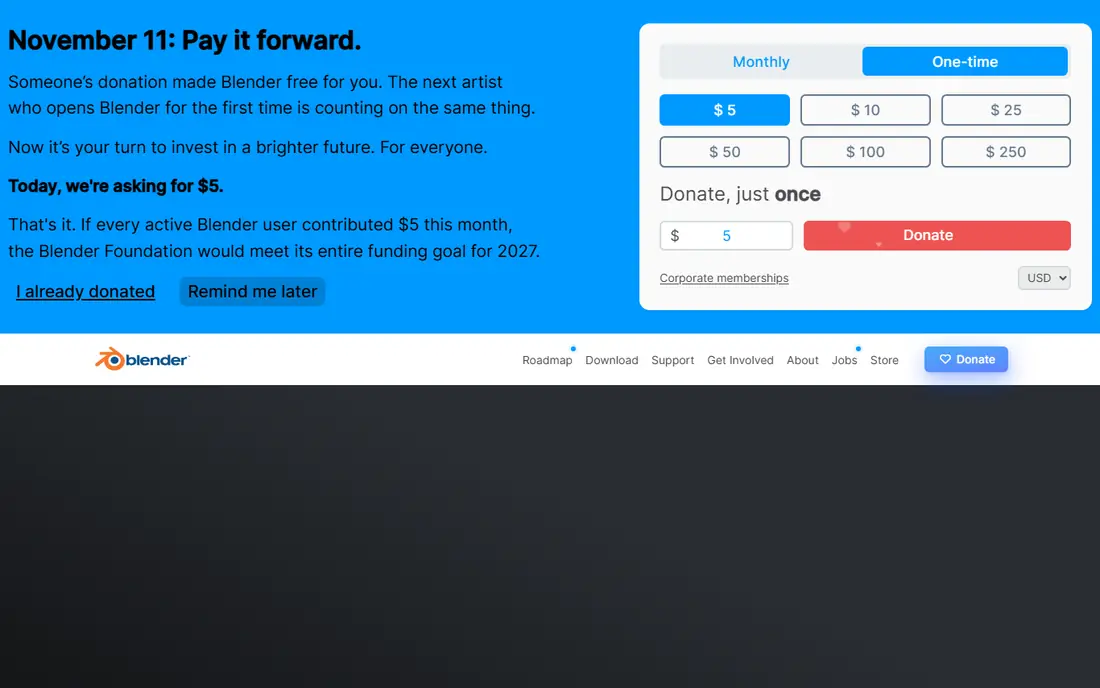
Blender is our first suggestion for most people who want to learn 3D design without paying a subscription. It handles hard-surface modeling, organic sculpting, texturing, animation, video editing, and rendering, so a single download can carry a project from a rough shape to a finished image. The Cycles renderer and the real-time EEVEE renderer give you two different ways to preview and finish work, depending on how much time and computer power you have.
The catch is time, not money. Blender rewards patient practice, and its menus hold far more than a beginner needs on day one. Start with one task, such as modeling a simple object or following a short beginner series, and add tools only when a project demands them. For students, hobbyists, and small studios, that trade-off is hard to beat.
- Full modeling, sculpting, animation, and rendering tools
- Open source and free for commercial use
- Large community and tutorial library
- Steep learning curve
- Interface can feel crowded for beginners
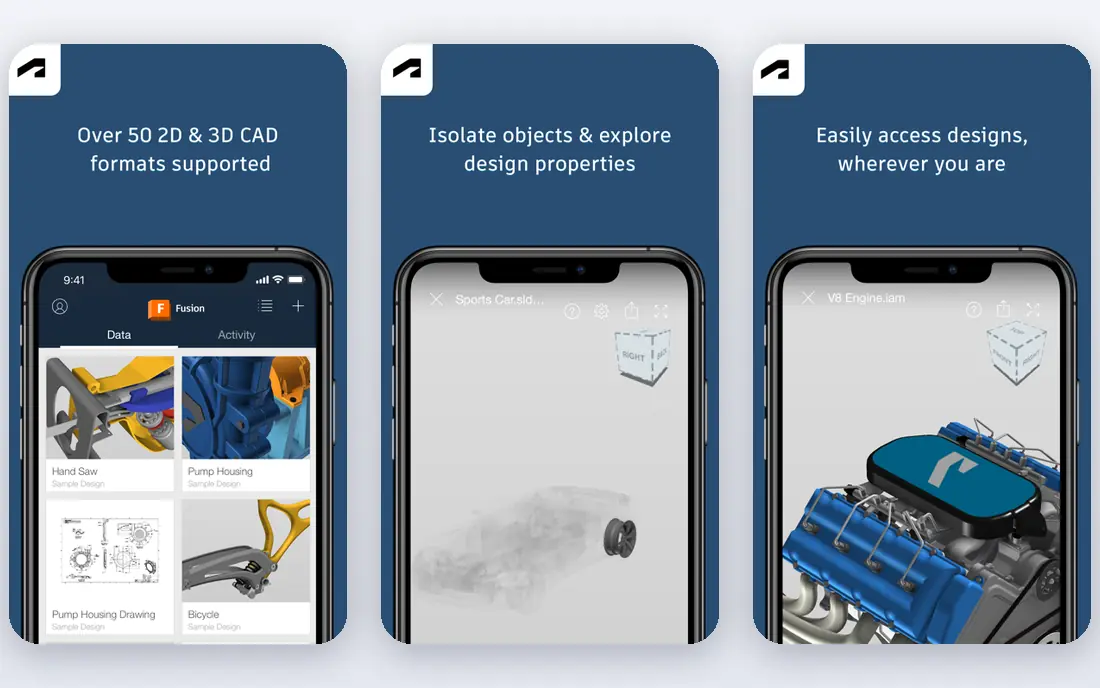
Fusion 360 is built for parts that must fit, move, and be made. You sketch, add dimensions and constraints, and change an early value to update the whole model, which is the core habit of parametric design. It also brings machining, sheet metal, rendering, and basic simulation into the same workspace, so a small product team can move from an idea to a file a workshop can use.
We like it best for enclosures, brackets, furniture hardware, and other functional objects. The personal-use plan is useful for learning and for non-commercial projects, but read its limits before you rely on it for paid work. If you sell what you design, the paid plan is the honest route, and its yearly price should be weighed against the cost of a single failed prototype.
- Parametric modeling with built-in CAM and simulation tools
- Cloud collaboration
- Strong path from design to manufacture
- Paid plan is a yearly commitment
- Personal-use plan has document and feature limits
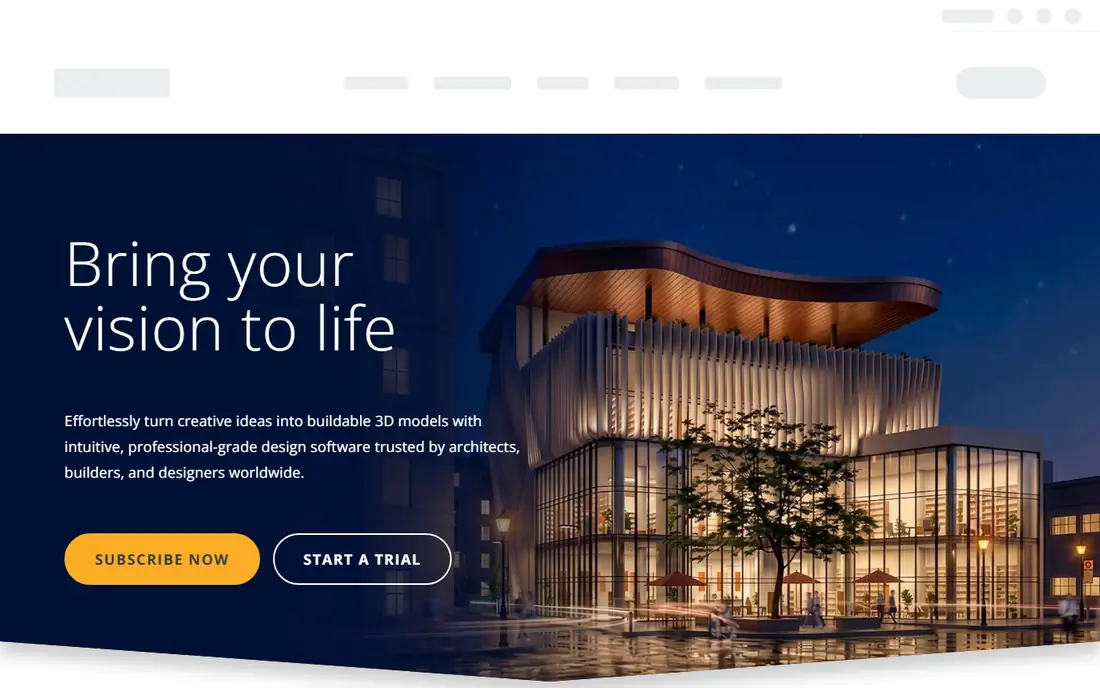
SketchUp wins when speed matters more than engineering detail. You can draw a room, test furniture layouts, or block out a small building in an afternoon, and the push-pull style of modeling feels close to sketching on paper. Architects, interior designers, and remodelers use it to show a client an idea early, before detailed drawings take over.
The free web version is fine for personal practice, but commercial work and desktop features need a paid plan, starting with Go. Pro adds desktop modeling and LayOut for 2D documentation, which matters if you hand drawings to a builder. Check which plan matches the files you must deliver, since the cheapest plan is not always the one that exports what a client needs.
- Very fast to learn for rooms, buildings, and site layouts
- Large library of ready-made models
- Web and iPad versions available
- Less suited to precise mechanical parts
- Desktop tools and documentation sit on higher-priced plans
Rhino is the tool many industrial designers reach for when a shape is all curves and no flat faces will do. Its NURBS modeling handles jewelry, footwear, vehicle panels, and product surfaces with a level of control that polygon tools struggle to match. You can also move files between Rhino and other design and manufacturing tools with relative ease, which helps in mixed teams.
The one-time price stands out in a market full of subscriptions, though upgrades for future major versions are usually paid. Rhino is less forgiving if you want to change a dimension late in a project and have every related feature update on its own. For pure form work, that is a fair trade. For assemblies with many linked parts, a parametric CAD tool may fit better.
- Strong NURBS surfacing for complex curves
- One-time purchase rather than a subscription
- Broad file format support
- No built-in parametric history like some CAD tools
- Rendering and animation need add-ons or other software
Tinkercad is where a first 3D print should start. You stack, cut, and group simple shapes in a browser tab, then export a file for a printer. Teachers use it because students can make something tangible in a single lesson, and hobbyists use it for replacement knobs, phone stands, and simple brackets. Autodesk runs it free, which removes the usual excuse for not trying 3D design at all.
Its limits arrive quickly, and that is by design. You cannot type in a dimension and expect a full history of changes to follow, and complex assemblies become hard to manage. Treat Tinkercad as a sketchpad. When you start wishing for exact measurements and editable features, move to FreeCAD or Fusion 360 and keep Tinkercad for quick ideas.
- Runs in a browser with no install
- Drag-and-drop shapes anyone can learn quickly
- Free for classrooms and hobby use
- Too simple for precise mechanical parts
- No real parametric history
FreeCAD is the free answer to a common complaint about Tinkercad: it lets you build a model from sketches, constraints, and features that you can edit later. Change a sketch dimension and the part updates, which is the habit that makes engineering models useful over time. It supports STEP and other formats used in manufacturing, and it runs on Windows, macOS, and Linux.
The interface and some tools feel less polished than Fusion 360 or SolidWorks, and beginners may need patience with workbenches and settings. Still, for a maker, student, or small shop that cannot justify a subscription, FreeCAD covers a surprising amount of real work. Keep a backup of important files and test exports with your printer or workshop before a deadline.
- Real parametric modeling at no cost
- Open source
- Supports technical drawings and common engineering formats
- Interface feels rougher than paid CAD
- Some workflows need more manual steps
Shapr3D feels different because you draw with a pencil instead of clicking through menus. On an iPad, you sketch a profile, pull it into a solid, and adjust edges by hand, which suits early product ideas and client meetings away from a desk. The same account works on Mac and Windows, so a sketch started on a tablet can be finished on a larger screen.
The free Basic plan is genuinely useful for trying the workflow, but its design limit means serious users will need Pro. Shapr3D is not a full replacement for a desktop CAD suite if you need deep simulation or complex assemblies. It is best as a fast front end for ideas, with export to other tools when a project grows.
- Natural sketching with a stylus on iPad
- Direct modeling that feels fast
- Syncs across iPad, Mac, and Windows
- Free Basic plan limits the number of designs
- Advanced manufacturing tools are thinner than desktop CAD
Onshape moves CAD into the browser and treats version control as a normal part of design. Team members can work on the same assembly, branch a design to test an idea, and merge it back without passing files around by email. That habit matters for distributed teams and for schools where students share machines.
The free plan is a good way to learn, but its documents are public, so it does not suit private commercial work. Paid plans add private documents and admin controls, and you should confirm current pricing on the vendor site before budgeting for a team. If your team already lives in browsers and shared documents, Onshape feels natural. If you work offline often, a desktop tool may suit you better.
- Runs in a browser with no install
- Real-time collaboration and version control
- Strong parametric modeling
- Free plan documents are public
- Paid pricing depends on the plan and team size
ZBrush is not a general CAD tool, and that focus is its strength. It treats a model like clay, so artists can sculpt characters, creatures, and detailed props with brushes that push, pull, smooth, and carve at high detail. Studios use it for film, games, and collectibles, and its output often moves into Blender, Maya, or a game engine for animation and rendering.
New users should expect a learning period, because ZBrush menus and shortcuts differ from most 3D software. It also makes less sense for measured parts or architectural work, where parametric CAD wins. For organic art, though, few tools come close, and the yearly price is easier to justify when sculpting is the core of the job.
- Best-in-class sculpting brushes for organic forms
- Handles very high polygon counts
- Used across film and games
- Subscription-only for the full desktop version
- Interface is unusual for newcomers
How we picked these
We compared official feature pages, pricing pages, and app and desktop listings, and we favored tools that are still sold and supported in October 2026. We looked for a mix of free and paid options, and for tools that cover different jobs: measured parts, buildings, sculpting, and first prints. We did not claim hands-on testing, and we left prices as See website where vendor pricing was unclear or varied by plan and region.
What to check before you buy
Start with the output, not the feature list. Ask what file a client, printer, or manufacturer must receive, and confirm that your shortlisted tool exports it cleanly. A beautiful model that cannot be opened by the next person in the chain is a wasted afternoon, so test one real export early.
Next, match the tool to your computer and your habits. Browser tools suit shared machines and travel, while desktop tools suit heavy rendering and offline work. Check system requirements, especially for rendering and sculpting, and try the free plan or trial on a small project before you pay for a year.
Finally, count the total cost of learning. A free tool with a steep learning curve can cost more in time than a paid tool with a clear workflow, and the reverse is also true. Pick the tool you will actually open next week, not the one with the longest feature list.
Frequently asked questions
What is the best software for 3d design for beginners?
Tinkercad is the easiest first step, and Blender is the best free tool to grow into. Start with Tinkercad for simple prints, then move to Blender or FreeCAD when you need more control.
What is the best 3d drawing software for architecture?
SketchUp is the fastest pick for rooms, buildings, and early client concepts. Rhino suits complex curved architecture, while Blender and FreeCAD help when you need rendering or measured drawings.
Is Blender really free for commercial work?
Yes, Blender is open source and free to use, including for commercial projects, with no license fee for the software itself. You still need to respect the licenses of any third-party assets you use in a project.
Which tool is best for 3D printing?
Tinkercad suits simple prints, FreeCAD suits measured functional parts, and Blender suits organic shapes and figures. Confirm that the tool exports STL or 3MF files your printer software accepts.
Do I need a powerful computer for 3D design?
Simple modeling runs on most modern computers, but rendering, sculpting, and large assemblies benefit from more memory and a capable graphics card. Try a trial project on your current machine before you upgrade hardware.
Sources
- https://www.blender.org
- https://www.autodesk.com/products/fusion-360
- https://www.sketchup.com
- https://www.rhino3d.com
- https://www.tinkercad.com
- https://www.freecad.org
- https://www.shapr3d.com
- https://www.onshape.com
- https://www.zbrush.com
- https://rankite.com/blog/best-3d-graphics-software
- https://rankite.com/blog/best-3d-cad-software-for-hobbyist
See where you really rank - block by block
ProMapRanker scans Google Maps across a grid of your service area. Simple monthly plans from $19, white-label on every plan.
Start freeKeep reading
 outreach alternatives
Outreach Alternatives in 2026
Compare outreach alternatives for 2026, from Salesloft and Apollo to HubSpot and Lemlist, with pricing, channels, features, limits, and honest trade-offs.
Read → best web conference tools
Best Web Conference Tools in 2026
Compare the best web conference tools for meetings, webinars and team calls, with current pricing, free plans and honest limits for each option here today.
Read → best voice cloning tools
Best Voice Cloning Tools in 2026
Compare the best voice cloning tools in 2026, from ElevenLabs and Descript to Resemble and Cartesia, with consent rules, pricing, licenses, and limits.
Read →