 ProMapRanker
Best 1099 Filing Software in 2026


Filers that want tiered pricing and many integrations · Pricing starts at: $2.99 per form
Key takeaways
- Per-form e-file prices on this list start around $1.99 to $2.99 per form for small orders, with lower rates at higher volumes.
- State filing, print and mail, e-delivery and TIN matching are often charged separately, so compare the total order, not just the headline rate.
- Buying software does not grant IRS e-file authorisation. E-filing client returns requires an EFIN, and the rules below explain PTIN and the 10-return rule.
- This article gives general information only, not tax or legal advice. Filing deadlines and penalties vary and must be verified against current IRS rules.
Quick comparison
| Pick | Great for | Pricing starts at | Free tier | |
|---|---|---|---|---|
| Tax1099 | Filers that want tiered pricing and many integrations | $2.99 per form | No | Visit |
 eFileMyForms | Filers that want e-file only or print and mail | $2.99 per form | No | Visit |
 TaxBandits | Small filers that want volume pricing | $2.75 per form | No | Visit |
 TaxFormHero | Filers that want simple pay-per-form pricing | $1.99 per form | No | Visit |
 Avalara 1099 and W-9 | Teams that want W-9 collection plus filing | $3.10 per form | No | Visit |
 Yearli | Filers that want an established year-end platform | See website | No | Visit |
 Track1099 | Small businesses that want a simple filing flow | See website | No | Visit |
 1099Pro | High-volume filers that need a full platform | See website | No | Visit |
The best 1099 filing software
We compared vendor pricing pages, feature pages and public descriptions for these eight tools, focusing on per-form pricing, form coverage, state filing, recipient delivery, TIN checks and corrections. The list covers pay-per-form tools for small filers and fuller platforms for high-volume work. This article gives general information only, not tax or legal advice. Filing deadlines and penalties vary and must be verified against current IRS rules before filing.
Read this plainly before choosing a tool. Buying software does not grant IRS e-file authorisation. A paid preparer who e-files client returns generally needs an Electronic Filing Identification Number, known as an EFIN, issued through the IRS e-file provider process. A Preparer Tax Identification Number, known as a PTIN, identifies a paid preparer and is separate from an EFIN. The IRS also requires e-filing when a filer has 10 or more information returns in aggregate, counting most information return types together, so a filer should not count each form type on its own. Do not assume that a tool offers no-EFIN e-file eligibility for client returns: check the IRS rules and the vendor terms for the exact filing path, and get advice for a specific case.
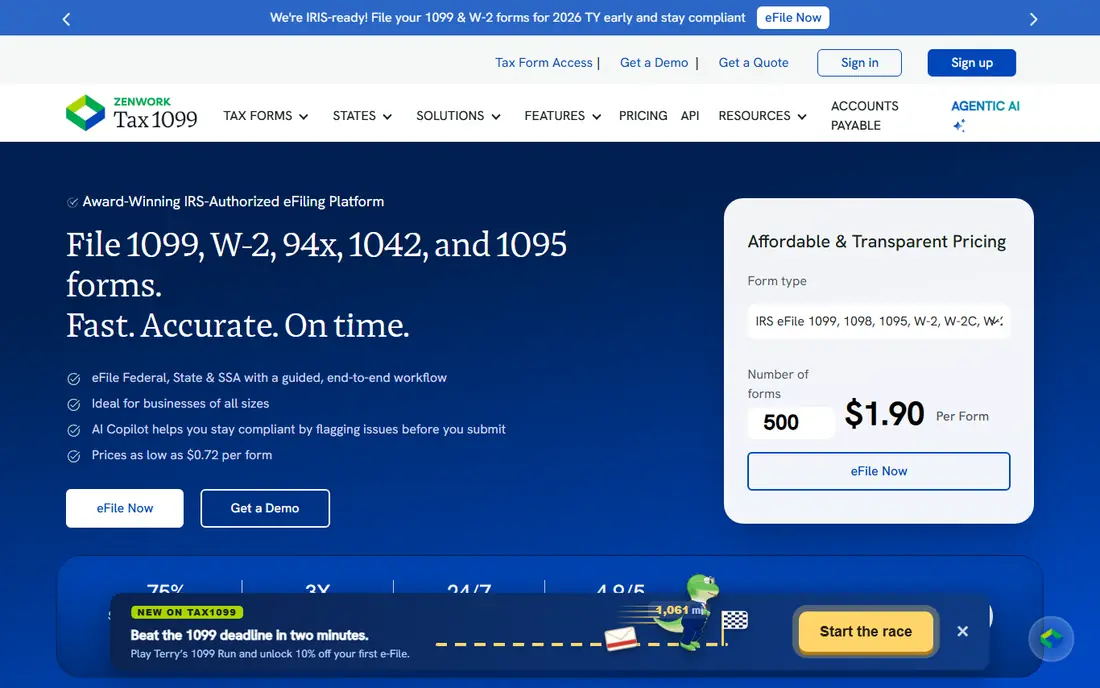
Tax1099 is a well-known information-return e-filing platform with tiered pricing that falls as volume rises: $2.99 per form for 1 to 20 forms, $2.59 for 21 to 150, $1.99 for 151 to 250, $1.42 for 251 to 500, and $0.72 for 501 to 1,000, with a quote above that. It supports bulk upload from spreadsheet templates, data validation checks, IRS e-filing, state filing and recipient e-delivery, print and mail, and corrections.
The strength is breadth for a midsize filer. Integrations with accounting tools such as QuickBooks Online, Xero and others reduce retyping, and the tiered model rewards a larger single order. The catch is that state filing, delivery and other services can add to the bill, so the per-form headline is not always the total. Tax1099 fits a filer that wants a full, integration-friendly platform and can plan volume in one order.
- Tiered per-form pricing
- Bulk upload and accounting integrations
- State filing and recipient delivery options
- Add-on services cost extra
- Tier math needs care for mid-size orders
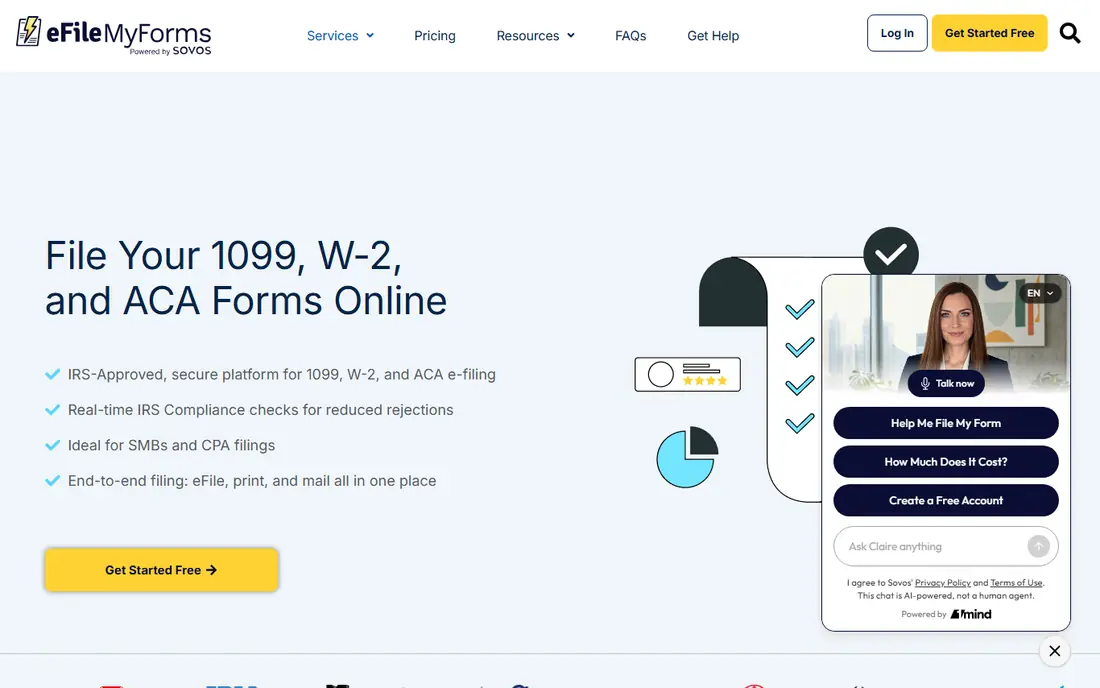
eFileMyForms, part of Sovos, offers two clear service paths for 1099, 1098, 5498 and W-2 forms. E-file only starts at $2.99 per form for 1 to 20 forms and falls to $1.19 for over 1,000 forms, while e-file, print and mail starts at $4.89 for 1 to 20 forms. It presents itself as IRIS-compliant, so users file through the IRS Information Returns Intake System without obtaining a Transmitter Control Code of their own for that path, and it offers real-time TIN matching at $1.00 per match and direct state reporting for 1099-NEC at $1.49 per state return where supported.
The limit is state coverage and timing. Direct state reporting is not supported for every state, and print-and-mail orders submitted on or after January 28 can carry an extra $1 per-form processing fee. eFileMyForms fits a filer that wants a simple, no-subscription, pay-per-form flow with a clear choice between e-file only and full print and mail.
- Clear e-file only and print-and-mail prices
- IRIS-compliant filing without a separate transmitter code for its users
- TIN matching add-on
- Print-and-mail orders can carry a late-season processing fee
- Direct state reporting covers supported states only
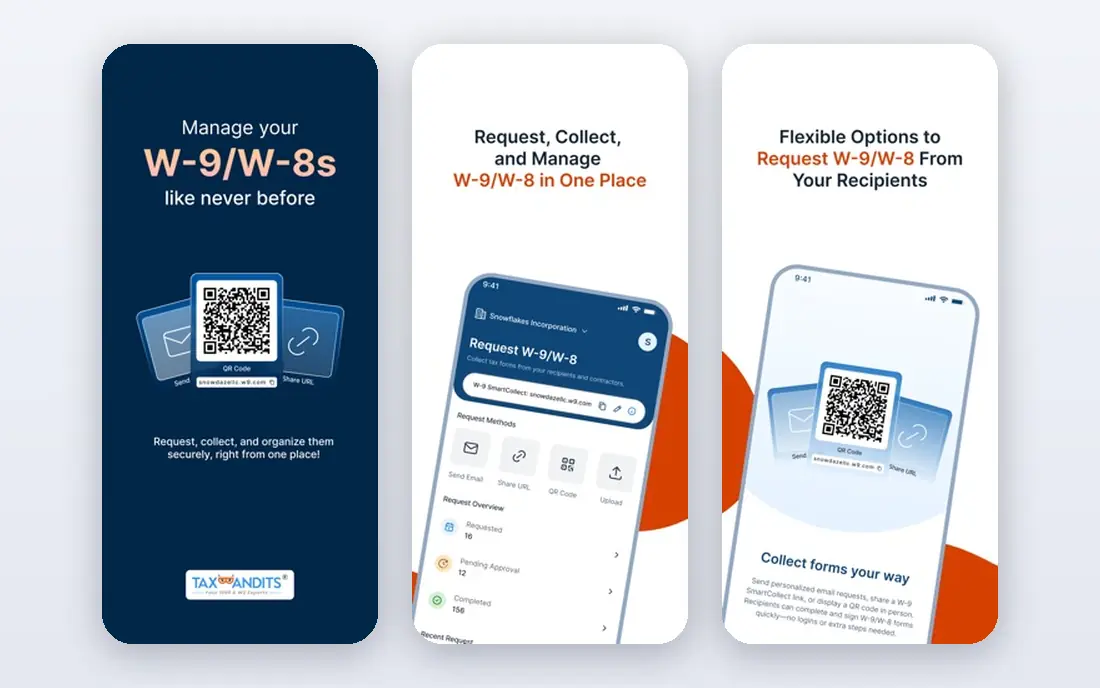
TaxBandits offers federal and state filing, recipient distribution options and data import, with published pricing starting at $2.75 per form for the first 10 forms when forms are submitted together or prepaid credits are bought, and lower rates at higher volumes. Domestic postal mailing is listed at $1.50 per recipient copy. That structure suits a small filer that can batch forms in one order rather than filing one at a time through the season.
The catch is the batching condition. A filer who files in dribs and drabs may not get the lowest rate on every order, and mailing and state services still add to the total. TaxBandits fits a small business or firm that can gather recipient data, check it once, and file in a planned batch.
- Low starting per-form price
- Federal and state filing
- Recipient delivery and data import
- Lowest rates depend on submitting forms together or buying prepaid credits
- Mailing is charged separately
TaxFormHero is the pay-per-form option in recent tax-year 2026 pricing comparisons, charging $1.99 per form for 1 to 150 forms, $0.99 for 151 to 500, $0.60 for 501 to 1,000, and $0.45 above that, with no signup fee or subscription. Optional services are priced separately: state filing at $0.99 per form, print and mail at $1.69 per form, e-delivery at $0.19 per form, and TIN matching at $0.49 per check. That separation lets a filer price federal filing apart from the extras it actually needs.
The honest limit is track record. TaxFormHero is less established in public comparisons than Tax1099 or eFileMyForms, so a firm should test support response, corrections and state coverage before moving a large client batch. It fits a cost-conscious filer that wants a clean per-form model and can verify the extras it needs.
- Simple pay-per-form model with no signup fee
- Clear volume tiers
- Separate pricing for state, mail and TIN checks
- Newer and less widely known than older platforms
- Support and integration depth need checking in a trial
Avalara 1099 and W-9 pairs filing with W-9 collection, which helps a team that spends January chasing missing taxpayer details. Its published pay-as-you-go IRS e-filing price starts at $3.10 per form for the first 15 forms and declines with volume, and the service includes recipient e-delivery, e-corrections and PDF and CSV downloads with IRS e-filing. An annual subscription option is also offered for regular filers.
The trade-off is total cost. State e-filing, postal delivery and TIN matching are separately priced, so the $3.10 headline is not the full order for many filers. Avalara fits a team that values clean W-9 data at the front of the process and is willing to pay a little more for that collection step.
- W-9 collection and validation alongside filing
- Pay-as-you-go and subscription options
- Recipient e-delivery and corrections
- State filing, postal delivery and TIN matching are separately priced
- Headline rate is higher than the cheapest pay-per-form tools
Yearli by Greatland is an established year-end filing platform for 1099, W-2 and related forms, offering federal, state and recipient filing, data imports from accounting programs and an online archive for past filings. That archive and the year-end focus suit a business that files the same set of forms each year and wants prior filings easy to retrieve.
The caution is price currency. A published detailed pricing reference for Yearli identified its $6.39 per-form non-subscription starting point as for the 2025 filing year, so a buyer should confirm the tax year 2026 rate and what it includes before filing. Yearli fits a filer that values an established platform and an archive, provided the current-year price is confirmed in writing.
- Established Greatland year-end platform
- Federal, state and recipient filing
- Online archive for past filings
- Published per-form reference may reflect an earlier tax year, so confirm the current-year rate before filing
Track1099 is aimed at small businesses that want to file 1099 forms online without a full enterprise platform. It covers e-filing, recipient copies and corrections in a straightforward web flow, which suits an owner or bookkeeper filing for a handful of contractors. The simplicity is the point: enter payer and recipient details, check the forms, and file.
The limit is price transparency. Track1099 pricing is less clearly published than the pay-per-form rates for Tax1099, eFileMyForms or TaxFormHero, so a buyer should get a written quote for the form count and services needed. It fits a very small filer that values a simple flow over the lowest published per-form rate, once the total order cost is confirmed.
- Simple online filing flow for small filers
- E-file, print and mail options
- Corrections support
- Pricing is not as clearly published as pay-per-form rivals
- Integration depth is narrower than larger platforms
1099Pro, also part of Sovos, is a fuller cloud platform for 1099, W-2, 1098 and 1042 filing, supporting many form types with built-in TIN validation and corrections. Annual plans are listed as starting at $449 with no setup fees, which points to its intended audience: firms and companies filing at volume, year after year, rather than a business filing five forms once.
The trade-off is fit for small filers. A business with a handful of forms will likely pay less with a pay-per-form tool, and 1099Pro setup takes more time than a simple upload-and-file flow. It fits a high-volume filer that wants one platform for many form types, TIN validation and corrections in a single workflow.
- Full cloud platform for many form types
- Built-in TIN validation
- Corrections and high-volume handling
- Annual platform pricing suits high volume better than a handful of forms
- Setup takes more time than a simple pay-per-form tool
How we picked these
We compared official vendor pricing pages, feature pages and public pricing comparisons, and we kept only tools that exist and work today and truly fit 1099 filing, meaning IRS e-filing, recipient delivery or both for information returns. We did not claim hands-on testing, and we did not invent prices, ratings or rankings. Where a published price may reflect an earlier tax year, or where pricing was not clearly published, we wrote See website and flagged the check in the text. Tax rules change, so deadlines, thresholds and penalties in this article must be verified against current IRS rules.
What to check before you buy
Start with the filing path, not just the price. Confirm who holds the e-file authorisation for the filing: a business filing its own forms, a paid preparer filing client returns with an EFIN and PTIN, or a vendor filing through its own authorised system. Confirm the 10-return aggregate e-file rule for the total information returns being filed, and check state filing for each state involved, since some states need direct filing and some are covered through the federal filing program.
Next, price the full order for the same form count: federal e-file, state filing, recipient e-delivery or postal mail, TIN matching and corrections. Check the deadline calendar for the forms in use, since recipient copies and IRS filing dates differ by form and by paper versus e-file, and confirm penalties for late or incorrect filings against current IRS rules. Finally, test with a small batch first: import data, run TIN checks, review a sample recipient copy, and confirm how corrections are handled before the main filing run.
Frequently asked questions
Do I need an EFIN to e-file 1099 forms?
It depends on the filing path. Buying software alone does not grant IRS e-file authorisation. A paid preparer who e-files client returns generally needs an EFIN through the IRS e-file provider process, plus a PTIN as a paid preparer. A business filing its own forms through a vendor platform may file through that vendor authorised system, so confirm the exact path with the vendor and current IRS rules before filing.
What is the 10-return e-file rule?
The IRS requires e-filing when a filer has 10 or more information returns in aggregate, counting most information return types together, such as W-2 and 1099 forms. Do not count each form type on its own: six 1099-NEC forms plus four 1099-MISC forms already reach the threshold. Check current IRS rules for which returns count and for any exceptions.
What is a PTIN?
A PTIN, or Preparer Tax Identification Number, identifies a paid tax preparer. It is separate from an EFIN, which authorises e-filing as an IRS e-file provider. A paid preparer generally needs a PTIN, and a firm e-filing client returns generally needs an EFIN as well. Confirm both requirements for the specific filing role before the season starts.
When are 1099-NEC forms due?
For 2026 payments, 1099-NEC recipient copies and IRS filing fall on February 1, 2027 in published 2026 guides, because January 31, 2027 is a Sunday, while 1099-MISC IRS e-filing falls on March 31, 2027 and paper filing on March 1, 2027. These dates must be verified against current IRS rules, since deadlines and penalty rules can change, and state deadlines may differ.
Can software file state 1099 forms too?
Often, yes, but coverage varies. Some vendors file directly with supported states for an extra per-form fee, some rely on the federal-state filing program, and some states are not supported for direct filing at all. Check each state in the filing batch, confirm the fee, and confirm whether a separate state filing is still needed.
Sources
See where you really rank - block by block
ProMapRanker scans Google Maps across a grid of your service area. Simple monthly plans from $19, white-label on every plan.
Start freeKeep reading
 what’s the best risk software for enterprises
What Is the Best Risk Software for Enterprises in 2026
We compared what’s the best risk software for enterprises on risk registers, controls, third-party risk, and reporting, with pricing notes for large teams.
Read → what's the best pam software for enterprises
What is the Best PAM Software for Enterprises in 2026
Find what's the best pam software for enterprises, with vaulting, session recording, just in time access and pricing compared for large enterprise IT teams.
Read → what’s the best grc software
What Is the Best GRC Software in 2026
We compared what’s the best grc software on risk, compliance, audit and vendor risk, so teams can pick a platform that fits their frameworks and budget.
Read →