 ProMapRanker
Best 1099 E-File Service in 2026

Key takeaways
- Per-form pricing falls sharply with volume, so compare your actual form count, not just the headline rate.
- State filing, recipient delivery, TIN matching and corrections are often charged separately, so check the full fee list.
- IRS and state rules change by tax year, and filing deadlines differ by form type, so confirm dates for your forms.
- A service files forms for you, but you remain responsible for correct payee data and amounts.
- This is general information only and not tax advice, and no service here guarantees an outcome.
Quick comparison
| Pick | Great for | Pricing starts at | Free tier | |
|---|---|---|---|---|
 Tax1099 | Simple pay-as-you-go filing | $2.99 per form | No | Visit |
 Avalara 1099 and W-9 | Included recipient e-delivery | $3.10 per form | No | Visit |
 TaxBandits | Small business filing bundles | See website | No | Visit |
 Yearli | Bundled federal, state and recipient service | $6.49 per form | Free trial | Visit |
 efile4Biz | E-file-only or print-and-mail choice | $3.40 per form | No | Visit |
 TaxFormHero | Small batches with add-on choice | $1.99 per form | No | Visit |
 1099Online | Accountant and high-volume filing | See website | No | Visit |
The best 1099 e-file service
A 1099 e-file service prepares and transmits information returns, such as 1099-NEC for contractor payments, to the IRS and, where needed, to states and recipients. The best service for you depends on how many forms you file, whether you need state filing and recipient delivery, and how clean your payee data is. Prices below are per-form starting rates from published schedules we found, and add-ons can change the total.
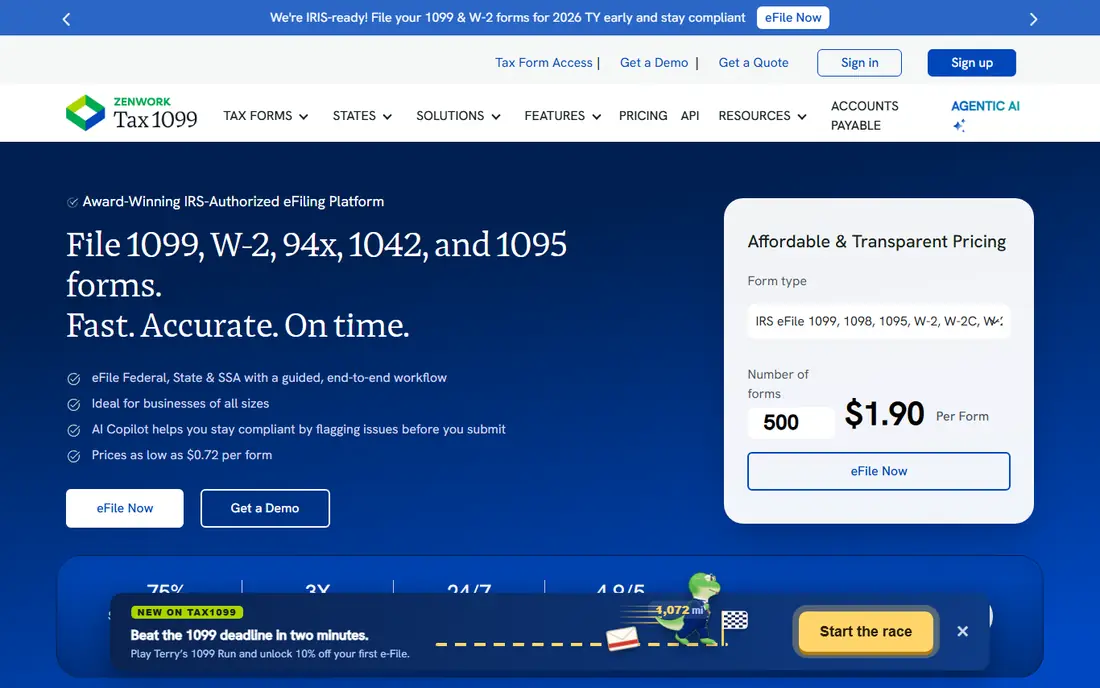
Tax1099 is a straightforward choice for businesses that file once a year and do not want a subscription in between. Its published schedule starts at $2.99 per form for the first 20 forms, then falls to $2.59, $1.99, $1.42 and $0.72 as volume rises. That structure rewards larger batches, and the lack of a basic subscription suits seasonal filers.
Add-ons change the bill, with recipient e-delivery, print-and-mail and real-time TIN matching priced separately in the schedules we found. Check state filing for your states, since direct state filing is not free in every case. Tax1099 fits teams that want a clear per-form price and are happy to review data before transmission.
- No subscription for basic filing
- Volume pricing falls with form count
- QuickBooks and Xero import options
- Recipient delivery and TIN matching cost extra
- Interface can feel detailed for first-time filers
- State rules need checking
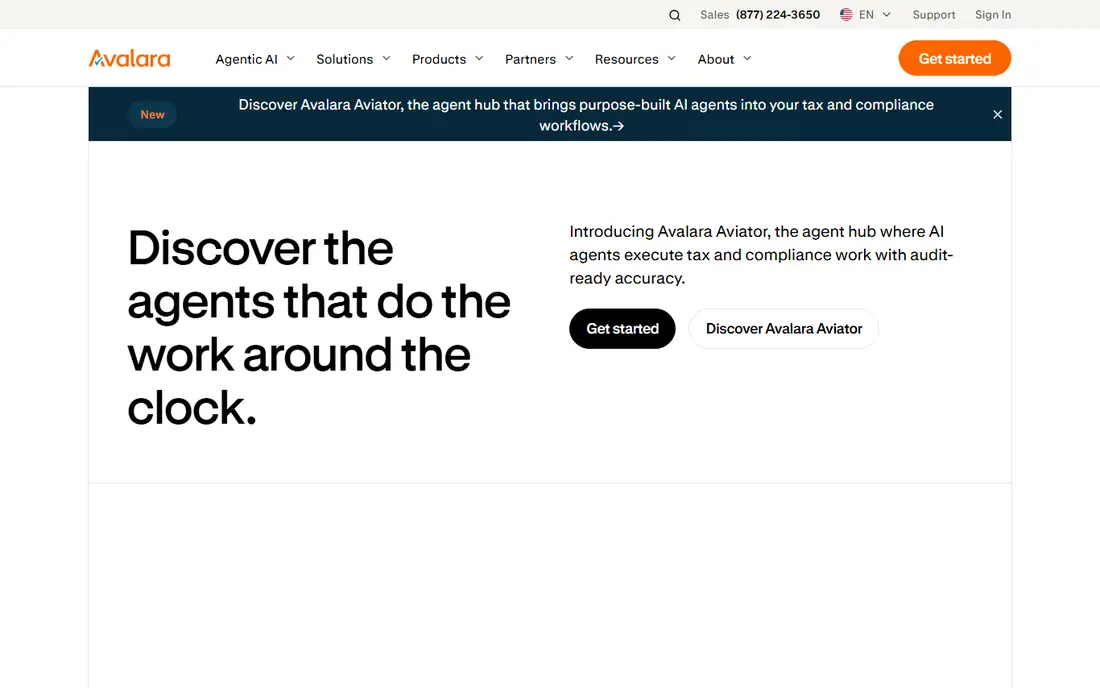
Avalara 1099 and W-9, formerly Track1099, is built for teams that want recipient delivery included rather than added later. Its published graduated rates start at $3.10 for the first 15 forms, then fall to $2.30, $1.30 and $0.63 at higher volumes, with electronic recipient delivery, corrections and downloads included in that description. W-9 management and accounting integrations help teams that collect payee data all year.
The first-band price is higher than Tax1099 for very small batches, so a filer with five forms should compare totals, not just features. State e-filing and TIN matching are still separate charges in the schedules we found. Avalara fits teams that value included e-delivery and a single workflow from W-9 to filing.
- Formerly Track1099
- Recipient e-delivery included in published rates
- W-9 collection and API options
- Higher first-band rate than some rivals
- State filing and TIN matching cost extra
- Enterprise features need a quote

TaxBandits covers a wide range of IRS information returns, including 1099, W-2 and related forms, with bulk upload, recipient mailing and a dashboard for businesses and accountants. That breadth helps a small business that files more than one form type, or an accountant managing several clients. Its published examples show graduated pricing, with small-batch totals lower than some rivals in comparisons we found.
Because pricing varies by form, volume and bundle, we list its starting price as quoted here rather than fixing a single rate that may not match your forms. Check postal mailing, state filing and correction fees before checkout. TaxBandits fits filers who want one account for several form types and are willing to price the full bundle.
- Wide form coverage
- Bulk upload and postal mailing options
- Business dashboard for multiple clients
- Pricing varies by form and bundle
- Add-ons raise the total
- First-time users should check the full fee list
Yearli, by Greatland, takes a bundled approach. Its detailed 2026 schedule lists Core W-2 and 1099 filing at $6.49 per form, including federal filing, applicable state reporting and recipient mail or online retrieval, with a higher peak-period rate. That bundle can be simpler to budget than a low headline rate plus several add-ons, and the account is free to start.
The per-form price is higher than e-file-only services, so a filer who only needs federal filing may overpay. Published plan prices also vary across pages, so confirm the exact total at checkout before transmitting. Yearli fits filers who want one bundled price and do not want to manage state and recipient steps separately.
- Core price includes federal, state and recipient service in its detailed schedule
- Free to start
- Performance plans add features
- Higher per-form price than e-file-only rivals
- Peak-period pricing is higher
- Plan prices vary across pages, so confirm at checkout
efile4Biz gives small filers a clear package choice. Its published fees list 1 to 25 forms at $3.40 per form for e-file-only, $5.25 for e-file plus print-and-mail, and $2.20 for print-and-mail-only. That choice helps a business that still mails some recipient copies while e-filing the rest, without paying for a bundle it does not need.
Direct state filing, TIN matching and corrections are separate charges in the published schedule, and optional Plus and Premium subscriptions cost extra. Add those items to the headline rate before comparing. efile4Biz fits small filers who want a simple package decision and a familiar filing flow.
- Clear package choice
- E-file-only, print-and-mail and mail-only options
- Familiar workflow for small filers
- Direct state filing costs extra
- TIN matching and corrections cost extra
- Optional subscriptions add cost
TaxFormHero is positioned for small 1099 batches where the filer wants to pick only the services needed. Published comparisons put ten original 1099-NEC forms at $19.90 in federal filing fees, which works out to $1.99 per form before add-ons. That low entry rate can make it the cheapest option for a handful of forms.
The same comparisons show that volume changes the winner, since graduated pricing at larger counts favours other services. State filing, mailing and TIN matching are separate, so price the full job. TaxFormHero fits a small filer with clean data and a short form list, who will check the total before transmitting.
- Low federal fee for small 1099 batches in published comparisons
- Pay for only the add-ons you pick
- Simple batch entry
- Add-ons raise the total
- Volume math needs care at larger counts
- Newer brand, so check support hours
1099Online is designed for accountants and enterprises managing larger filing volumes, with bulk uploads, IRS and state submissions and recipient delivery in one platform. Its form coverage spans 1099, W-2 and other information returns, and its workflow suits teams that file for many clients. That scale focus is the main reason to shortlist it over a simple consumer tool.
Pricing is quoted for larger volumes, so we list it as such here. A business with five forms may find a pay-per-form service simpler and cheaper. 1099Online fits accountants and high-volume filers who need bulk handling, client management and a single submission workflow.
- Built for accountants and high volumes
- Bulk upload and IRS and state submission in one platform
- Broad form coverage
- Pricing is quoted for larger volumes
- Interface suits experienced filers
- Small filers may find simpler tools easier
How we picked these
We compared official pricing pages, published fee schedules and public comparisons for 1099 e-file services that are live in October 2026. We focused on federal filing, state filing, recipient delivery, TIN matching, corrections and bulk handling, and we noted where prices vary by volume or bundle. We did not claim hands-on testing, and we did not invent fees. Where a vendor quotes pricing or where published pages disagree, we list the price as quoted and advise checkout confirmation. This article is general information only and not tax advice.
How to file 1099s without costly mistakes
Start with payee data before January. Collect a W-9 from every contractor, check names and taxpayer identification numbers, and confirm payment totals against your books. A wrong TIN or a missing W-9 causes rejections and corrections, which cost time and extra fees. Use TIN matching where it is offered if your data is uncertain, and keep a record of what you checked.
Next, confirm form type and deadlines for your tax year. 1099-NEC, 1099-MISC and other forms have different purposes and different recipient and IRS deadlines, and state rules vary. File early enough to fix rejections, and keep IRS acknowledgements and recipient delivery records. Finally, remember that a filing service transmits your data, but you remain responsible for its accuracy, so review every form before you transmit it.
Frequently asked questions
What is a 1099 e-file service?
A 1099 e-file service prepares information returns and transmits them electronically to the IRS, and often to states and recipients. It replaces paper filing and manual mailing for most small businesses. You still supply payee names, identification numbers and payment amounts.
Which 1099 form do I need for contractors?
Most independent contractor payments for services use Form 1099-NEC, while rents, royalties and other payments may use 1099-MISC or another form. Check IRS guidance for your payment type, since the wrong form can cause a rejection. This article is general information only and not tax advice.
How much does 1099 e-filing cost?
Costs vary by form count, state filing, recipient delivery, TIN matching and corrections. Small batches often cost a few dollars per form, while larger batches cost less per form. Always price the full job, including add-ons, before transmitting.
Do I need to file 1099s with states too?
It depends on the state and the form. Some states take part in combined federal and state filing, while others need a direct state filing. Check your state rules for each form type, and confirm whether your service files directly with that state.
What happens if a form is rejected?
A rejection usually means a data error, such as a name or TIN mismatch. Most services show the error and let you correct and retransmit, sometimes at no extra federal fee and sometimes for a correction charge. Fix the data, not just the form, to avoid a repeat rejection.
Can I file 1099s myself through the IRS?
Yes, the IRS offers free filing options for small volumes through its Information Returns Intake System, subject to its rules and limits. A paid service is useful when you have many forms, need state filing, or want bulk upload and recipient delivery handled for you.
Sources
See where you really rank - block by block
ProMapRanker scans Google Maps across a grid of your service area. Simple monthly plans from $19, white-label on every plan.
Start freeKeep reading
 worlds best local seo company
8 Worlds Best Local SEO Companies for Map Pack Growth in 2026
Compare the worlds best local seo company options for Google Business Profile work, citations, reviews, and multi-location rankings and reporting in 2026.
Read → world's best web hosting company
World's Best Web Hosting Company in 2026
Searching for the world's best web hosting company? We compared 10 hosts on price, renewal rates, speed, and support to help you choose well today in 2026.
Read → who's got the best nanny tax services
Who's Got the Best Nanny Tax Services in 2026
We answer who's got the best nanny tax services, comparing full filing, back taxes, software, and pricing so families can handle nanny taxes correctly.
Read →