 ProMapRanker
Best Bark Alternatives in 2026

Key takeaways
- In this article, Bark means Bark the parental monitoring app, not Bark.com the services marketplace. We list apps that monitor, filter, or limit what children do online.
- Qustodio suits families who want detailed activity reports, while Aura suits families who also want identity protection for adults.
- Net Nanny leads on real-time web filtering, while Norton Family and Mobicip are the value picks for larger families.
- Google Family Link and Apple Screen Time are free and built in, so try them before you pay for a separate app.
- No monitoring app replaces a conversation with your child. Tell children what is monitored, why, and how alerts will be handled.
Quick comparison
| Pick | Great for | Pricing starts at | Free tier | |
|---|---|---|---|---|
 Qustodio | Detailed activity reports | $59.95 per year | Yes | Visit |
 Aura | Family safety plus identity protection | $10 per month | No | Visit |
 Net Nanny | Real-time web filtering | $39.99 per year | No | Visit |
 Norton Family | Budget controls for large families | $49.99 per year | No | Visit |
 Google Family Link | Free Android controls | Free | Yes | Visit |
 Apple Screen Time | Free Apple controls | Free | Yes | Visit |
 Mobicip | Affordable mixed-device filtering | $2.99 per month | No | Visit |
 OurPact | App blocking on iPhone | $6.99 per month | No | Visit |
The best bark alternatives
Bark is known for scanning texts, email, and social apps and alerting parents only when it finds concerning content, rather than showing every message. The apps below take different approaches, from full activity logs to simple screen time limits. We compared official pricing pages and published parental control comparisons from October 2026, and we did not include Bark itself in the list. This is not a substitute for talking with your child about online safety, and local laws on monitoring vary, so check the rules that apply to your family.
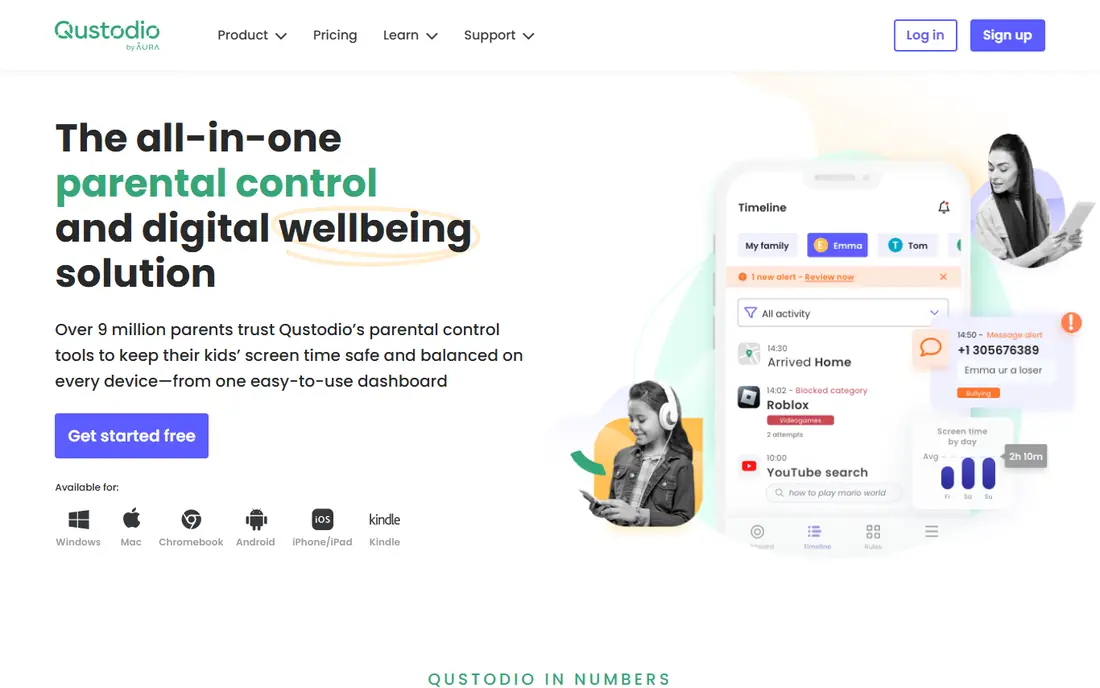
Qustodio suits parents who want to see what is happening, not only get an alert when something goes wrong. The dashboard shows app use, web activity, screen time, and location, with routines for school time and bedtime. That visibility helps when a child is spending too long on one app, even when no single message is concerning.
The free plan covers core protection on one device, which is a useful trial. Paid Basic starts at $59.95 per year for up to five devices in published listings, while Complete adds per-app limits, call and text monitoring, and unlimited devices. The trade is privacy and time: full logs mean more for a parent to read, so Qustodio fits families who will actually review the reports.
- Free plan for one device
- Detailed activity reports
- Screen time, filtering, and location in one dashboard
- Full features need the Complete plan
- Social monitoring is narrower than Bark on some platforms
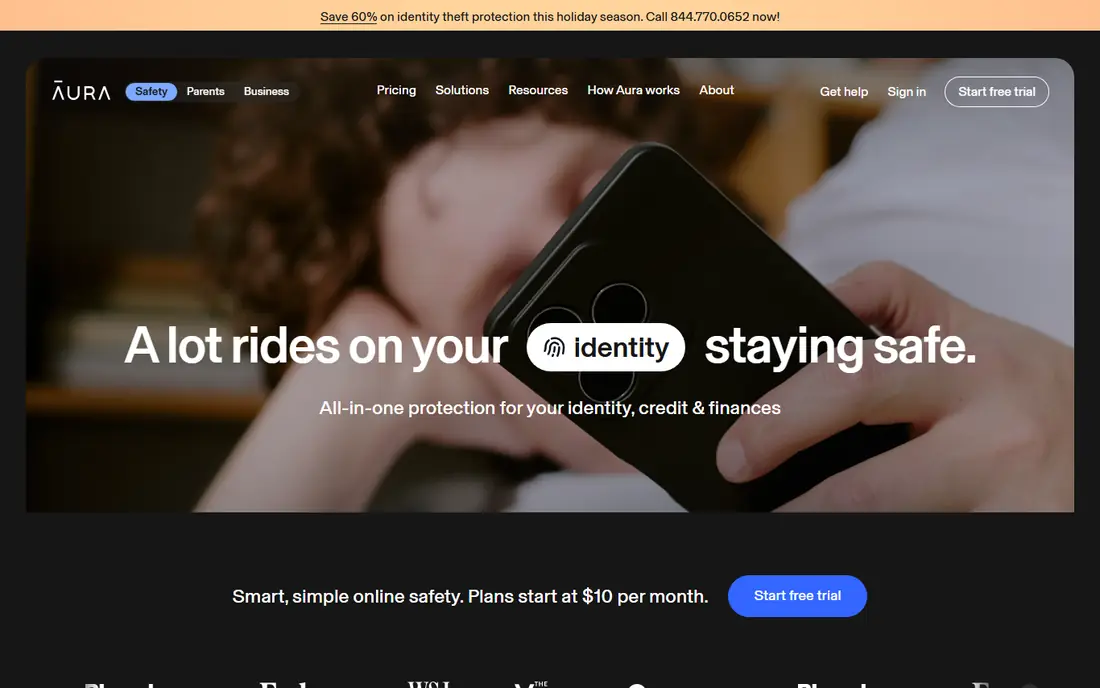
Aura is a bundle, not only a parental control app. The Kids plan, from $10 per month billed annually in published listings, adds parental controls to a wider family safety suite that includes identity protection and tools for adults. That can make sense when one subscription already covers the household, rather than paying separately for kids and adults.
For pure child monitoring, Aura is more of a prevention tool. It blocks and filters content and can alert on bullying and predators in gaming and AI chats in published comparisons, but it does not scan texts or social messages in the way Bark does. Pick Aura when filtering plus whole family protection matters more than message monitoring.
- Parental controls plus identity protection, VPN, and antivirus for adults
- Content filtering across 28 categories in published comparisons
- Simple setup
- No location tracking in some comparisons
- Does not scan texts or messages like Bark
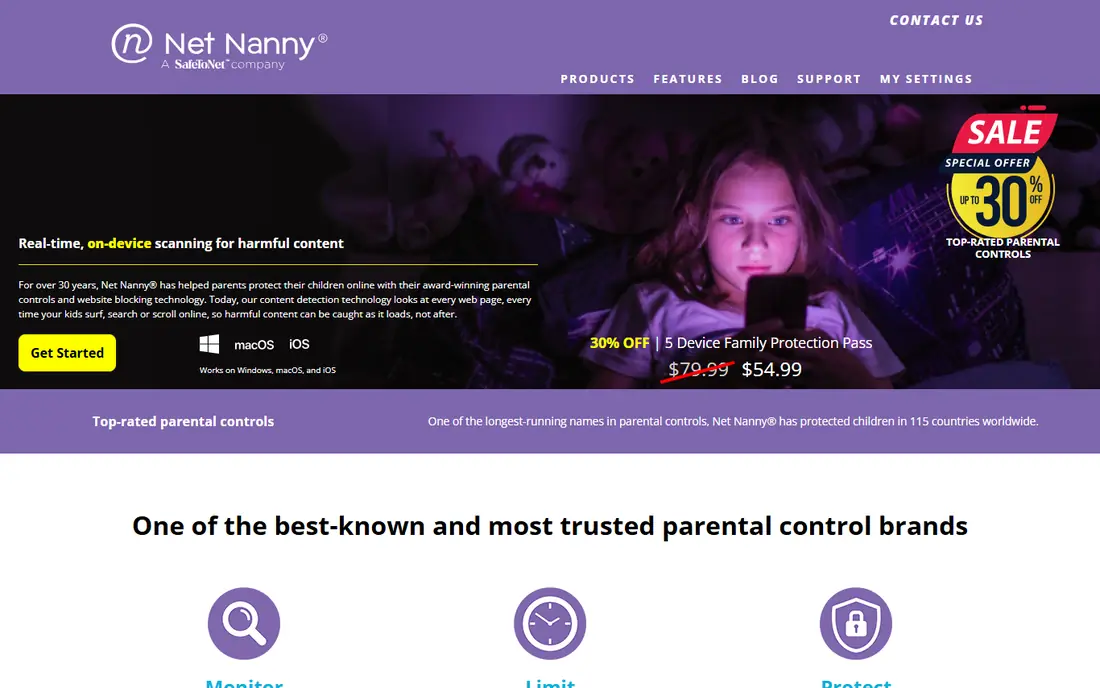
Net Nanny is built around filtering the web as a child browses, rather than only blocking known sites. It analyzes page content in real time, which can catch new or borderline pages that a static blocklist would miss. That approach suits younger children, where prevention matters more than reviewing a history log after the fact.
Check device support before you buy. Published comparisons note limits on Android and older macOS versions, so a mixed device family should confirm each device is covered. Pricing starts at $39.99 per year for one desktop in published listings, with higher tiers for more devices. Net Nanny is a strong pick when web filtering is the main job.
- Real-time content filtering, not only blocklists
- Strong on Windows and Mac
- Per-child profiles
- Platform support varies, with Android limits noted in some comparisons
- No free plan
Norton Family is the value pick for larger families. One annual price of $49.99 in published listings covers the household, with School Time schedules, web filtering, search supervision, and location features. That flat structure avoids the per-child or per-device math that makes some rivals expensive for three or more children.
The tool is strongest on Windows and Android, so Apple heavy families should test it on their actual devices during the trial. It also focuses more on controls and filtering than on scanning social messages for context. For families who want solid limits and filtering at a predictable price, Norton Family is hard to beat.
- Covers many children at one price
- School Time, web filtering, and location tools
- 30 day free trial in published listings
- Strongest on Windows and Android
- Social monitoring is lighter than Bark
Google Family Link is the free starting point for Android families, and it is often enough for younger children. Parents can approve app downloads, set daily limits and bedtime, and see location from the parent app. Because it is built into Android, setup is simpler than installing and configuring a separate service.
It does not scan social messages or give the detailed reports of Qustodio or Bark. That limit is also a privacy benefit for some families, since less data is collected and reviewed. If your child uses Android and your main needs are limits, approvals, and bedtime, start here before you pay for anything else.
- Free
- App approvals, screen time limits, bedtime, and location for Android families
- No extra subscription
- Android focused
- Limited social message monitoring
- Fewer reports than paid apps
Apple Screen Time is the free starting point for Apple households. It covers app limits, downtime, content and privacy restrictions, and Ask to Buy for purchases, all without a separate app or subscription. For a child on an iPad with supervised use, it can be all you need.
The limits are platform and scope. Screen Time does not cover Android or Windows, and it does not scan messages for concerning content in the way Bark does. Families with mixed devices will need a paid cross-platform tool for a single dashboard. For Apple only homes, Screen Time is the sensible first step, and it pairs well with regular conversations about online life.
- Free and built into iPhone, iPad, and Mac
- App limits, downtime, content restrictions, and purchase approvals
- Communication Safety features
- Apple only
- No cross-platform dashboard
- No alert based message scanning like Bark
Mobicip is the budget cross-platform pick. From $2.99 per month billed annually for Lite in published listings, you get filtering, schedules, and location across a wide range of devices. That breadth at that price is rare, and it suits families with a mix of phones, tablets, and school Chromebooks.
Mobicip does not try to match Bark on message context. It filters and limits, rather than reading messages for bullying or predation signals. If your main concern is what sites and apps a child can open, and how long they can use them, Mobicip covers it for less. If message monitoring is the priority, look at Qustodio or Aura instead.
- Low monthly price billed annually
- Covers iOS, Android, Windows, Mac, and Chromebook in published listings
- Filtering, schedules, and location
- No AI message scanning like Bark
- Interface is simpler than Qustodio reports
OurPact suits Apple households that want firm app control. It is known for app blocking and schedules that work well on iPhone, where some rivals struggle with Apple limits. Parents can block apps, set schedules, and check location from one dashboard, which helps when a child needs a phone for contact but not for games during school hours.
The price, from $6.99 per month in published listings, is higher than Mobicip, and the feature set is narrower than a full monitoring suite. OurPact does not scan messages for context. Pick it when app blocking on iPhone is the main problem, and use a different tool if you need detailed reports or message alerts.
- Strong app blocking and schedules on iPhone
- Location features
- Clear parent dashboard
- Higher price than Mobicip for a narrower focus
- Android features differ
How we picked these
We compared official pricing pages and published parental control comparisons for apps that are live in October 2026 and that cover at least one of the core Bark jobs: filtering, screen time, location, or message alerts. We favored a mix of free built-ins, budget tools, and fuller suites, and we noted platform limits plainly, since a tool that does not cover your child device is not a real alternative. We left out tools no longer sold to US consumers, and we did not include apps with a documented safety record that would make them a poor family recommendation.
How to choose without over-monitoring
Start with age and device, not with features. A child under ten on a shared tablet usually needs limits and filtering, which Family Link or Screen Time can provide for free. A teen with social apps and messaging needs a different conversation, and possibly an alert based tool, rather than a full log of every message. Match the tool to the stage, and review the choice each school year.
Next, agree the rules out loud. Tell your child what is blocked, what is monitored, what triggers an alert, and what happens when an alert arrives. That agreement builds trust and avoids the sense that monitoring is secret surveillance. It also helps you respond calmly to an alert, rather than reacting to a single message out of context.
Finally, test on the real devices. Install the parent and child apps, set a schedule, try a blocked site, and check that location and alerts work as described. A tool that works on paper but fails on your child phone will not protect anyone. Our pick for most families is to start free with Family Link or Screen Time, then move to Qustodio for reports or Aura for a family bundle if the free tools fall short.
Frequently asked questions
Is Bark a parental control app or a marketplace?
Both names exist, but this article covers Bark the parental monitoring app. Bark.com is a separate services marketplace for hiring local professionals. If you were looking for marketplace alternatives, search for local services marketplaces instead, since the tools here do not cover that job.
What is the best free bark alternative?
Google Family Link for Android families and Apple Screen Time for Apple families are the best free starts. Both cover app limits, downtime, and approvals without a subscription. Qustodio also offers a free plan for one device, which is useful for a trial before you pay.
Do parental control apps read all of my child messages?
It depends on the app. Bark uses alerts for concerning content rather than showing every message. Qustodio gives fuller activity logs on some plans. Aura focuses on filtering and does not scan texts in the same way. Check each app privacy policy, and tell your child what the app can and cannot see.
Can I use one app for iPhone and Android?
Yes, with Qustodio, Aura, Norton Family, Mobicip, and OurPact all covering both platforms in published listings, though feature depth can differ by platform. Always test the child app on each device type during a trial, since iOS limits can change what an app can monitor or block.
At what age should I stop using parental controls?
There is no single age that fits every family. Many parents loosen limits as a teen shows responsible use, moving from blocking to alerts, then to conversations alone. Review the setup each year, and involve your teen in the decision so the change feels earned rather than imposed.
Is it legal to monitor my child phone?
Parents generally may monitor devices they own and provide for minor children, but laws vary by state and by situation, and monitoring another adult without consent is a different matter. Check local rules, follow the app terms, and keep the focus on safety rather than on reading private conversations for curiosity.
Sources
- https://www.qustodio.com
- https://www.aura.com
- https://www.netnanny.com
- https://family.norton.com
- https://families.google.com/familylink/
- https://support.apple.com/guide/iphone/screen-time-iphc29c9b0c2/ios
- https://www.mobicip.com
- https://www.ourpact.com
- https://rankite.com/blog/best-parental-control-software
- https://parentalcontrolapp.com/
See where you really rank - block by block
ProMapRanker scans Google Maps across a grid of your service area. Simple monthly plans from $19, white-label on every plan.
Start freeKeep reading
 zoro.to alternatives
Best Zoro.to Alternatives in 2026
We compare the best zoro.to alternatives in 2026, listing only legal licensed anime streaming services, from Crunchyroll to free options for fans today.
Read → zip alternatives
Best Zip Alternatives in 2026
We compare the best zip alternatives for buy now, pay later in 2026, covering pay-in-4 plans, fees, spending limits, and credit reporting options today.
Read → yesware alternatives
Best Yesware Alternatives in 2026
Compare the best yesware alternatives for sales email tracking, templates, and sequences, with current pricing and honest tradeoffs for small sales teams.
Read →