 ProMapRanker
BandLab Alternatives in 2026


Browser-based collaboration for bands and classrooms · Pricing starts at: See website
Key takeaways
- Soundtrap is the closest browser-based match for BandLab, with real-time collaboration and classroom support.
- GarageBand is free for Apple users and gives beginners a deep sound library with an easy path to Logic Pro.
- FL Studio and Ableton Live suit producers who want a desktop DAW they can grow into for years.
- Audacity, LMMS, and Cakewalk give free desktop options, but each has a narrower focus than a full social studio.
- Free plans differ widely: check export quality, track limits, and collaboration features before settling on a tool.
Quick comparison
| Pick | Great for | Pricing starts at | Free tier | |
|---|---|---|---|---|
| Soundtrap | Browser-based collaboration for bands and classrooms | See website | Yes | Visit |
 GarageBand | Apple users who want a free, capable starter DAW | Free | Yes | Visit |
 FL Studio | Beat makers and electronic producers on desktop | $99 one-time | No | Visit |
 Ableton Live | Electronic producers and live performers | $99 one-time | No | Visit |
 Audacity | Free recording and editing on any desktop platform | Free | Yes | Visit |
 Cakewalk | Windows users who want a free full DAW | Free | Yes | Visit |
 REAPER | Producers who want pro depth at a low one-time price | $60 one-time | No | Visit |
 LMMS | Free beat making on Windows, Mac, and Linux | Free | Yes | Visit |
The best BandLab alternatives
These eight options cover the main reasons people leave BandLab: a browser studio, a free Apple DAW, a desktop production DAW, or a free editor. We compared official product pages, pricing pages, and app store listings to sort them by platform, cost model, and collaboration features.
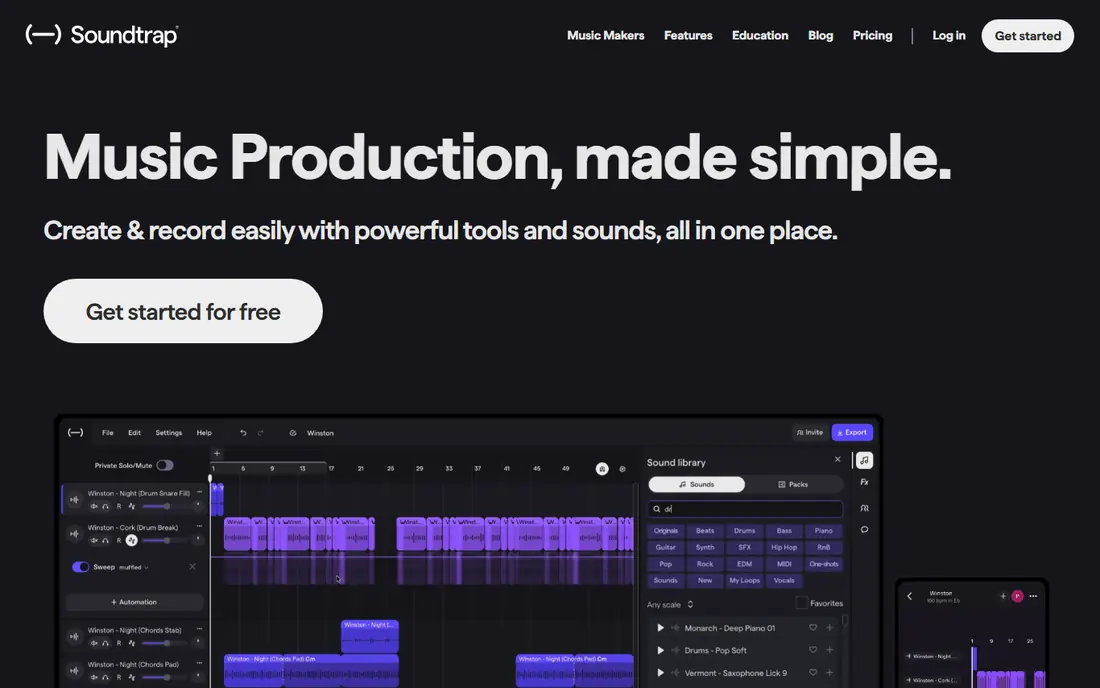
Soundtrap is the most direct BandLab alternative for people who make music together online. It runs in a browser, so a band member on a Chromebook, a phone, or a Mac can open the same project without installing a desktop DAW. Collaboration, comments, and cloud storage are central to the design, which also makes it a natural fit for music classes.
The free tier is useful for starting out, but paid tiers add more instruments, sounds, and export options. Producers who need detailed automation, advanced mixing, or offline desktop work will feel the limits sooner. For remote bands, students, and beginners who value access over depth, Soundtrap is the first option to try.
- Runs in a browser on most devices
- Real-time collaboration with comments
- Classroom and education support
- Advanced features and high-quality exports sit on paid tiers
- Browser workflow limits deep mixing work
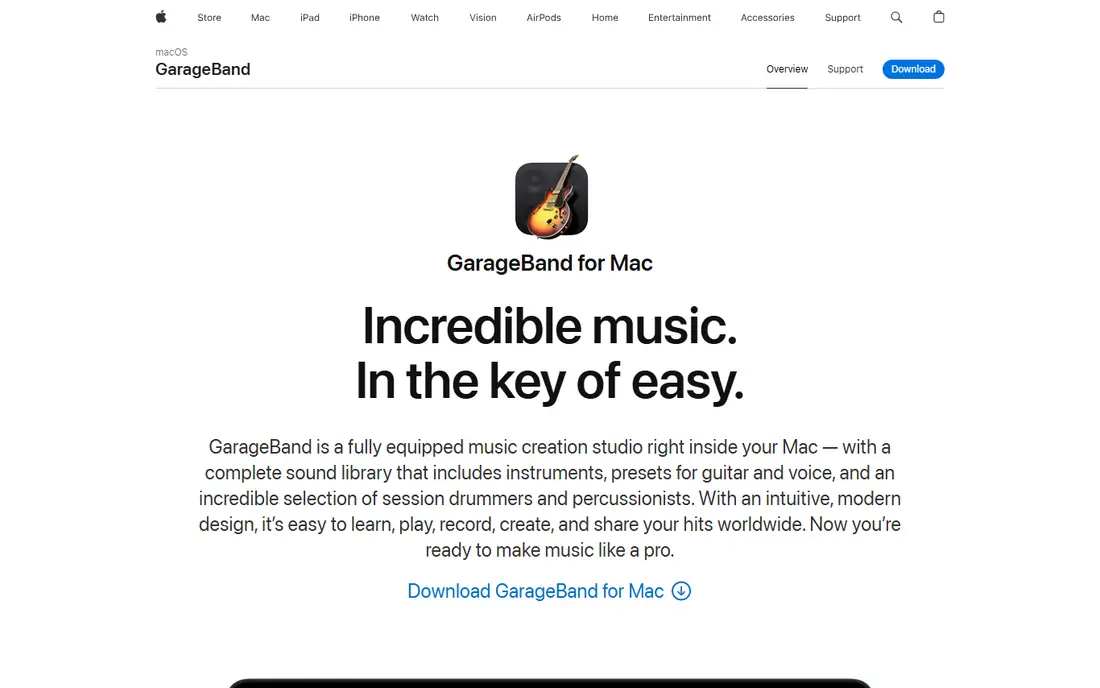
GarageBand gives Apple users a free DAW that is far more capable than its beginner reputation suggests. Loops, virtual instruments, and Drummer tracks help new producers build full songs quickly, and iCloud sync keeps projects available across Mac, iPad, and iPhone. When a producer outgrows it, projects can move to Logic Pro without rebuilding from scratch.
The limit is platform. GarageBand does not run on Windows, Chromebook, or Android, so mixed-device bands need another tool. Advanced mixing and mastering controls are also thinner than in paid DAWs. For solo creators already on Apple hardware, GarageBand is hard to beat on value. For cross-platform bands, Soundtrap or a desktop DAW fits better.
- Free with Apple devices
- Deep sound library with virtual drummers
- Projects move to Logic Pro
- Apple only, so Windows and Android users are excluded
- Advanced mixing tools are limited
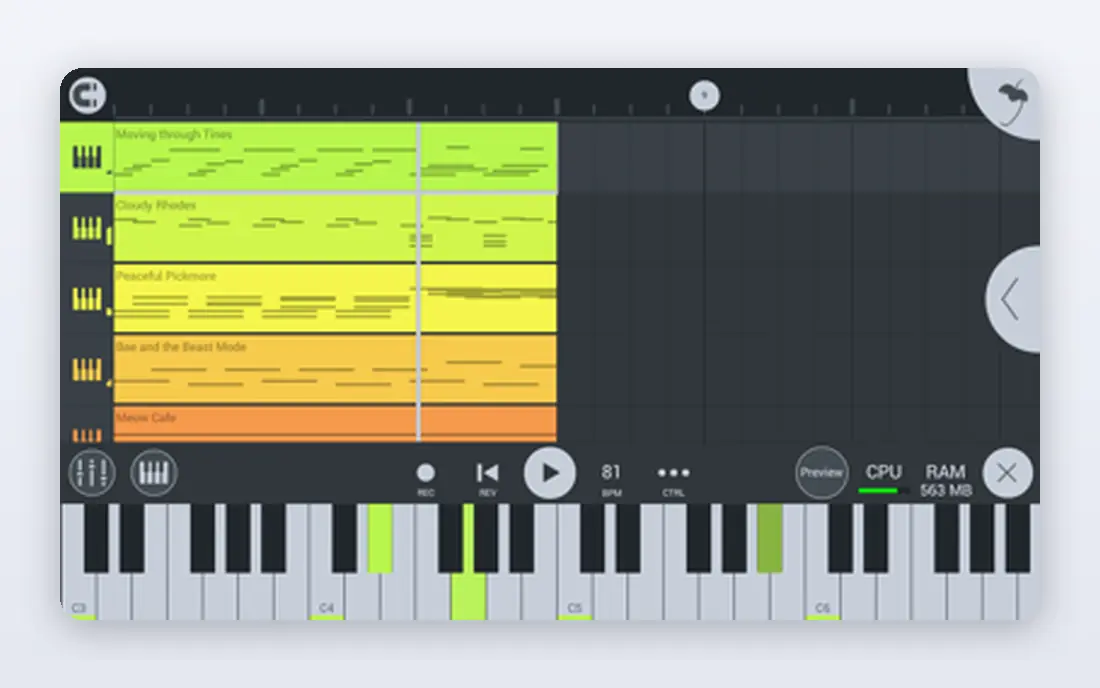
FL Studio is built around patterns, which suits beat making and electronic production. Producers build loops, arrange them into songs, and shape sounds with plugins and automation. The one-time purchase model, with lifetime updates in its published terms, appeals to producers who dislike subscriptions and want a tool they can own for years.
Learning takes time. The interface packs many options into menus and windows, and beginners may need tutorials before the workflow feels natural. FL Studio runs on Windows and macOS, not as a browser studio, so collaboration happens through file sharing rather than live co-editing. For producers focused on beats and electronic music, it is a long-term investment worth the learning curve.
- One-time purchase with lifetime free updates in its published model
- Pattern-based workflow for beats
- Strong plugin support
- Menu-heavy interface takes time to learn
- Trial version limits project saving in its published terms
Ableton Live is known for two views: a session view for launching clips live and an arrangement view for building finished songs. That dual approach suits electronic producers and performers who want to test ideas live before committing to an arrangement. Warping, sampling, and device racks give producers room to shape sounds in detail.
Cost rises with tiers. The entry edition covers many needs, but the full edition is a larger investment, and the learning curve is real. Ableton Live is a desktop DAW, so it does not offer BandLab-style social collaboration. For producers who perform live or build electronic music in depth, it is one of the strongest desktop choices available.
- Session view for live arrangement and performance
- Strong warping and sampling tools
- Deep device and plugin support
- Higher tiers cost substantially more
- Interface and workflow take time to master
Audacity is an audio editor, not a full music studio, and that distinction matters. It records, cuts, cleans, and exports audio well, which suits podcasters, voice work, and simple music edits. Its free and open source model, plus support for Windows, Mac, and Linux, makes it accessible to almost anyone with a computer.
For song production, Audacity lacks the MIDI, virtual instruments, and loop library that DAWs provide. Bands that want to build tracks from instruments and samples will need another tool. Audacity works best as a companion: record and clean audio here, or use it as a free starting point before moving to a DAW for full production.
- Free and open source
- Runs on Windows, Mac, and Linux
- Strong editing, noise reduction, and export options
- Not a full multi-track DAW for music production
- No live collaboration or built-in sound library
Cakewalk, now known as Cakewalk Sonar in its current branding, gives Windows users a free DAW with far more depth than a simple editor. Unlimited tracks, MIDI editing, mixing tools, and plugin support make it viable for serious song production without a subscription. For Windows producers on a budget, that combination is rare.
The limits are platform and learning curve. Cakewalk does not run on Mac, and its full interface can overwhelm beginners who only want to record a quick idea. It also lacks BandLab's social and browser collaboration features. For Windows users who want a free desktop DAW they can grow into, Cakewalk is a strong pick. For Mac or mobile users, look at GarageBand or Soundtrap instead.
- Free full DAW on Windows
- Unlimited tracks in its published model
- Strong MIDI and mixing tools
- Windows only
- Interface can feel dense for absolute beginners
REAPER is a favorite among producers who want professional depth without a high price or a subscription. It is lightweight, fast, and highly customizable, with support for many plugins and a flexible routing system. The discounted license is notably lower than many competing DAWs, which makes it attractive for home studios and independent producers.
The trade-off is out-of-the-box content. REAPER ships with a minimal sound library, so producers supply their own instruments and samples. Its interface also rewards users who customize it, which takes time. For producers who already know what they want and prefer to build their own setup, REAPER offers exceptional value. For beginners who want ready-made loops, GarageBand or Soundtrap will feel friendlier.
- Low discounted license price
- Lightweight and fast
- Highly customizable with broad plugin support
- Minimal included sound library
- Steeper learning curve than beginner DAWs
- Trial terms need checking before purchase
LMMS is a free, open source music production tool focused on beats, melodies, and electronic sounds. It runs on Windows, Mac, and Linux, which gives cross-platform producers a no-cost starting point. Built-in instruments, a piano roll, and plugin support let beginners build tracks without buying a DAW.
Live recording is its weaker area. LMMS is better for MIDI and programmed music than for tracking a full band live, and its interface is less polished than commercial DAWs. For beat makers, students, and producers on a tight budget, LMMS is a practical free alternative. For live band recording, pair it with Audacity or choose a fuller DAW such as Cakewalk or REAPER.
- Free and open source
- Runs on all major desktop platforms
- Beat and melody tools with plugin support
- Weaker for live audio recording than dedicated DAWs
- Interface feels less polished than commercial options
How we picked these
We compared official product pages, pricing pages, and app store listings for music tools that are live in October 2026 and that cover recording, production, or collaboration. We included browser studios, free desktop tools, and paid DAWs, so readers can match the choice to device, budget, and whether they work alone or with others. Where pricing varied by source, we used See website rather than a disputed figure.
What to check before you switch
Start with devices and collaborators. A browser tool suits mixed-device bands, while a desktop DAW suits solo producers who want depth. Check export formats and quality on the plan you will actually use, since free tiers sometimes limit exports or stem separation. Also check whether projects can move to another DAW, since that freedom matters if you outgrow a beginner tool.
Next, test the workflow with a real song. Record, edit, mix, and export one finished track, including any collaboration steps you need. That test reveals limits in track counts, plugin support, and mixing depth far better than a feature list. For students and teachers, also check classroom controls and account requirements, since school use has different needs from solo production.
Frequently asked questions
What are the best BandLab alternatives free?
Soundtrap, GarageBand, Audacity, Cakewalk, and LMMS all offer free options, though each free tier has different limits. GarageBand is free only on Apple devices, while Audacity and LMMS are free on desktop platforms. Check export quality and track limits on the free tier you plan to use, since those limits vary.
What is the best alternative to BandLab for collaboration?
Soundtrap is the closest browser-based match, with real-time collaboration, comments, and cloud projects that work across devices. It suits remote bands and classrooms that need shared access. Desktop DAWs such as FL Studio and REAPER rely on file sharing rather than live co-editing, so they fit solo producers better.
Can I use BandLab alternatives on a Chromebook?
Soundtrap runs in a browser and works well on Chromebooks, which makes it a strong choice for school and low-cost setups. LMMS and Audacity need a desktop operating system, while GarageBand needs Apple hardware. For Chromebook-only use, a browser studio is the practical path.
Is FL Studio better than BandLab for producers?
FL Studio offers deeper beat making, plugin support, and mixing tools than a browser studio, and its one-time purchase suits long-term producers. BandLab offers free social collaboration and easy access across devices. Producers focused on beats and electronic music usually gain more from FL Studio, while casual collaborators may prefer a browser tool.
Do BandLab alternatives work on mobile?
Soundtrap and GarageBand both offer mobile access, with GarageBand limited to Apple devices. Most desktop DAWs, including FL Studio, Ableton Live, and REAPER, are desktop-first, though some offer separate mobile apps with different features. Check the mobile app for the specific DAW, since mobile versions rarely match the desktop feature set.
Sources
See where you really rank - block by block
ProMapRanker scans Google Maps across a grid of your service area. Simple monthly plans from $19, white-label on every plan.
Start freeKeep reading
 zoho inventory alternatives
6 Alternatives to Zoho Inventory, Compared on Price and Fit
Zoho Inventory alternatives: 6 tools compared on price, free plans and fit. Katana leads the list for manufacturers. Fit and flaws are laid out for each entry.
Read → zoho crm alternatives
Best Zoho CRM Alternatives (2026)
Need Zoho CRM alternatives? We compare 7 tools on cost, free access and who each suits. Every pick gets a straight assessment. Built for quick decisions.
Read → zelle alternatives
Best Zelle Alternatives in 2026
Compare the best Zelle alternatives for sending money to friends, paying sellers and moving funds abroad, with honest notes on fees, speed and safety in 2026.
Read →