 ProMapRanker
B2B Customer Service Best Practices in 2026

Key takeaways
- B2B support differs from consumer support because tickets often involve several contacts, contracts, and approval steps at one account.
- SLAs, account context, and a shared inbox matter more than raw speed when a business customer waits on an answer.
- Self-service portals and knowledge bases cut repeat questions, but they need clear ownership and regular updates.
- Pricing rises fast once AI add-ons and per-seat fees stack, so compare the total for your agent count.
Quick comparison
| Pick | Great for | Pricing starts at | Free tier | |
|---|---|---|---|---|
 Zendesk | Large B2B support teams | $55 per month | Free trial | Visit |
 Salesforce Service Cloud | Teams already on Salesforce | See website | Free trial | Visit |
 Freshdesk | Fast B2B setup | $19 per month | Free trial | Visit |
 HubSpot Service Hub | CRM-linked B2B support | $20 per month | Yes | Visit |
 Intercom | Chat-first B2B support | $29 per month | Free trial | Visit |
 Help Scout | Email-first B2B teams | $25 per month | Yes | Visit |
 Zoho Desk | Budget B2B teams | $7 per month | Yes | Visit |
 Front | Collaborative B2B inboxes | $25 per month | Free trial | Visit |
 LiveAgent | Ticketing plus live chat and calls | $15 per month | Free trial | Visit |
The best B2B customer service tools
This guide states its angle plainly: it covers the tools and services that put B2B customer service best practices into action, from shared inboxes and SLAs to self-service portals and CRM records.
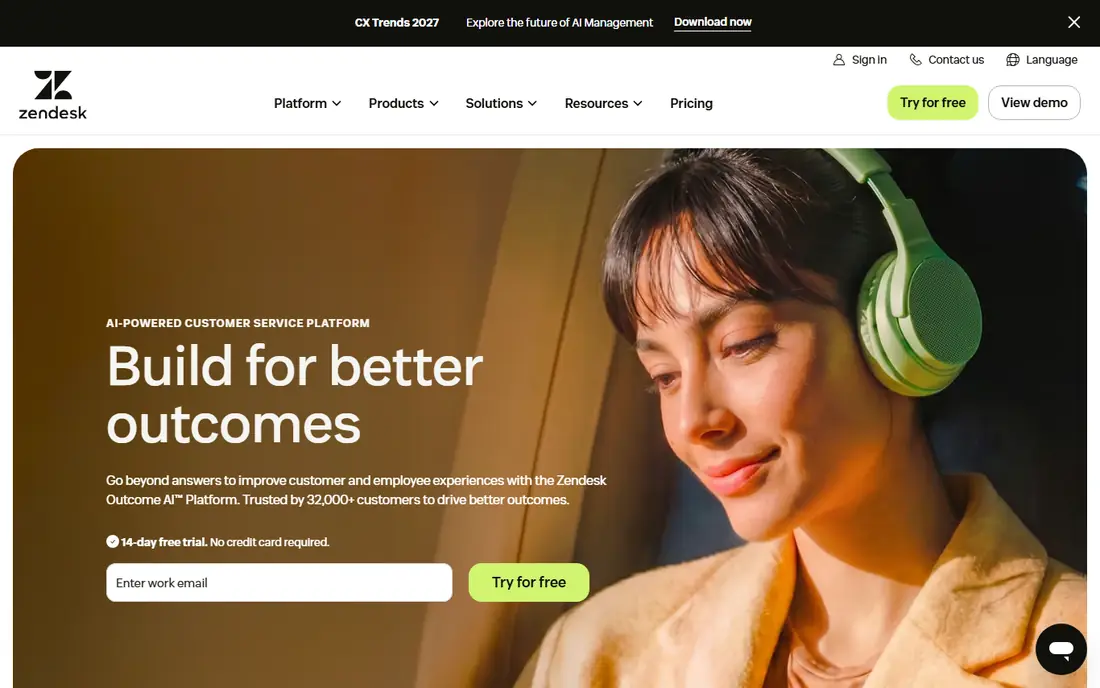
Zendesk is the most established choice for B2B teams that need strict routing, SLA tracking, and reporting across email, chat, and phone. Its marketplace and workflow tools suit companies with several products, several tiers of customer, and a need to route tickets by account or contract. For a team that has outgrown a shared mailbox, it is the safe enterprise pick.
The cost is the honest catch. The entry suite price is only the start, and AI features and advanced reporting can add a second layer of fees. Smaller B2B teams may find the admin work heavy for a simple inbox need. Trial it with a real ticket workflow, not a demo inbox, before you commit.
- Deep ticketing, routing, and SLA tools
- Large app marketplace
- Omnichannel support
- Entry price rises with AI add-ons
- Setup can take time for complex workflows
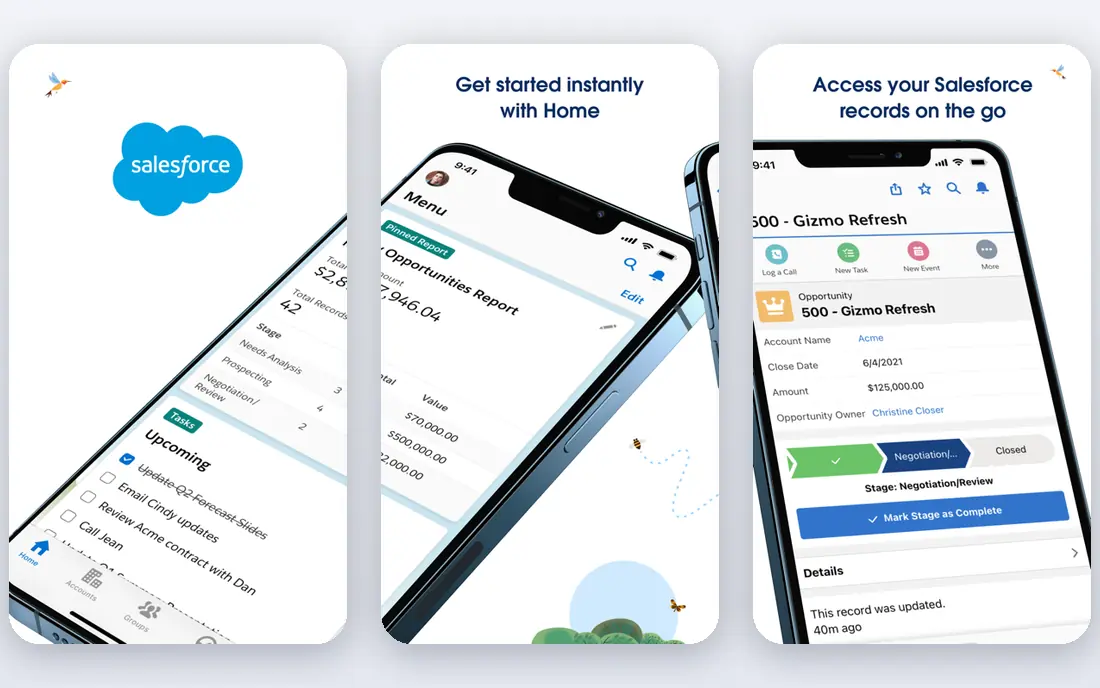
Salesforce Service Cloud fits B2B teams that already run sales and account work in Salesforce, because support cases sit next to the account, contract, and contact records. Agents see the full account history without switching tools, and managers can build workflows tied to entitlements and SLAs. That account context is hard to match with a standalone help desk.
The catch is complexity and cost. Pricing is quote-based for larger plans, and a good setup often needs admin time or a partner. If your team does not already use Salesforce, the learning curve and contract size may outweigh the CRM benefit. Start with the starter tier only if your case volume and account structure fit it.
- Native CRM and account context
- Case management and knowledge tools
- Strong automation
- Quote-based pricing for larger tiers
- Setup and admin effort can be high
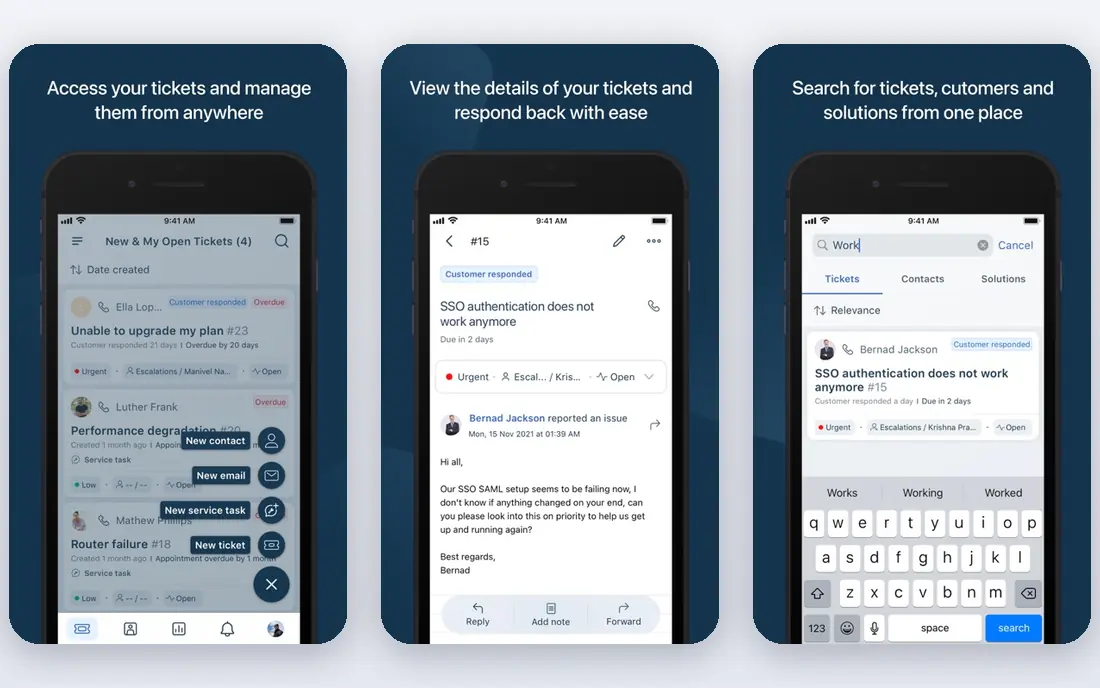
Freshdesk suits B2B teams that want a working help desk this week rather than a long implementation. It covers email, chat, and phone tickets, with automation rules, SLA policies, and a knowledge base that teams can publish for business customers. The interface is easier for new agents than enterprise platforms.
The limit shows up as the team grows. The most useful AI and reporting features sit on higher tiers, and some integrations need a plan upgrade. If your B2B accounts need deep contract or entitlement logic, check those workflows in the trial before you move a full queue across.
- Quick multichannel setup
- Automation and SLA tools
- Clear agent interface
- Advanced AI and reporting sit on higher tiers
- Some integrations need higher plans
HubSpot Service Hub is the natural pick for B2B teams already using HubSpot CRM, because tickets, contacts, and company records share one system. The free service tools cover a small team, and the starter tier adds ticketing and a shared inbox at a modest seat price. That link between support and sales history helps account managers answer with context.
The catch is tiering. Full help desk features, advanced automation, and customer feedback tools need higher tiers, and AI features can draw on credits. A team that only needs tickets may pay for CRM breadth it does not use. Map the exact features your support process needs to the tier that includes them.
- Free service tools for small teams
- Tickets linked to HubSpot contacts and companies
- Shared inbox
- Full help desk features need higher tiers
- AI features use credits on some plans
Intercom fits B2B software teams whose customers ask for help inside the product, not only by email. Its messenger, help center, and Fin AI agent handle common questions at scale, and agents can take over complex account issues in the same thread. For product-led B2B companies, that in-product context is a real advantage.
The catch is pricing and channel fit. Per-seat costs rise as the team grows, and AI outcomes can add metered fees. Teams that rely on phone support or heavy ticket routing may find a traditional help desk a better core tool, with Intercom as a chat layer rather than the whole system.
- Messenger-based support inside your product
- Fin AI for common questions
- Strong automation
- Per-seat pricing rises with team size
- Phone support is not its core strength
Help Scout suits small B2B teams whose support is mostly email and who want a tool that feels like a shared inbox, not a complex platform. It adds a docs site, saved replies, and collision detection, so two agents do not answer the same business customer twice. The free tier for very small teams makes it easy to test.
The limit is depth. Advanced reporting and complex workflow features are thinner than Zendesk or Salesforce, and phone-led B2B teams will need another tool for calls. If your accounts need strict SLA reporting by contract, check the reporting limits before you standardize on it.
- Clean shared inbox
- Docs and knowledge base
- Simple pricing for small teams
- Limited advanced reporting on lower tiers
- Phone support is limited
Zoho Desk is the budget pick for B2B teams, especially those already using other Zoho apps. The entry price is low, the free edition covers up to three agents, and the platform covers email, chat, phone, and social tickets with SLA and workflow tools. For a cost-conscious team, the value is hard to ignore.
The catch is setup time. Customization is powerful but can become complex, and the most useful AI features sit on higher tiers. Teams that want a polished out-of-box experience may prefer Freshdesk or Help Scout, even at a higher seat price. Budget admin time for the first month.
- Low entry price
- Multichannel ticketing
- Zia AI on higher tiers
- Setup complexity grows with customization
- Some features need higher tiers
Front fits B2B teams where support, sales, and operations share the same inbox and need to discuss an account without forwarding emails. Internal comments, assignments, and shared drafts keep account conversations in one place. That collaboration angle suits account-based support where several people touch one customer.
The catch is ticketing depth. Front is a collaborative inbox first and a structured help desk second, so SLA reporting and complex routing are lighter than Zendesk. The entry plan also limits channel types. Use Front when collaboration is the bottleneck, not when strict ticket workflows are the priority.
- Shared inboxes across email and chat
- Internal comments and assignments
- Strong collaboration
- Entry plan limits channel types
- Structured ticketing is lighter than Zendesk
LiveAgent gives small and mid-size B2B teams ticketing, live chat, and a call center in one tool at a low entry price. That mix suits companies whose business customers contact them by phone and chat as well as email, without paying for three separate tools. SLA tools and canned responses help small teams stay consistent.
The catch is AI depth. Its AI features are more limited than Intercom or Zendesk, and the interface can feel dated next to newer tools. If automated deflection and AI summaries are core to your plan, pair LiveAgent with a knowledge base or choose a more AI-focused platform.
- Ticketing, live chat, and call center in one tool
- Low entry price
- SLA tools
- AI features are limited
- Interface feels dated in places
How we picked these
Our method was to compare official pricing pages, feature documentation, and published 2026 help desk comparisons for B2B use. We focused on account context, SLA tools, self-service, and total cost at a realistic agent count, not headline seat prices alone. We favored tools that support several contacts per account and clear ownership of each ticket.
Turn best practices into a daily routine
Start with ownership. Every B2B ticket needs one owner, one account record, and one next step, even when several people help behind the scenes. Use shared inboxes with internal comments so the customer gets one clear reply, not three partial answers from different agents. Review unassigned and aging tickets each day, not at month end.
Set SLAs by customer tier and by issue type, then publish them to the team and, where it fits, to the customer. A first-response target for a critical outage differs from a target for a feature question, and treating them the same frustrates both groups. Track SLA breaches by account, and review the pattern weekly for staffing or product fixes.
Build self-service around repeat questions. Publish help center articles for onboarding, billing, permissions, and common errors, and link them from ticket replies so customers learn the path. Keep one owner per article, review usage and ticket deflection, and update articles when the product changes, or self-service becomes a source of wrong answers.
Frequently asked questions
What makes B2B customer service different?
B2B support serves accounts, not single buyers, so one ticket can affect several users, a contract, and a renewal. Agents need account history, contact roles, and SLA terms, and replies often need approval or coordination across teams. That context makes CRM links and shared inboxes more valuable than speed alone.
Which tool is best for a small B2B team?
Help Scout and Freshdesk suit small teams that want a shared inbox and ticketing live fast. HubSpot Service Hub fits teams already on HubSpot, and Zoho Desk fits teams that need the lowest entry price. Choose by channel mix and account structure, not by brand alone.
Do we need SLAs for B2B support?
Yes, in most B2B settings. SLAs set clear expectations for first response and resolution by issue severity and customer tier. They also give managers a fair way to staff busy periods and to spot accounts that need proactive help before renewal.
How do we reduce repeat B2B tickets?
Publish a help center, link articles in replies, and track which questions keep returning. Fix the product, onboarding, or billing step behind the top repeat topics, rather than only answering faster. A small number of fixes often cuts more tickets than a larger support team.
Should we use AI in B2B support?
AI can help with summaries, suggested replies, and common questions, but it should not replace human judgment on account-sensitive issues. Start with AI on repeat questions, measure deflection and customer satisfaction, and keep a clear handoff to a human agent for complex cases.
Sources
- https://www.zendesk.com/pricing/
- https://www.salesforce.com/service/
- https://www.freshdesk.com/pricing/
- https://www.hubspot.com/products/service
- https://www.intercom.com/pricing
- https://www.helpscout.com/pricing/
- https://www.zoho.com/desk/pricing.html
- https://front.com/pricing
- https://www.liveagent.com/pricing/
See where you really rank - block by block
ProMapRanker scans Google Maps across a grid of your service area. Simple monthly plans from $19, white-label on every plan.
Start freeKeep reading
 worlds best local seo company
8 Worlds Best Local SEO Companies for Map Pack Growth in 2026
Compare the worlds best local seo company options for Google Business Profile work, citations, reviews, and multi-location rankings and reporting in 2026.
Read → world's best web hosting company
World's Best Web Hosting Company in 2026
Searching for the world's best web hosting company? We compared 10 hosts on price, renewal rates, speed, and support to help you choose well today in 2026.
Read → who's got the best nanny tax services
Who's Got the Best Nanny Tax Services in 2026
We answer who's got the best nanny tax services, comparing full filing, back taxes, software, and pricing so families can handle nanny taxes correctly.
Read →