 ProMapRanker
Best Ayoa Alternatives in 2026

Key takeaways
- MindMeister and Coggle are the closest pure mind mapping replacements for Ayoa, with simple browser maps and sharing.
- Xmind and MindNode suit polished personal maps and presentations, while Miro suits team workshops on a shared canvas.
- Free plans are real, but they usually limit map count, exports or collaboration, so check the limit that matters to you.
- Freeplane and SimpleMind are strong low-cost options if you prefer desktop software and file-based maps.
Quick comparison
| Pick | Great for | Pricing starts at | Free tier | |
|---|---|---|---|---|
 MindMeister | Browser mind maps for teams | Free | Yes | Visit |
 Xmind | Polished personal maps | Free | Yes | Visit |
 Miro | Team whiteboard workshops | Free | Yes | Visit |
 Coggle | Simple flowing browser maps | Free | Yes | Visit |
 MindNode | Apple users | Free | Yes | Visit |
 Mindomo | Maps, outlines and diagrams | Free | Yes | Visit |
 SimpleMind | Quick cross-platform maps | Free | Yes | Visit |
 Freeplane | Free desktop power mapping | Free | Yes | Visit |
The best Ayoa alternatives
Ayoa combines mind maps, whiteboards and tasks. These eight cover that ground from different angles, from pure mind mapping to shared whiteboards and desktop tools.
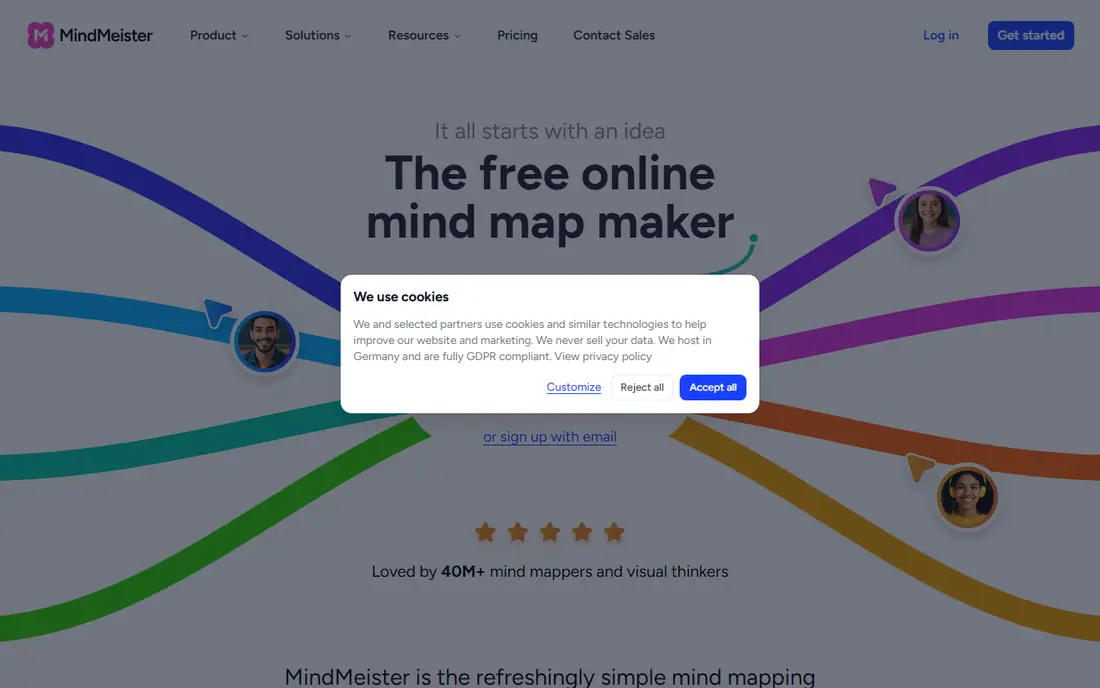
MindMeister is the most direct Ayoa replacement for browser-based mind mapping. Maps live online, collaborators can edit together, and presentation mode turns a map into slides without exporting to another tool. The link to MeisterTask also mirrors Ayoa's map-to-task flow, though that needs a Meister account.
The free plan is useful but narrow. It caps the number of maps, so heavy users will need a paid plan for an ongoing library. Export options also expand with paid tiers, which matters if you share maps as documents outside the tool.
We would pick MindMeister for a team that wants classic mind maps in a browser with live editing. Solo users with only a few maps can stay free for a long time.
- Real-time collaboration in the browser
- Presentation mode for sharing maps
- Links to MeisterTask for tasks
- Free plan limits map count
- Advanced exports sit on paid plans
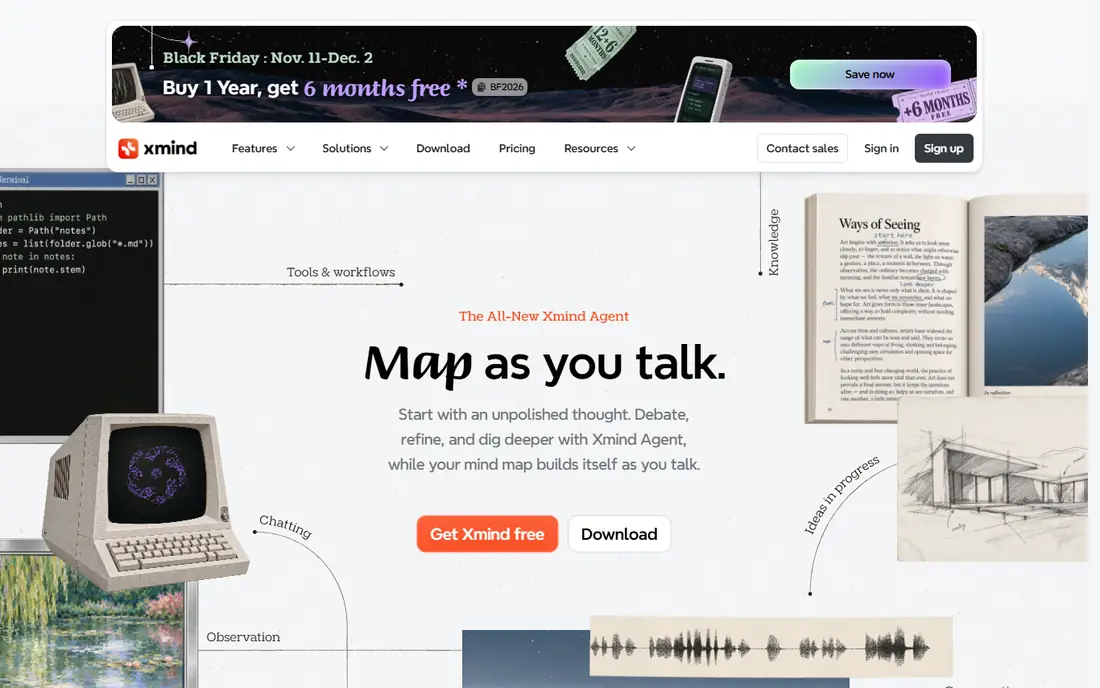
Xmind suits a person who wants a map to look good and read clearly. It offers many structures beyond a radial map, including org charts, timelines and fishbone diagrams, and pitch mode turns a map into a presentation with little extra work. Desktop and mobile apps let you work away from a browser tab.
The trade-off is teamwork. Xmind is stronger as a personal thinking and presentation tool than as a live shared canvas, and some users will miss real-time co-editing. The free version also limits exports and advanced features, so check it against your sharing needs.
We would pick Xmind for study, planning and client-facing maps where polish matters. Teams that edit together daily should look at MindMeister or Miro first.
- Clean structures including fishbone and timeline views
- Pitch mode for presentations
- Apps for desktop and mobile
- Collaboration is thinner than browser-first tools
- Full features need a paid plan
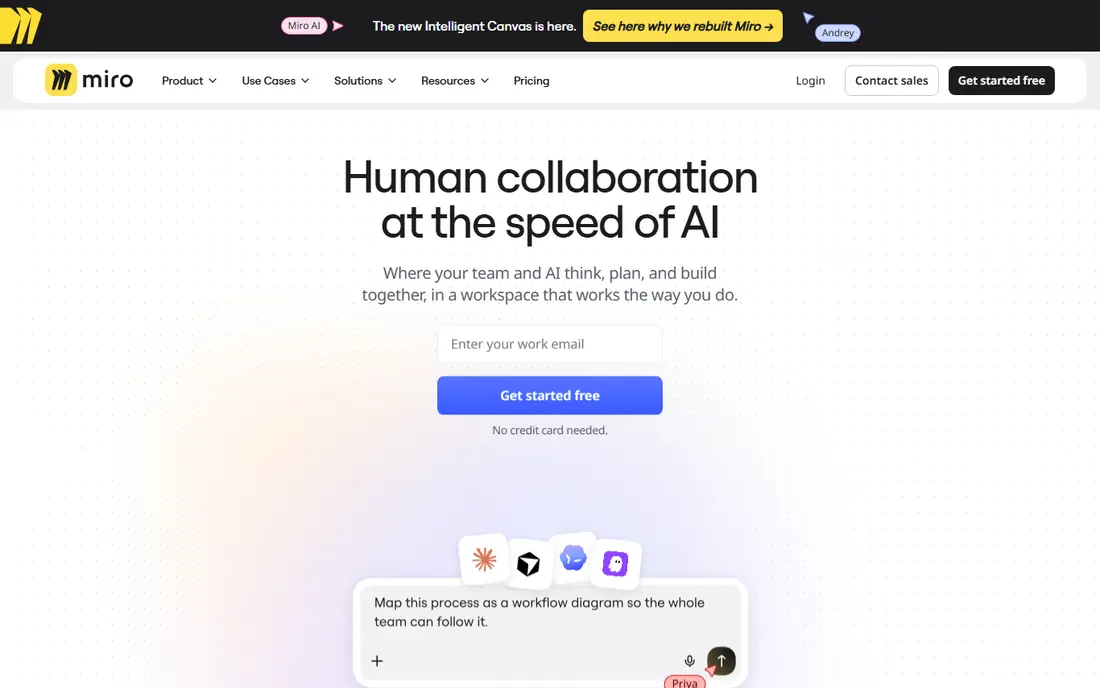
Miro is a whiteboard first and a mind mapping tool second, which is a strength for workshops. A team can brainstorm with sticky notes, vote, run a retrospective and then tidy the best ideas into a mind map on the same board. Templates cover many common sessions, so a facilitator rarely starts from a blank canvas.
That breadth can overwhelm a simple job. If you only need a quick radial map, Miro's canvas, menus and board management add steps that a pure mind mapper avoids. The free plan also limits editable boards, so an active team will need a paid plan.
We would pick Miro when mind mapping is one part of team workshops and planning. For pure maps, MindMeister or Coggle will feel faster.
- Huge shared canvas with templates
- Mind map tool inside a wider whiteboard
- Strong facilitation features
- Can feel large for a simple map
- Free plan limits editable boards
Coggle keeps mind mapping close to its core idea: start with a central topic, branch out, and share the result. The interface stays light, collaborators can edit together, and version history lets you step back to an earlier shape of a map. That simplicity makes it a good teaching and brainstorming tool.
The limit is scope. Coggle does not try to be a full whiteboard or project tool, so teams that need tasks, timelines or many diagram types will outgrow it. Paid plans add private diagrams, more uploads and organisation controls, but the core map style stays simple by design.
We would pick Coggle for fast, shared brainstorming where clarity beats features. It is a calm choice for classrooms, small teams and first-time mappers.
- Very easy branching and sharing
- Live collaboration
- Version history to restore earlier maps
- Fewer diagram types than larger tools
- Advanced features need a paid plan
MindNode is the best-looking option in this list for Apple households. It runs natively on Mac, iPhone and iPad, syncs through iCloud, and lets you switch between a visual map and a text outline of the same ideas. That outline view helps when a map needs to become a document or a plan.
The catch is platform. Windows and Android users cannot use it as a native app, and real-time web collaboration is not its main strength. Sharing works through files and exports, which suits personal work more than a live team session.
We would pick MindNode for Apple users who map alone or share finished maps. Mixed-platform teams should choose a browser tool instead.
- Clean design on Mac, iPhone and iPad
- Outline view beside the map
- Good export options
- Apple-only for full use
- Collaboration is more limited than web tools
Mindomo covers more map types than a pure radial mapper. You can build mind maps, concept maps with labelled links, outlines and simple diagrams, and share them with a team or a class. A desktop app adds offline work for users who do not always have a reliable connection.
The trade-off is polish and simplicity. The interface carries more options than Coggle or MindNode, so new users need a little longer to find their way. Free accounts also limit the number of maps and some export features, which matters for a large personal library.
We would pick Mindomo for teachers, students and teams that need concept maps as well as classic mind maps. Pure brainstormers may prefer the lighter feel of Coggle.
- Mind maps, concept maps and outlines in one tool
- Classroom and team plans
- Offline desktop option
- Interface feels busier than Coggle
- Free plan limits map count and features
SimpleMind is built for speed. You can start a map on a phone, add branches with a few taps, and open the same file on a computer later. It runs on all major platforms, and the Pro version is sold as a one-time purchase rather than only a subscription, which appeals to users who dislike monthly fees.
The limit is teamwork. Sharing is file-based, so you send a map file rather than editing together live in a browser. The visual style is also plain, which is fine for personal planning but less suited to polished presentations.
We would pick SimpleMind for personal capture and planning across devices. Teams that need live co-editing should stay with a browser tool.
- Fast on phones and computers
- Works on Windows, Mac, Android and iOS
- One-time Pro option
- Collaboration is file-based, not live
- Design is plain compared with Xmind
Freeplane is the power tool for users who want a free desktop mapper without subscription limits. It handles large maps with many nodes, supports scripts and add-ons, and keeps your files on your own computer. Long-time users value its keyboard shortcuts and detailed formatting options.
The trade-off is presentation and collaboration. The interface looks dated next to Xmind or MindNode, and there is no simple live shared canvas. New users may need tutorials to get past the first maps, and sharing means sending files.
We would pick Freeplane for detailed personal or research maps on a budget. If you need a modern look or live teamwork, a browser tool will serve you better.
- Free and open source
- Strong for large, detailed maps
- Runs on your own computer
- Older interface
- No built-in live collaboration
- Setup feels technical
How we picked these
We compared official feature and pricing pages, plus current mind mapping roundups that describe map limits and collaboration. We kept only tools that are live in October 2026 and that offer mind mapping or whiteboard mapping as a core feature. We used See website in earlier research notes where pricing was unclear, but the free starting prices here reflect free plans or free software confirmed from vendor pages.
What to check before you choose
Start with how you work. A solo mapper needs good structures and exports, while a team needs live editing and sharing controls. A workshop leader needs a canvas with templates and facilitation tools, which points to Miro rather than a pure mapper.
Next, check the free limit that will bind first. Some tools limit map count, some limit boards, and some limit exports. Count your current maps and your sharing needs before assuming a free plan will last.
Finally, test export and import. Move one real map into each shortlisted tool and back out again if you can. A tool that traps your maps in a format you cannot export will cost more later than a slightly dearer tool with open exports.
Frequently asked questions
What is the best Ayoa alternative for teams?
MindMeister is the closest team mind mapping replacement, while Miro suits workshops that mix maps with sticky notes and diagrams. Choose MindMeister for pure maps and Miro for broader team sessions.
Is there a free Ayoa alternative?
Yes. MindMeister, Coggle, Miro, Mindomo, SimpleMind and Freeplane all offer free plans or free software. Free plans usually limit map count, boards or exports, so check the limit against how many maps you keep.
Can I turn a mind map into tasks?
MindMeister links to MeisterTask, and Ayoa itself combined maps with tasks. Other tools here need an export or a manual step to turn branches into tasks in a separate project tool.
Which tool is best for Apple users?
MindNode is the best fit for Mac, iPhone and iPad users, with a clean design and outline view. Mixed-platform households should choose a browser tool such as MindMeister or Coggle instead.
Do these tools work offline?
Desktop tools such as Xmind, SimpleMind, MindNode and Freeplane support offline work, while browser tools need a connection for live collaboration. Check each tool's offline mode before relying on it for travel or field work.
How do I move maps from Ayoa?
Export from Ayoa in a format your new tool accepts, such as an image, outline or mind map file, then import or rebuild in the new tool. For a large library, test one complex map first, since formatting and attachments do not always transfer cleanly.
Sources
See where you really rank - block by block
ProMapRanker scans Google Maps across a grid of your service area. Simple monthly plans from $19, white-label on every plan.
Start freeKeep reading
 zyte alternatives
Best Zyte Alternatives in 2026
These zyte alternatives cover managed scraping APIs, proxy networks and no code tools for lawful collection from your own or consented sources only in 2026.
Read → zerto alternatives
Best Zerto Alternatives in 2026
Compare the best zerto alternatives for disaster recovery and replication, with recovery targets, cloud options and honest trade-offs for teams in 2026.
Read → zerofox alternatives
Best ZeroFox Alternatives in 2026
We compared 9 zerofox alternatives for brand protection, phishing takedowns, dark web monitoring, and social impersonation, with clear coverage notes.
Read →