 ProMapRanker
Best AWS Secrets Manager Alternatives in 2026

Key takeaways
- HashiCorp Vault is the deepest platform for teams that need dynamic secrets, PKI, and encryption across clouds.
- Doppler and Infisical suit developer teams that want a modern interface and simple environment sync without running servers.
- Azure Key Vault and Google Secret Manager are the natural picks for teams already committed to Azure or Google Cloud.
- OpenBao gives Vault-style capability as a fully open-source project, which suits teams that want no vendor license fee.
Quick comparison
| Pick | Great for | Pricing starts at | Free tier | |
|---|---|---|---|---|
 HashiCorp Vault | Multi-cloud platforms | Free | Yes | Visit |
 Doppler | Developer workflow | Free | Yes | Visit |
 Infisical | Self-hosted and cloud teams | Free | Yes | Visit |
 Akeyless | Ops-light enterprise vault | See website | Yes | Visit |
 Azure Key Vault | Azure teams | See website | No | Visit |
 Google Secret Manager | Google Cloud teams | See website | No | Visit |
 1Password | Staff and developer secrets | $7.99 per user per month | No | Visit |
 Bitwarden Secrets Manager | Small teams on a budget | Free | Yes | Visit |
 OpenBao | Open-source Vault-style engine | Free | Yes | Visit |
The best aws secrets manager alternatives
AWS Secrets Manager works well inside AWS, but these tools help teams that run several clouds, need dynamic secrets, or want a simpler developer workflow.
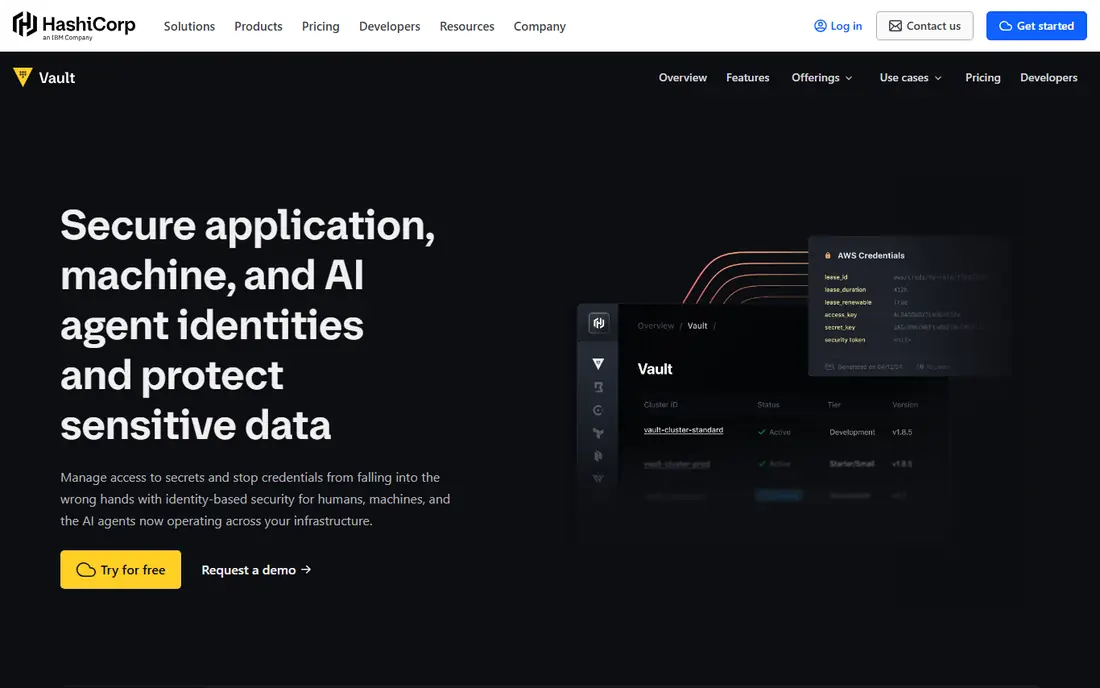
Vault is the deepest secrets platform here, and the one large platform teams reach for when static secrets are not enough. It can generate short-lived credentials on demand, act as a certificate authority, and encrypt data as a service, with auth methods for AWS, Azure, Google, Kubernetes, and more. The community edition is free to self-host, and HCP Vault Dedicated offers a managed path for teams that do not want to run clusters themselves.
The cost is complexity. Vault takes real platform work to design, run, and monitor, and Enterprise pricing is quote-based, so budgeting needs a sales conversation. Managed dedicated clusters also bill by cluster and client, which adds up at scale. For a team that needs everything in one secrets engine, Vault remains the benchmark.
- Dynamic secrets, PKI, and encryption as a service
- Broad auth methods and integrations
- Self-hosted and managed options
- Steep learning curve
- Enterprise pricing is quote-based
- Running it well needs platform expertise
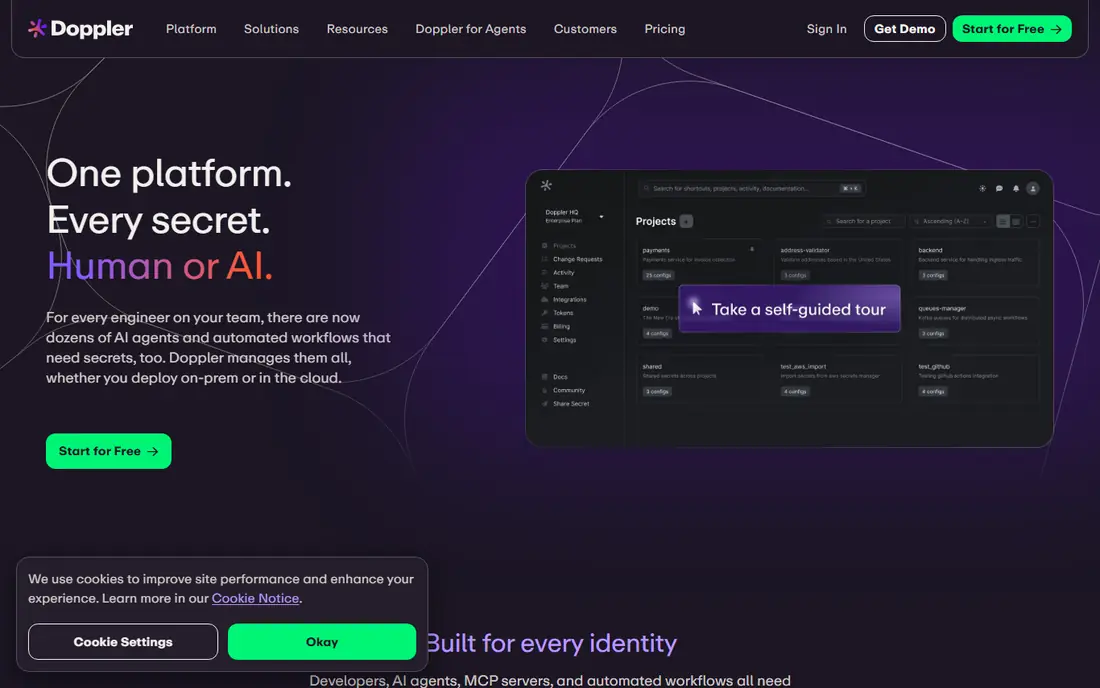
Doppler is the easiest secrets tool for a developer team that just wants environment variables synced safely. Projects, environments, and integrations cover common frameworks and cloud platforms, and the CLI makes local development simple. The free plan covers up to three users, which is enough for a small team or side project to test the workflow.
Its limits matter for larger systems. Dynamic secrets and some advanced controls sit on Enterprise, and Doppler is cloud hosted on most plans rather than self-hosted. Team pricing at about $21 per user per month on annual billing also adds up for a large engineering org. For app teams that value a clean workflow over deep platform features, Doppler is a strong pick.
- Modern interface and CLI
- Environment sync across services
- Free plan for up to three users
- Dynamic secrets need Enterprise
- Cloud only on most plans
- Per-user pricing grows with team size
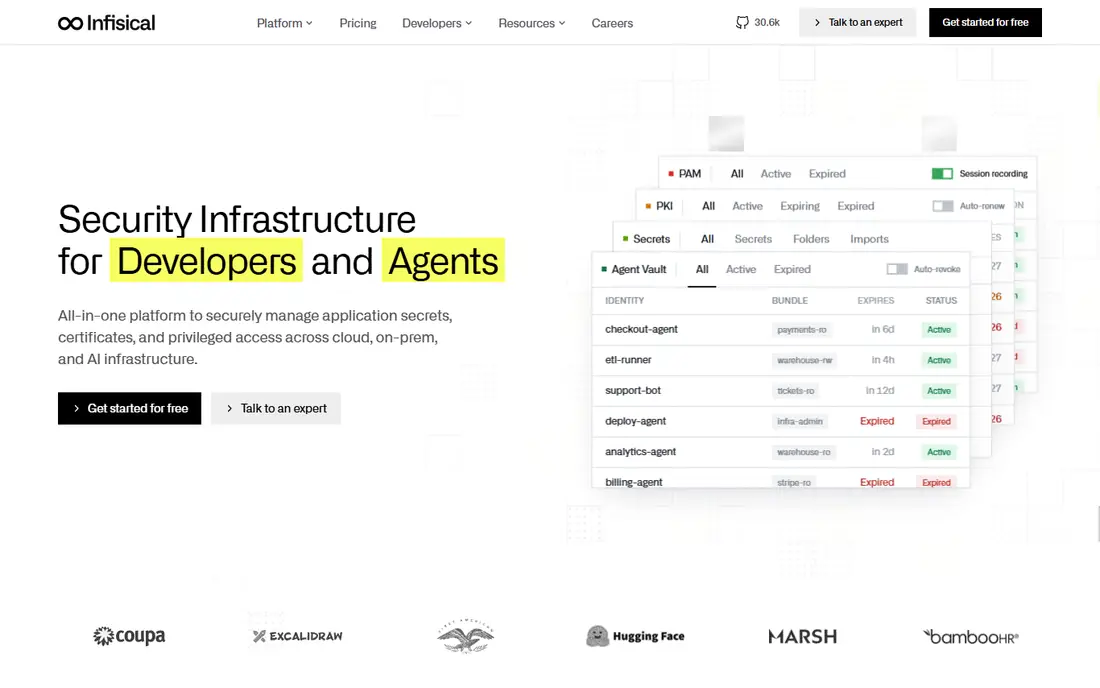
Infisical gives app teams a modern secrets platform with a choice they often want: host it yourself or use the cloud. The open-source core, end-to-end encryption, and SDKs for Node, Python, Go, Ruby, Java, and .NET make it friendly for developers, and the Kubernetes operator helps teams that deploy on Kubernetes. The free tier covers up to five identities and three projects.
Pricing needs attention. Pro costs about $18 per identity per month, and Advanced, which adds dynamic secrets, costs about $40 per identity per month, so counting machine identities matters for the bill. Infisical is also newer than Vault, with a smaller ecosystem. For teams that want open-source flexibility with a modern interface, it is a compelling middle ground.
- Open-source core with MIT license
- Self-hosted or cloud
- Kubernetes operator and SDKs for major languages
- Dynamic secrets need higher tiers
- Pricing is per identity, which needs careful counting
- Newer than Vault
Akeyless suits enterprises that want Vault-class capability without running Vault themselves. Its zero-knowledge SaaS model, dynamic secrets, and gateway options cover multi-cloud and hybrid setups, and a free community tier lets teams evaluate the core product. For organizations that need strong governance but lack platform staff to run a secrets cluster, that managed model is attractive.
The main drawback is pricing opacity. Enterprise pricing is custom, so buyers need a sales conversation and a clear estimate of secrets, users, and gateways before they can budget. Gateway setup also needs planning for hybrid networks. For an enterprise team that wants a managed vault with strong controls, Akeyless is worth a serious evaluation.
- Zero-knowledge SaaS vault
- Dynamic secrets and gateways
- Free community tier for evaluation
- Enterprise pricing is quote-based
- Setup needs planning for gateways
- Less familiar to small teams
Azure Key Vault is the natural alternative for a team already running on Azure. It stores keys, secrets, and certificates behind Microsoft Entra ID access controls, and it integrates cleanly with Azure apps, functions, and pipelines. Because it bills mainly by operation rather than storage, small teams with modest call volumes can keep costs low.
Outside Azure, its value drops fast. A multi-cloud team would need a separate vault for each cloud or a neutral tool like Vault, and Azure operation pricing needs monitoring at high volumes. For an Azure-first team that wants a managed, native vault, Key Vault is the straightforward and low-friction choice.
- Native Azure integration with Entra ID
- Keys, secrets, and certificates in one service
- No storage fee on standard operations
- Best only inside Azure
- Pricing is per operation and needs monitoring
- Less suited to multi-cloud teams
Google Secret Manager is the simplest managed option for a team already on Google Cloud. It stores secrets behind Google IAM controls, versions them cleanly, and integrates with Cloud Run, Compute Engine, and other Google services without extra servers to run. Its pricing is usage based, with a small charge per version and per ten thousand operations.
The service is deliberately simple, which is also its limit. There are no dynamic secrets, and it is not a multi-cloud platform, so a team that also runs AWS or Azure will need another vault or a neutral tool. For a Google-first team that wants a managed store with minimal setup, Secret Manager is a clean and dependable pick.
- Simple managed service inside Google Cloud
- IAM-based access control
- Easy for Google-first teams
- No dynamic secrets
- Google Cloud focused
- Usage pricing needs monitoring at scale
1Password is a good fit for a team that wants staff passwords and developer secrets in one familiar place. Business plans start at $7.99 per user per month, and Connect plus the SDK let apps pull secrets without giving every developer a shared password file. Staff already know the interface, which shortens training.
It is not a replacement for Vault for dynamic secrets or PKI. Teams that need short-lived credentials generated on demand should look at Vault, OpenBao, or Akeyless instead. For a small to mid-size team that wants one vault for people and apps, with good usability, 1Password is a practical and well-supported choice.
- One vault for human and machine secrets
- Connect server and SDK for apps
- Familiar interface for staff
- Not a full dynamic secrets engine
- Business pricing starts per user
- Advanced secrets features need higher plans
Bitwarden Secrets Manager suits a small team or budget-conscious org that already trusts Bitwarden for passwords. Secrets can be managed through the CLI and SDK, and self-hosting is an option for teams that want full control. A free tier and low-cost Teams pricing make it easy to start without a large commitment.
Its feature set is narrower than Vault or Akeyless. There are no dynamic secrets, and enterprise governance is lighter, so a large platform team may outgrow it. For a small team that needs a safe place for API keys and app secrets, with a familiar Bitwarden workflow, it is excellent value.
- Open-source option with self-hosting
- CLI and SDK for apps
- Low-cost teams plans
- No dynamic secrets
- Smaller secrets feature set than Vault
- Enterprise controls are lighter
OpenBao is the open-source answer for teams that like Vault but want a truly open license and no vendor fee. As a Linux Foundation project, it offers Vault-style capability, including dynamic secrets and namespaces, without a commercial license cost. Teams can self-host it and keep full control of their secrets infrastructure.
The trade-off is operations. OpenBao is self-hosted, so your team owns uptime, backups, and upgrades, and support comes from the community and paid partners rather than a single vendor. Its ecosystem is also smaller than Vault. For a team with platform skills that wants open-source freedom, OpenBao is a strong and principled choice.
- Fully open-source under MPL 2.0
- Vault-compatible for many workflows
- Dynamic secrets included
- Self-hosted only, so you own uptime
- Smaller vendor ecosystem
- Support comes from community and partners
How we picked these
We compared official feature pages, pricing pages, and public reviews for secrets tools that are still sold and supported in October 2026. We kept tools that store and deliver secrets to apps, whether managed, self-hosted, or cloud-specific, and we noted where dynamic secrets or enterprise pricing change the fit. Prices are the lowest verified plan, or See website where enterprise pricing is quote-based, and we favored tools with clear audit logging and access controls.
How to choose the right one
Start with your cloud footprint. A single-cloud team will usually be happiest with that cloud native vault: Azure Key Vault for Azure, Google Secret Manager for Google Cloud, and AWS Secrets Manager itself for AWS. A multi-cloud or hybrid team should look at Vault, OpenBao, or Akeyless, which are built to sit across clouds.
Next, count who and what needs secrets. Developer teams with few humans and many services should compare per-user pricing against per-identity pricing, since the billing unit changes the bill a lot. Finally, check rotation, audit logs, and break-glass access before you migrate, and move one service at a time so a bad rotation does not take down everything at once.
Frequently asked questions
What is the best AWS Secrets Manager alternative for multi-cloud teams?
HashiCorp Vault, OpenBao, and Akeyless are the strongest multi-cloud picks, since they are not tied to one cloud provider. Vault offers the deepest feature set, OpenBao offers an open-source path, and Akeyless offers a managed SaaS vault.
Is there a free secrets manager?
Yes, Vault community edition, Infisical, Doppler for up to three users, Bitwarden Secrets Manager, and OpenBao all offer free tiers or free self-hosted options. Free tiers usually limit users, identities, or projects, so check limits before relying on them in production.
How is Doppler different from Vault?
Doppler focuses on developer workflow and environment sync with a modern interface, while Vault is a full platform engine with dynamic secrets, PKI, and encryption as a service. Small app teams often prefer Doppler, while platform teams with complex needs prefer Vault.
Do these tools support automatic rotation?
Rotation support varies. Vault and Akeyless support dynamic secrets that expire automatically, while Doppler, Infisical, and cloud vaults offer rotation for some secret types or through integrations. Check rotation for your specific databases and services before you buy.
Should I self-host or use a managed vault?
Self-hosting with Vault, Infisical, or OpenBao gives full control but means your team owns uptime, backups, and upgrades. A managed vault like Doppler, Akeyless, or a cloud native service removes that work but ties you to a vendor or cloud. Pick based on your platform staffing, not just price.
Can I migrate from AWS Secrets Manager gradually?
Yes, most teams migrate one service at a time, pointing apps at the new vault while keeping AWS Secrets Manager running for the rest. Test rotation and audit logging on the first service before moving critical workloads, and keep a rollback plan until the migration is complete.
Sources
- https://www.hashicorp.com/en/products/vault/pricing
- https://doppler.com/pricing
- https://infisical.com/pricing
- https://akeyless.io/pricing
- https://azure.microsoft.com/en-us/pricing/details/key-vault/
- https://cloud.google.com/secret-manager/pricing
- https://1password.com/business/pricing
- https://bitwarden.com/products/secrets-manager/pricing
- https://openbao.org
See where you really rank - block by block
ProMapRanker scans Google Maps across a grid of your service area. Simple monthly plans from $19, white-label on every plan.
Start freeKeep reading
 zyte alternatives
Best Zyte Alternatives in 2026
These zyte alternatives cover managed scraping APIs, proxy networks and no code tools for lawful collection from your own or consented sources only in 2026.
Read → zerto alternatives
Best Zerto Alternatives in 2026
Compare the best zerto alternatives for disaster recovery and replication, with recovery targets, cloud options and honest trade-offs for teams in 2026.
Read → zerofox alternatives
Best ZeroFox Alternatives in 2026
We compared 9 zerofox alternatives for brand protection, phishing takedowns, dark web monitoring, and social impersonation, with clear coverage notes.
Read →