 ProMapRanker
Best Automox Alternatives in 2026


IT teams and MSPs needing full endpoint management · Pricing starts at: See website
Key takeaways
- NinjaOne is the broadest replacement, adding remote monitoring and management alongside patching for IT teams and service providers.
- ManageEngine Patch Manager Plus and Action1 are the value picks, with low entry pricing and a genuine free tier at Action1.
- PDQ Connect suits Windows-heavy fleets that want simple deployment without a full management suite.
- JumpCloud fits teams that also need identity and device management in one cloud directory.
- Patching alone is rarely the whole decision, so check OS coverage, third-party app support and reporting before switching.
Quick comparison
| Pick | Great for | Pricing starts at | Free tier | |
|---|---|---|---|---|
| NinjaOne | IT teams and MSPs needing full endpoint management | See website | Free trial | Visit |
 ManageEngine Patch Manager Plus | Budget patching for Windows, Mac and Linux | $245 per year | Yes | Visit |
 PDQ Connect | Windows-heavy small teams | $12 per device per year | Free trial | Visit |
 JumpCloud | Identity plus device management | See website | Free trial | Visit |
 Action1 | Free patching for up to 100 endpoints | Free | Yes | Visit |
 Atera | Technicians managing many endpoints | $129 per month | Free trial | Visit |
 Syxsense | Security-led patching and vulnerability fixes | See website | Free trial | Visit |
 Ivanti Neurons | Enterprise vulnerability-led patching | See website | No | Visit |
 Hexnode UEM | Unified endpoint management across devices | See website | Free trial | Visit |
The best Automox alternatives
Automox is known for cloud patching of distributed machines, but teams leave it over pricing, OS gaps, reporting depth or a need for wider endpoint management. These nine tools cover that same ground with different strengths.
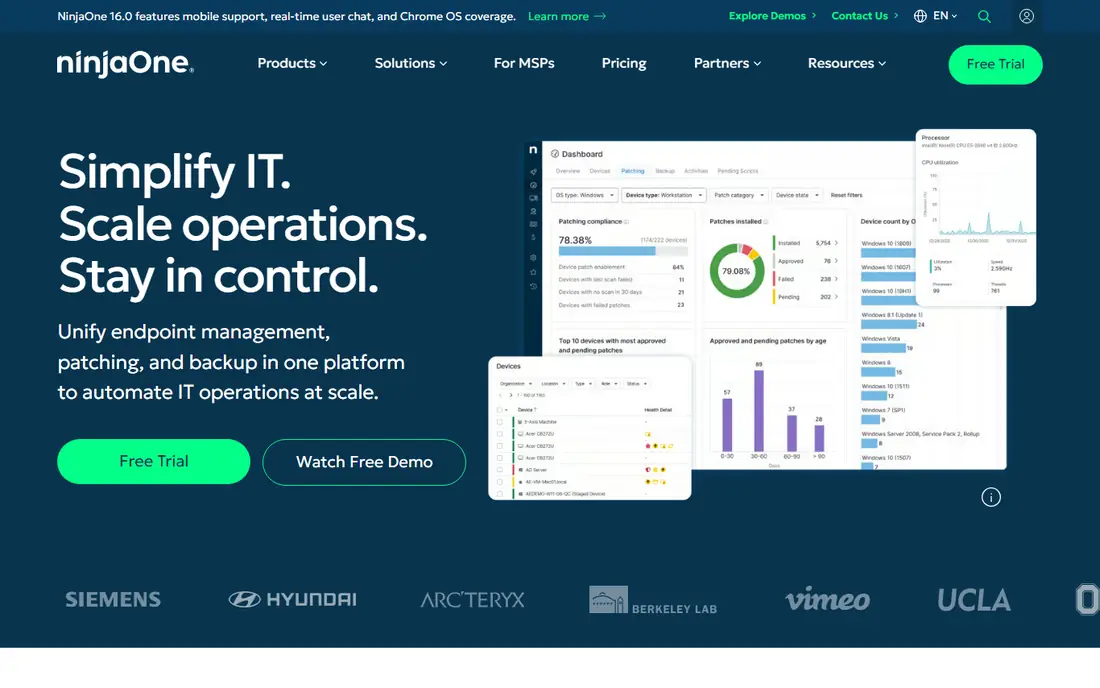
NinjaOne is the closest like-for-like upgrade for teams that want patching inside a wider management tool. It handles OS and third-party patching, remote monitoring, software deployment, backup and remote access from one dashboard, which cuts the need to juggle separate consoles. IT teams and managed service providers with hundreds or thousands of endpoints are its core audience.
Pricing is the main friction. NinjaOne does not publish a simple list price, and final cost depends on endpoint count and modules, so a quote is required. Teams that only need patching may find the full platform more than they want to pay for. For teams that also need monitoring and remote support, the consolidation usually justifies the conversation.
- Patching plus monitoring, backup and remote access in one console
- Strong MSP tooling
- Broad OS support
- Quote-based pricing
- Can be more platform than patch-only buyers need
ManageEngine Patch Manager Plus
Great for: Budget patching for Windows, Mac and Linux
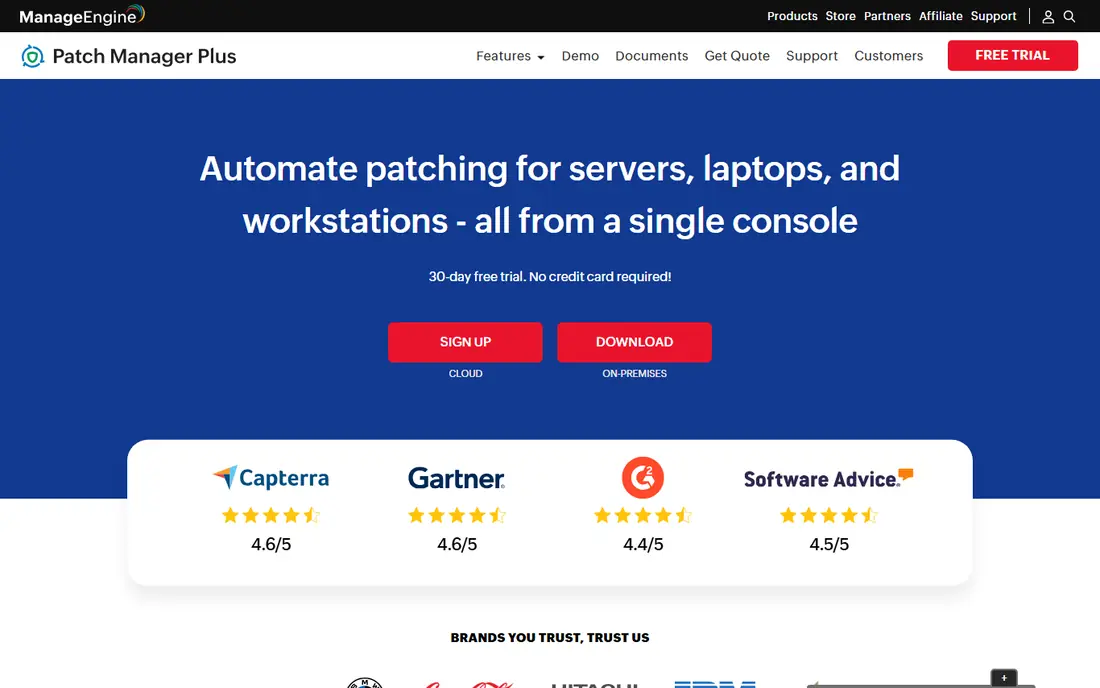
ManageEngine Patch Manager Plus is the pragmatic choice for budget-conscious IT teams. Professional pricing starts at $245 per year for 50 computers on premises, with cloud pricing from $345 per year, and a free edition covers up to 25 computers. It patches Windows, macOS and Linux, plus a wide catalogue of third-party applications, from a central console.
The compromise is polish. The interface and reporting feel more traditional than newer cloud tools, and large, complex rollouts may need the Enterprise edition. For small and mid-sized teams that want dependable patching at a predictable price, that trade is easy to accept. It is one of the few tools here where the entry cost is clear before a sales call.
- Published low entry price
- Free edition for small fleets
- On-premises and cloud options
- Interface feels dated next to cloud-native rivals
- Enterprise tier pricing rises with scale
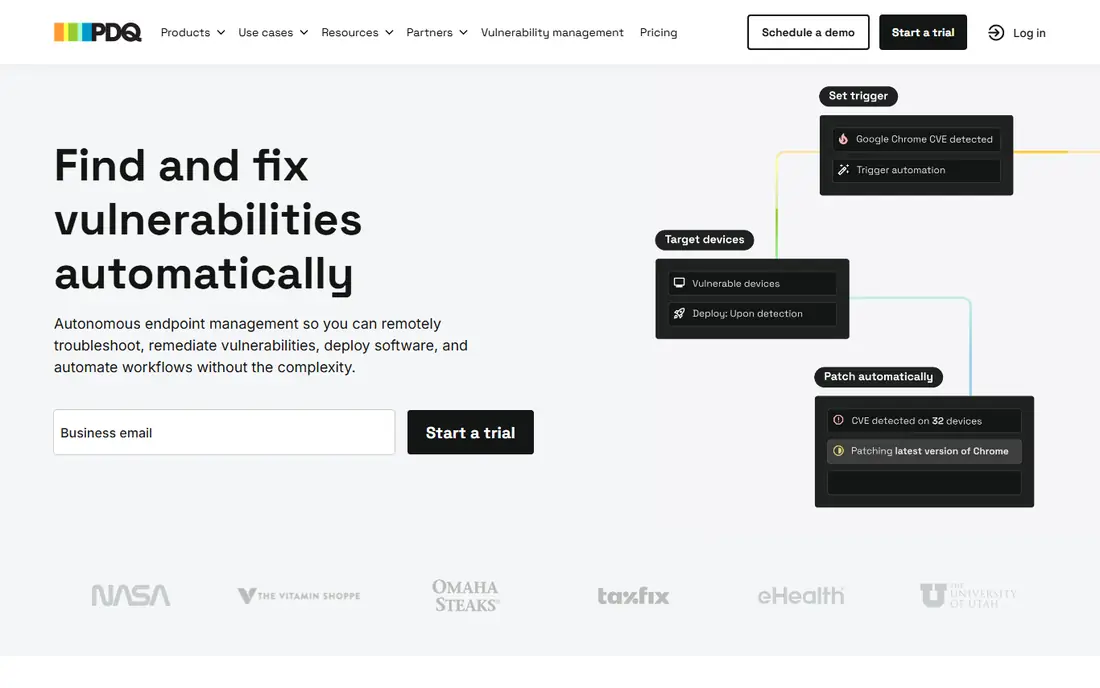
PDQ Connect is built for teams whose fleet is mostly Windows and who want patching and software deployment without ceremony. Pricing starts at $12 per device per year on Basic, with higher tiers adding features, and setup is quick for small IT teams and service providers. It is a good fit when most machines sit on Windows and the main job is keeping them updated.
Cross-platform coverage is the limit. Mac and Linux shops, or mixed fleets with heavy mobile needs, will need a second tool or a different vendor. PDQ Connect also lacks the full monitoring and remote management breadth of NinjaOne or Atera. For a Windows-first fleet, its simplicity and price are strong selling points.
- Simple deployment for Windows fleets
- Clear per-device pricing
- Fast setup for small teams
- Windows focus limits Mac and Linux coverage
- Narrower management scope than full RMM tools
JumpCloud approaches patching from identity. It combines a cloud directory, single sign-on, multi-factor authentication and device management, with patch policies and compliance controls for Windows, Mac and Linux. Teams moving away from on-premises Active Directory often pick JumpCloud to manage users and devices together.
That breadth shapes the trade-off. Patch reporting and third-party catalogue depth may not match a patch specialist, and pricing is quote-led at scale. For organisations that need identity and endpoint control in one place, JumpCloud removes a whole layer of tooling. For patch-only buyers, a specialist will usually feel sharper.
- Cloud directory with device policies and patching
- Works across Windows, Mac and Linux
- Single sign-on and access control
- Pricing requires a quote for larger teams
- Patching is part of a wider platform, not a specialist tool
Action1 is the standout free option in this list. The full platform is free for up to 100 endpoints with no functional limits stated for that tier, which makes it ideal for startups, small businesses and labs testing a patch workflow. It is cloud-based, so remote machines can be patched without VPN gymnastics, and it covers Windows OS and third-party updates.
Scale and platform mix are the watch points. Action1 is Windows-centred, so Mac and Linux heavy fleets should verify coverage before committing. Paid plans beyond 100 endpoints are quote-based, so larger teams need a sales conversation to confirm cost. For a small Windows fleet, it is hard to argue with free patching that actually works.
- Full platform free for the first 100 endpoints
- Cloud-based and quick to deploy
- Covers OS and third-party patching
- Windows focus
- Paid pricing for larger fleets is quote-based
Atera charges per technician rather than per endpoint, which changes the maths for teams with many machines per admin. Pro pricing starts at $129 per month per technician billed annually, with Growth and Power tiers above it. Patch management sits inside remote monitoring, remote access, automation and helpdesk tooling, so one console covers most day-to-day IT work.
The model suits high endpoint-to-technician ratios and service providers, but it penalises large technician teams with small fleets. Patching is strong for common OS and application updates, yet specialist vulnerability workflows may still need a dedicated tool. Atera fits teams that want one IT platform priced by people, not machines.
- Per-technician pricing, not per endpoint
- Patching plus monitoring and remote access
- AI-assisted ticketing and scripting
- Per-technician cost rises with team size
- Patch catalogue depth varies by use case
Syxsense links finding a weakness to fixing it. Vulnerability scanning, patch deployment and compliance reporting sit in one workflow, so security teams can see which machines remain exposed and why. That closed loop appeals to organisations where patching is a security duty, not just an IT chore.
Pricing is quote-based, and policy tuning takes effort before automation can be trusted at scale. Smaller teams may find the security depth more than they need. For mid-sized and larger teams with audit or compliance pressure, Syxsense gives patching a clearer security story than a general management tool.
- Vulnerability scanning tied to remediation
- Patch automation with compliance reporting
- Broad device coverage
- No published pricing
- Setup and policy tuning take time
Ivanti Neurons for Patch Management is aimed at enterprises that patch by risk, not just by schedule. It prioritises vulnerabilities by exploitability and business impact, then automates deployment and reporting across large, mixed estates. Integrations with service management and security tooling help big IT organisations keep patching aligned with incident and change processes.
Smaller teams will feel the enterprise weight. Pricing is quote-only, deployment can be involved, and the platform rewards organisations with formal change control. For large teams with thousands of endpoints and a formal security programme, Ivanti is a credible Automox replacement. For a ten-person IT team, it is usually too much platform.
- Risk-based patch prioritisation
- Enterprise scale and integrations
- Strong vulnerability intelligence
- Quote-only pricing
- Implementation and licensing complexity for smaller teams
Hexnode UEM suits organisations whose endpoints include phones and tablets as well as computers. It manages Windows, macOS, Android, iOS and other platforms from one console, with patch deployment, app management, kiosk controls and compliance policies. That breadth helps schools, healthcare teams and field workforces with mixed device fleets.
Desktop patch specialists may still edge Hexnode on third-party catalogue depth for Windows alone. Pricing is tiered and quote-led for larger deployments, though a free trial is available. Hexnode is the pick when the fleet is truly mixed and one management console matters more than patch-only depth.
- Manages desktops, laptops and mobile devices together
- Patch and app deployment
- Policy and compliance controls
- Pricing requires a quote at scale
- Mobile focus may dilute desktop patch depth for some buyers
How we picked these
We compared official product pages, pricing pages and public patch management comparisons, and kept only tools live in October 2026 that patch at least one major desktop OS and fit Automox use cases: distributed fleets, remote machines and mixed OS estates. Prices taken from vendor or reputable third-party listings are stated plainly, and quote-only tools are marked See website rather than estimated. Tools that only manage mobile devices or only scan without patching were left out.
What to check before you switch patch tools
Start with an inventory, not a demo. List operating systems, third-party applications, remote machines and machines that rarely connect to the office network. Ask each vendor to patch that exact mix in a trial, including a failed patch and a rollback, because clean demos hide the messy cases.
Next, check reporting and maintenance windows. You need proof of what patched, what failed and what remains vulnerable, plus scheduling that respects work hours and time zones. Finally, confirm total cost at your endpoint count, including any per-technician or per-module charges, since per-endpoint, per-device and per-technician pricing are not directly comparable.
Frequently asked questions
Is NinjaOne a direct Automox replacement?
Yes, for most teams. It covers OS and third-party patching and adds monitoring, backup and remote access. The main difference is pricing, which is quote-based rather than published per endpoint.
Which Automox alternative is free?
Action1 is free for up to 100 endpoints with full platform access on that tier. ManageEngine Patch Manager Plus also offers a free edition for up to 25 computers, which suits very small fleets.
What is the cheapest paid patch tool here?
ManageEngine Patch Manager Plus starts at $245 per year for 50 computers on premises, and PDQ Connect starts at $12 per device per year. The cheaper option depends on fleet size and OS mix, since per-device and bundle pricing scale differently.
Do these tools work for remote workers?
Yes, cloud-based options such as Automox alternatives NinjaOne, Action1, JumpCloud and Atera are designed for machines outside the office network. On-premises ManageEngine deployments need planning for remote machines, while its cloud edition handles them more directly.
Should I choose a patch specialist or a full endpoint platform?
Choose a specialist such as ManageEngine or PDQ Connect when patching is the main job and budget is tight. Choose a full platform such as NinjaOne, Atera or JumpCloud when you also need monitoring, remote access or identity management and want fewer consoles.
Sources
See where you really rank - block by block
ProMapRanker scans Google Maps across a grid of your service area. Simple monthly plans from $19, white-label on every plan.
Start freeKeep reading
 zyte alternatives
Best Zyte Alternatives in 2026
These zyte alternatives cover managed scraping APIs, proxy networks and no code tools for lawful collection from your own or consented sources only in 2026.
Read → zerto alternatives
Best Zerto Alternatives in 2026
Compare the best zerto alternatives for disaster recovery and replication, with recovery targets, cloud options and honest trade-offs for teams in 2026.
Read → zerofox alternatives
Best ZeroFox Alternatives in 2026
We compared 9 zerofox alternatives for brand protection, phishing takedowns, dark web monitoring, and social impersonation, with clear coverage notes.
Read →