 ProMapRanker
Best Arc Browser Alternatives in 2026

Key takeaways
- Dia is the easiest Arc migration, since it is made by the same company and includes an Arc importer.
- Zen Browser is the closest open-source match for Arc's sidebar and workspace feel.
- Vivaldi suits power users who want deep customization without an AI-first redesign.
- Brave and Firefox suit privacy-first users, while Chrome and Edge suit compatibility and Microsoft 365 users.
- Arc is scheduled to stop working on December 22, 2026 in public reports, so export bookmarks and passwords soon.
Quick comparison
| Pick | Great for | Pricing starts at | Free tier | |
|---|---|---|---|---|
 Dia | Easiest Arc migration | Free | Yes | Visit |
 Zen Browser | Open-source Arc-like sidebar | Free | Yes | Visit |
 Vivaldi | Deep customization | Free | Yes | Visit |
 Brave | Privacy and ad blocking | Free | Yes | Visit |
 Mozilla Firefox | Independent privacy browser | Free | Yes | Visit |
 Microsoft Edge | Windows and Microsoft 365 users | Free | Yes | Visit |
 Google Chrome | Maximum compatibility | Free | Yes | Visit |
 Opera | Built-in sidebar tools | Free | Yes | Visit |
 SigmaOS | Mac workspace browsing | Free | Yes | Visit |
The best Arc browser alternatives
Arc replaced the top tab bar with a vertical sidebar, Spaces for different contexts, and split view for side-by-side pages, so a good alternative needs to cover tab organization, not just web rendering. We compared official feature pages, download pages, extension stores, and public reviews, and we focused on sidebar tabs, workspaces, split view, privacy, extension support, and migration tools. All browsers here are free to download, with optional paid extras in some cases.
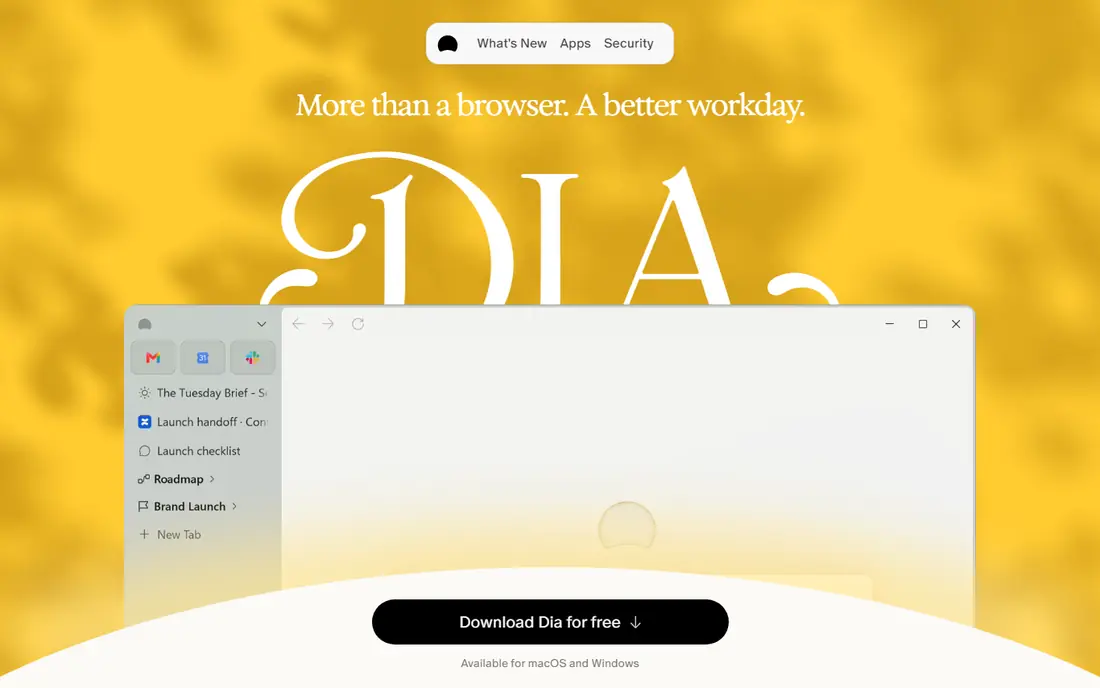
Dia is the lowest-friction move for Arc users, because it comes from The Browser Company, the same maker as Arc. Its built-in Arc importer moves passwords, bookmarks, extensions, history, and tabs, while Spaces become Profiles and folders become tab groups. That importer alone saves hours of manual rebuilding for a heavy Arc user.
The trade-off is direction. Dia is built around AI-first browsing, while Arc was built around calm tab organization, so the feel is different even when the features overlap. The free tier covers core browsing, while paid tiers add AI features, and public reports have noted inconsistent paid pricing figures, so verify the current page before paying. If you want the easiest exit from Arc, start with Dia, even if you later test Zen or Vivaldi.
- Built by the same company as Arc
- Arc importer for passwords, bookmarks, extensions, and history
- Profiles replace Spaces
- AI-first direction is not for everyone
- Paid tier pricing has varied in public reports, so check the current page
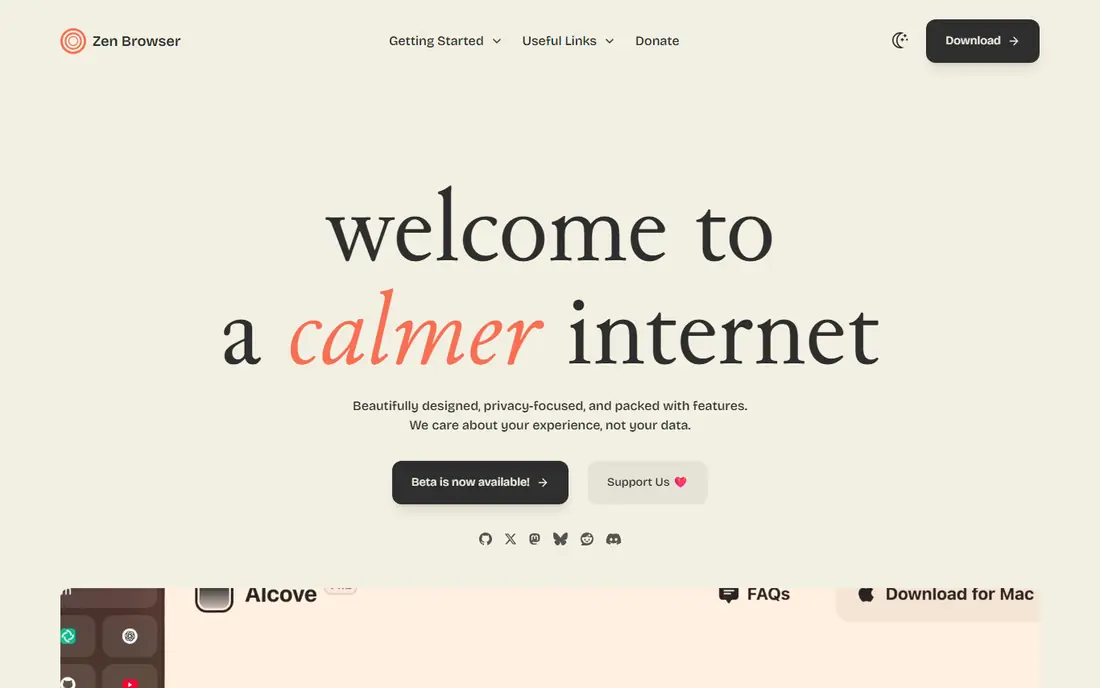
Zen Browser is the closest open-source match for Arc's look and feel. It is Firefox-based, with a vertical sidebar, workspaces for different contexts, split view, and a compact mode that hides the sidebar until you need it. That combination gives Arc users a familiar daily workflow without an AI subscription or a corporate roadmap change.
The honest catch is maturity. Zen is still in beta, so updates can bring changes and occasional bugs that a stable browser would not. It also relies on community support rather than a large vendor team. For users who value openness, customization, and an Arc-like layout, those trade-offs are acceptable. For users who need a fully stable, supported browser today, Vivaldi or Brave may feel safer.
- Free and open source
- Vertical sidebar, workspaces, and split view
- Firefox extensions and customization
- Still in beta, so expect occasional rough edges
- No company support team like a major browser vendor
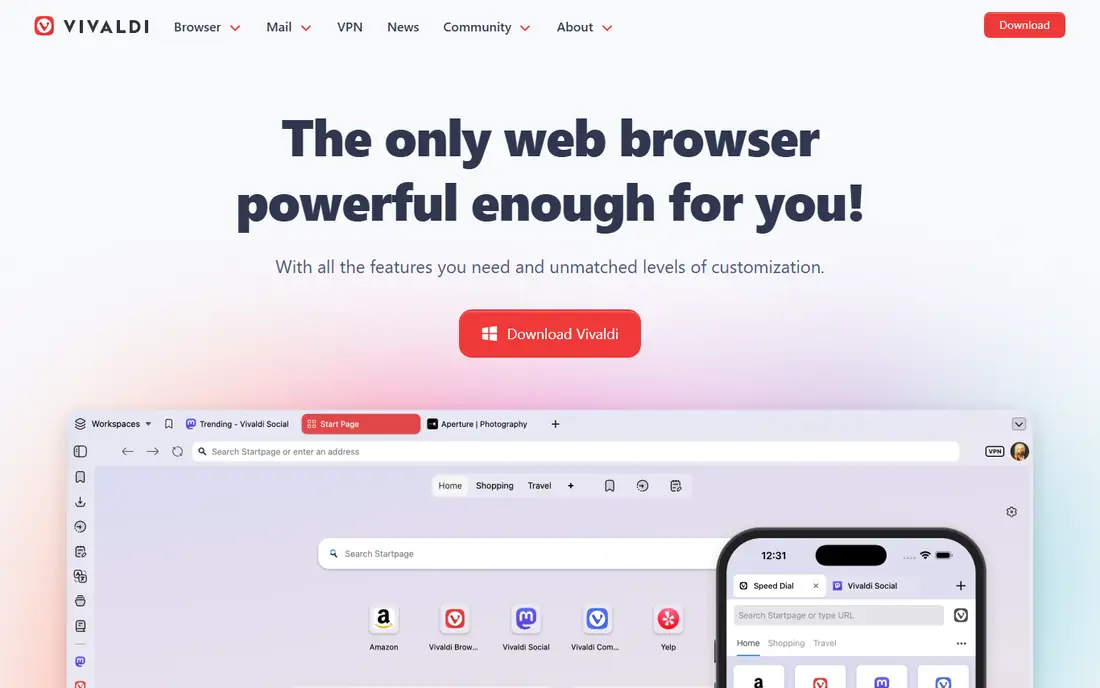
Vivaldi is the mature power-user pick, with a decade of development behind it. Tab stacking groups related tabs, tiling shows several pages side by side, and Workspaces separate work, personal, and project contexts. Vertical tabs, a command palette, and deep interface customization let you shape the browser around your habits rather than adapting to a fixed layout.
The downside is choice overload. Vivaldi offers so many settings that a new user can spend a long time tuning before browsing feels natural. The interface is also heavier than a minimal browser, which matters on older machines. If you loved Arc's organization but want a stable, customizable browser without an AI-first redesign, Vivaldi is the strongest long-term pick.
- Tab stacking, tiling, and Workspaces
- Vertical tabs and command palette
- No built-in generative AI push
- Many settings can overwhelm new users
- Interface is heavier than a minimal browser
Brave suits users who cared less about Arc's sidebar and more about a cleaner, faster web. It blocks ads and trackers by default, which speeds up many pages and reduces clutter without installing extensions. Chrome extensions work, so most Arc users can keep their essential tools, and profiles and tab groups cover basic organization.
The limit is layout. Brave does not offer an Arc-style sidebar out of the box, so users who lived in Arc's sidebar will need to adapt to tab groups and profiles. Some users also prefer to turn off Brave Rewards and crypto features during setup. If privacy and speed matter more than sidebar layout, Brave is a strong, stable switch.
- Built-in ad and tracker blocking
- Chrome extensions work
- Profiles and tab groups for organization
- No true Arc-style sidebar by default
- Crypto and rewards features need turning off for some users
Firefox is the independent-engine alternative, and that independence matters for users worried about a web dominated by one engine. It offers strong privacy protections, container tabs for separating contexts, and deep customization through settings and extensions. Firefox also works without a mandatory account for basic browsing, which suits privacy-minded users.
The catch for Arc users is layout. Firefox does not ship an Arc-style vertical sidebar by default, so you need extensions such as Tree Style Tab or Sidebery for a similar feel. Some websites also optimize for Chromium first, which can cause rare compatibility quirks. If engine diversity and privacy matter most, Firefox is a principled, capable choice.
- Independent Gecko engine, not Chromium
- Strong privacy protections
- Containers and deep customization
- No native vertical sidebar like Arc
- Vertical tabs need extensions
- Some sites optimize for Chromium first
Microsoft Edge is the practical pick for Windows users and Microsoft 365 teams. Vertical tabs give an Arc-like column for tab management, Collections help save research groups, and sleeping tabs reduce memory use for background pages. Integration with Outlook, Teams, and OneDrive helps when those tools are already central to your work.
The trade-off is ecosystem weight. Edge leans on Microsoft services, news, and shopping features that some users will want to turn off during setup. Customization is also lighter than Vivaldi or Zen, so power users may hit limits. If you live on Windows and Microsoft 365, Edge offers the smoothest, most supported switch with a familiar tab column.
- Vertical tabs and Collections built in
- Sleeping tabs save resources
- Deep Microsoft 365 integration
- Microsoft services are woven through the browser
- Less customizable than Vivaldi or Zen
Google Chrome is the compatibility-first choice. Almost every site and extension is tested against Chrome, sync works across desktop and mobile with a Google account, and support is universal. For users whose main frustration with Arc was a niche bug or a site that did not render well, Chrome removes that friction entirely.
The downside is organization and privacy. Chrome offers tab groups, but no vertical sidebar or Spaces equivalent by default, so Arc users will need extensions to recreate that workflow. Privacy controls exist, but Chrome is tied to Google services in a way that privacy-first users may dislike. If compatibility matters more than layout, Chrome is the safe, boring, reliable pick.
- Widest site and extension compatibility
- Sync across devices with a Google account
- Stable and widely supported
- No Arc-style sidebar
- Heavier on privacy trade-offs
- Tab management is basic without extensions
Opera is worth testing because its sidebar is already part of daily browsing, even if it works differently from Arc. The sidebar holds messengers, music players, and tools, while Workspaces group tabs by context. A built-in ad blocker and an optional VPN add convenience without extra extensions for many users.
The limit is that Opera's sidebar is mainly for tools, not for managing every tab the way Arc's sidebar does. Some users also raise questions about Opera's ownership and data practices, so reading the current privacy policy is worthwhile before switching. If you want a feature-packed browser with a sidebar and workspaces, Opera is a credible, free option.
- Sidebar with messengers and tools
- Workspaces for grouping tabs
- Built-in VPN and ad blocker options
- Sidebar is for tools, not a full Arc tab sidebar
- Ownership and privacy questions concern some users
SigmaOS closes the list as a Mac-only workspace browser with a clear Arc-like ambition. Workspaces separate projects, vertical tabs keep the layout tidy, and a command bar lets you jump between pages and tasks quickly. That workspace focus suits Mac users who organize their whole day around browser contexts.
The limits are platform and scale. SigmaOS is Mac-only, so Windows users need another pick, and its smaller user base means fewer guides and extensions than Chrome or Firefox. If you are on a Mac and want a workspace browser with an Arc-like feel, SigmaOS deserves a test. If you need cross-platform browsing, Zen, Vivaldi, or Dia will serve you better.
- Workspaces and vertical tabs for Mac users
- Command bar for fast navigation
- AI assistant for workspace tasks
- Mac-only, so Windows users cannot use it
- Smaller user base means fewer community guides
How we picked these
We compared official feature pages, download pages, extension stores, and public reviews for browsers that are live and actively maintained in October 2026. We required a real daily browsing path, and we weighed sidebar tabs, workspaces, split view, privacy, extension support, and migration tools. We did not claim hands-on testing, and we noted where a browser is in beta, Mac-only, or AI-first rather than a direct Arc clone.
What to check before you switch
Start by exporting from Arc now, while the importer and export tools still work. Save bookmarks, passwords, extensions, and history, and note which Spaces matter most, since no importer maps every Arc feature perfectly. Public reports say Arc stops working on December 22, 2026, with accounts deactivated and data deleted within 30 days after that, so do not leave migration to the last week.
Then test two browsers for a full workday each, not just an hour. Check tab organization, split view, extension compatibility, sync, and memory use on your real workload. Pay attention to how each browser handles pinned tabs, tab groups, and workspaces, since those habits decide whether a switch sticks. Finally, check privacy settings and account requirements, and turn off features you do not want during setup rather than after they start collecting data.
Frequently asked questions
What is the best Arc browser alternative overall?
Dia is the easiest migration, Zen Browser is the closest open-source match, and Vivaldi is the most mature customizable pick. There is no single winner, because Arc users value different parts of Arc. Try Dia first for migration ease, then test Zen or Vivaldi for a week to see which layout sticks.
Is Arc really shutting down?
Public reports in October 2026 say Arc stops working on December 22, 2026, after The Browser Company moved development to Dia. New Arc accounts stopped being issued in October 2026, and accounts are scheduled for deactivation with data deletion following. Export your data soon, and do not rely on Arc as a long-term browser.
Can I import my Arc Spaces into another browser?
Dia offers the closest importer, turning Spaces into Profiles and folders into tab groups, while also moving passwords, bookmarks, extensions, and history. Other browsers can import bookmarks and passwords, but Spaces need manual rebuilding as workspaces, tab groups, or profiles. Keep a written list of your Spaces before you migrate, so rebuilding is faster.
Which alternative is best for Windows users?
Zen Browser, Vivaldi, Brave, Edge, and Chrome all work well on Windows, with Zen offering the closest Arc-like sidebar. SigmaOS is Mac-only, so Windows users should skip it. Test Zen first for layout, then Vivaldi for stability and customization, and Edge if you use Microsoft 365 heavily.
Do any alternatives replicate Arc auto-archive?
No browser replicates Arc auto-archive exactly. Zen Browser and Firefox-based browsers can approximate it with extensions that close inactive tabs after a set time, but the result is less polished than Arc. Most users will need to manage tabs manually or accept some buildup after switching.
Which browser is best for privacy after Arc?
Firefox and Brave are the strongest privacy picks here, thanks to tracker blocking, independent or privacy-focused defaults, and no mandatory account for basic use. Vivaldi also offers strong privacy controls without a generative AI push. Check each browser privacy policy and settings during setup, since defaults vary.
Sources
- http://pandromeda.com/software/best-arc-browser-alternatives-dia-vs-zen-vs-vivaldi
- https://www.sigmabrowser.com/blog/9-best-arc-browser-alternatives-in-2026-full-review-comparison
- https://www.lilachbullock.com/arc-browser-alternatives/
- https://www.diabrowser.com
- https://zen-browser.app
- https://vivaldi.com
- https://brave.com
- https://www.mozilla.org/en-US/firefox/
- https://www.microsoft.com/en-us/edge
- https://www.google.com/chrome/
- https://www.opera.com
- https://sigmaos.com
See where you really rank - block by block
ProMapRanker scans Google Maps across a grid of your service area. Simple monthly plans from $19, white-label on every plan.
Start freeKeep reading
 zyte alternatives
Best Zyte Alternatives in 2026
These zyte alternatives cover managed scraping APIs, proxy networks and no code tools for lawful collection from your own or consented sources only in 2026.
Read → zerto alternatives
Best Zerto Alternatives in 2026
Compare the best zerto alternatives for disaster recovery and replication, with recovery targets, cloud options and honest trade-offs for teams in 2026.
Read → zerofox alternatives
Best ZeroFox Alternatives in 2026
We compared 9 zerofox alternatives for brand protection, phishing takedowns, dark web monitoring, and social impersonation, with clear coverage notes.
Read →