 ProMapRanker
Best Applivery Alternatives in 2026

Key takeaways
- Applivery covers both app distribution and device management, so the best replacement depends on which job matters more to your team.
- Hexnode, ManageEngine, and Scalefusion give the broadest device coverage across iOS, Android, macOS, and Windows in one console.
- Jamf, Kandji, and Mosyle are the strongest picks when your fleet is mostly Apple devices and you want deep Apple management.
- Miradore and SimpleMDM suit smaller teams that want a simpler setup and a lower starting cost than a full enterprise platform.
- If you only need to hand test builds to testers, a distribution-only tool costs less than a full device management suite.
Quick comparison
| Pick | Great for | Pricing starts at | Free tier | |
|---|---|---|---|---|
 Hexnode UEM | Cross-platform fleets | See website | Free trial | Visit |
 Jamf Pro | Apple-first fleets | See website | Free trial | Visit |
 ManageEngine Endpoint Central | Windows and mobile together | See website | Free trial | Visit |
 Scalefusion | Android and shared devices | See website | Free trial | Visit |
 Miradore | Small teams on a budget | Free | Yes | Visit |
 SimpleMDM | Simple Apple management | See website | Free trial | Visit |
 Kandji | Apple devices with automation | See website | Free trial | Visit |
 Mosyle | Schools and Apple fleets | Free | Yes | Visit |
 Microsoft Intune | Microsoft 365 shops | See website | Free trial | Visit |
The best Applivery alternatives
Applivery pairs enterprise app distribution with mobile device management, so teams leave it for different reasons. Some want stronger Apple controls, some want a lower price, and some only need the distribution side. The tools below cover that range, and we compared their official feature pages, pricing pages, and platform support before shortlisting them.

Hexnode fits teams that manage a mixed fleet and do not want a separate tool for each operating system. It handles enrollment, app deployment, restrictions, and remote actions from one dashboard, which keeps day to day work in one place. For companies replacing Applivery mainly for device control, that breadth is the main draw.
The catch is complexity at the edges. Hexnode has many plans and add-ons, so the price for your exact fleet is only clear once you match devices, users, and features to a tier. Take the trial, enroll a few devices from each platform you run, and check that app distribution and policy enforcement behave the way your team expects before you commit.
- Covers iOS, Android, macOS, Windows, and tvOS
- Kiosk and app management in one console
- A wide set of policy controls
- Pricing varies by tier and device count
- Smaller teams may not use the full feature set
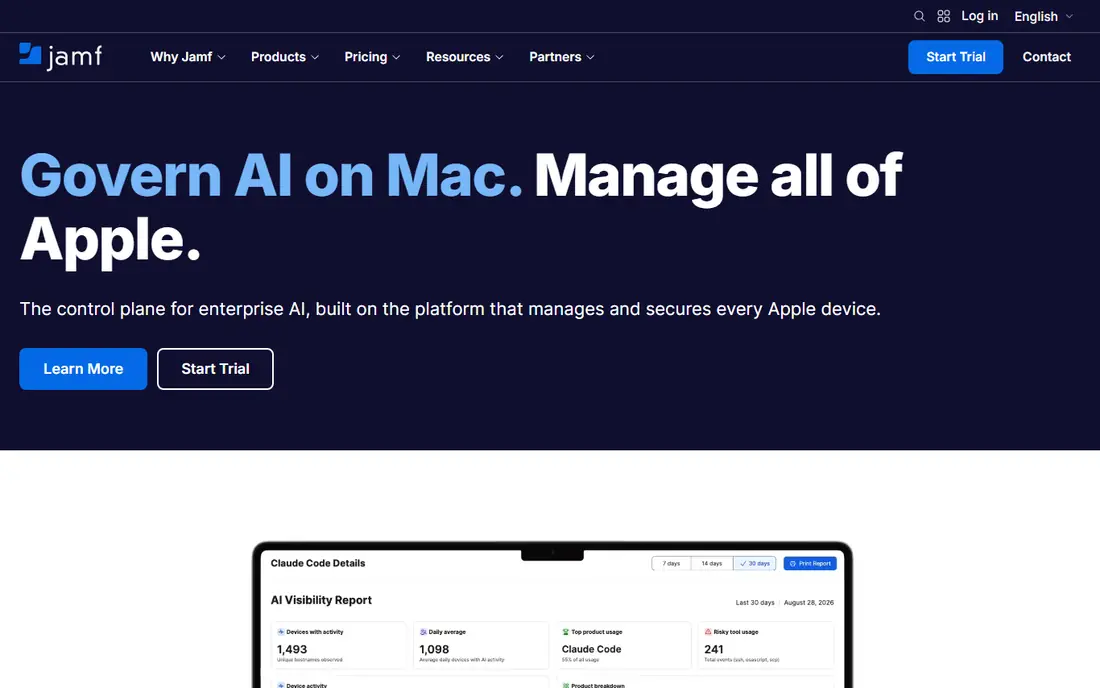
Jamf Pro is the natural Applivery alternative when almost every device in the building carries an Apple logo. It manages Mac, iPhone, iPad, and Apple TV with controls that follow Apple frameworks closely, including zero-touch enrollment through Apple Business Manager. App distribution, patching, and compliance reporting sit in the same workflow.
The trade is scope. If your team also runs Android phones or Windows laptops, Jamf Pro will not cover them, and you will need a second tool. It is also priced for business use, so a tiny team with a handful of devices should compare it with simpler Apple tools before signing up.
- Deep Apple device management
- Strong app deployment for Mac, iPhone, and iPad
- Mature Apple ecosystem support
- No Android or Windows management
- Pricing is aimed at organizations, not casual users

ManageEngine Endpoint Central suits IT teams that already manage Windows desktops and want mobile devices in the same console. It covers patch management, software deployment, and device policies alongside mobile enrollment and app distribution. That combination helps when one team owns every endpoint in the company.
The downside is weight. The product has many modules, and a team that only needs app distribution may feel it is buying more than it will use. Plan a pilot with your real mix of desktops and phones, and confirm which modules your plan includes, since pricing changes with edition and device count.
- Desktop and mobile management in one product
- Patching and software deployment included
- On-premises and cloud options
- The interface packs in a lot, so setup takes time
- Mobile-only teams may find it heavier than they need
Scalefusion stands out for shared and field devices, such as tablets in stores, clinics, or warehouses. Its kiosk modes lock a device to approved apps, and its Android controls suit fleets where phones and tablets take heavy daily use. App distribution to those devices is straightforward once enrollment is done.
For a mostly Apple office fleet, Scalefusion still works, but Jamf or Mosyle will give you deeper Apple-specific controls. Check the edition you need for features such as remote control and content management, since those sit in higher tiers on some plans.
- Strong Android management
- Kiosk and single-app modes
- Content and app control for shared devices
- Apple management is present but less deep than Apple specialists
- Pricing depends on edition
Miradore is a good first step away from Applivery for a small business that wants real device management without an enterprise contract. Its free tier covers a limited number of devices, and paid plans add automation, location tracking, and deeper controls. Setup is simpler than the big suites, which matters when IT is one person wearing several hats.
The limit to watch is scale. As device counts and policy needs grow, the free tier runs out and paid features become necessary. That is normal, but price the plan you will need in a year, not only the plan that fits today.
- Free tier for small fleets
- Covers major mobile and desktop platforms
- Quick to set up
- Advanced features sit in paid tiers
- Larger fleets need careful plan math
SimpleMDM does what its name promises: Apple device management without a long learning curve. It handles enrollment, app distribution, profiles, and restrictions for iPhone, iPad, and Mac, and its interface stays readable even for admins who do not manage devices full time. Small and mid-size Apple shops often find it is enough.
It will not help with Android or Windows devices, and teams that want heavy automation or compliance scripting may outgrow it. If your fleet is Apple-only and your main need is reliable app distribution plus policy control, SimpleMDM is one of the easiest switches.
- Clean Apple-focused console
- Fast enrollment and app deployment
- Clear per-device pricing
- Apple only
- Fewer deep automation options than Jamf Pro
Kandji targets teams that want Apple devices to arrive configured, patched, and compliant with little manual work. It offers setup blueprints, compliance checks, and remediation steps that help IT prove devices meet company standards. For security-conscious Apple shops, that automation is the main reason to choose it over a simpler tool.
The cost question is real. Kandji does not publish a simple price list for every tier, so you will need to talk to sales to get a firm number for your fleet. Run a trial with your standard Mac and iPhone setup, and check that its compliance rules match your actual policies before you decide.
- Automated device setup and compliance
- Modern Mac and iOS management
- Strong security templates
- Apple only
- Pricing is not published for every plan, so you need a quote
Mosyle is well known in schools, and that background shows in its design. It manages Apple devices at scale, supports shared iPads and classroom workflows, and offers a free tier that makes it easy to start. Businesses with Apple fleets also use it, especially when they want a lower cost than the big enterprise Apple tools.
The main limit is platform scope, since Mosyle does not manage Android or Windows. Business teams should also check which paid tier covers the reporting and automation they need, because the free tier is a starting point rather than a full enterprise plan.
- Free tier for education and small use
- Full Apple device management
- Classroom-friendly controls
- Apple only
- Some advanced business features sit in paid tiers
Microsoft Intune makes sense when your company already lives in Microsoft 365. In that case Intune may already be included in your plan, which changes the cost picture completely. It manages Windows PCs alongside phones and Macs, and it ties device compliance to Microsoft Entra identity, so access rules follow the user as well as the device.
The trade is effort. Intune has a large admin surface, and teams that only need to send test builds to a small group may find it slower than a focused distribution tool. If you already pay for it, though, it is hard to beat on value for a mixed fleet.
- Included in some Microsoft 365 plans
- Manages Windows, iOS, Android, and macOS
- Strong identity integration
- Setup can be complex
- App distribution workflows feel heavier than a dedicated distribution tool
How we picked these
We compared official feature pages, pricing pages, and platform support for tools that cover app distribution, device management, or both. We kept only tools that are live and actively sold in October 2026, and we dropped distribution-only services that had shut down or retired. We favored tools with clear platform coverage, published trials or free tiers, and a real fit for teams moving from Applivery, rather than generic endpoint tools with no app distribution story.
What to check before you switch
Start by splitting your needs in two: distribution and management. If testers only need builds, you may not need a full management suite at all, and a lighter tool will save money and setup time. If you also need to enforce passcodes, restrict apps, or wipe lost devices, choose a management platform and treat distribution as one feature inside it.
Next, count devices by platform, not just in total. An Apple-only tool looks cheap until you add Android phones, and a cross-platform tool looks expensive until it replaces two separate products. Run a trial with devices from each platform, test enrollment, app updates, and removal, and confirm pricing for the device count you expect in twelve months. Finally, check data residency and compliance needs with the vendor, since device management touches location and inventory data.
Frequently asked questions
What is the closest Applivery alternative?
Hexnode UEM is the closest broad match, because it covers app distribution and device management across iOS, Android, macOS, and Windows. Apple-only teams should look at Jamf Pro or SimpleMDM instead, since those go deeper on Apple controls.
Can I use an Applivery alternative only for app distribution?
Yes, but most tools on this list are full device management platforms, so you pay for management features even if you only distribute apps. If distribution is your only need, compare a distribution-focused service and the free or low tiers here before buying a full suite.
Is there a free Applivery alternative?
Miradore and Mosyle both offer free tiers, though each limits devices or features. A free tier works well for a small fleet or a pilot, but larger teams should expect to move to a paid plan as they grow.
Does Microsoft Intune replace Applivery?
Intune can replace the management side for many Microsoft 365 customers, and it may already be included in your plan. It is heavier to set up than a dedicated distribution tool, so test its app deployment flow with your real builds first.
How do I move apps and devices from Applivery?
Export your app inventory and device list, enroll a small test group in the new tool, and confirm that apps install and policies apply correctly. Then migrate in batches, keeping Applivery active until the last group is confirmed working in the new console.
Which alternative is best for Android kiosks?
Scalefusion is a strong pick for Android kiosks and shared devices, thanks to its kiosk modes and Android controls. Hexnode is also worth testing if you need the same kiosk setup across Android and other platforms.
Sources
See where you really rank - block by block
ProMapRanker scans Google Maps across a grid of your service area. Simple monthly plans from $19, white-label on every plan.
Start freeKeep reading
 zscaler alternatives
Best Zscaler Alternatives in 2026
Looking for zscaler alternatives? We compare 9 SASE and zero trust platforms on architecture, data protection, pricing, and fit for your network and team.
Read → zapier alternatives free
Best Zapier Alternatives Free in 2026
Nine automation tools for zapier alternatives free in 2026, all with genuinely free tiers, plus free plan limits, starting prices and upgrade paths explained.
Read → which platform is best for online reputation
Which Platform Is Best for Online Reputation in 2026
Wondering which platform is best for online reputation? We compare 8 review, listing, and response tools for small and multi-location businesses and agencies.
Read →