 ProMapRanker
App Store Optimization Best Practices in 2026

Key takeaways
- Good app store optimisation starts with keyword research, a clear title and subtitle, honest screenshots, and regular review replies, not with keyword stuffing.
- AppTweak suits teams that need deep keyword and market research, while App Radar suits teams that need to edit and publish listings across stores.
- Sensor Tower suits publishers that need market sizing and competitor revenue estimates, but it is priced as an enterprise tool.
- AppFollow suits teams with high review volume, while SplitMetrics suits teams ready to test store page creative with real traffic.
- Free first party tools from Apple and Google should be the baseline, and a paid tool should earn its place by saving time or finding keywords you missed.
Quick comparison
| Pick | Great for | Pricing starts at | Free tier | |
|---|---|---|---|---|
 AppTweak | Keyword and market research | $79 per month | Free trial | Visit |
 App Radar | Listing editing and publishing | €69 per month | Free trial | Visit |
 Sensor Tower | Market intelligence | See website | No | Visit |
 MobileAction | Apple Ads plus ASO data | $15 per month | Free trial | Visit |
 AppFollow | Review management | $19 per month | Yes | Visit |
 Appfigures | Sales data plus keyword tracking | $9.99 per month | Yes | Visit |
 ASOdesk | Keyword tracking and reviews | $59 per month | Free trial | Visit |
 SplitMetrics | Store page A/B testing | See website | No | Visit |
The best app store optimization tools
The keyword in this article covers best practices, and in practice those practices need tools: keyword research, rank tracking, screenshot testing, localisation and review replies. The eight tools below cover those jobs, and the best practice advice sits in the buying guide after the list, so you can apply it with any tool you pick.
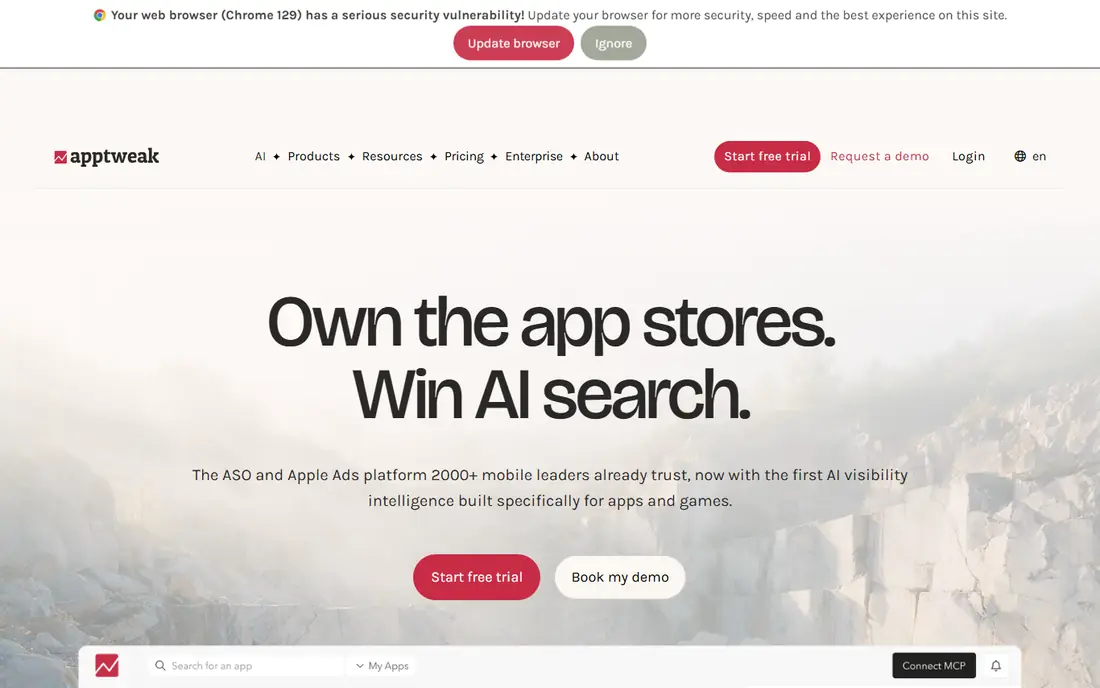
AppTweak is the mid market default for keyword research, because it combines keyword discovery, rank tracking, competitor intelligence and market data in one dashboard. A team can find terms users actually search for, check which terms competitors rank for, and track how a title or subtitle change moves rankings over time. Apple Ads tools sit alongside the organic data, which helps teams that run paid and organic work together.
The main caution applies to every ASO tool, not just AppTweak: keyword volumes are estimates, so treat them as directional signals rather than exact install counts. Pricing also starts at a level that suits a team with several apps or a serious single app, rather than a hobby project. For a team that needs research depth and can act on it weekly, AppTweak is the strongest all round research pick here.
- Deep keyword research and market intelligence
- Apple Ads tools
- AI assisted research features
- No free plan, trial only
- Keyword volumes are estimates, not exact store data

App Radar suits teams that spend as much time editing listings as researching keywords. Its editor lets you draft metadata, manage localisation and push changes to both stores, which cuts the copy paste work that causes errors across locales. Daily tracking, keyword tools and Apple Ads insights sit in the same workflow, so a small team can run ASO as a regular routine rather than a quarterly project.
The trial and pricing terms need a check. Current comparisons note a 7 day trial that requires a card, and pricing in euros means the dollar amount will move with exchange rates. SplitMetrics acquired App Radar in 2023, so buyers should also confirm current packaging across the two brands. For a startup or small team that needs a daily workflow and direct publishing, App Radar is a practical pick.
- Listing editor that pushes changes to stores
- Daily ASO workflow
- Apple Ads insights
- Priced in euros, so dollar cost moves with exchange rates
- Trial requires a card in current comparisons
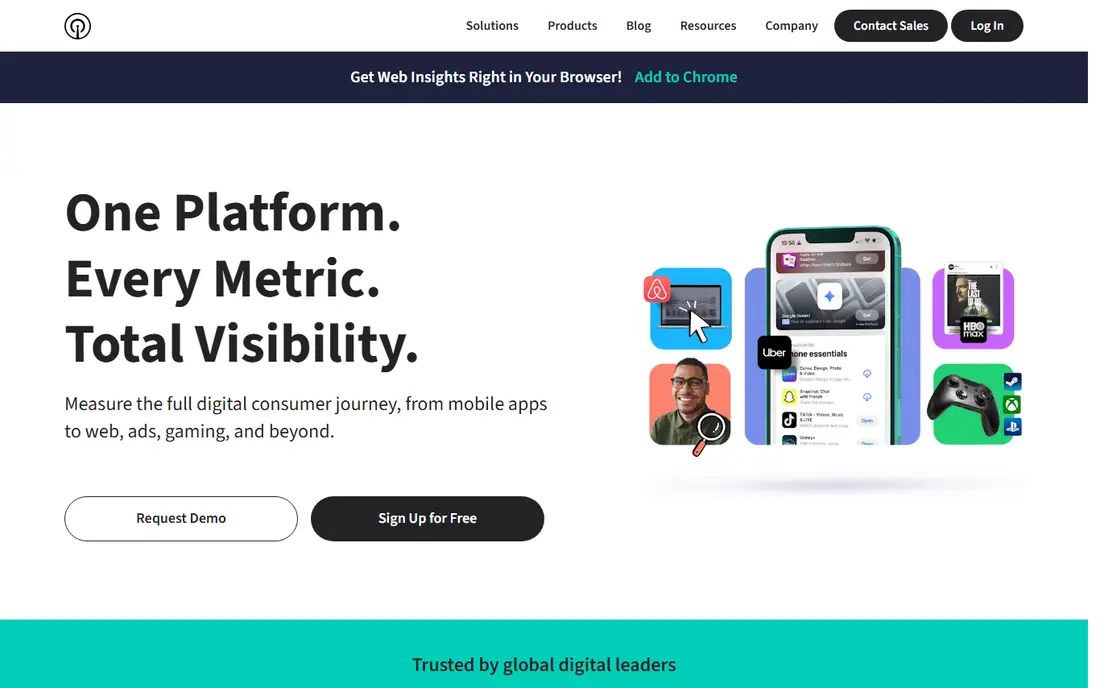
Sensor Tower is the market intelligence tool in this list, rather than a pure ASO workflow tool. It estimates downloads and revenue, tracks competitor ad spend, and sizes categories and markets, which helps a publisher decide which category to enter, which competitor to study, and how large an opportunity might be. Its acquisition of data.ai in 2024 folded that former rival into Sensor Tower, so buyers should no longer treat data.ai as a separate standalone product.
Pricing is the barrier for small teams. Sensor Tower sells by quote at enterprise levels, and a single app team will rarely need its full market data set. A publisher with a portfolio, an investor backed team sizing a market, or a team that needs competitor revenue estimates should trial it. A solo developer should start with AppTweak, App Radar or a free first party tool instead.
- Industry standard market estimates
- Competitor spend and download intelligence
- Broad store coverage
- Enterprise pricing by quote
- Overkill for a single small app
MobileAction suits teams that run Apple Ads alongside organic ASO, because it places ad intelligence next to keyword and rank data. A team can see which keywords competitors bid on, how ad performance relates to organic rank, and where paid spend might support a listing that is close to ranking well. The low entry price makes it accessible to indie teams and small publishers that cannot yet justify a larger research subscription.
Depth is the trade off. MobileAction does not match AppTweak on market research breadth, and its free option is limited in current comparisons, so check exactly which features sit on the entry tier. For a paid plus organic team on a budget, MobileAction offers a useful bridge between ad data and ASO data without an enterprise contract.
- Low entry price
- Apple Ads intelligence next to ASO data
- Keyword tracking
- Depth is narrower than AppTweak at higher tiers
- Free option covers Apple Ads tool only in current comparisons
AppFollow earns its place through reviews, which are a core ASO best practice that many teams neglect. Ratings and review replies affect conversion, because store visitors read recent reviews before installing, and a fast, helpful reply can turn a complaint into a fix. AppFollow routes reviews to Slack or a helpdesk, tags sentiment, and lets a team reply at volume across stores, which matters once an app passes a few hundred reviews a month.
Keyword research is present, but it is secondary to review operations, so a team that needs deep keyword research should pair AppFollow with AppTweak or App Radar. Pricing also needs care, because current comparisons show a low ASO plan price and higher business plan prices. For a support led team, or an app with review volume that is hurting conversion, AppFollow is the first tool to add.
- Review replies at volume
- Sentiment analysis
- Slack and helpdesk routing
- ASO plan pricing differs from business plans in current comparisons
- Keyword depth is secondary to reviews
Appfigures suits developers who want their own numbers next to ASO data. Sales, downloads and revenue from Apple and Google sit in the same dashboard as keyword ranks, so a team can see if a rank gain actually turned into installs and revenue. The free starter plan lowers the barrier, while keyword tracking starts at a higher tier in current comparisons, so the entry price and the keyword price are different figures to check.
Market intelligence is not the headline here. Appfigures will not replace Sensor Tower for competitor revenue sizing, and its keyword depth sits below AppTweak for pure research. For an indie developer or small team that wants one dashboard for sales plus ranks, and that values a free start, Appfigures is a sensible, low risk pick.
- Own sales and download data next to ASO data
- Free starter plan
- Keyword tracking from $44.99 per month
- Keyword features need a higher tier
- Market estimates are less deep than Sensor Tower
ASOdesk combines keyword tracking with review management and adds training material that helps a team learn ASO as it uses the tool. That learning angle suits a team that is new to ASO and wants guidance on keyword selection, metadata and review replies, rather than just raw data. Keyword analytics cover rank tracking and competitor terms, while review tools keep replies in one place.
The entry price sits in the middle of this list, and there is no permanent free plan, only a trial in current comparisons. Teams that already know ASO well may prefer AppTweak for research or AppFollow for reviews alone. Teams that are building ASO skill in house, and that want tracking plus learning material together, should trial ASOdesk.
- Keyword analytics
- Review replies
- Training material for ASO teams
- No free plan, trial only
- Interface breadth is narrower than the largest suites
SplitMetrics, through its Optimize product, tests store page creative before a team commits to a live change. Concept tests and simulated store pages let a team compare screenshots, icons and copy with paid traffic, then take the winner to the live listing. That testing step is a best practice many teams skip, because they change a screenshot on instinct and never learn if it helped conversion.
Cost and traffic are the conditions. SplitMetrics prices by quote, and testing only produces reliable results when a team has enough ad traffic to feed the tests. A small app with little paid traffic will learn more from basic keyword work and review replies first. A conversion led team with real ad spend should add SplitMetrics once creative testing becomes the bottleneck.
- Concept and store page creative testing
- Owns App Radar
- Paid traffic tests on simulated pages
- Custom pricing
- Only earns its keep with real ad traffic to test against
How we picked these
We compared current ASO tool comparisons with vendor pricing pages checked in October 2026, and we kept only tools that are live, that cover keyword research, listing management, reviews or creative testing, and that publish a price or a trial route. We excluded data.ai as a standalone product, because Sensor Tower acquired it in 2024, and we noted the SplitMetrics and App Radar relationship so buyers are not confused by shared ownership.
App store optimization best practices to apply with any tool
Start with the store searcher, not with your own feature list. Use a keyword tool to find terms with real search volume and realistic competition, then place the strongest term in the title, a supporting term in the subtitle or short description, and related terms in the keyword field or long description, depending on the store. Write for a human first, because a stuffed title hurts conversion even if it ranks, and a clear first screenshot matters more than a clever tenth screenshot.
Test, localise and reply
Test one change at a time, so you know what moved the result. Change a screenshot set, an icon or a title, watch ranks and conversion for at least a full week, and only then change the next element. Localise titles, screenshots and descriptions for each major market, rather than relying on machine translation alone, because a literal translation often misses local search terms. Reply to reviews promptly and helpfully, especially negative reviews that mention a bug, because store visitors judge an app by its recent replies as much as by its star rating.
What not to do
Do not stuff keywords, do not promise features the app lacks, and do not buy fake reviews or installs, because store policies and user trust both punish those tactics. Do not change every listing element at once, because you will not know what worked. Do not chase a single keyword at the expense of conversion, because a top rank with a low install rate is worth less than a second page rank with a screenshot set that converts.
Frequently asked questions
What are app store optimization best practices?
The core practices are keyword research, a clear title and subtitle, honest screenshots and preview video, accurate descriptions, localisation for major markets, regular review replies, and one change at a time testing. Tools help with research and tracking, but the practices themselves are about matching real search terms to a listing that converts.
Which ASO tool is best for beginners?
Appfigures and MobileAction are good low cost starts, with free or low entry tiers, while App Store Connect and Google Play Console are the free baseline every developer already has. AppTweak or App Radar suit beginners who are ready to pay for deeper research and a daily workflow.
Is Sensor Tower worth it for a single app?
Usually not. Sensor Tower suits publishers and teams that need market sizing and competitor revenue estimates across a portfolio. A single app team will usually get more value from AppTweak, App Radar, AppFollow or a free first party tool at a far lower cost.
How long does ASO take to show results?
Rank changes can appear within days, but reliable conversion learning takes weeks, because store traffic varies by day and by market. Run each test for at least a full week, compare against a prior period, and judge success on installs and retention, not on rank alone.
Should I use App Radar and SplitMetrics together?
They sit under the same company, and they cover different jobs, with App Radar handling listing workflow and SplitMetrics handling creative testing. A team with real ad traffic can use both, while a small team should start with App Radar alone and add SplitMetrics when creative testing becomes the bottleneck.
Are keyword volumes in ASO tools exact?
No. ASO tools estimate volumes from store data, and estimates differ between tools. Use volumes to compare terms against each other and to spot trends, not as exact install forecasts, and confirm performance with your own store console data.
Sources
See where you really rank - block by block
ProMapRanker scans Google Maps across a grid of your service area. Simple monthly plans from $19, white-label on every plan.
Start freeKeep reading
 zyte alternatives
Best Zyte Alternatives in 2026
These zyte alternatives cover managed scraping APIs, proxy networks and no code tools for lawful collection from your own or consented sources only in 2026.
Read → zerto alternatives
Best Zerto Alternatives in 2026
Compare the best zerto alternatives for disaster recovery and replication, with recovery targets, cloud options and honest trade-offs for teams in 2026.
Read → zerofox alternatives
Best ZeroFox Alternatives in 2026
We compared 9 zerofox alternatives for brand protection, phishing takedowns, dark web monitoring, and social impersonation, with clear coverage notes.
Read →