 ProMapRanker
AnyDesk Alternatives in 2026


Broad compatibility and integrations · Pricing starts at: $24.90 per month
Key takeaways
- TeamViewer is the closest like-for-like alternative, with broad platform support and a large integration library.
- Splashtop and Zoho Assist offer the best value for support teams, with per-user or per-technician pricing below TeamViewer.
- RustDesk and Chrome Remote Desktop are genuinely free, with RustDesk adding self-hosting for privacy-conscious users.
- RemotePC is the cheapest always-on access to your own computers, while RealVNC suits cross-platform VNC users.
- AnyDesk itself is not listed here, since this guide covers alternatives only.
Quick comparison
| Pick | Great for | Pricing starts at | Free tier | |
|---|---|---|---|---|
| TeamViewer | Broad compatibility and integrations | $24.90 per month | Yes | Visit |
 Splashtop | Value remote support and access | $5 per month | No | Visit |
 RustDesk | Free open-source self-hosting | Free | Yes | Visit |
 Zoho Assist | Small support teams on a budget | $12 per month | Yes | Visit |
 RemotePC | Cheap always-on personal access | $22.12 per year | No | Visit |
 ConnectWise ScreenConnect | IT teams and managed providers | See website | Yes | Visit |
 Chrome Remote Desktop | Free basic personal access | Free | Yes | Visit |
 RealVNC Connect | Cross-platform VNC access | $8.25 per month | No | Visit |
 GoToMyPC | Simple personal remote access | $35 per month | No | Visit |
The best AnyDesk alternatives
AnyDesk is known for fast, low-latency remote sessions, but its pricing, free-use limits, and support options push some users to look elsewhere. The alternatives below cover the same core job: controlling another computer, or reaching your own computer from elsewhere. We compared official pricing pages and feature pages for tools live in October 2026. AnyDesk itself is not listed, as this guide is for alternatives only.
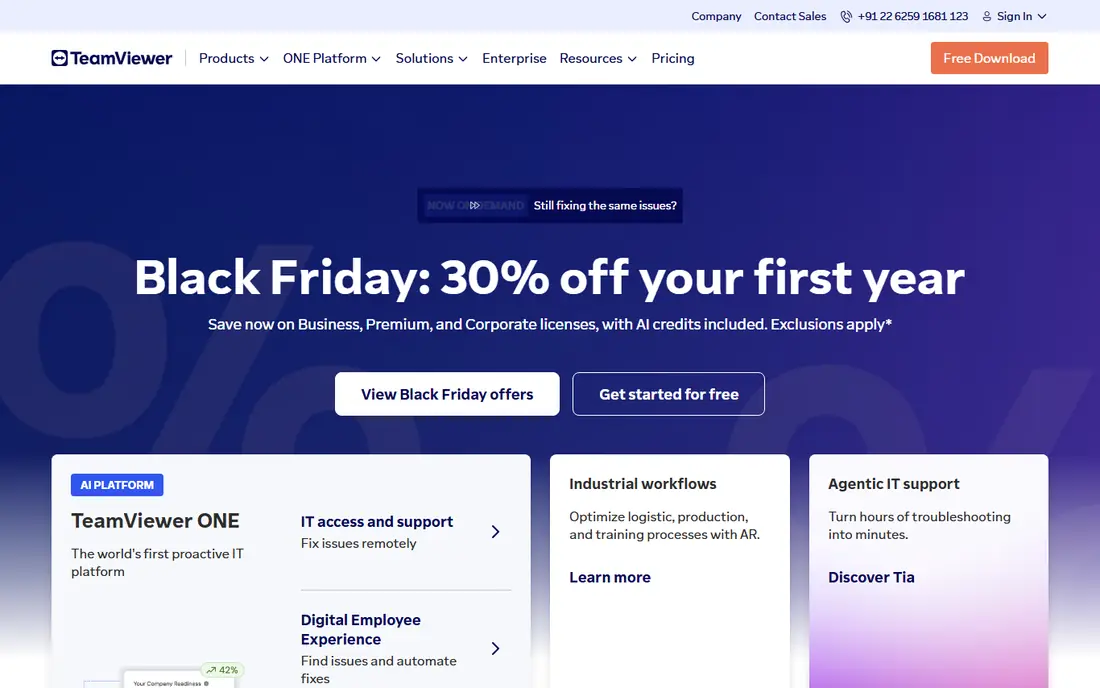
TeamViewer is the best-known remote access tool, and it is the easiest switch from AnyDesk for most users. Setup uses an ID and password, sessions support file transfer and recording, and mobile apps cover phones and tablets. Integrations with Teams, ServiceNow, and Salesforce suit IT teams that already use those tools.
The free personal tier is useful but can flag suspected commercial use, which interrupts sessions. Paid Remote Access starts at 24.90 dollars a month billed annually, with Business plans for support teams costing more. For broad compatibility and brand trust, TeamViewer remains the default alternative, despite the price.
- Works on Windows, Mac, Linux, iOS, and Android
- Attended and unattended access
- Large integration library
- Paid plans cost more than most rivals
- Free personal use can be flagged as commercial
- Device limits vary by tier
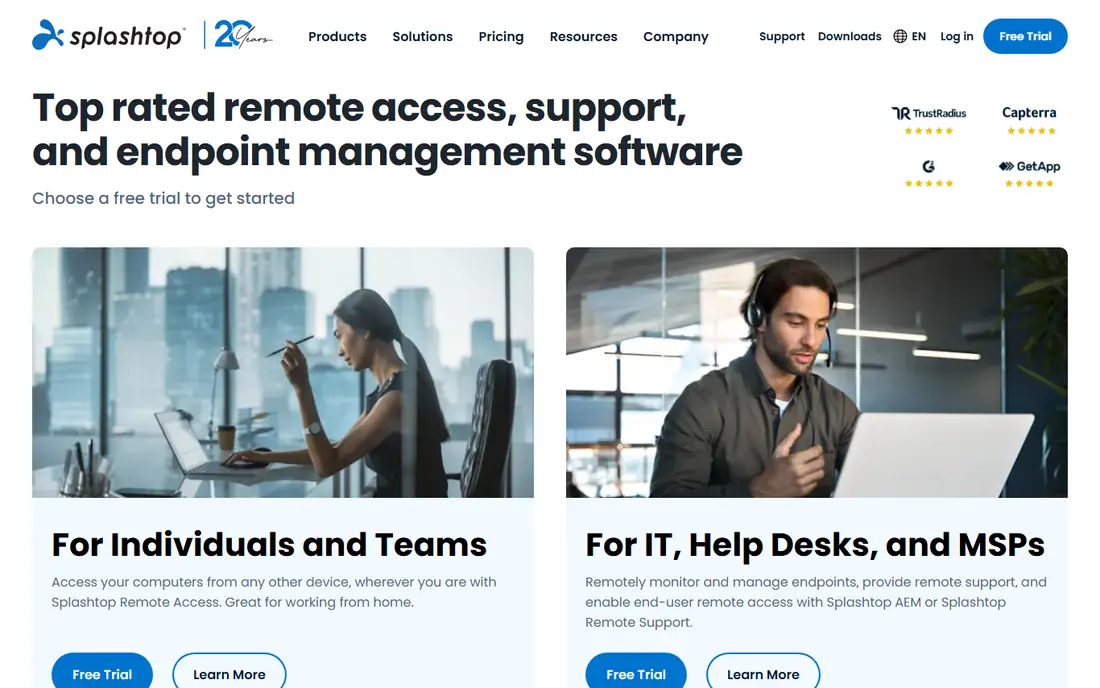
Splashtop splits into two products that suit different users. Business Access lets you reach your own computers remotely, starting at a low per-user price, while SOS is built for supporting other people's computers. Both offer fast connections, file transfer, and remote printing, with encryption and two-factor authentication.
The split can confuse buyers, since the right plan depends on whether you access your own machines or support clients. Splashtop offers trials rather than a permanent free plan. For value, especially for small support teams, Splashtop undercuts TeamViewer while keeping performance strong.
- Fast connections
- Low per-user Business Access pricing
- SOS plans for support teams
- Business Access and SOS are separate products
- Free plan is trial only
- Some features need higher tiers
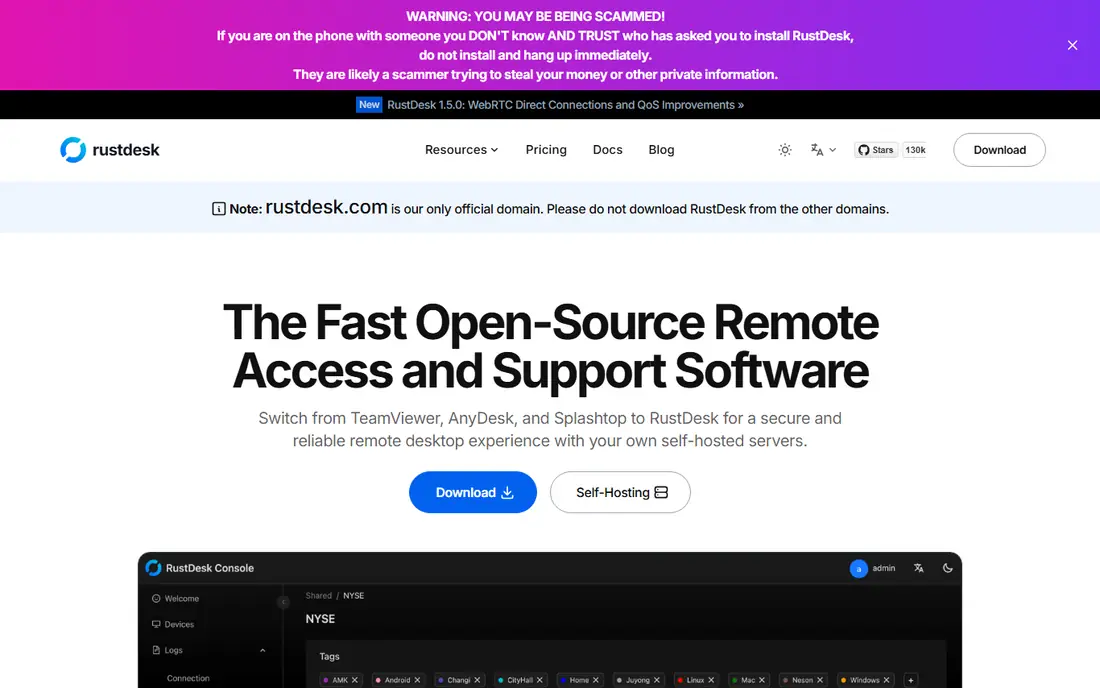
RustDesk is an open-source remote desktop tool that you can use free, with the option to self-host your own relay server for privacy and control. It covers attended and unattended access, file transfer, and cross-platform clients, without a subscription for core use. That makes it popular with technical users and small teams that want no vendor lock-in.
Self-hosting needs setup and maintenance, and there is no vendor support desk for a self-hosted server in the way commercial tools offer. Managed features such as central device management are lighter than TeamViewer or ScreenConnect. For free, private remote access with technical confidence, RustDesk is the best pick.
- Free and open source
- Self-hosting option
- No subscription for core use
- No vendor support on self-hosted setups
- Setup needs technical skill
- Fewer managed features
Zoho Assist offers remote support and unattended access at a low per-technician price, starting at 12 dollars per technician a month on Standard. Sessions can start from a browser, which helps when the person being helped cannot install software quickly. Unattended access, file transfer, and multi-monitor support cover common support needs.
Zoho Assist is less polished than TeamViewer, and advanced features sit on higher tiers. For small support teams, schools, and small businesses that need a budget helpdesk tool, Zoho Assist gives the best balance of price and features on this list.
- Low per-technician pricing
- Web-based sessions
- Unattended access and remote support tools
- Interface is functional rather than polished
- Some features need higher tiers
- Support hours vary by plan
RemotePC is the cheapest way to keep always-on access to your own computers, with a consumer plan starting at 22.12 dollars a year for one computer. You can reach machines from a browser or app, transfer files, and print remotely. For a single home or office computer, the yearly cost is far below monthly rivals.
Per-computer pricing means several machines cost more, and RemotePC is built for personal access rather than a full support helpdesk. Trials are available, but there is no permanent free plan. For cheap personal access to one or two machines, RemotePC is hard to beat.
- Very low yearly price for one computer
- Web browser access
- Remote printing and file transfer
- No permanent free plan
- Per-computer pricing adds up
- Support features are basic
ConnectWise ScreenConnect, formerly ConnectWise Control, is built for IT teams and managed service providers. It supports attended and unattended sessions, multi-technician collaboration, session recording, and integrations with ticketing and management tools. A free single-technician option exists for very small teams.
Pricing has varied across tiers in recent years, so check the current ScreenConnect pricing page before budgeting. Setup is more involved than Chrome Remote Desktop or RustDesk. For IT support teams that need scale, ScreenConnect is the most capable alternative here.
- Strong for multi-technician support
- Session tools and integrations
- Single-technician free option
- Pricing varies by tier and has changed often
- Setup is more involved
- Overkill for personal use
Chrome Remote Desktop is Google's free remote access tool, built into Chrome. Install the extension, set a PIN, and you can reach your own computers from a browser or mobile app, or help someone else with a one-time code. There is no subscription and no feature tier to manage.
Features are basic. There is no file transfer as rich as TeamViewer, no session management for teams, and no support ticketing. For free personal access to your own machines, or a quick favour for family, Chrome Remote Desktop is the simplest alternative. For business support, pick a paid tool instead.
- Completely free for personal use
- Simple setup in Chrome
- Works across major platforms
- Basic features only
- Needs a Google account and Chrome
- No helpdesk or multi-technician tools
RealVNC Connect is based on the VNC remote access standard, with clients for Windows, Mac, Linux, Raspberry Pi, iOS, and Android. It offers cloud connections for easy setup and direct connections for local networks, with encryption and authentication controls. Raspberry Pi users in particular find RealVNC a natural fit.
RealVNC pricing starts at 8.25 dollars a month billed annually, with a trial rather than a permanent free plan. The interface feels older than TeamViewer or Splashtop, and setup takes more care. For cross-platform VNC access, especially with Linux or Pi devices, RealVNC remains a solid choice.
- Long-running VNC standard
- Cross-platform clients
- Cloud and direct connections
- Free plan is trial only
- Interface feels dated
- Setup needs more care than Chrome Remote Desktop
GoToMyPC, from GoTo, focuses on simple personal remote access to your own computers. Setup is straightforward, access works from a browser, and features cover file transfer and remote printing. It suits non-technical users who want one tool that just works for reaching a home or office PC.
The price is high at 35 dollars a month per computer, with a trial rather than a free plan. Support teams get better value from Splashtop or Zoho Assist. GoToMyPC fits users who value simplicity over price and only need access to one or two machines.
- Very simple setup
- Web browser access
- Reliable personal remote access
- High monthly price
- Per-computer pricing
- Fewer support team features
How we picked these
We compared official pricing pages and feature pages for remote desktop tools live in October 2026. We kept tools that offer attended access, unattended access, or both, with clear pricing or a free tier. We left out business phone systems, general device management tools with no remote control, and tools that had closed. We did not list AnyDesk itself, since this guide covers alternatives only. Prices are starting tiers as listed by vendors, and they change, so check the pricing page before buying.
How to choose an AnyDesk alternative
First, decide whether you support other people or reach your own computers. Support teams should shortlist Splashtop SOS, Zoho Assist, and ScreenConnect, which price by technician and include session tools. Personal users should shortlist RemotePC, Chrome Remote Desktop, and RustDesk, which focus on your own machines at low or no cost.
Second, check platform coverage. TeamViewer, RealVNC, and RustDesk cover the widest range of systems, including Linux and Raspberry Pi. Chrome Remote Desktop covers major desktop and mobile systems but with basic features. If you support Mac, Windows, and mobile users, TeamViewer or Splashtop gives the smoothest coverage.
Third, test latency and file transfer on your real network before committing. Remote tools feel different on slow connections, and a tool that is fast on a local network may lag across continents. Use trials to test with the actual computers and connections you will support, and check security features such as two-factor authentication and session logging before you roll a tool out to a team.
Frequently asked questions
What are the best AnyDesk alternatives?
TeamViewer is the closest all-round alternative, Splashtop and Zoho Assist offer better value for support teams, and RustDesk and Chrome Remote Desktop are the best free options. RemotePC is cheapest for personal always-on access. The best pick depends on whether you support others or reach your own machines.
What is the best free alternative to AnyDesk?
RustDesk and Chrome Remote Desktop are both free for personal use. RustDesk adds open-source code and self-hosting, while Chrome Remote Desktop is simpler to set up in a browser. For a free support tool with more features, Zoho Assist offers a free plan for small use.
Which AnyDesk alternative is best for IT support teams?
Splashtop SOS and Zoho Assist suit small support teams on price, while ConnectWise ScreenConnect suits larger IT teams and managed providers. TeamViewer suits teams that need broad integrations. Compare per-technician pricing and session limits before choosing.
What are the best alternatives to AnyDesk for personal use?
RemotePC is cheapest for always-on access to your own computers, while Chrome Remote Desktop is free for basic access. RustDesk suits technical users who want self-hosting. GoToMyPC suits non-technical users who want simple setup and do not mind the higher price.
Is TeamViewer better than AnyDesk?
TeamViewer offers broader platform support and integrations, while AnyDesk is known for low-latency performance. For most switchers, TeamViewer is the safest like-for-like replacement, though it costs more on paid plans. Splashtop often beats both on value for support teams.
Can I self-host an AnyDesk alternative?
Yes, RustDesk can be self-hosted with your own relay server, which gives privacy and control without a subscription for core use. Self-hosting needs technical setup and maintenance. Commercial tools such as TeamViewer and Splashtop use vendor-hosted servers instead.
Sources
See where you really rank - block by block
ProMapRanker scans Google Maps across a grid of your service area. Simple monthly plans from $19, white-label on every plan.
Start freeKeep reading
 zoom alternatives for webinars
Best Zoom Alternatives for Webinars in 2026
Discover zoom alternatives for webinars in 2026, from browser-based rooms to sales-focused platforms, with pricing, audience limits and honest trade-offs.
Read → tipalti alternatives
Best Tipalti Alternatives in 2026
Compare the best tipalti alternatives for accounts payable, global payouts and bill pay, with pricing and free plans for small teams in 2026 for US teams.
Read → mixpanel alternatives
Best Mixpanel Alternatives in 2026
Compare the best mixpanel alternatives for product analytics, funnels and retention, with free tiers and current pricing for growing teams in 2026 for US teams.
Read →