 ProMapRanker
Best Animoto Alternatives in 2026

Key takeaways
- Canva and Adobe Express suit teams that also need graphics and brand templates, not just video.
- Kapwing and Clipchamp suit browser editing with collaboration, captions, and social formats.
- InVideo and Lumen5 suit fast, template-led video from text or articles, where speed matters more than fine control.
- Animaker and Biteable suit simple animated and explainer video, while VEED suits caption-led social clips.
Quick comparison
| Pick | Great for | Pricing starts at | Free tier | |
|---|---|---|---|---|
 Canva | Design and video in one platform | See website | Yes | Visit |
 Adobe Express | Brand-led video and design | See website | Yes | Visit |
 InVideo | Fast template and text-to-video | See website | Yes | Visit |
 Kapwing | Browser video editing and captions | $16 per month | Yes | Visit |
 Clipchamp | Video editing inside Microsoft 365 | See website | Yes | Visit |
 Lumen5 | Article and blog to video | See website | Yes | Visit |
 Animaker | Animated and explainer video | See website | Yes | Visit |
 Biteable | Simple branded video for business | See website | Free trial | Visit |
 VEED | Caption-led social video editing | See website | Yes | Visit |
The best animoto alternatives
Animoto turns photos, clips, and music into slideshow-style videos, and the alternatives below cover the same job with different strengths. Some are full design platforms, some are browser editors, and some are built for turning text into video fast. We compared official pricing and feature pages, and we left Animoto itself off this list. Free plans are useful for testing, but most add a watermark or limit export quality, so check export terms before you publish a video you plan to reuse.
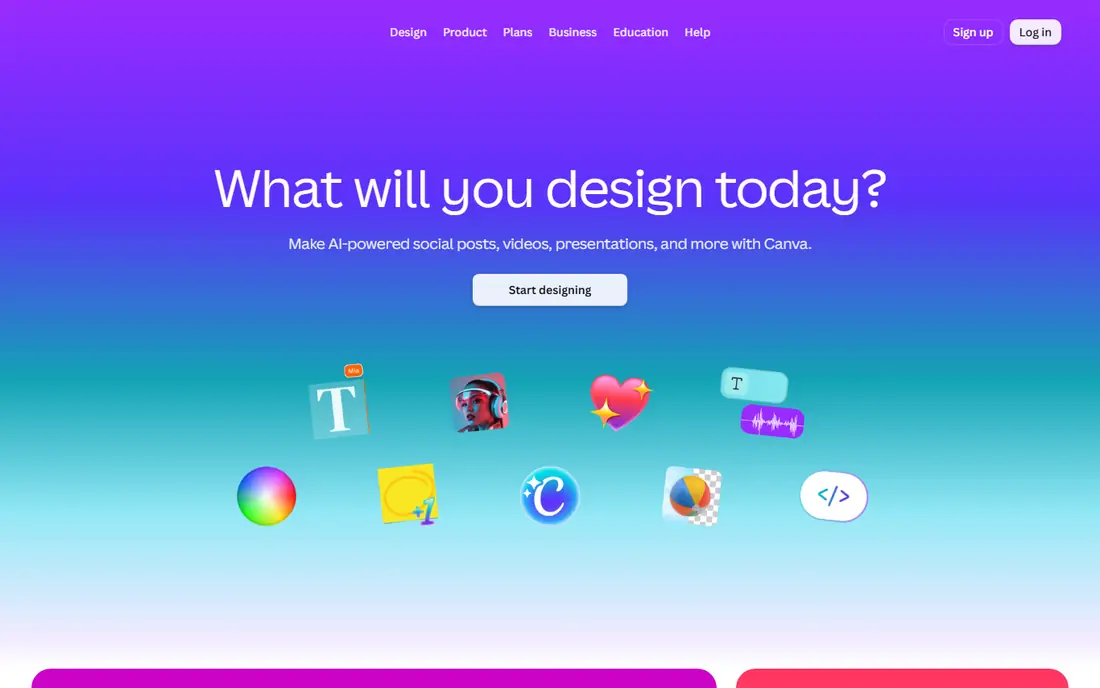
Canva fits small businesses and marketers who need video plus social graphics, presentations, and print from one account, without learning a dedicated editor. Its video editor uses drag-and-drop timelines, templates, and a large stock library, so a team can make a promo, a social clip, and a matching graphic in the same session.
The catch is control. Canva handles template-led video well, but a creator who needs precise cuts, audio mixing, or advanced effects will hit its limits sooner than with Kapwing or Clipchamp. For a team that values speed and brand consistency, that trade is usually worth it.
- Huge template library
- Brand kit and team tools
- Video, graphics, and presentations together
- Video editing depth is lighter than a dedicated editor
- Some stock and features need paid plans
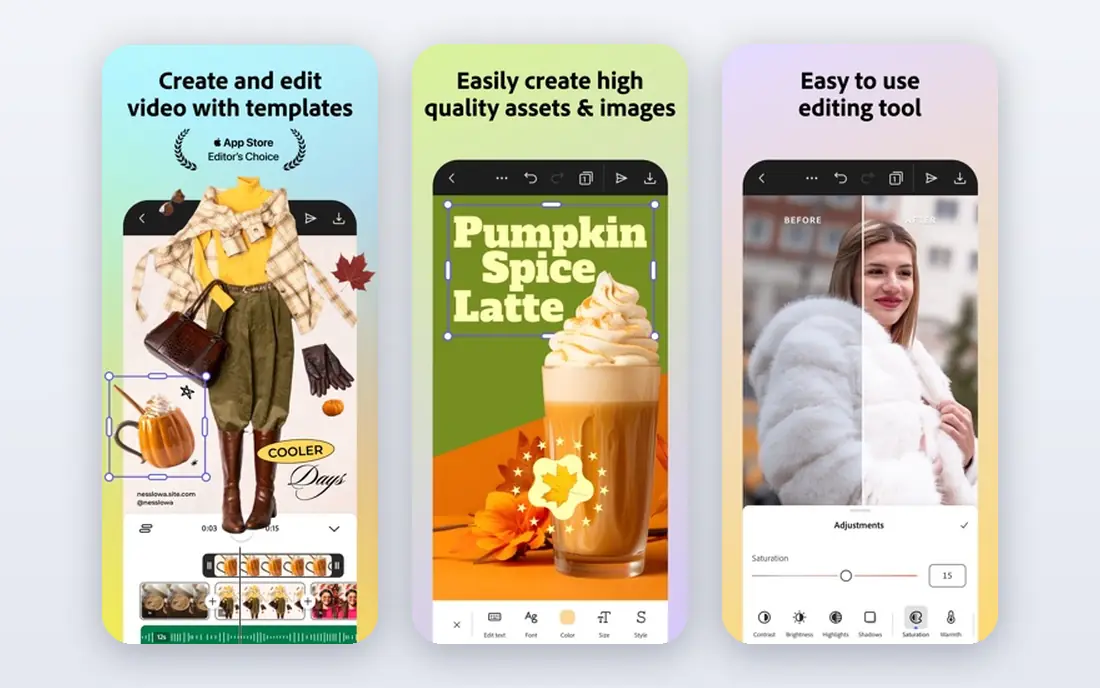
Adobe Express fits creators and teams that want tighter brand control across video and static content, especially if they already use Adobe tools. It offers templates, stock assets, and brand kits, with quick video assembly for social posts, ads, and web clips, plus easy resizing for different platforms.
The catch is that Express is a quick maker, not a full editor. Complex timelines, detailed audio work, and long-form editing still belong in Premiere, so Express suits short, branded clips rather than a full production workflow.
- Adobe stock and fonts
- Brand controls
- Templates for social and web
- Full video power needs Adobe Premiere for advanced work
- Some features need a paid plan
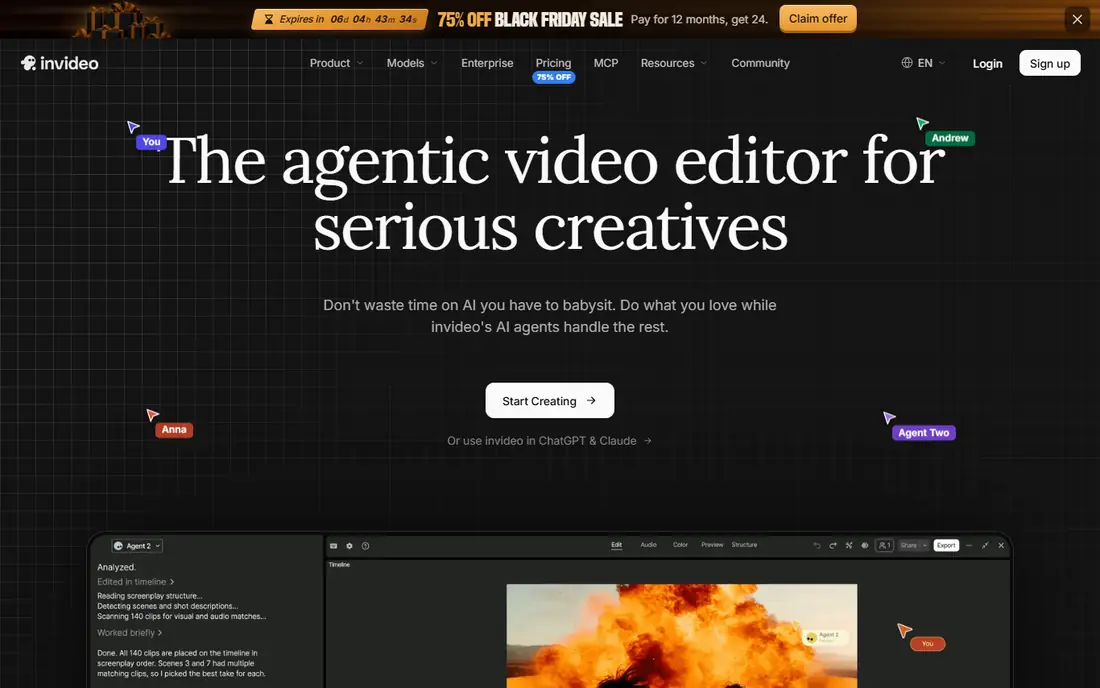
InVideo fits creators and social managers who produce many videos a week and want a script or article turned into a finished clip quickly. Its templates and text-to-video flow assemble stock footage, text, and voiceover into a draft that can then be edited on a timeline, which suits high-volume social work.
The catch is the credit system and tier limits. Lower plans limit credits, exports, and access to newer models, so a team that publishes daily should price the plan that matches its real output, not the entry plan that looks cheapest.
- Large template library
- AI-assisted video from text
- Stock media included
- Free exports carry a watermark
- Credit and model limits apply on lower tiers
Kapwing fits creators and teams that edit in the browser, share drafts for comment, and publish social video with captions as a core step. Its editor supports trimming, captions, resizing, and team review, with AI tools for cutting silences and generating drafts, all without installing desktop software.
The catch is export and credit limits. Free exports are watermarked and limited, and paid plans still meter AI work with credits, so heavy AI use needs a higher tier. For a team that edits together and captions everything, Kapwing remains a strong pick.
- Browser editing with collaboration
- Auto subtitles and smart cut tools
- Social resizing
- Free exports carry a watermark and limits
- AI credits apply on paid plans
Clipchamp fits Microsoft 365 users who want a capable editor without buying a separate video subscription, especially for internal and social video. It offers timeline editing, templates, stock, captions, and text-to-speech, with Premium features bundled into many Microsoft 365 Personal and Family plans.
The catch is plan confusion. Free Clipchamp is useful, but stock, brand kit, and 4K exports sit behind Premium, so check whether your Microsoft plan already includes Premium before paying separately. Teams outside Microsoft 365 may prefer Canva or Kapwing.
- Browser and desktop editing
- Templates and stock
- Included with many Microsoft 365 plans
- Advanced stock and brand features need Premium
- Windows-first history still shapes some workflows
Lumen5 fits content marketers who have articles, blog posts, or scripts and want them turned into social video without filming anything new. It reads text, suggests scenes and stock footage, and builds a draft video that a marketer can edit, brand, and publish for social channels.
The catch is originality. Lumen5 videos can look template-led if a team uses default styles without customising fonts, colours, and footage. It is best when speed and repurposing matter more than a unique visual style for every clip.
- Turns articles into video drafts
- Templates for social and marketing
- Stock library
- Style can feel template-led
- Fine editing control is limited compared with a full editor
Animaker fits small teams and educators who need animated explainer video, with characters and scenes, rather than slideshow video from photos alone. Its library of characters, props, and templates supports explainer, training, and marketing video, with voiceover recording and simple animation controls.
The catch is that animation takes time to look good. A rushed Animaker video can feel generic, and the best characters and assets sit on paid plans. For a team that commits to explainer video as a format, it is a better fit than a photo slideshow tool.
- Character animation and explainer templates
- Voiceover and lip-sync tools
- Infographic video
- Free exports carry a watermark
- Advanced characters and assets need paid plans
Biteable fits small business owners who want a clean, on-brand video for social or internal use, without learning a full editor. Its templates cover promos, explainers, and announcements, with brand colours and fonts applied across scenes, so a non-designer can finish a video in one sitting.
The catch is depth. Biteable keeps things simple by limiting options, so a creator who wants precise editing or a large template range will outgrow it. For a business that needs a decent video this week, simplicity is the selling point.
- Simple templates for business video
- Brand colours and fonts
- Fast turnaround
- Template range is narrower than larger rivals
- Pricing is quote-led on some plans
VEED fits creators whose videos live or die on captions, such as talking-head clips, tutorials, and social posts watched without sound. Its subtitle tools generate, style, and translate captions quickly, and the browser editor covers trimming, resizing, and basic effects for social formats.
The catch is the free plan. Watermarked exports and short limits make it a trial rather than a publishing plan, and AI credits on paid plans need budgeting for heavy caption work. For caption-first creators, VEED still earns a place on the shortlist.
- Auto subtitles and translation
- Browser editing
- Social templates and stock
- Free exports carry a watermark and limits
- AI credits do not roll over on some plans
How we picked these
We compared official feature pages, pricing pages, and app store listings, and we checked public documentation for each product before including it. We kept only products that exist and work now, that fit the topic directly, and that a reader could sign up for or buy without guessing at the cost. Where a price was not published clearly, we wrote See website instead of filling in a number we could not confirm.
We also weighed the trade-offs that show up after signup, such as limits on the free plan, per-user or per-location billing, and how hard it is to move data out later. A product that looked cheap at first glance did not stay on the list if its limits made it a poor fit for ordinary use. We did not claim hands-on testing that did not happen, and we left out the named product itself from its own alternatives list.
How to choose an Animoto replacement
Start with the video you actually make. A photo slideshow, a talking-head clip, an animated explainer, and a text-to-video social post are different jobs, and each tool above leads on a different one. Picking a general editor for a specialist job, or a specialist tool for general work, wastes time every week.
Then check export terms before you fall in love with a template. Watermarks, resolution limits, and monthly export caps decide whether a free plan is usable or just a demo. If you publish weekly, price the plan that gives clean exports at your volume, not the plan that looks cheapest on the pricing page.
Finally, check stock and music licensing for where the video will run. A template or track that is fine for social may not be fine for paid ads or broadcast, so confirm licence terms for your channel before you publish a campaign video.
Frequently asked questions
What are the best alternatives to Animoto?
Canva suits all-round design and video, Kapwing suits browser editing with captions, InVideo suits fast template video, and Animaker suits animated explainers. The best pick follows whether you need graphics, editing depth, speed, or animation.
Is there a free alternative to Animoto?
Canva, Adobe Express, Kapwing, InVideo, Clipchamp, Lumen5, Animaker, and VEED all offer free plans or trials, but most watermark exports or limit quality. Free plans are good for testing, while regular publishing usually needs a paid plan.
Which Animoto alternative is best for social media?
Kapwing and VEED suit caption-led social clips, Canva suits branded social templates, and InVideo suits high-volume social output. Choose by whether captions, brand templates, or speed matters most to your feed.
Can I turn a blog post into a video?
Yes, Lumen5 and InVideo both turn text into video drafts with stock footage, which suits marketers repurposing articles. Expect to edit the draft for tone and accuracy, because an automatic draft rarely matches a human script word for word.
Do these tools include stock footage and music?
Most include stock libraries and music on paid plans, with limits that vary by tier. Check stock and music terms for your channel, especially for paid ads, before relying on a track or clip in a campaign.
Sources
See where you really rank - block by block
ProMapRanker scans Google Maps across a grid of your service area. Simple monthly plans from $19, white-label on every plan.
Start freeKeep reading
 zscaler alternatives
Best Zscaler Alternatives in 2026
Looking for zscaler alternatives? We compare 9 SASE and zero trust platforms on architecture, data protection, pricing, and fit for your network and team.
Read → zapier alternatives free
Best Zapier Alternatives Free in 2026
Nine automation tools for zapier alternatives free in 2026, all with genuinely free tiers, plus free plan limits, starting prices and upgrade paths explained.
Read → which platform is best for online reputation
Which Platform Is Best for Online Reputation in 2026
Wondering which platform is best for online reputation? We compare 8 review, listing, and response tools for small and multi-location businesses and agencies.
Read →