 ProMapRanker
Best Anaconda Alternatives in 2026

Key takeaways
- Miniforge is the closest free drop in replacement for a conda based workflow, since it defaults to the community conda-forge channel.
- Micromamba is the lightest option for CI and containers, where a small, fast environment manager matters more than a full distribution.
- uv and Pixi suit modern Python projects that want fast installs and lock files, while Poetry suits pure Python application projects.
- Google Colab is the best no install option for learning and quick analysis, but it is not a local environment manager.
- Most tools here are free and open source, so the main cost is learning time, not licence fees.
Quick comparison
| Pick | Great for | Pricing starts at | Free tier | |
|---|---|---|---|---|
 Miniforge | Free conda based data science | Free | Yes | Visit |
 Micromamba | Lightweight fast environments | Free | Yes | Visit |
 ActiveState Platform | Managed Python and runtimes | Free | Yes | Visit |
 WinPython | Portable Windows data science | Free | Yes | Visit |
 pyenv | Multiple Python versions | Free | Yes | Visit |
 Pixi | Reproducible conda projects | Free | Yes | Visit |
 uv | Fast Python package management | Free | Yes | Visit |
 Poetry | Python application dependencies | Free | Yes | Visit |
 Google Colab | No install notebooks | Free | Yes | Visit |
The best anaconda alternatives
Anaconda bundles Python with a large set of data science packages and the conda package manager. The alternatives below take different routes to the same goal: some keep the conda workflow, some replace it with faster modern tooling, and one removes local setup entirely.
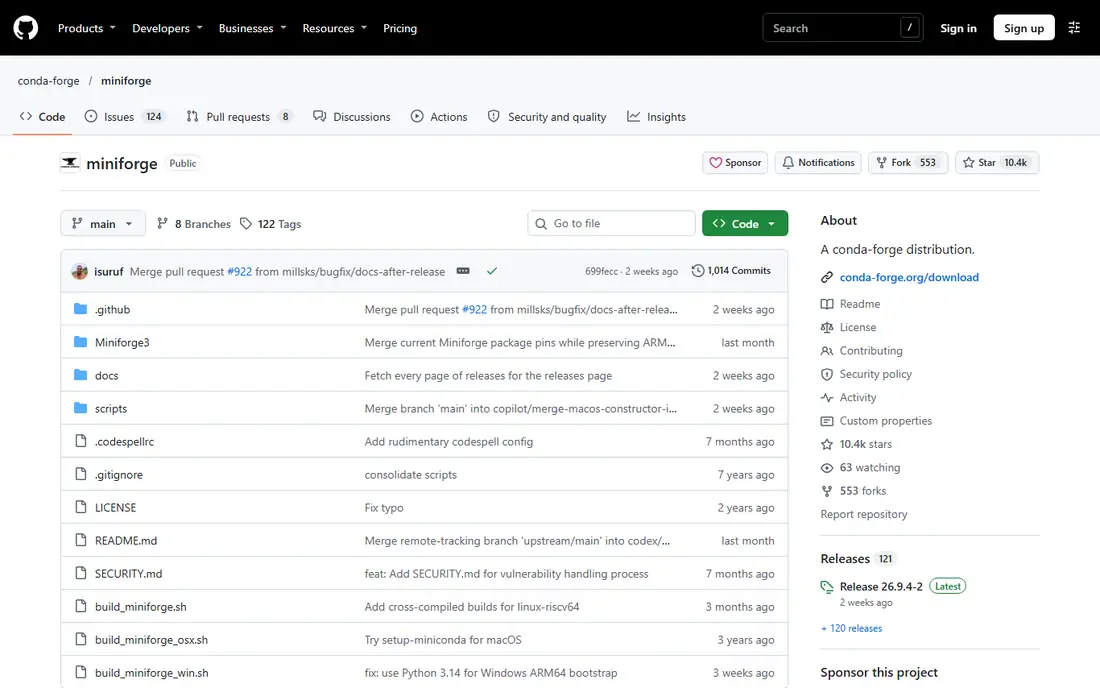
Miniforge is our pick for most people leaving Anaconda who still want conda. It is maintained by the conda-forge community, installs a small base environment, and lets you add exactly the packages your project needs. If you already know conda commands, the move is short: the commands stay familiar, while the default channel changes to conda-forge.
The trade off is that you start lean. You will not get hundreds of preinstalled packages, so your first setup takes a little planning. That is also the benefit, since lean environments are easier to reproduce and share. For teams, pair Miniforge with an environment file so every member builds the same setup.
- Defaults to the conda-forge channel
- Includes conda and mamba
- Familiar conda commands for existing users
- Minimal base install, so you add packages yourself
- No built in graphical navigator
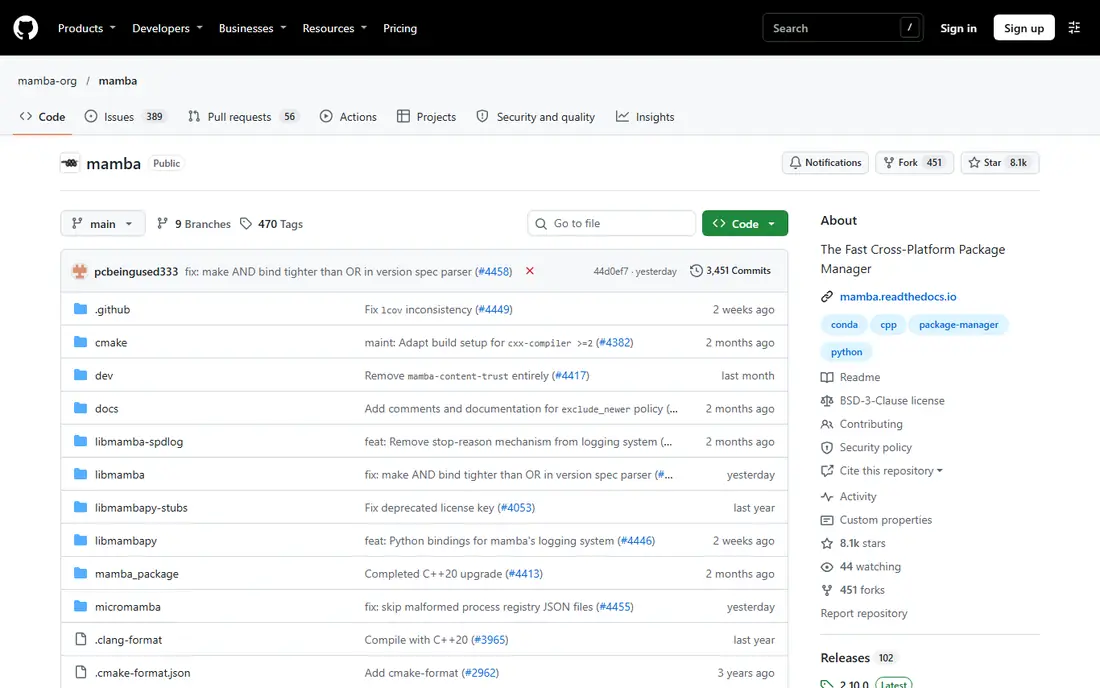
Micromamba is a tiny, fast implementation of the conda package manager, and it shines where Anaconda feels heavy. Continuous integration jobs, Docker images, and shared servers all benefit from an installer that starts quickly and uses little disk space. It can create environments from familiar environment files, so existing conda projects often work with small changes.
New users should know that Micromamba expects comfort with the terminal. There is no graphical installer experience to guide you, and error messages assume you know how environments work. If you are learning Python, Miniforge or Colab will feel friendlier. If you automate builds, Micromamba is hard to beat.
- Very small and fast installer
- Works well in CI and Docker images
- Compatible with conda environment files
- Command line only
- Less hand holding for new users
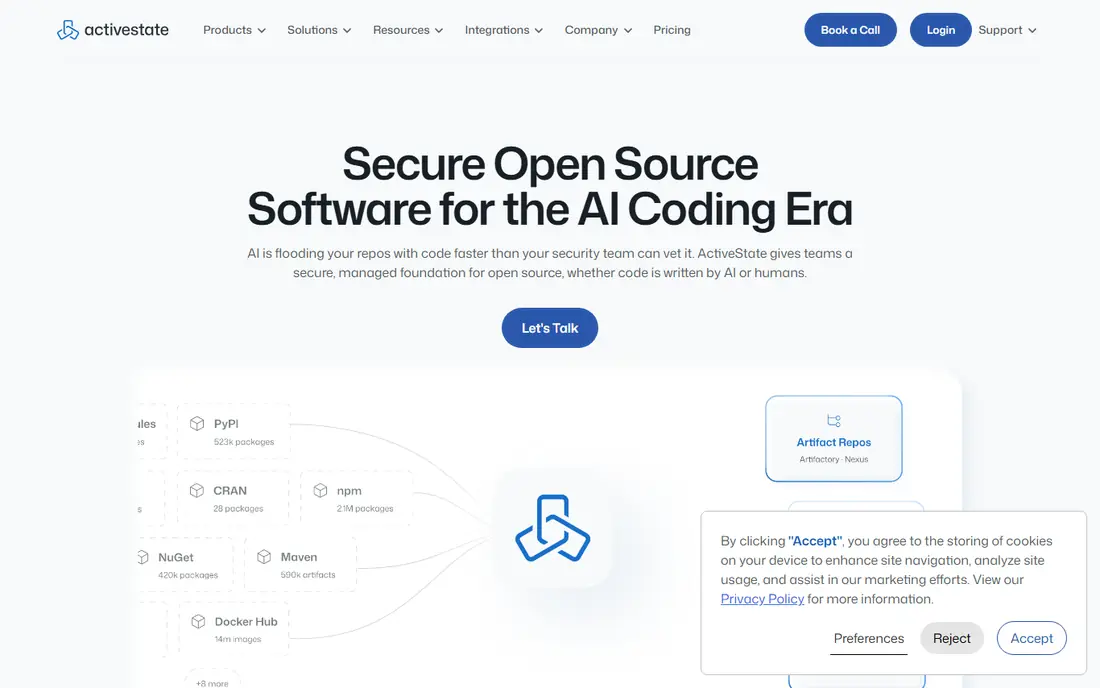
ActiveState Platform takes a managed approach: you define a runtime on its platform, and it builds it for your operating system. That suits teams that want consistent runtimes without each developer solving dependency conflicts by hand. It also covers languages beyond Python, which helps mixed language teams standardise on one supplier.
The catch is the managed model itself. You trade some local control for convenience, and advanced team features sit on paid tiers. Solo developers who like full control may prefer Miniforge or Pixi, while organisations that value support and governance will find the trade worthwhile.
- Managed runtimes for Python and other languages
- Team and enterprise controls
- Cloud based build of runtimes
- Paid tiers for larger team features
- Less direct control than a local conda install
WinPython is a portable scientific Python distribution for Windows, and portability is its whole point. You can run it from a folder or a USB drive without administrator rights, which makes it useful in classrooms, labs, and locked down work machines. It ships with scientific packages, Jupyter tools, and editors, so you can start analysis quickly.
The limits are clear: it is Windows only, and portable software needs a little care with paths and shortcuts. If you work on macOS or Linux, look elsewhere. If you teach or work on Windows machines you do not control, WinPython removes a common setup barrier.
- Portable, no admin install needed
- Preinstalled scientific packages and tools
- Good for Windows only classrooms and labs
- Windows only
- Portable setup can confuse users who expect a normal installer
pyenv solves a narrower problem than Anaconda: managing several Python versions on one machine. If one project needs Python 3.11 and another needs 3.13, pyenv lets you switch cleanly without breaking system Python. It pairs well with virtual environments and with tools such as uv or Poetry for package management.
Do not expect pyenv to install scientific packages or solve binary dependencies the way conda does. It is a version manager, not a distribution. Used as one layer in a modern setup, though, it keeps version conflicts out of your day.
- Installs and switches between Python versions easily
- Keeps project versions separate
- Works with virtual environments
- Not a package manager by itself
- Setup on Windows needs a separate fork
Pixi, from the prefix.dev team, brings a modern project workflow to the conda world. It manages environments and tasks from a single project file and creates a lock file, so teammates and CI systems can reproduce the same environment. That combination of conda package coverage and Cargo style project handling is genuinely useful for data science teams.
Pixi is newer than conda itself, so you will find fewer tutorials and fewer answered questions than for Miniforge. Teams that value reproducibility and are comfortable reading current documentation will like it. Teams that need long established community support may prefer Miniforge for now.
- Built in lock files for reproducible builds
- Fast, conda compatible package handling
- Tasks and environments in one project file
- Newer tool with a smaller community
- Conda style workflow still needed for some scientific packages
uv, from Astral, is a fast Python package and project manager written in Rust. It installs packages, manages virtual environments, and can manage Python versions, often much faster than pip based workflows. For pure Python projects, including web apps, scripts, and many data projects that only need PyPI packages, uv is now our default recommendation for new setups.
The limit is scope. uv does not manage non Python libraries such as CUDA toolkits or system level scientific libraries the way conda does. If your project depends on those, keep a conda based tool in the mix or check that PyPI wheels cover your needs before switching.
- Extremely fast installs and resolution
- Manages Python versions and virtual environments
- Lock files for reproducible projects
- No support for non Python system packages
- Pure Python focus, unlike conda
Poetry is a dependency manager and packaging tool for Python applications. It defines dependencies in a readable project file, resolves them into a lock file, and supports building and publishing packages. For application developers who ship code rather than notebooks, that workflow is cleaner than ad hoc pip installs.
Poetry is less natural for heavy scientific stacks that rely on conda channels and binary packages. It also resolves large dependency sets more slowly than uv. Choose Poetry when packaging and application structure matter most, and choose uv or Pixi when speed or scientific packages matter more.
- Clear dependency and lock file workflow
- Good for packaging and publishing projects
- Clean separation of dev and runtime dependencies
- Slower resolution than uv on large projects
- Less suited to conda style scientific stacks
Google Colab runs Jupyter notebooks in the browser, with no local Python install at all. That makes it ideal for learning, teaching, quick experiments, and sharing a working notebook with a colleague. You can open a notebook, run code, and share a link, which is a very different experience from managing environments on your own machine.
Colab is not a replacement for a local development setup. Free sessions time out, resources are shared, and long running or sensitive work belongs on your own machine or a managed server. Use Colab for exploration and learning, then move serious projects to Miniforge, Pixi, or uv when you need control.
- Free notebooks in the browser
- No local install or setup
- Easy sharing and GPU access on paid tiers
- Sessions and resources are limited on the free tier
- Not a local environment manager
How we picked these
We compared official project pages, documentation, and package management guidance for tools that replace Anaconda for data science or Python development. We kept only tools that are live and maintained in October 2026, and we excluded Anaconda itself and its own lightweight installer from the list. We did not claim hands on testing, and we listed prices as free where the core tool is open source and free to use.
What to check before you switch
Match the tool to the dependency type
If your project needs non Python libraries, stay in the conda family with Miniforge, Micromamba, or Pixi. If your project uses only PyPI packages, uv or Poetry will be faster and simpler.
Keep one environment file per project
Whatever tool you pick, store its environment or lock file in version control. That single habit does more for reproducibility than any choice of installer.
Test notebooks and scripts separately
A notebook that runs in Colab may need extra packages locally, and a script that runs locally may need data paths changed in Colab. Test both paths before you share work with others.
Plan for team onboarding
Pick the tool your least experienced teammate can install without help, then document the exact install steps. A fast tool that only one person understands is not a team standard.
Frequently asked questions
What is the best free anaconda alternative?
Miniforge is the best free starting point for most conda users, since it keeps familiar conda commands while defaulting to the free conda-forge channel. Micromamba is better for automated builds, and uv is better for pure Python projects.
Is Miniforge the same as Anaconda?
No. Miniforge is a community maintained installer from the conda-forge project, while Anaconda is a commercial distribution from Anaconda Inc. They share conda style workflows, but their default channels and licensing terms differ.
Can I use uv instead of conda for data science?
Yes, for projects where all needed packages are available as PyPI wheels. If you need system level scientific libraries or CUDA tooling that PyPI does not cover well, a conda based tool remains the safer choice.
Do I need to uninstall Anaconda first?
No, but avoid mixing environments across tools in the same project. Keep Anaconda environments separate from new Miniforge, Pixi, or uv environments, and use one tool per project to prevent conflicts.
Which anaconda alternative works without installing anything?
Google Colab works in the browser with no local install, which suits learning and quick analysis. For regular development, a local tool gives you more control over versions, files, and long running work.
Sources
See where you really rank - block by block
ProMapRanker scans Google Maps across a grid of your service area. Simple monthly plans from $19, white-label on every plan.
Start freeKeep reading
 zoro.to alternatives
Best Zoro.to Alternatives in 2026
We compare the best zoro.to alternatives in 2026, listing only legal licensed anime streaming services, from Crunchyroll to free options for fans today.
Read → zip alternatives
Best Zip Alternatives in 2026
We compare the best zip alternatives for buy now, pay later in 2026, covering pay-in-4 plans, fees, spending limits, and credit reporting options today.
Read → yesware alternatives
Best Yesware Alternatives in 2026
Compare the best yesware alternatives for sales email tracking, templates, and sequences, with current pricing and honest tradeoffs for small sales teams.
Read →