 ProMapRanker
Alternatives to Vim in 2026

Key takeaways
- Neovim is the closest modern step from Vim, with Lua config, built in language server support, and a large plugin world.
- Helix and Kakoune offer modal editing with less setup, while VS Code and Zed offer a full GUI with Vim style keys.
- Sublime Text, Notepad++, and Micro suit fast edits, huge files, or simple terminal work without a steep learning curve.
- Emacs with Evil mode is the pick if you want Vim keys inside a single programmable environment for notes, mail, and code.
Quick comparison
| Pick | Great for | Pricing starts at | Free tier | |
|---|---|---|---|---|
 Neovim | Modern modal editing | Free | Yes | Visit |
 Helix | Modal editing with little setup | Free | Yes | Visit |
 Visual Studio Code | Most developers overall | Free | Yes | Visit |
 Sublime Text | Fast GUI editing | See website | Free trial | Visit |
 GNU Emacs | Programmable environment | Free | Yes | Visit |
 Zed | Fast modern GUI editing | Free | Yes | Visit |
 Kakoune | Selection first modal editing | Free | Yes | Visit |
 Notepad++ | Windows quick edits | Free | Yes | Visit |
 Micro | Simple terminal editing | Free | Yes | Visit |
The best alternatives to Vim
Vim is fast, keyboard driven, and present on almost every server, but its learning curve and classic interface push many users to look elsewhere. The nine editors below are alternatives only, and they range from close Vim relatives to full graphical editors that borrow Vim keys without forcing the full Vim workflow.
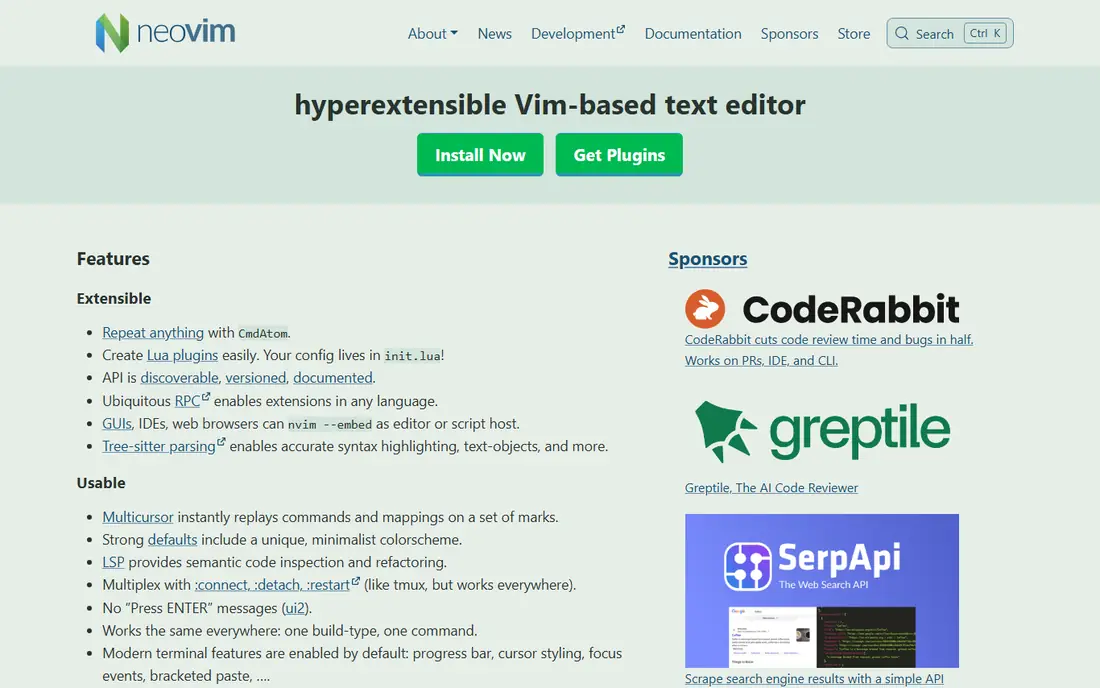
Neovim is the natural next step for Vim users who want modern tooling without giving up modal editing. It keeps Vim key habits, adds Lua configuration, and builds in language server support and Tree-sitter highlighting. That combination makes it feel current while staying fast in a terminal.
The setup work remains real. A bare install is plain, and starter configs differ in quality, so new users should pick one well maintained config and learn it slowly. If you already know Vim keys and want a modern, extensible editor, Neovim is the safest move.
- Full Vim compatibility with modern features
- Lua configuration
- Built in language server and Tree-sitter support
- Setup still takes time
- Starter configs vary in quality

Helix is the beginner friendly modal editor on this list. It ships with sensible defaults, built in language server support, and a selection first model that many users find visual and clear. You can start editing real code in an afternoon, without a week of config work.
The trade off is familiarity. Helix keys are inspired by Vim and Kakoune, but they are not Vim keys, so Vim muscle memory will need retraining. Its plugin story is also narrower than Neovim. If you like modal editing but hate config files, Helix is a strong pick.
- Works well out of the box
- Built in language server support
- Selection first editing model
- Key habits differ from Vim
- Plugin system is more limited than Neovim
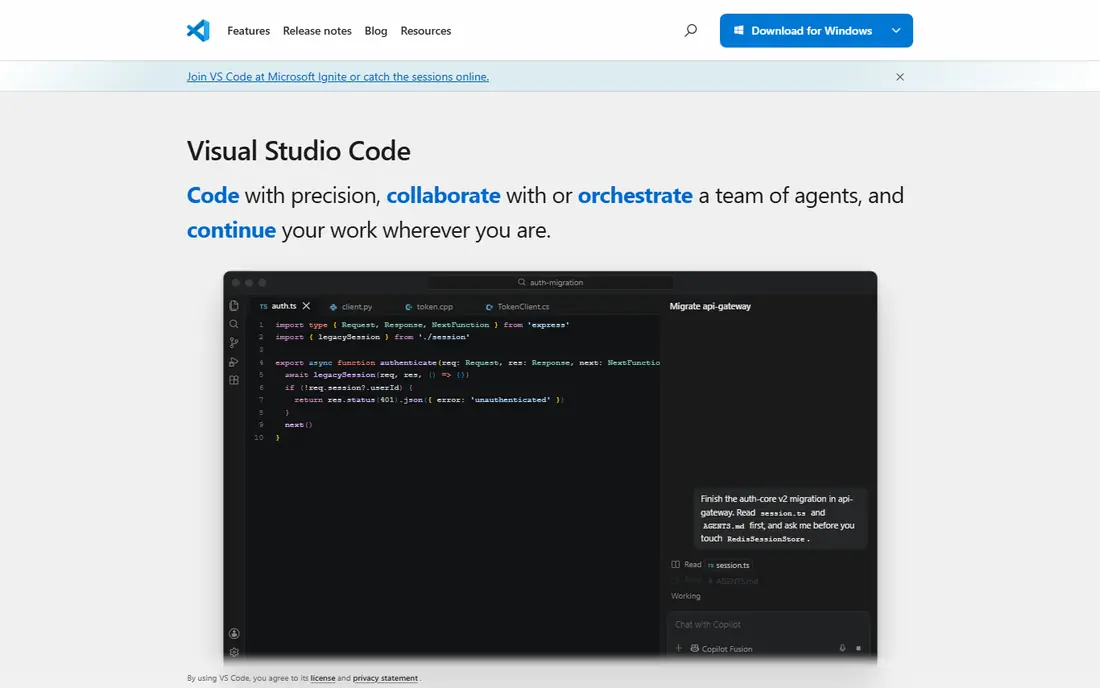
Visual Studio Code is the best overall pick for most developers leaving Vim, because it balances power, extensions, and ease of use. It runs on Windows, macOS, and Linux, supports almost every language through extensions, and includes Git, debugging, and terminal views in one window. The Vim extension adds Vim style keys for users who want them.
It is heavier than a terminal editor, and very large projects can feel slower than in Neovim or Helix. If you want one editor for code, docs, and debugging, with Vim keys as an option rather than a requirement, VS Code is hard to beat.
- Free and cross platform
- Huge extension library
- Vim extension for Vim style keys
- Heavier than terminal editors
- Large projects can feel slower
Sublime Text is the speed pick in a graphical editor. It opens fast, handles large files well, and offers multi cursor editing, strong search, and a deep plugin system. Many developers keep it as a second editor for quick edits, even when their main work lives elsewhere.
It is not free for continued use, and it lacks some built in IDE features that VS Code includes by default. If raw speed and a clean interface matter more than an all in one IDE, Sublime is worth the trial. If you want everything built in for free, VS Code will suit you better.
- Very fast startup
- Multi cursor editing
- Strong find and replace and plugin system
- Paid license for continued use
- Fewer built in IDE features than VS Code
Emacs is the tinkerers choice. It is a programmable environment where code editing, notes, tasks, and Git history can live in one place, with Org mode for planning and Magit for Git work. Evil mode adds Vim style modal editing, so Vim users can keep their keys while gaining Emacs tools.
The learning curve is steep, and the default look feels dated until you configure it. If you want an editor that becomes a personal workspace, Emacs rewards the effort. If you want a quick Vim replacement with no config project, pick Helix or VS Code instead.
- Single environment for code, notes, and tasks
- Org mode and Magit are strong
- Evil mode adds Vim keys
- Learning curve is steep
- Default interface feels dated to newcomers
Zed is a modern, fast editor built for responsiveness and collaboration. It feels snappy on large files, supports real time collaboration, and includes a Vim mode for users who want modal keys in a GUI. For macOS and Linux users who found VS Code heavy, Zed is a refreshing change.
The ecosystem is still smaller than VS Code, and Windows support has lagged behind other platforms, so check current platform status before switching. If speed and a clean modern interface matter most, and your language needs are covered, Zed is a strong new pick.
- Very fast and responsive
- Built in collaboration features
- Vim mode for modal users
- Platform support is narrower than VS Code
- Extension library is smaller
Kakoune takes a different path from Vim: you select first, then act, which makes many edits easier to see before you commit to them. It runs fast in a terminal, works well with shell scripting, and appeals to users who found Vim editing powerful but hard to visualize. The model feels natural once you learn it.
Vim users will need to relearn key habits, and the community is smaller than Neovim, so fewer guides and plugins are available. If you like modal editing but want a more visual model, Kakoune is worth a week of real use. If you want to keep Vim keys exactly, Neovim is closer.
- Selection first editing is visual and clear
- Fast in a terminal
- Scriptable with shell tools
- Key habits differ from Vim
- Smaller community and plugin world than Neovim
Notepad++ is the Windows quick edit champion. It opens fast, handles logs and config files well, and offers syntax highlighting and plugins without a heavy install. System admins and Windows developers often keep it as the default editor for small files and server work.
It is Windows only, and it is not a full IDE, so large multi language projects will need a stronger tool. If you work on Windows and want a free, fast editor for everyday edits, Notepad++ is the obvious pick. If you need cross platform work, VS Code or Zed will travel better.
- Free and fast on Windows
- Good for quick edits and logs
- Plugin support and syntax highlighting
- Windows only
- Less suited to large IDE workflows
Micro is the terminal editor for people who do not want to learn Vim at all. It shows common shortcuts on screen, uses familiar keys for save and quit, and runs in a terminal on servers and desktops alike. That makes it ideal for quick server edits and for beginners who need to edit a file over SSH.
It will not match Neovim or Helix for heavy code editing, macros, and large project work. If your main need is simple, reliable terminal editing without modal habits, Micro is the kindest choice. If you edit code all day, a modal or GUI editor will serve you better.
- Simple keys with on screen shortcuts
- Runs in a terminal
- Easy for beginners and server edits
- Less powerful than modal editors for heavy code work
- Plugin world is smaller
How we picked these
We compared official editor pages, feature lists, and recent editor guides, and we kept only editors live in October 2026 that offer a real alternative to Vim, either as modal editors or as GUI and terminal editors with Vim style options. We mixed free and paid tools so readers can match editor to workflow, and we marked prices as See website where the vendor sells licenses rather than a simple monthly plan.
We did not claim hands-on testing on your codebase, and we did not invent ratings or user counts. Startup speed, key model, language support, and the honest cost of setup mattered more than a long feature list. An editor you will actually use every day beats a powerful editor you abandon after a week.
What to check before you switch
Keep your Vim habits or drop them
Decide whether you want to keep modal editing or move to a GUI workflow. Neovim and Emacs with Evil keep Vim keys, Helix and Kakoune change them, and VS Code and Zed make them optional. That choice shapes how painful the first two weeks will feel.
Trial on a real project, not a toy file
Use the new editor for a real project for at least a week, with real files, real Git work, and real debugging. Check startup speed, language support, and how often you reach for the old editor. A toy test will not reveal missing plugins or slow large file handling.
Check language and Git support
Confirm that your main languages have good syntax, completion, and debugging support, and that Git integration fits your workflow. An editor with weak support for your main language will slow you down, even if it feels fast on other files. Also check remote and SSH editing if you work on servers.
Bring your config slowly
Do not copy a huge config on day one. Start with defaults, add one plugin or setting at a time, and note what each change does. That slow build gives you an editor you understand, rather than a config you copied and cannot fix when it breaks.
Frequently asked questions
What are the best Vim alternatives?
Neovim, Helix, Visual Studio Code, and Zed are strong starting points, with Neovim closest to Vim, Helix easiest for modal beginners, and VS Code best overall for most developers. Sublime Text suits speed, Emacs suits tinkerers, and Micro suits simple terminal edits. Pick by key model and workflow, not by trend.
Is Neovim better than Vim?
Neovim is a fork of Vim with a modern codebase, Lua configuration, built in language server support, and Tree-sitter highlighting. Vim remains more widely pre installed on servers, so basic Vim skills still matter for server work. For daily coding on your own machine, Neovim is usually the more modern choice.
What is the easiest Vim alternative for beginners?
Helix is the easiest modal editor, because it works well out of the box with little config. Visual Studio Code is the easiest overall editor, with a GUI, extensions, and an optional Vim extension. Micro is the easiest terminal editor, with on screen shortcuts and familiar keys.
Can I use Vim keys in VS Code or Zed?
Yes, both offer Vim modes. VS Code has a popular Vim extension that adds modal editing, and Zed includes a built in Vim mode. These options let you keep Vim habits in a GUI editor, though some advanced Vim features may differ. Trial the mode on a real project before committing.
Which Vim alternative is best for servers and SSH?
Neovim and Micro are strong for server work, with Neovim for power users and Micro for beginners. Nano is also common for quick edits, though it is not covered as a main pick here. Keep basic Vim skills too, because Vim is installed on nearly every server image, even if it is not your daily editor.
Sources
See where you really rank - block by block
ProMapRanker scans Google Maps across a grid of your service area. Simple monthly plans from $19, white-label on every plan.
Start freeKeep reading
 zscaler alternatives
Best Zscaler Alternatives in 2026
Looking for zscaler alternatives? We compare 9 SASE and zero trust platforms on architecture, data protection, pricing, and fit for your network and team.
Read → zapier alternatives free
Best Zapier Alternatives Free in 2026
Nine automation tools for zapier alternatives free in 2026, all with genuinely free tiers, plus free plan limits, starting prices and upgrade paths explained.
Read → which platform is best for online reputation
Which Platform Is Best for Online Reputation in 2026
Wondering which platform is best for online reputation? We compare 8 review, listing, and response tools for small and multi-location businesses and agencies.
Read →