 ProMapRanker
Alternatives to Tailwind CSS in 2026

Key takeaways
- Bootstrap is the fastest alternative for teams that want ready-made components and a familiar look without writing many utilities.
- MUI, Chakra UI, Ant Design, and Mantine suit React teams that want full component libraries with theming and accessibility built in.
- Bulma, Foundation, and UIkit suit plain HTML, CSS, and JavaScript projects that need components without a JavaScript framework.
- UnoCSS is the closest utility-first replacement if you like Tailwind's approach but want a faster, more flexible engine.
Quick comparison
| Pick | Great for | Pricing starts at | Free tier | |
|---|---|---|---|---|
 Bootstrap | Ready-made components fast | Free | Yes | Visit |
 MUI | React apps with Material Design | Free | Yes | Visit |
 Chakra UI | Accessible React components | Free | Yes | Visit |
 Ant Design | Enterprise React dashboards | Free | Yes | Visit |
 Bulma | Simple CSS-only components | Free | Yes | Visit |
 Foundation | Responsive enterprise sites | Free | Yes | Visit |
 UIkit | Lightweight component framework | Free | Yes | Visit |
 Mantine | Modern full-featured React UI | Free | Yes | Visit |
 UnoCSS | Utility-first atomic CSS engine | Free | Yes | Visit |
The best alternatives to Tailwind CSS
We compared frameworks that replace Tailwind CSS itself, not plugins that run on top of it, and we kept only tools that are live and maintained in 2026.
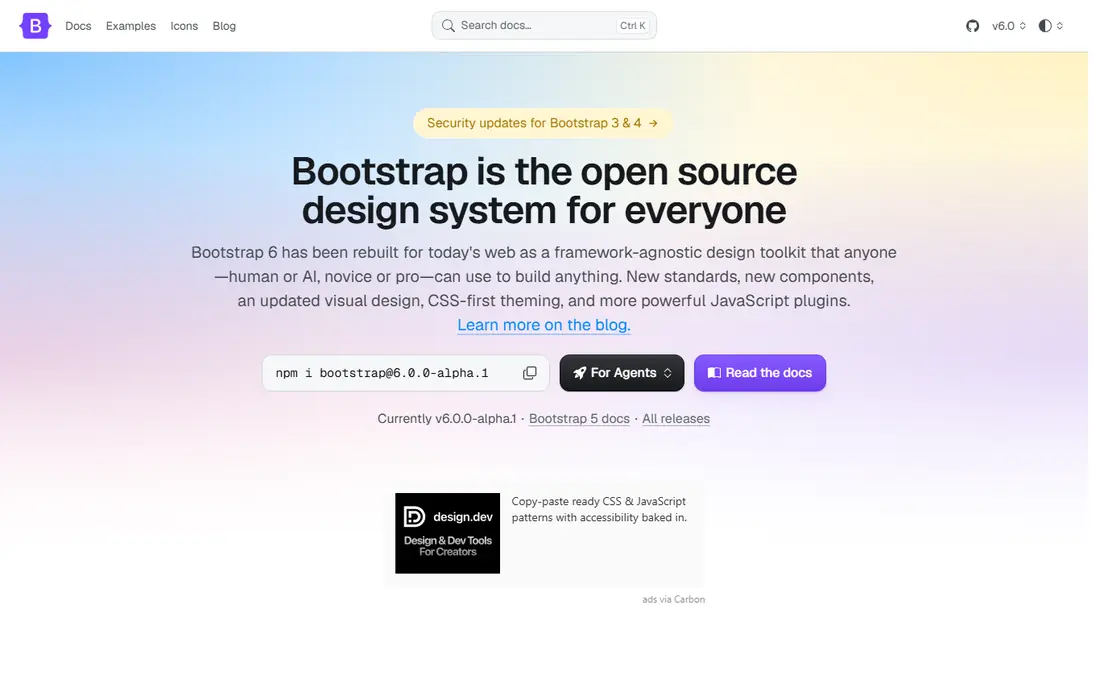
Bootstrap remains the default alternative for teams that want to ship fast. You get a responsive grid, dozens of components, and JavaScript plugins for modals, toasts, and dropdowns, all documented with copy-paste examples. Hiring is easy too, since most front-end developers have used it before.
The catch is sameness. A stock Bootstrap site is easy to spot, so budget time for theming if brand identity matters. The CSS bundle is also larger than Tailwind's generated output, since you ship styles for components you may not use. For prototypes, admin panels, and marketing sites on a deadline, Bootstrap is still hard to beat.
- Huge component set with grid, forms, modals, and navigation
- Vast docs, themes, and community help
- Works with plain HTML or JavaScript frameworks
- Sites can look generic without custom theming
- Full build is larger than generated utility CSS
- Customization takes Sass work to go far from defaults
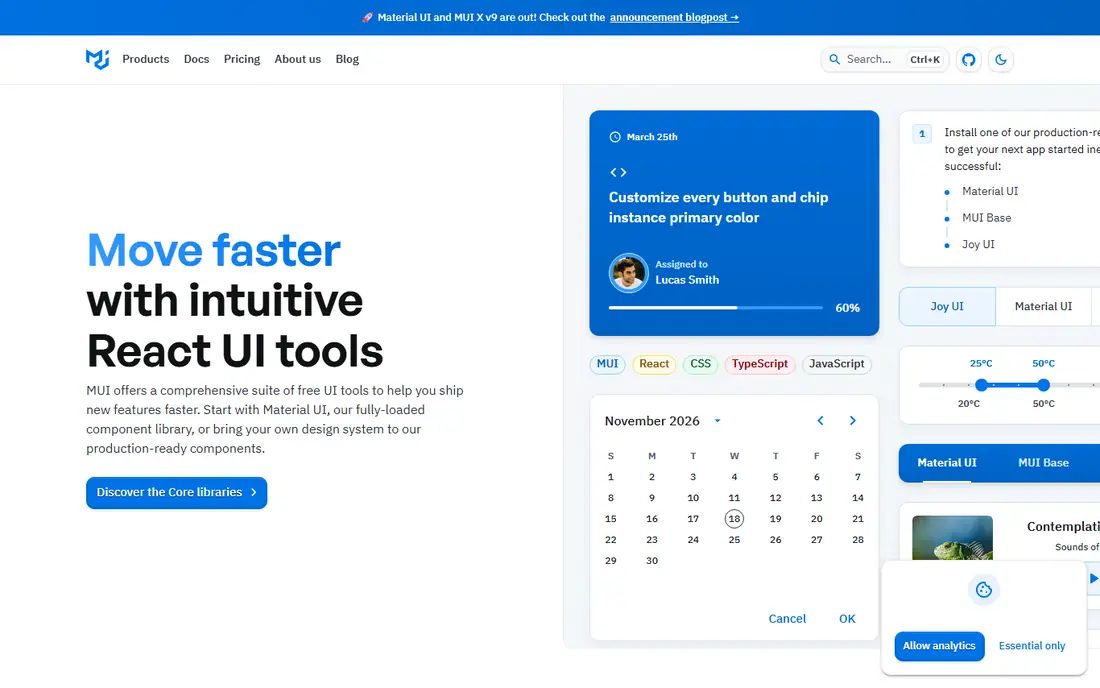
MUI, formerly Material UI, is the most complete React component library in this list. You get buttons, tables, dialogs, navigation, and form controls that work well together, plus a theming system that can reshape colors, spacing, and typography across the whole app. For a React dashboard or internal tool, that completeness saves weeks of component work.
The trade-off is identity and size. Out of the box, MUI looks like Material Design, so a consumer product needs theming effort to feel distinct. Some advanced components, such as the data grid Pro tier, are paid, while the core library stays free and open source. For React teams that value speed over a fully custom look, MUI is a strong pick.
- Very large React component library following Material Design
- Strong theming and customization
- Good accessibility and docs
- Material look needs work to hide
- Bundle size grows with many components
- Advanced data grid and date tools are paid extras
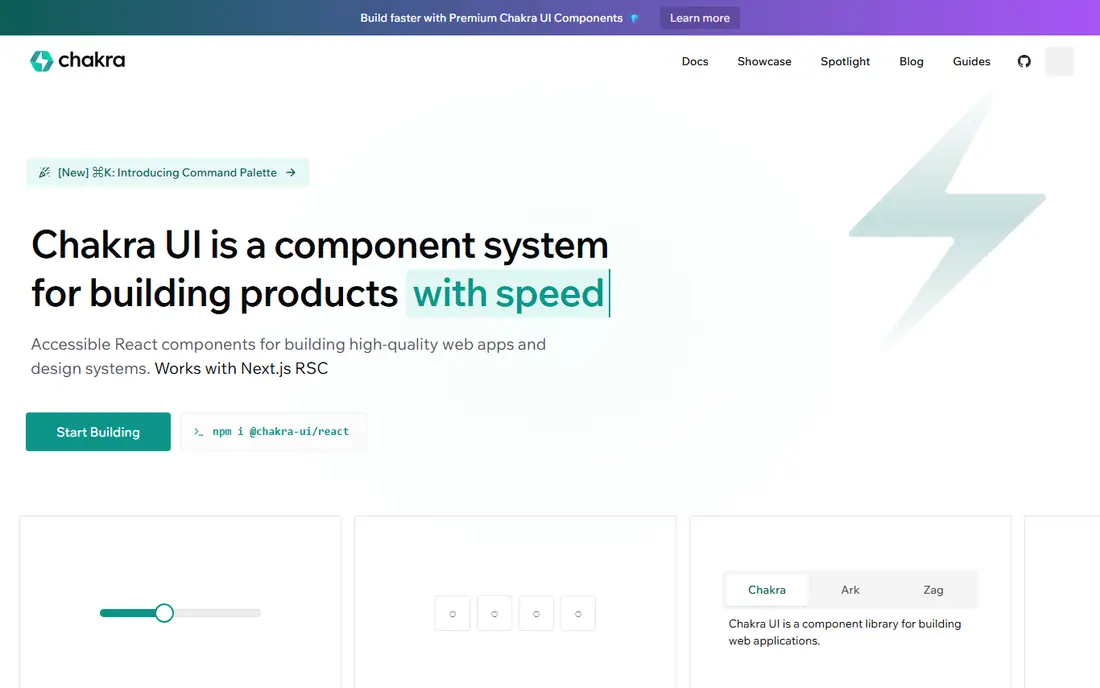
Chakra UI suits React developers who want components that feel simple to use and read. Style props let you set spacing, color, and layout directly on a component, which keeps small features fast to build. Accessibility is a core focus, with keyboard support and screen reader behavior handled by the components themselves.
The library is smaller than MUI, so complex data tables and date pickers may need extra packages. It also ties you to React, which is fine for a React app but not for a plain static site. If you want a clean, accessible React interface without a heavy design system, Chakra UI is an excellent Tailwind replacement.
- Simple, composable React components with style props
- Accessibility built into components
- Dark mode and theming are straightforward
- Smaller component set than MUI or Ant Design
- Needs React, so no plain HTML option
- Styling by props can get verbose in large apps
Ant Design is built for enterprise software, and it shows in the best way for that audience. Complex tables with sorting, filtering, and pagination, rich forms, and admin layouts are all first-class, which is why so many internal tools and B2B dashboards use it. The design language stays consistent across dozens of components, so a large team can build without constant design debates.
For a marketing site or a small consumer app, Ant Design can feel heavy and corporate. The bundle is large, and the look is hard to make playful. If your product is a data-heavy dashboard or an internal platform, Ant Design gives you more out of the box than any other library here.
- Huge enterprise component set, including tables, forms, and charts patterns
- Consistent design language
- Strong docs and community
- Distinct enterprise look that is hard to disguise
- Large bundle for small sites
- Best suited to React and dashboard-style apps
Bulma is a favorite for developers who want readable code and no JavaScript framework. Classes such as button and is-large are easy to remember, and the Flexbox grid makes responsive layouts simple. Because it is CSS only, you can pair it with any JavaScript library or none at all, and you can include only the modules you need through Sass.
The limit is interactivity. Bulma gives you the styles for a modal or dropdown, but you write the JavaScript to open and close it. That is fine for simple sites and a good trade for teams that want full control. If you need interactive components out of the box, Bootstrap or UIkit will save you time.
- Clean class names that read like plain language
- CSS only, with no JavaScript dependency
- Modular Sass build for smaller output
- No JavaScript components, so modals and dropdowns need your own code
- Smaller ecosystem than Bootstrap
- Fewer ready-made themes
Foundation has powered large responsive sites for years, and its grid and component set remain solid for agencies and enterprise teams. It handles complex layouts, responsive navigation, and content-heavy pages well, and Sass theming gives agencies control over brand styles. If your team already knows Foundation, there is no urgent reason to leave it.
The community is smaller than Bootstrap's, and newer developers are less likely to know it, which can slow hiring and support. The classic JavaScript plugins still lean on jQuery, which feels dated next to modern frameworks. For a new project, Bootstrap or a React library may be easier to staff, but Foundation remains a capable choice for responsive sites.
- Mature responsive grid and extensive component set
- Good for large, content-heavy sites
- Sass customization for agencies
- Smaller community than in its peak years
- JavaScript plugins use jQuery in the classic build
- Docs feel less fresh than Bootstrap
UIkit is a well-kept middle ground between Bulma and Bootstrap. You get a broad component set, a light visual style, and a modular build, plus JavaScript for interactive pieces such as off-canvas menus, sliders, and lightboxes. Recent releases in 2026 show it is still actively maintained, which matters when picking a framework for a long-lived site.
The ecosystem is smaller, so you will find fewer themes, templates, and Stack Overflow answers than for Bootstrap. That trade is worth it if you like UIkit's clean look and want a framework that stays out of the way. For a marketing site or a small web app, UIkit gives you a polished result without a JavaScript framework commitment.
- More than 50 components with a clean, light look
- Actively maintained with 2026 releases
- Modular build and good docs
- Smaller community than Bootstrap
- JavaScript needed for interactive components
- Fewer themes and templates available
Mantine has grown into a full React UI platform, with components, hooks, form handling, and theming in one package. TypeScript support is strong, and the docs include practical examples for real app patterns such as modals, notifications, and data display. For a new React app that wants a modern look without assembling many small libraries, Mantine covers a lot of ground.
The breadth is also the learning cost. With so many packages and options, new developers need time to learn the Mantine way of doing things. It is React only, so it cannot help a plain HTML project. If you are building a React app and want a fresh, complete library, Mantine deserves a place on your shortlist next to MUI and Chakra UI.
- More than 100 React components plus hooks and forms
- Flexible theming and dark mode
- Good TypeScript support and docs
- React only, so no plain HTML use
- Larger learning surface than Chakra UI
- Newer ecosystem than MUI
UnoCSS is the closest direct replacement for developers who like utility-first CSS but want a different engine. It generates only the CSS your classes use, supports Tailwind-compatible presets, and adds features such as variant groups and Iconify icons as classes. Builds are fast, and custom rules let you invent your own utilities with regular expressions when a project needs them.
The trade-off is ecosystem size. You will find fewer templates, plugins, and tutorials than for Tailwind, and setup asks you to choose presets and build integrations. If you already understand utility CSS and want speed and flexibility, UnoCSS is an exciting pick. If you want the largest community and the most copy-paste examples, Bootstrap or MUI may be safer.
- Generates CSS on demand like Tailwind, with very fast builds
- Presets for Tailwind, Windi, and other utility styles
- Icons and custom rules built in
- Smaller community and fewer templates than Tailwind
- Setup needs a build tool and config choices
- Docs assume more CSS knowledge
How we picked these
We compared official docs, release activity in 2026, component coverage, and framework fit, and we kept only tools that are live, open source, and usable as a full replacement for Tailwind CSS. We left out Tailwind plugins such as DaisyUI, since they still require Tailwind itself, and we mixed React libraries with framework-free CSS options so readers on any stack can find a fit. We did not claim hands-on testing, and all nine tools are free and open source at their core.
What to check before you switch
Match the tool to your stack
React libraries such as MUI, Chakra UI, Ant Design, and Mantine only help React apps. Plain HTML projects should start with Bootstrap, Bulma, Foundation, or UIkit, while UnoCSS suits teams comfortable with a build step. Picking a library for the wrong stack creates more work than it saves.
Compare bundle size and theming effort
Generated utility CSS stays small, while component libraries ship more code. Check the production bundle for your actual pages, not the full library size, and test theming early. A library that looks great in demos but needs heavy overrides to match your brand will cost more time than a plainer option.
Test accessibility and maintenance
Check keyboard support, focus states, and screen reader behavior on the components you will use most, and look at release dates and issue activity. A framework with recent releases and clear docs is a safer long-term bet than a larger library that has gone quiet. For a product that will live for years, maintenance matters as much as the first week of speed.
Frequently asked questions
What is the best alternative to Tailwind CSS?
Bootstrap is the best general alternative for fast, component-based sites, while MUI is the best pick for React apps. If you want to stay utility-first, UnoCSS is the closest replacement. The right answer depends on your stack, team size, and how much custom design you need.
Is Bootstrap better than Tailwind CSS?
Bootstrap is faster when you want ready-made components and a familiar structure, while Tailwind gives more design freedom with utility classes. Bootstrap sites can look generic without theming, and Tailwind projects need more upfront design decisions. Neither is better in every case, so match the tool to the project.
Are there free alternatives to Tailwind CSS?
Yes, all nine tools in this list are free and open source at their core, including Bootstrap, MUI, Chakra UI, Ant Design, Bulma, Foundation, UIkit, Mantine, and UnoCSS. Some React libraries sell advanced extras, such as data grid Pro tiers, but the core component sets cost nothing to use.
What is the closest utility-first alternative to Tailwind?
UnoCSS is the closest utility-first alternative, with on-demand CSS generation, Tailwind-compatible presets, and fast builds. Tachyons is another utility-first option, though it is less actively developed. If you like writing utilities in HTML, UnoCSS keeps that workflow with a different engine.
Can I use a Tailwind alternative without React?
Yes. Bootstrap, Bulma, Foundation, and UIkit all work with plain HTML, CSS, and JavaScript, and UnoCSS can work with many build setups. Only MUI, Chakra UI, Ant Design, and Mantine require React, so plain HTML teams have several strong options.
Sources
See where you really rank - block by block
ProMapRanker scans Google Maps across a grid of your service area. Simple monthly plans from $19, white-label on every plan.
Start freeKeep reading
 zoho inventory alternatives
6 Alternatives to Zoho Inventory, Compared on Price and Fit
Zoho Inventory alternatives: 6 tools compared on price, free plans and fit. Katana leads the list for manufacturers. Fit and flaws are laid out for each entry.
Read → zoho crm alternatives
Best Zoho CRM Alternatives (2026)
Need Zoho CRM alternatives? We compare 7 tools on cost, free access and who each suits. Every pick gets a straight assessment. Built for quick decisions.
Read → zelle alternatives
Best Zelle Alternatives in 2026
Compare the best Zelle alternatives for sending money to friends, paying sellers and moving funds abroad, with honest notes on fees, speed and safety in 2026.
Read →