 ProMapRanker
Best Alternatives to SharePoint for Intranet in 2026

Key takeaways
- Confluence and Notion suit teams that need a wiki first, with pages, search and structure they can shape themselves.
- Simpplr, LumApps, Workvivo and Unily are built as employee intranets, with news, targeting and mobile access for larger workforces.
- Google Workspace can replace SharePoint pages and files for teams already using Gmail, Drive and Docs every day.
- Most dedicated intranet platforms use quote based pricing, so budget comparisons need a written quote for your headcount.
- Governance matters as much as design: without owners and review dates, any intranet becomes hard to search within a year.
Quick comparison
| Pick | Great for | Pricing starts at | Free tier | |
|---|---|---|---|---|
 Confluence | Team wikis and docs | Free | Yes | Visit |
 Notion | Flexible team workspace | Free | Yes | Visit |
 Google Workspace | Files, docs and simple sites | See website | No | Visit |
 Simpplr | Modern employee intranet | See website | Free trial (14 days) | Visit |
 LumApps | Large company intranet | See website | No | Visit |
 Igloo | Simple intranet and communities | See website | Free trial | Visit |
 Workvivo | Employee engagement hub | See website | No | Visit |
 Happeo | Google centred intranet | See website | Free trial | Visit |
 Unily | Governed enterprise intranet | See website | No | Visit |
The best alternatives to SharePoint for intranet
SharePoint can feel heavy when all you need is clear news, findable docs and a home page people actually visit. These alternatives cover different needs, from a simple wiki to a full employee experience platform. We compared official feature and pricing pages, and we left out SharePoint itself, since this list is about replacements.
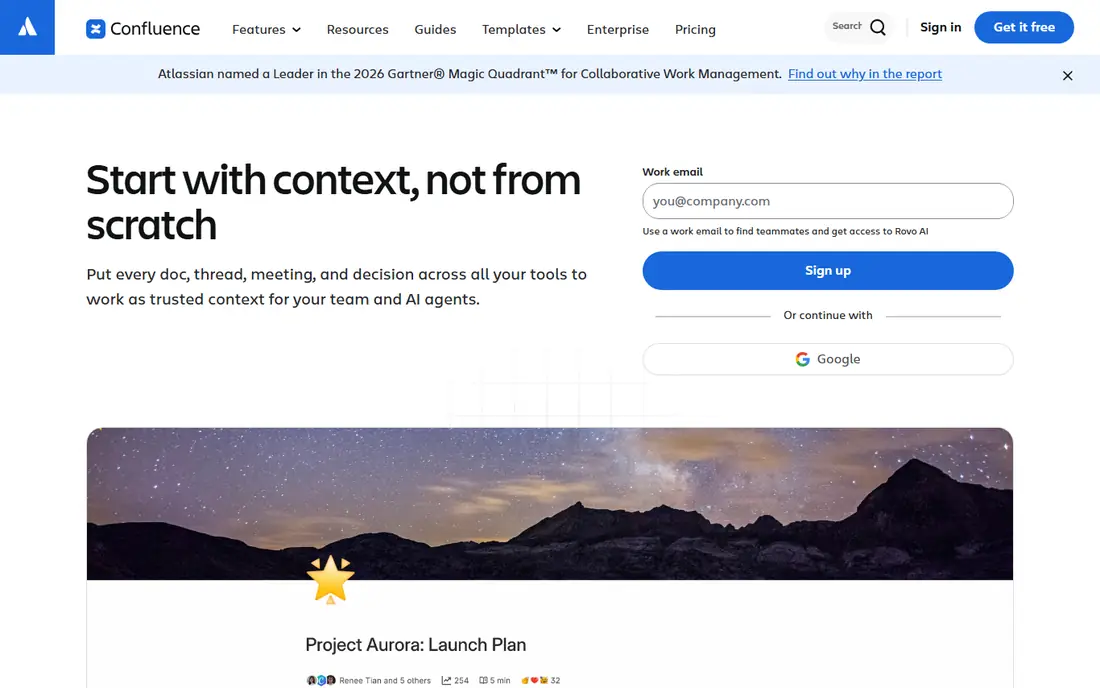
Confluence is the most direct wiki replacement for many teams, especially those already using Jira. Pages, spaces, templates and version history give technical and product teams a stable place for docs, decisions and how to guides. Search and page trees help new joiners find answers without asking in chat every time.
The free plan stops at 10 users, so growing teams will move to a paid plan, with per user pricing that varies by team size. Confluence also works best when someone owns each space and reviews stale pages. Without that habit, it can drift into the same sprawl that pushed teams away from SharePoint. If your team lives in Atlassian tools, Confluence is a natural first test.
- Strong page structure and search
- Free plan for up to 10 users
- Deep Jira integration
- Free plan storage is limited
- Large spaces need clear ownership to stay tidy
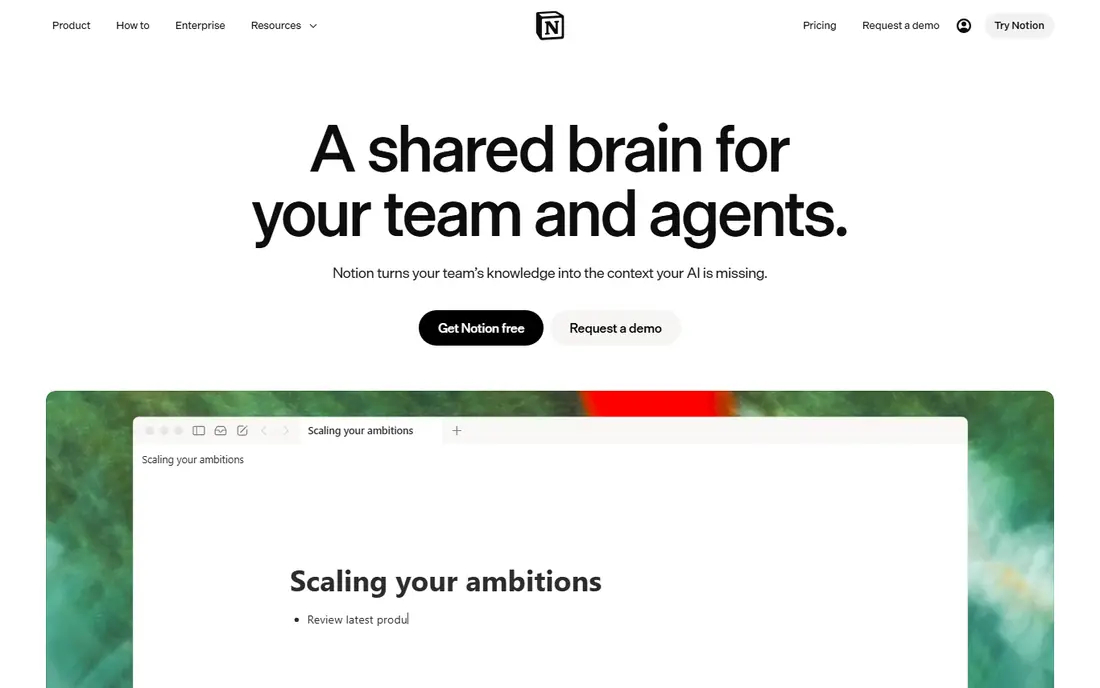
Notion combines docs, wikis, databases and project views in one workspace, which makes it popular with small and mid sized teams that want to build their own structure. You can create a company home page, link it to team wikis, meeting notes and task databases, and let each team shape its own pages. Templates speed up the start, and the editor is easy for non technical staff.
That freedom is also the risk. Without a simple page structure and naming rules, Notion can become as hard to navigate as the system it replaced. Paid plans add more controls and AI features, while the free plan caps uploads and limits blocks in larger team workspaces. Choose Notion when you have someone willing to design and maintain the structure, not just launch it.
- Docs, wikis and databases in one place
- Easy to start
- Strong template library
- Flexibility can lead to messy structure
- Free plan has upload and block limits for teams
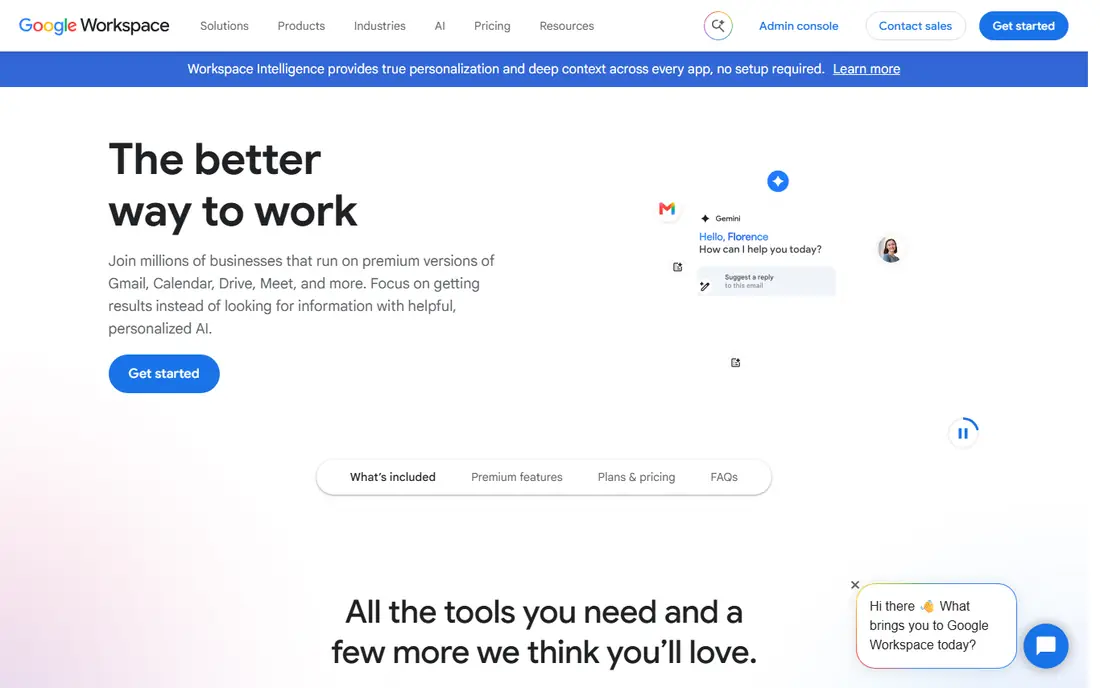
Google Workspace replaces SharePoint and much of Microsoft 365 at once for teams that already use Gmail and Drive. Shared drives hold team files, Docs and Sheets allow real time editing, and Google Sites can host simple internal pages. For many small companies, that combination covers the core intranet jobs without a separate platform.
It is not a full intranet out of the box. Targeted news, employee directories, mandatory reading and detailed engagement analytics need add ons or careful design in Sites and Drive. If your team already lives in Google tools and your intranet needs are simple, Workspace is a low friction swap. If you need a polished employee hub with campaigns, look at the dedicated platforms below.
- Real time co editing in Docs and Sheets
- Shared drives for files
- Google Sites for simple pages
- Not a dedicated intranet platform
- Needs extra work for news targeting and governance
Simpplr is built as a modern intranet and employee experience platform, with a focus on fast rollout and a design that staff actually use. Personalised news, targeted content, people directories and search help employees find updates and resources without digging through folders. Integrations with Microsoft 365, Google Workspace, Slack and Workday help it sit beside tools teams already use.
Pricing is custom and volume based, shaped by employee count, complexity and support level, with a 14 day trial when places are available. Some features are add ons, so ask for a quote that separates the base subscription from search, surveys and video extras. Simpplr suits mid sized companies that want a polished hub and can launch in weeks rather than months.
- Clean, easy to adopt design
- Personalised news and search
- Mobile apps included
- Pricing is quote only
- Some features, such as enterprise search, are paid add ons
LumApps is an employee experience platform aimed at mid sized and large companies, with intranet pages, news, communities and integrations in one place. It connects deeply with Google Workspace and Microsoft 365, so staff can reach apps, docs and news from a single home page. Personalisation by role, location and profile helps large workforces see relevant content first.
Pricing is not published, so early budget work needs a sales quote based on users, features and deployment scope. Configuration can also take time, especially when you need governance, multilingual content or frontline access. LumApps fits larger organisations that want a governed, branded intranet and have the team to run it well.
- Strong Google Workspace and Microsoft 365 integration
- Personalised content
- Analytics
- Quote only pricing
- Setup can be complex for smaller teams
Igloo offers intranet sites, communities, blogs, forums and file sharing in a package that is easier to run than SharePoint for many teams. Editors can publish news, build team spaces and share documents without IT help for every page change. That simplicity helps smaller companies launch a usable intranet without a long project.
The trade off is scale and ecosystem. Igloo does not match the largest platforms on every enterprise feature, and pricing requires a quote, so cost comparison takes a sales conversation. If you want a straightforward intranet with communities and documents, and you value ease of use over deep customisation, Igloo is worth a trial.
- Clear intranet and community tools
- Easy publishing for non technical editors
- Cloud hosted
- Pricing is quote based
- Smaller ecosystem than larger platforms
Workvivo, now part of Zoom, centres on employee communication and engagement, with a social style feed, news, recognition, events and communities. That approach suits companies with deskless or distributed staff who need to feel connected, not just find a document. Mobile access is central, and the feed format encourages regular visits.
It is not the best pure wiki or document store, so teams with heavy technical documentation may still need Confluence or Notion alongside it. Pricing is quote based, which makes early comparison harder. Choose Workvivo when engagement, culture and frontline reach matter more than deep document structure.
- Social feed and recognition tools
- Strong mobile experience
- Good for frontline staff
- Quote only pricing
- Less suited as a pure document wiki
Happeo combines intranet pages, internal communication channels and enterprise search, with a strong focus on Google Workspace. Staff can search across Gmail, Drive and intranet content, follow channels for their team, and read targeted news from one home page. That Google first design makes adoption easier for companies already using Workspace daily.
Microsoft centred teams may find the fit less natural, and full pricing is quote based, so you will need a conversation to model cost for your headcount. Happeo suits Google Workspace companies that want a proper intranet layer on top of Drive and Docs, without moving to a separate document system.
- Tight Google Workspace integration
- Pages, channels and search in one hub
- Good mobile apps
- Less natural for Microsoft centred teams
- Pricing needs a quote for full detail
Unily is an enterprise intranet platform built for large, governed organisations with many regions, languages and audiences. It offers targeted news, mandatory reading, audience segmentation, analytics and integrations with Microsoft 365, Google Workspace, Salesforce and other core systems. Mobile apps with offline access help frontline staff stay informed.
That power comes with enterprise scope and quote only pricing, including a base package plus add ons and services. Small teams will likely find Unily too heavy and too costly for their needs. Large organisations that need control, compliance and consistent communication across a global workforce are the right audience.
- Strong governance and targeting
- Works with Microsoft 365 and Google
- Offline mobile access
- Quote only and enterprise focused
- Likely too heavy and costly for small teams
How we picked these
We compared official feature pages, pricing pages and independent intranet comparisons, focusing on tools that can serve as a company intranet in October 2026. We included wikis, workspaces and dedicated intranet platforms, because SharePoint serves all three jobs for different teams. We excluded SharePoint itself, discontinued tools and products that only offer chat or project tracking without intranet pages. Where pricing is quote only, we say so rather than guessing a figure.
Choosing an intranet that staff will actually use
A good intranet is judged by visits and finds, not by launch day design. Start with the three jobs your staff do most, such as finding a policy, reading company news or locating a colleague, and test each shortlisted platform on those tasks.
Decide on wiki, workspace or employee hub
Wikis suit documentation heavy teams. Flexible workspaces suit small teams that build their own structure. Employee hubs suit larger companies that need news targeting, mobile access and engagement. Picking the wrong category is the most common reason intranet projects fail, even when the software itself is good.
Test search, mobile and ownership
Ask vendors to show search on your real content types, not just demo pages. Check the mobile app on a phone, especially for frontline staff. Agree page owners and review dates before launch, and plan who will archive stale content. These steps matter more than a long feature list.
Get comparable quotes
For quote only platforms, request the same details from every vendor: user count, licence types, included features, add ons, implementation, migration and support. Ask how frontline or read only users are counted, because that rule can change the total cost sharply. A clear written quote makes the final choice fair and defensible.
Frequently asked questions
What are the best alternatives to SharePoint for intranet?
Confluence and Notion are strong wiki and workspace options, while Simpplr, LumApps, Workvivo, Happeo and Unily are dedicated intranet platforms. Google Workspace suits teams that already use Gmail and Drive and need simple internal pages. The best choice depends on team size, document needs and whether news targeting matters.
Is there a free SharePoint alternative for intranet?
Yes, for small teams. Confluence offers a free plan for up to 10 users, and Notion offers a free plan with limits for team workspaces. Google Sites is available inside Google Workspace plans, but Workspace itself is paid. Larger dedicated intranets usually require a paid quote, though some offer a free trial.
Can I migrate from SharePoint to another intranet?
In most cases, yes, but migration effort varies. Pages, files and permissions often need mapping, and some SharePoint lists and workflows have no direct match in a new tool. Ask each vendor about migration services, test with a small site first, and keep SharePoint read only during the move so staff do not edit two versions at once.
Which SharePoint intranet alternative is best for large companies?
LumApps and Unily suit large, governed organisations with many audiences and regions. Simpplr and Workvivo also serve larger workforces, with Simpplr leaning to a classic intranet and Workvivo leaning to engagement. Large companies should run a pilot with real content and real user groups before signing a multi year deal.
Do intranet alternatives work with Microsoft 365 or Google Workspace?
Many do. Confluence, Simpplr, LumApps, Happeo and Unily list integrations with Microsoft 365, Google Workspace, Slack and HR systems. Check the exact integration you need, such as single sign on, document search or user sync, because a logo on a vendor page does not always mean deep integration for your use case.
Sources
See where you really rank - block by block
ProMapRanker scans Google Maps across a grid of your service area. Simple monthly plans from $19, white-label on every plan.
Start freeKeep reading
 zoro.to alternatives
Best Zoro.to Alternatives in 2026
We compare the best zoro.to alternatives in 2026, listing only legal licensed anime streaming services, from Crunchyroll to free options for fans today.
Read → zip alternatives
Best Zip Alternatives in 2026
We compare the best zip alternatives for buy now, pay later in 2026, covering pay-in-4 plans, fees, spending limits, and credit reporting options today.
Read → yesware alternatives
Best Yesware Alternatives in 2026
Compare the best yesware alternatives for sales email tracking, templates, and sequences, with current pricing and honest tradeoffs for small sales teams.
Read →