 ProMapRanker
Alternatives to Rollup in 2026

Key takeaways
- CoinStats is our pick for most people, since it covers exchanges, wallets, and DeFi in one dashboard.
- DeFi-heavy users should look at Zerion or DeBank first, as both read wallet positions directly.
- CoinTracker and Koinly are the stronger choices when tax reporting matters more than a daily dashboard.
- Delta and Kubera suit people who want crypto tracked next to stocks and other assets.
- Use read-only connections only, and never give a tracker permission to trade or withdraw.
Quick comparison
| Pick | Great for | Pricing starts at | Free tier | |
|---|---|---|---|---|
 CoinStats | All-round exchange and wallet tracking | Free | Yes | Visit |
 Delta | Crypto plus stocks in one app | Free | Yes | Visit |
 Zerion | DeFi positions across chains | Free | Yes | Visit |
 DeBank | Deep DeFi research | Free | Yes | Visit |
 CoinTracker | US tax reporting | Free | Yes | Visit |
 Koinly | Tax reports across countries | Free | Yes | Visit |
 CoinMarketCap Portfolio | Simple manual tracking | Free | Yes | Visit |
 Kubera | Full net worth tracking | $250 per year | No | Visit |
The best alternatives to Rollup
Rollup is best known as a crypto portfolio tracker, so this guide compares tools that do the same core job: pull balances together, show profit and loss, and keep a record of what you own. We left Rollup itself off the list, as requested, and focused on services that are live and working in October 2026.
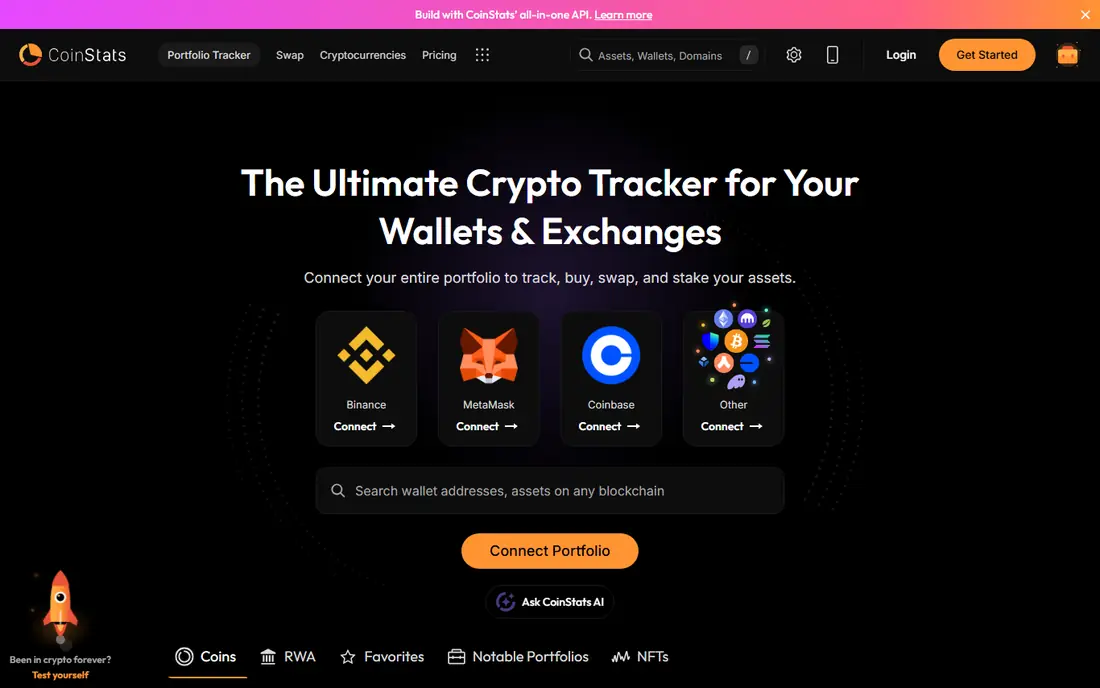
CoinStats is the easiest starting point for most people leaving a single tracker. It connects to exchanges through read-only API keys and to wallets through public addresses, so holdings spread across several venues land in one portfolio view. Profit and loss, allocation charts, and transaction history are all in the same place, which makes it simple to see where gains and losses are coming from.
The free plan covers basic tracking, while paid plans add more portfolios, higher transaction limits, and extra tools. That tiered setup is the main catch. Casual holders will likely be fine on the free plan, but active traders with many transactions will probably need to pay. Check which exchanges you use before switching, since coverage is the detail that decides whether a tracker actually saves time.
- Wide exchange and wallet support
- Profit and loss and allocation views
- Tax report features on paid plans
- The most useful features sit behind a paid plan
- Smaller chains can sync less reliably

Delta suits investors who do not want a separate app for every asset class. Crypto sits next to stocks, ETFs, and funds, so one dashboard can show a fuller picture of a portfolio. The mobile app is clear and quick to read, which matters when you check balances often and want the headline numbers without digging through menus.
The trade-off is depth. The free plan caps the number of assets you can track, and people with large or varied holdings will hit that limit fast. Tax reporting is also thinner here than on CoinTracker or Koinly. Delta is a good daily dashboard, but it works best paired with a tax tool if you file in a country with detailed crypto reporting rules.
- Tracks crypto alongside stocks, ETFs, and funds
- Clean mobile app
- Exchange sync on paid plans
- Free plan limits the number of assets
- Tax features are less deep than specialist tools

Zerion is built around wallets rather than exchanges. Point it at a wallet address and it shows tokens, staking positions, liquidity pools, and debts across supported chains, which is exactly the view that exchange-focused trackers often miss. The interface reads well on mobile, and NFT holdings appear in the same portfolio instead of living in a separate app.
The limit is the other side of that design. Zerion does not read balances held on centralized exchanges, so exchange-heavy users will need a second tracker or manual entries to get a complete picture. Paid plans add extras, but core tracking stays free. If most of your activity happens on-chain, Zerion is one of the strongest free options available.
- Strong DeFi position tracking
- Wallet-first design
- NFT holdings shown alongside tokens
- No centralized exchange sync
- Premium features cost extra
DeBank goes deeper into DeFi positions than most general trackers. It breaks down lending, borrowing, staking, and liquidity positions protocol by protocol, which helps when a single wallet holds positions across many apps. Wallet profiles also make it useful for research, since you can follow activity on addresses you watch, not only your own.
That depth comes with a narrower focus. DeBank centers on EVM-compatible chains, so holdings on other networks may not appear. It also does not track centralized exchange balances, and the dense interface can overwhelm someone who only wants a simple total. For DeFi users who want detail over simplicity, though, it is hard to beat at its free price.
- Detailed DeFi position breakdowns
- Wallet profiles and activity feeds
- Free core tracking
- Focused on EVM chains
- No exchange balances
- Interface can feel dense for beginners
CoinTracker is the pick when the main job is tax time rather than daily checking. It syncs exchanges and wallets, reconciles transactions, and produces tax reports and forms used by US filers. The portfolio dashboard is solid too, with profit and loss and allocation views, so it can serve as an everyday tracker as well as a tax tool.
The catch is that the free plan only goes so far. Full tax reports sit behind paid plans, and the price rises with transaction volume, so heavy traders should check the tier that fits their history before committing. If you trade on several exchanges and dread rebuilding a transaction history by hand, CoinTracker is worth the cost. If you only hold a few coins, a free tracker plus a manual record may be enough.
- Strong US tax form support
- Exchange and wallet sync
- Portfolio tracking included
- Tax features require a paid plan
- Free plan is mainly a preview of the dashboard
Koinly plays a similar role to CoinTracker, with a broader international focus. It supports tax reports for many countries, syncs a wide range of exchanges and wallets, and includes a portfolio view for everyday checking. For users outside the US, that country coverage is often the deciding factor, since tax rules and report formats differ a lot by location.
As with CoinTracker, the free plan lets you see your portfolio but tax reports are paid. Importing a long history can also surface mismatches that need manual review, especially where transfers between your own wallets were not labelled clearly. Budget some time for that cleanup in the first month. Once the history is clean, later years tend to run much more smoothly.
- Tax reports for many countries
- Wide exchange and wallet support
- Portfolio dashboard included
- Tax reports require a paid plan
- Reviewing mismatched transactions takes time
CoinMarketCap Portfolio is the low-effort option. If you already check prices on CoinMarketCap, adding holdings to its portfolio tool takes minutes, and the price data behind it is broad. It suits people with a small number of holdings who want a running total and basic profit and loss without connecting exchanges or paying for a subscription.
The simplicity is also the limit. Tracking is largely manual, so balances do not update when you trade unless you enter the trade. DeFi positions are not broken down the way Zerion or DeBank break them down, and tax reporting is not the point of the tool. Use it as a quick watchlist with totals, not as a record-keeping system for a complex portfolio.
- Free and easy to start
- Huge price database
- No new account needed if you already use the site
- Mainly manual entry
- No deep DeFi position detail
- Limited tax support
Kubera is for people whose question is not only how their crypto is doing, but how their whole financial picture looks. Crypto sits next to bank accounts, brokerage accounts, property, and other assets, giving a single net worth figure. That breadth makes it a different kind of tool from the rest of this list, and for households that want one dashboard for everything, it can replace several apps at once.
The price is the obvious barrier. There is no free plan, and $250 per year is a lot if crypto is your only asset class. Tax reporting is also not the focus, so filers will still need a specialist tool at tax time. Kubera earns its place here for net worth tracking, not as a cheap crypto-only tracker.
- Tracks crypto next to bank accounts, property, and other assets
- Clean net worth view
- Supports many asset types
- No free plan
- Price is high if you only track crypto
- Tax reporting is not its focus
How we picked these
We compared official feature pages, pricing pages, and app store listings, plus public guides updated in 2026, and kept only trackers that are live and working now. We favored tools with read-only connection options, clear free or paid tiers, and coverage that matches a real use case, whether that is DeFi, tax, or multi-asset tracking. We did not claim hands-on testing, and we did not list Rollup itself.
What to check before you switch
Start with where your assets actually live. Exchange-heavy holders need exchange sync, DeFi users need wallet and protocol coverage, and people with both need either one broad tool or two specialist tools. Check the supported exchange and chain lists on the vendor site before you move anything, since a missing connection can leave a gap in your totals.
Connections and privacy
Use read-only API keys and never enable trading or withdrawal permissions on a tracker. Wallet tracking only needs a public address, so a tool that asks for a private key or seed phrase should be treated as unsafe and avoided. Review which permissions you granted, and remove old connections when you stop using a tool.
Tax and record keeping
If you trade often, pick a tool with tax reports for your country and export your transaction history regularly. Free dashboards are fine for checking balances, but they do not always keep a full historical record. A yearly export to a file you control protects you if a service changes its plans or closes.
Frequently asked questions
What is the best alternative to Rollup?
CoinStats is our pick for most people, because it covers exchanges, wallets, and DeFi in one place with a useful free plan. DeFi-focused users should try Zerion or DeBank first, and anyone whose main need is tax reporting should look at CoinTracker or Koinly instead.
Are crypto portfolio trackers safe to use?
They are safer when you use read-only connections. Exchange sync should use API keys with trading and withdrawals disabled, and wallet tracking should only need a public address. Never share a private key or seed phrase with a tracker, and turn on two-factor authentication on both the tracker and your exchanges.
Can one tracker cover exchanges and DeFi?
Yes, but with limits. CoinStats covers both better than most single tools, while Zerion and DeBank go deeper on DeFi and CoinTracker goes deeper on tax. People with complex holdings often run one general tracker plus one specialist tool, and that pairing usually gives a more complete picture than either tool alone.
Do I need to pay for a crypto portfolio tracker?
Not always. CoinStats, Delta, Zerion, DeBank, and CoinMarketCap Portfolio all offer free tracking that suits simple portfolios. Paid plans matter when you have many transactions, many portfolios, or need tax reports, so start free and upgrade only when you hit a limit that affects you.
What is the difference between a tracker and a tax tool?
A tracker shows what you own and how it is performing. A tax tool reconciles your transaction history and produces reports for filing. Some products do both, including CoinTracker and Koinly, but their tax reports sit behind paid plans, while pure trackers may offer no tax output at all.
Sources
See where you really rank - block by block
ProMapRanker scans Google Maps across a grid of your service area. Simple monthly plans from $19, white-label on every plan.
Start freeKeep reading
 who has the best home internet service
Who Has the Best Home Internet Service in 2026
Who has the best home internet service in 2026? Compare fiber, cable, and 5G providers on speed, price, data caps, and availability at your address today.
Read → visio alternatives
Best Visio Alternatives in 2026
Compare 9 Visio alternatives for flowcharts, org charts, and network diagrams, with free plans, pricing, and the best pick for teams and solo users in 2026.
Read → top 10 logistics software
Top 10 Logistics Software in 2026
We compared the top 10 logistics software tools for transport, warehousing, visibility and shipping, for shippers, carriers and 3PL teams in 2026 today.
Read →