 ProMapRanker
Alternatives to QuickBooks Desktop in 2026

Key takeaways
- Sage 50 and AccountEdge Pro are the closest true desktop replacements, with local files and inventory depth.
- GnuCash and MoneyWorks Gold suit owners who want desktop accounting without a large subscription.
- QuickBooks Online, Xero, Zoho Books, FreshBooks, and Wave are cloud-only, so they need a reliable internet connection.
- Desktop software is now usually subscription-based, not a one-time purchase, so check licence terms before buying.
Quick comparison
| Pick | Great for | Pricing starts at | Free tier | |
|---|---|---|---|---|
 Sage 50 | Desktop inventory and job costing | $128.67 per month | Free trial | Visit |
 AccountEdge Pro | Desktop accounting for Mac and Windows | $20 per month | Free trial | Visit |
 GnuCash | Free desktop double-entry accounting | Free | Yes | Visit |
 MoneyWorks Gold | Desktop accounting for small teams | See website | Free trial | Visit |
 QuickBooks Online | Cloud accounting accountants know well | $38 per month | Free trial | Visit |
 Xero | Cloud accounting with unlimited users | $27 per month | Free trial | Visit |
 Zoho Books | Cloud accounting with a free plan | Free | Yes | Visit |
 FreshBooks | Cloud invoicing for service businesses | $23 per month | Free trial | Visit |
 Wave | Cloud invoicing at zero starting cost | Free | Yes | Visit |
The best alternatives to QuickBooks Desktop
QuickBooks Desktop users often want the same control over a local file, plus inventory, payroll, or job costing. This list labels each option plainly as desktop or cloud-only, since that choice affects daily work, backups, and remote access.
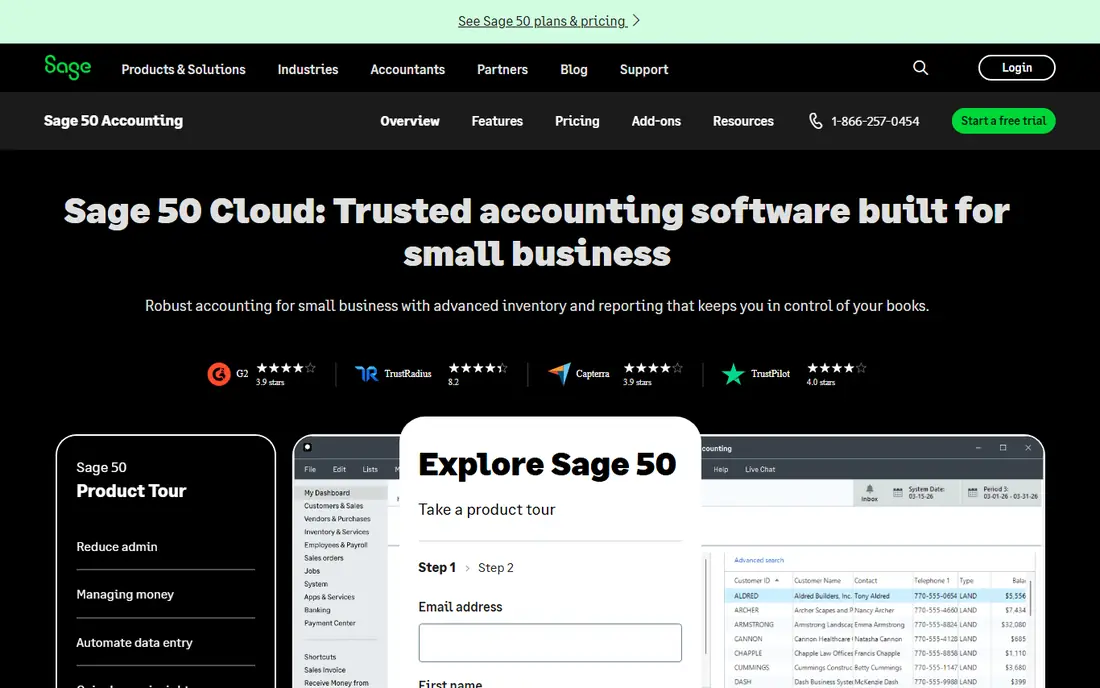
Sage 50 is the strongest desktop pick for inventory-heavy businesses. Pro plans cover first-in, first-out and last-in, first-out costing, and higher plans add serialized inventory and job costing by phase and cost level. That depth suits manufacturers, distributors, and contractors who need cost accuracy, not just invoices.
The price and terms need care. Entry pricing is high compared with cloud tools, and Sage describes plans as an annual subscription with a licence lease, so access lasts only while payments continue. Mac owners should note that Sage lists no macOS version of Sage 50 Desktop. For Windows teams with inventory depth needs, Sage 50 remains the closest desktop match.
- Desktop-based with cloud-connected features
- Strong inventory costing
- Job costing and budgeting
- High entry price
- Windows-focused, with no macOS version noted
- Annual subscription, not a perpetual licence
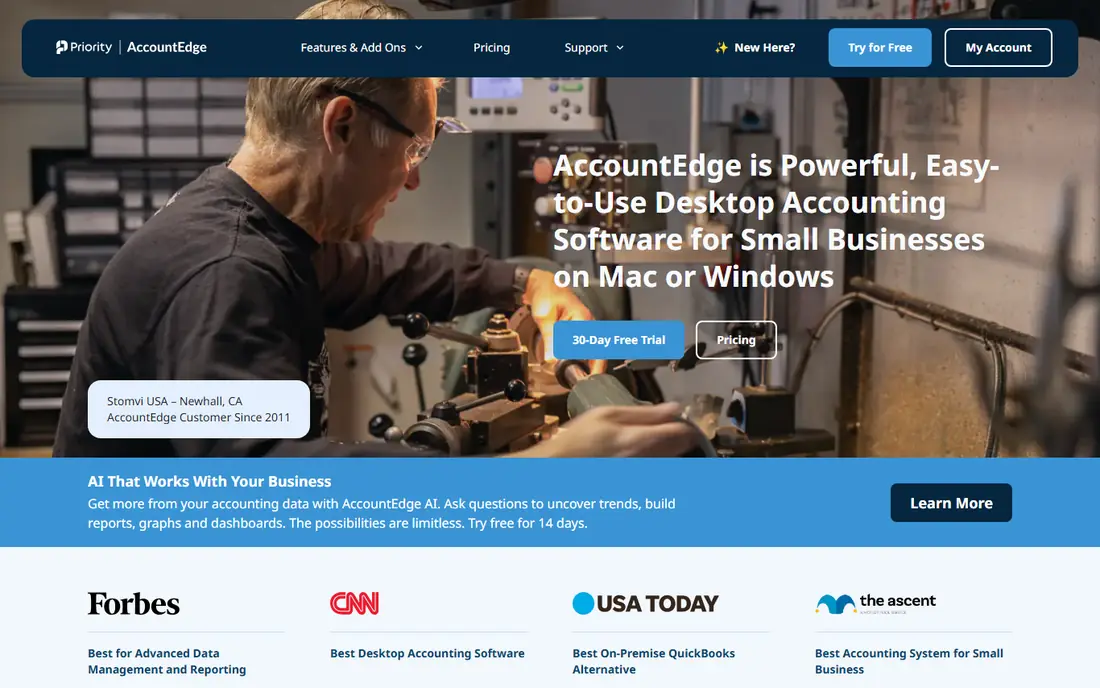
AccountEdge Pro suits owners who want a local file they control, on Mac or Windows. The base plan costs $20 a month for one user, with a Network Edition for multi-user access, and the feature set covers banking, sales, purchases, payroll, inventory, time billing, and reporting. Ten company files are included, and an accountant copy helps outside accountants review the books.
Limits are modest. The base plan covers one user, and mobile access is thinner than cloud tools offer. The interface looks older than modern cloud dashboards, though the command-center layout is straightforward once learned. For owners who value local data and a modest price, AccountEdge Pro is a strong desktop choice.
- True desktop software for Mac and Windows
- Local company files
- Payroll and inventory included
- Single user on the base plan
- Mobile features are limited
- Design feels dated to some users
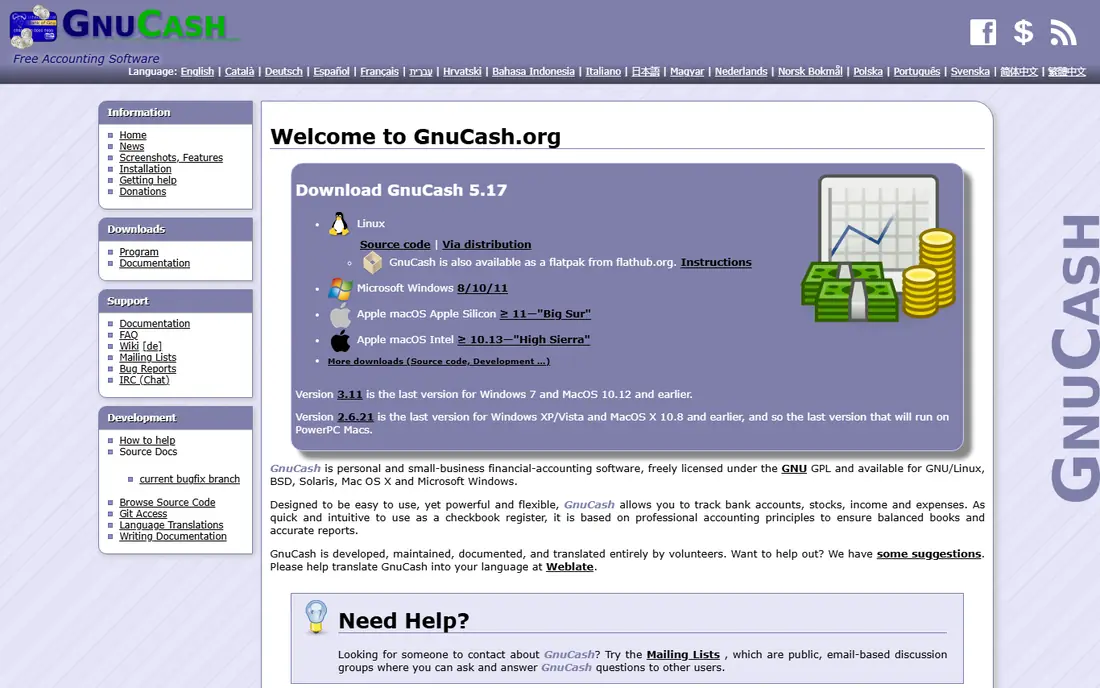
GnuCash is the free desktop option for owners comfortable with double-entry bookkeeping. It runs locally, costs nothing, and covers accounts, transactions, invoicing, budgeting, and reports without a subscription. Small businesses, clubs, and sole owners who want full control over their data often pick it as a first step off QuickBooks Desktop.
The trade-offs are support and polish. There is no built-in payroll service, and the interface feels technical compared with paid tools. Help comes from community documentation rather than a support phone line. For owners who can handle setup themselves, GnuCash offers real accounting at zero cost.
- Free and open source
- True double-entry accounting
- Local files with no subscription
- No built-in payroll
- Interface feels technical
- Support comes from community docs and forums
MoneyWorks Gold suits small teams that want desktop accounting on Mac or Windows with multi-user access. The feature set covers general ledger, invoicing, inventory, and job tracking, and the desktop focus keeps files local. Teams that already work in an office network often find the setup familiar.
Pricing varies by licence type and user count, so check the vendor site for the exact cost at your team size. US support presence is smaller than Intuit or Sage, and cloud access requires a separate setup rather than a built-in browser version. For desktop-first teams that want a capable alternative, MoneyWorks Gold deserves a trial.
- Desktop software for Mac and Windows
- Multi-user options
- Inventory and job features
- Pricing varies by licence
- Smaller US support presence
- Cloud access needs a separate setup
QuickBooks Online is cloud-only, so it does not replace the desktop experience, but it is the easiest move for teams that want to stay with Intuit. US accountants know it well, payroll add-ons integrate cleanly, and the app marketplace covers many business tools. Simple Start costs $38 a month, with Essentials, Plus, and Advanced above it.
User limits matter. Simple Start covers only 1 user, so teams need higher tiers for multiple logins. Data lives in the cloud, which helps remote teams but requires internet access. Owners who want to stay in the Intuit ecosystem and accept cloud software will find this the smoothest transition.
- Widely known by US accountants
- Payroll add-ons
- Broad app integrations
- Cloud-only, not desktop software
- Simple Start covers only 1 user
- Price rises across tiers
Xero is cloud-only, but it removes the per-seat math that frustrates growing teams. Every plan allows unlimited users, which helps businesses with an outside accountant, a bookkeeper, and staff who all need access. Bank reconciliation is clean, and reporting covers the core needs of most small businesses.
Plan caps need checking. Early costs $27 a month and caps invoices at 20 a month and bills at 5 a month, so busier businesses need Growing or Established. Multi-currency also sits on higher plans. For cloud teams that hate per-user fees, Xero is a strong, accountant-friendly pick.
- Unlimited users on every plan
- Clean bank reconciliation
- Strong accountant access
- Cloud-only, not desktop software
- Early plan caps invoices and bills
- Multi-currency needs a higher plan
Zoho Books is cloud-only, but its free plan makes it the cheapest starting point for very small businesses. The free tier suits businesses under $50,000 in revenue, and paid Standard plans start at $20 a month. Automation, workflows, and client portals help small teams run invoicing and expenses without manual work.
Free plan limits include annual invoice caps, so growing businesses will move to paid tiers. Payroll sits in Zoho Payroll on higher plans rather than inside Books itself. Teams already in Zoho will get the most value, while teams outside Zoho should compare Xero for broader accountant familiarity.
- Free plan for businesses under $50,000 revenue
- Automation and workflows
- Zoho suite integration
- Cloud-only, not desktop software
- Free plan has invoice caps
- Payroll needs Zoho Payroll on higher plans
FreshBooks is cloud-only and invoicing-first, which suits freelancers and service businesses that bill clients by time or project. Lite costs $23 a month and covers 5 billable clients, with Plus and Premium above it for more clients. Proposals, time tracking, and expense capture make client billing smooth.
Accounting depth is thinner than Sage 50 or Xero, and Lite client caps force an upgrade sooner for busy firms. Businesses with inventory or complex job costing should pick a desktop tool or Xero instead. Service businesses that live by invoices will find FreshBooks fast and pleasant to use.
- Polished invoicing and time tracking
- Client-friendly proposals
- Project tools for services
- Cloud-only, not desktop software
- Lite covers only 5 billable clients
- No full double-entry depth on entry plans
Wave is cloud-only, but its free Starter plan covers invoicing and basic bookkeeping at zero cost. That makes it a practical first step for solo owners and side businesses that need invoices without a monthly bill. Pro costs $19 a month and adds bank auto-import and receipt capture.
Limits are clear. Bank auto-import and receipt capture sit on Pro, not Starter, and Wave focuses on US and Canadian businesses. Inventory and payroll depth are thinner than desktop tools. For very small businesses watching every dollar, Wave offers a genuine free start.
- Free Starter plan for invoicing
- Simple expense tracking
- Low-cost Pro upgrade
- Cloud-only, not desktop software
- Bank auto-import needs Pro
- US and Canada focus
How we picked these
We compared official pricing pages and product pages for desktop accounting software and desktop-capable alternatives, plus the cloud tools most QuickBooks Desktop users actually consider. We labeled each option as desktop or cloud-only, and we favored tools with a published price or free plan, clear user limits, and a distinct fit, from free desktop books to inventory-heavy desktop accounting. We did not claim hands-on testing.
What to check before you move
Start with the desktop question. If you need a local file, offline access, or inventory depth, shortlist Sage 50, AccountEdge Pro, GnuCash, and MoneyWorks Gold first. If remote access and accountant collaboration matter more, shortlist the cloud tools and accept that they need internet access. Do not assume a cloud tool will work offline, and do not assume a desktop tool will support remote staff without extra setup.
Next, test migration with a real company file. Export chart of accounts, customers, vendors, items, and open balances from QuickBooks Desktop, then import a sample into the new tool and reconcile one month before moving everything. Check payroll, inventory costing, and tax report needs in the trial, since those gaps are costly to fix after cutover. This is general software guidance, not financial or tax advice, and your accountant should review the final setup.
Frequently asked questions
What is the best desktop alternative to QuickBooks Desktop?
Sage 50 is best for inventory-heavy desktop work, while AccountEdge Pro is best for Mac and Windows owners who want a local file at a lower price. GnuCash suits owners who want free desktop double-entry accounting and can handle setup themselves. Pick based on inventory needs, platform, and budget.
Are there cloud-only alternatives to QuickBooks Desktop?
Yes. QuickBooks Online, Xero, Zoho Books, FreshBooks, and Wave are all cloud-only, so they run in a browser and need internet access. They suit remote teams and businesses that share books with an outside accountant. They do not provide a local desktop file.
Can I still buy desktop accounting software outright?
Most desktop accounting software is now subscription-based, even when it installs locally. Sage 50 uses an annual subscription licence, and AccountEdge Pro bills monthly. Check licence terms on the vendor site before buying, since cancelling can limit access to your own data.
Which alternative is best for Mac users?
AccountEdge Pro is best for Mac users who want true desktop software, since it runs natively on macOS and Windows. GnuCash and MoneyWorks Gold also run on Mac. QuickBooks Desktop for Mac Plus 2023 lost service after 31 May 2026, so Mac owners should not plan around that version.
How do I migrate from QuickBooks Desktop?
Export your chart of accounts, customers, vendors, items, and open balances, then import them into the new tool and reconcile one month before full cutover. Some tools offer a QuickBooks import tool or a paid conversion service. Keep a backup of your old company file until the new books reconcile cleanly.
Which alternative is cheapest?
GnuCash is cheapest at zero cost for desktop accounting, and Wave and Zoho Books offer free cloud plans for very small businesses. AccountEdge Pro at $20 a month is the cheapest paid desktop option on this list. Compare total cost at your user count, since per-user and tier limits change the bill fast.
Sources
See where you really rank - block by block
ProMapRanker scans Google Maps across a grid of your service area. Simple monthly plans from $19, white-label on every plan.
Start freeKeep reading
 zscaler alternatives
Best Zscaler Alternatives in 2026
Looking for zscaler alternatives? We compare 9 SASE and zero trust platforms on architecture, data protection, pricing, and fit for your network and team.
Read → zapier alternatives free
Best Zapier Alternatives Free in 2026
Nine automation tools for zapier alternatives free in 2026, all with genuinely free tiers, plus free plan limits, starting prices and upgrade paths explained.
Read → which platform is best for online reputation
Which Platform Is Best for Online Reputation in 2026
Wondering which platform is best for online reputation? We compare 8 review, listing, and response tools for small and multi-location businesses and agencies.
Read →