 ProMapRanker
Alternatives to Power BI in 2026


Polished interactive dashboards · Pricing starts at: $15 per user per month
Key takeaways
- Tableau is the strongest direct replacement for polished, interactive dashboards, but its creator seats cost more than entry-level options.
- Looker Studio is the best free starting point, especially for teams already using Google tools and spreadsheets.
- Zoho Analytics and Metabase give small teams real dashboards at a much lower price, with Metabase offering a free self-hosted edition.
- Pricing models differ sharply, so compare per-user fees, viewer fees, and quoted enterprise pricing before you shortlist.
Quick comparison
| Pick | Great for | Pricing starts at | Free tier | |
|---|---|---|---|---|
| Tableau | Polished interactive dashboards | $15 per user per month | Free trial | Visit |
 Looker Studio | Free Google-based reporting | Free | Yes | Visit |
 Qlik Sense | Associative analysis and exploration | $30 per user per month | Free trial | Visit |
 Sisense | Embedded analytics for products | See website | Free trial | Visit |
 Domo | All-in-one data and dashboards | See website | Free trial | Visit |
 Zoho Analytics | Small teams on a budget | $30 per month | Yes | Visit |
 Metabase | Simple self-service dashboards | Free | Yes | Visit |
 ThoughtSpot | Search-style questions in plain language | $25 per user per month | Free trial | Visit |
The best alternatives to Power BI
Teams leave their current dashboard tool for different reasons: cost, ease of use, data sources, or the need to embed charts in a product. We compared official pricing pages, feature pages, and documentation for eight tools that cover those reasons, and we left the named product itself out of the list, as an alternatives roundup should.
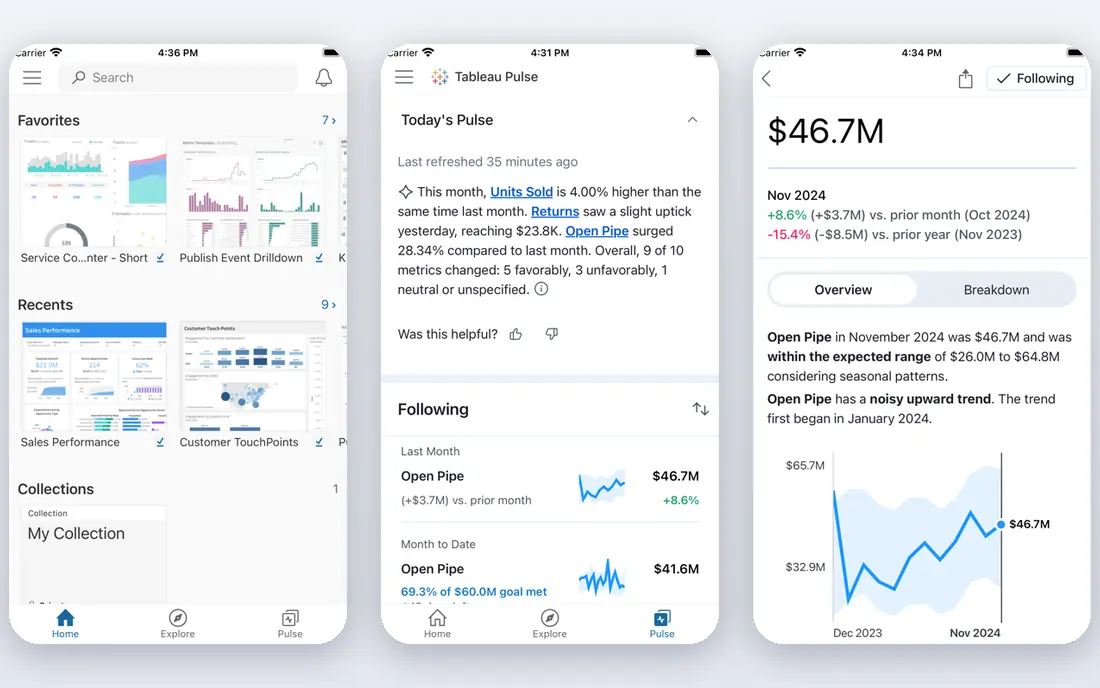
Tableau is the most obvious replacement when dashboard quality is the priority. Its drag-and-drop analysis makes it easy to build views that invite readers to filter, drill down, and explore, rather than simply reading a static chart. The community, training material, and connector library are deep, which helps new analysts get productive without a long ramp.
Licensing is where teams need care. Viewer seats start low, but people who build and publish dashboards need higher-priced creator seats, and the total depends on how many builders versus readers you have. Small teams with one builder and many readers can keep costs in check, while teams where everyone builds should model the full seat mix before committing.
- Strong visual analysis and interactivity
- Large community and learning resources
- Broad data connectors
- Creator seats are pricey
- Viewer and explorer tiers add complexity to licensing
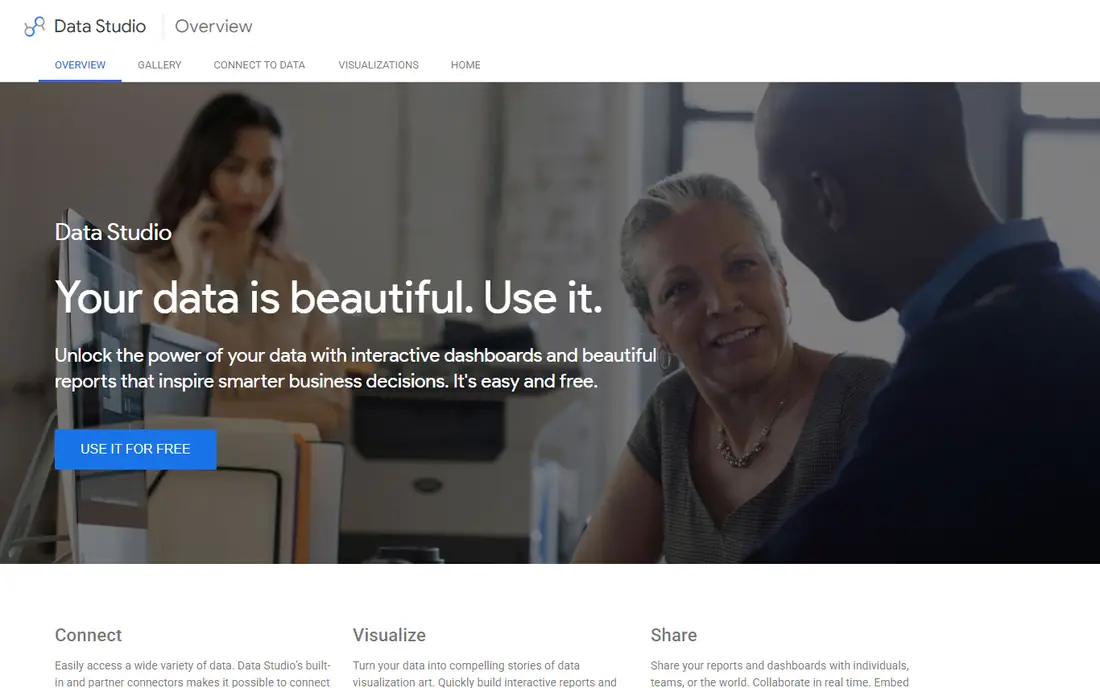
Looker Studio, formerly Google Data Studio, is the easiest free replacement to try. It connects cleanly to Google Sheets, Google Analytics, BigQuery, and many marketing sources, and reports can be shared with a link. For a small business that already lives in Google tools, a useful dashboard can be live in an afternoon without a budget discussion.
Advanced needs show its limits. Data modeling, governance, and complex calculations are thinner than in Tableau or Qlik, and very large or messy data sets can slow reports down. It also makes most sense inside a Google-centered workflow. As a free starting point or a companion reporting tool, though, it is hard to fault.
- Free for most reporting
- Easy Google Sheets and Analytics connections
- Simple sharing
- Fewer advanced modeling features
- Performance can slow on very large data sets
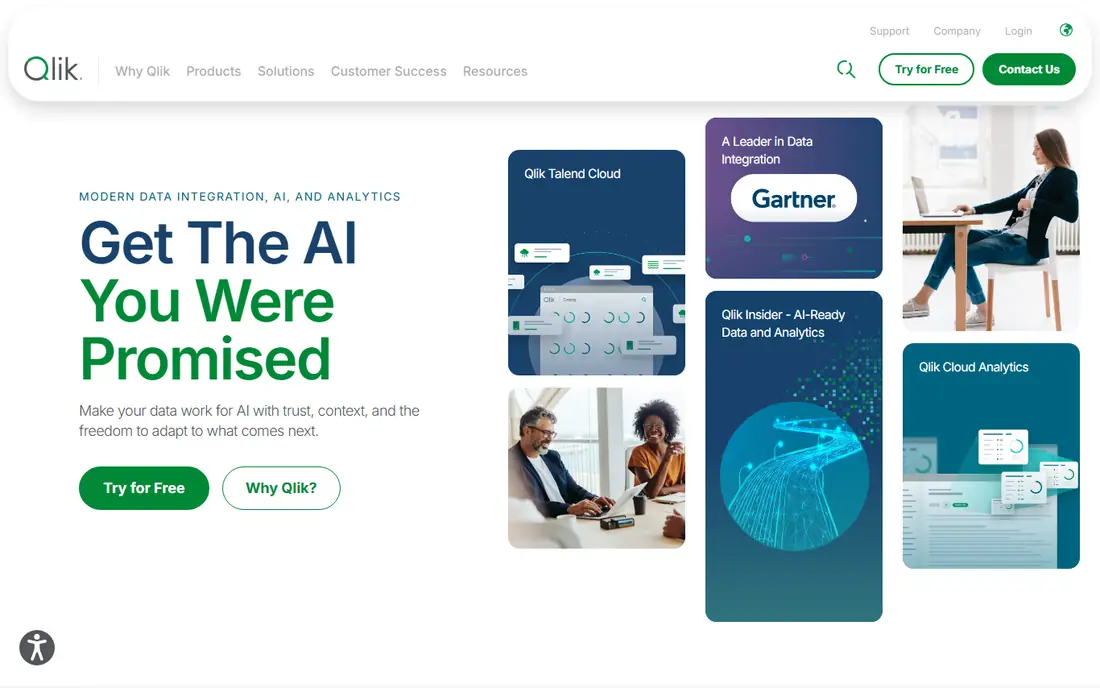
Qlik Sense takes a different approach to exploration. Its associative engine keeps related values visible as you filter, so a user can see what is excluded as well as what is included, which often reveals patterns that a simple filter would hide. That makes it a strong pick for analysts who explore data freely rather than reading fixed reports.
Buyers should ask for a clear quote that matches their user mix, because Qlik sells both per-user and capacity options and the published entry price does not tell the whole story. Data loading can also involve scripting for complex sources, so teams without a data-savvy member may need help at setup. Once running, it rewards curious users more than most tools here.
- Associative engine surfaces related data as you filter
- Strong self-service exploration
- Good mobile apps
- Pricing tiers and capacity options can confuse buyers
- Learning curve for script-based loads
Sisense is the pick on this list when dashboards need to live inside your own product. Software companies embed Sisense charts and reports for their customers, with branding and access controls that keep each customer inside their own data. It also copes with large volumes and varied sources, which suits products that grow quickly.
Pricing is quoted rather than published, so budget planning needs a sales conversation and a clear scope. Implementation is also heavier than signing up for a self-service tool, especially for embedded use with custom security rules. If your goal is internal reporting for a small team, a cheaper tool will do. If customers will see the dashboards, Sisense earns its place.
- Strong embedded dashboards for customer-facing products
- Handles large data volumes
- Flexible data preparation
- Quote-only pricing
- Implementation can be a project, not a quick trial
Domo bundles data connectors, preparation, dashboards, and alerts into one cloud platform, which appeals to leaders who want a single place for company numbers. Its executive dashboards and mobile apps are polished, and the connector library covers common business systems without a separate data pipeline tool. Teams that want answers fast, without assembling several tools, often like that completeness.
The cost model is the main caution. Pricing is quoted and can include consumption elements, so a small team should ask exactly what is included and what drives the bill up. Domo fits mid-size and larger companies with a real reporting budget better than it fits a startup watching every dollar. For that audience, the all-in-one scope can save real staff time.
- Connectors, preparation, and dashboards in one platform
- Strong executive dashboards
- Mobile access
- Quote-only pricing with consumption elements
- Can be expensive for small teams
Zoho Analytics is the value pick for small teams that need proper dashboards without enterprise pricing. The free tier covers two users, and paid plans start low, with dashboards, reports, and an AI assistant that answers plain-language questions about the data. Connectors cover Zoho apps plus common tools such as spreadsheets, databases, and marketing platforms.
It will not match Tableau for deep visual analysis or Qlik for free-form exploration, and teams outside the Zoho ecosystem get less of the integration benefit. But for a small business that wants scheduled reports, shared dashboards, and a clear monthly price, Zoho Analytics delivers a lot for the money. Check the user and row limits on each plan before building widely.
- Low entry price with a free tier
- Many built-in connectors
- AI assistant for questions
- Depth lags Tableau for complex analysis
- Best value inside the Zoho ecosystem
Metabase is loved by small data teams for a simple reason: non-technical people can ask questions and build charts without learning a query language. The question builder guides users through tables, filters, and summaries, and dashboards can be shared or embedded with modest effort. The open-source edition is free to self-host, which makes it a genuine low-cost option.
Self-hosting is also the catch. Someone must install, update, and back up the server, and advanced permissions, single sign-on, and usage analytics sit on paid cloud or enterprise plans. Teams with a technical member and a modest budget often find that trade-off worthwhile. Teams with no one to run a server should price the hosted plan instead.
- Free open-source edition for self-hosting
- Easy question builder for non-technical users
- Simple sharing
- Advanced governance and permissions sit on paid plans
- Self-hosting needs technical upkeep
ThoughtSpot lets business users type a question, such as sales by region last quarter, and get a chart back without building a dashboard first. That search-style approach suits leaders and sales teams who want answers on demand rather than waiting for an analyst. Its AI features extend that idea, suggesting follow-up questions and explanations.
The catch is preparation. ThoughtSpot works best when data is modeled cleanly beforehand, with clear measures and dimensions, so a team with messy sources should budget setup time. Higher tiers and enterprise features are also quoted, so the entry price is only a starting point. For companies where many people ask their own questions, that investment can pay off quickly.
- Search-like interface for business users
- AI-assisted answers
- Strong for large data sets
- Needs a well-modeled data layer to shine
- Enterprise features are quoted
How we picked these
We compared official pricing pages, feature pages, and documentation for each tool in October 2026, and we favored tools that are actively sold and supported today. We included free, low-cost, and enterprise options so readers at different budgets can compare fairly. We did not claim hands-on testing, and we wrote "See website" where pricing is quoted rather than published.
How to choose among these alternatives
Start with who will build and who will read. A tool with cheap viewers and pricey builders suits a team with one analyst and many readers, while a tool with simple self-service suits a team where everyone asks questions. Count both groups before comparing prices, since the seat mix changes the total more than any single plan price.
Test with your real data, not a demo set
Vendor demos use clean, tidy data, and your data will not be that kind. Load a real report during the trial, including a messy source and a large table, and check refresh speed, filtering, and sharing. Ask how scheduled refreshes, row-level security, and mobile viewing work for your exact setup, since those details decide daily use.
Check embedding and sharing early
If dashboards will live inside a product or a customer portal, shortlist Sisense, ThoughtSpot, and Metabase first and test their embedding and permissions. If reports are internal only, sharing links and scheduled email may be enough, and Looker Studio or Zoho Analytics will cover them at a lower cost. Do not pay for embedding power you will never use.
Frequently asked questions
What is the best free alternative to Power BI?
Looker Studio is the best free alternative for most teams, especially those already using Google Sheets or Analytics. Metabase is the best free option for teams that want to self-host an open-source tool. Zoho Analytics also offers a free tier for two users, which suits a very small team.
Which Power BI alternative is easiest for beginners?
Looker Studio and Metabase are the easiest starting points, because both let non-technical users build charts without code. Zoho Analytics is also friendly for small teams. Tableau and Qlik Sense are more powerful, but they reward users who invest time in learning their analysis models.
Are there open-source alternatives to Power BI?
Yes. Metabase offers a free open-source edition that you can self-host, and Apache Superset is another open-source option for teams with developers. Open-source tools save license fees but need someone to install, update, and support them, so weigh staff time against the subscription you avoid.
Which alternative is best for embedded analytics?
Sisense is the strongest pick on this list for embedding dashboards inside a customer-facing product, with branding and per-customer access controls. ThoughtSpot and Metabase also support embedding for different budgets. Test permissions carefully, since keeping each customer inside their own data is the hardest part of embedded analytics.
How much do Power BI alternatives cost?
Costs range from free for Looker Studio and self-hosted Metabase to quoted enterprise pricing for Sisense and Domo. Mid-range options include Zoho Analytics from $30 per month and ThoughtSpot from $25 per user per month. Always model your full builder and viewer seat mix, since that total matters more than the entry price.
Sources
See where you really rank - block by block
ProMapRanker scans Google Maps across a grid of your service area. Simple monthly plans from $19, white-label on every plan.
Start freeKeep reading
 galaxy.ai alternatives with lifetime access
Best Galaxy.ai Alternatives With Lifetime Access in 2026
Looking for galaxy.ai alternatives with lifetime access? We compare 7 pay-once AI tools for chat, writing, images, video and SEO work in 2026, in detail.
Read → best workforce management software
Best Workforce Management Software in 2026
Compare the best workforce management software for scheduling, time tracking, and payroll, with prices, free plans, and picks by team size and industry.
Read → best wms software
Best WMS Software in 2026: 8 Systems Compared
Compare the best WMS software for warehouses of every size in 2026, from enterprise systems like SAP and Manhattan to mid-market options for growing brands.
Read →