 ProMapRanker
Alternatives to NumPy in 2026

Key takeaways
- No single library replaces NumPy for every job; the best choice depends on hardware, data size and whether you need gradients.
- JAX and CuPy suit GPU work, Dask suits data larger than memory, and Xarray suits labelled, multi-dimensional data.
- Most of these libraries are free and open source, so the cost is learning time and setup, not a licence fee.
- NumPy itself remains the base for many of these tools, so knowledge of its API transfers well.
Quick comparison
| Pick | Great for | Pricing starts at | Free tier | |
|---|---|---|---|---|
 JAX | GPU, TPU and gradient work | Free | Yes | Visit |
 CuPy | GPU drop-in for NumPy | Free | Yes | Visit |
 Dask | Data larger than memory | Free | Yes | Visit |
 Xarray | Labelled multi-dimensional data | Free | Yes | Visit |
 PyTorch | Tensor work and models | Free | Yes | Visit |
 TensorFlow | Large-scale tensor work | Free | Yes | Visit |
 SciPy | Sparse arrays and scientific routines | Free | Yes | Visit |
 Numba | Fast compiled CPU code | Free | Yes | Visit |
 pandas | Labelled tabular data | Free | Yes | Visit |
The best alternatives to NumPy
NumPy is the base array library for Python, but it runs on CPU memory and does not offer gradients, GPU execution or out-of-core scaling by itself. The libraries below either mirror its API on other hardware, extend it for larger data, or add a feature NumPy does not provide. All are free and open source, and all are live in October 2026.

JAX is the closest thing to a modern NumPy for research and machine learning. Its jax.numpy module mirrors NumPy calls, while its compiler can run the same code on GPU or TPU, and its grad function can compute gradients automatically. That combination suits a reader who wants NumPy-style code plus differentiation and acceleration in one library.
The catch is compilation. JAX compiles functions before running them, which can add a delay on first use, and debugging a compiled function is less direct than debugging plain NumPy. Some NumPy operations also behave differently under JAX, so test your code on a small case before porting a large pipeline.
- NumPy-like API with just-in-time compilation
- Automatic gradients
- Runs on GPU and TPU
- Compilation step can add startup time
- Debugging compiled code is harder
- Some NumPy features differ
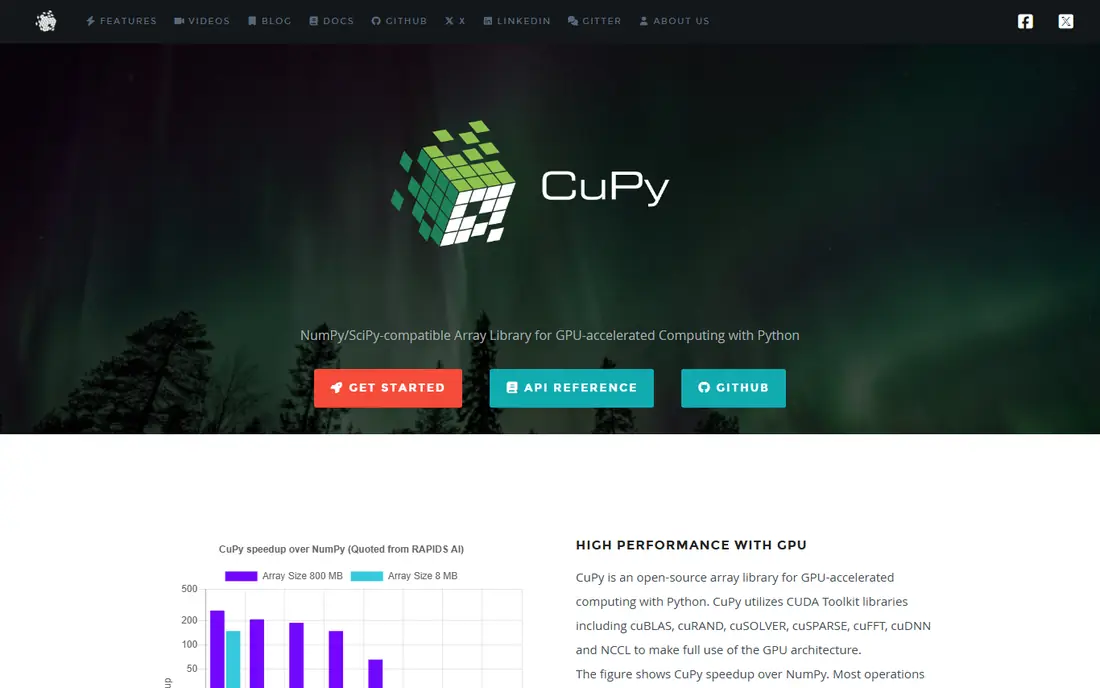
CuPy is the simplest GPU swap for NumPy code. It mirrors the NumPy API, so much code changes only by importing cupy instead of numpy, and arrays move back to NumPy with a single call. For a reader with an NVIDIA GPU and a large dense workload, CuPy can be the fastest path to a speedup without rewriting logic.
The limit is hardware. CuPy needs NVIDIA GPUs and a working CUDA setup, which can take time to install and debug. It also does not solve the larger-than-memory problem, because GPU memory is still finite. CuPy fits a single-GPU workload, not a cluster or a CPU-only machine.
- Very close to NumPy API
- Runs on NVIDIA GPUs
- Easy transfer back to NumPy
- Needs NVIDIA hardware and CUDA setup
- CPU fallback is not the point
- Large GPU memory still limits size
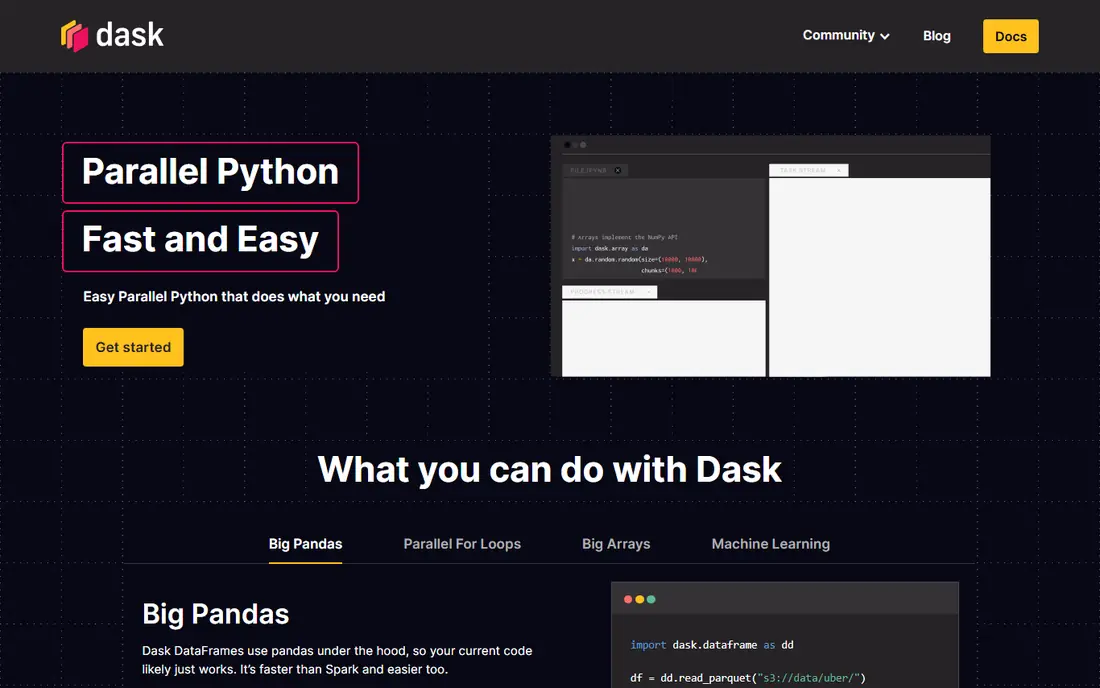
Dask Array breaks a large array into chunks and runs operations in parallel, either on one machine or across a cluster. That makes it the right choice when data does not fit in memory, or when a computation needs many cores. Its array API mirrors NumPy for common operations, so existing code often ports with modest changes.
The trade-off is chunking. Pick chunks too small and overhead rises, pick them too large and memory pressure returns, so tuning matters. Dask also builds a lazy graph before computing, which can make debugging less direct than running NumPy line by line. For small data, plain NumPy is usually faster and simpler.
- Chunked arrays larger than RAM
- Parallel and distributed execution
- Familiar NumPy-like API for arrays
- Chunk choice affects speed
- Debugging a lazy graph is harder
- Small data can be slower than NumPy
Xarray adds labels, dimensions and coordinates to NumPy arrays, which matters for data with named axes such as time, latitude and longitude. It can select data by label, align datasets with different coordinates, and read netCDF files common in climate and earth science. For a reader working with multi-dimensional labelled data, Xarray prevents many indexing errors.
The limit is that Xarray is not a speed or hardware tool. It builds on NumPy and Dask, so it does not itself run on GPU or compile code. A plain numeric workload with no labels gains little from Xarray, and the label model takes time to learn if you are used to positional indexing only.
- Labelled dimensions and coordinates
- Strong netCDF and climate data support
- Works with Dask for large data
- Adds a layer over NumPy
- Not a speed tool by itself
- Learning labels takes time for plain array users
PyTorch tensors feel familiar to NumPy users, with similar indexing and operations, but they add GPU execution and automatic gradients. That makes PyTorch a strong NumPy alternative when the end goal is a model, a custom loss, or a GPU pipeline, rather than a plain numeric script. Its ecosystem also covers data loading, training and deployment tools.
The downside is weight. PyTorch is a larger install than NumPy, and its tensor rules differ from NumPy in places such as dtype defaults and in-place operations. For a simple array task with no model, PyTorch adds complexity without a clear benefit, so use it when gradients or GPU model work are part of the job.
- Tensor API with NumPy-like feel
- GPU support
- Automatic gradients and large model ecosystem
- Heavier install than NumPy
- Tensor semantics differ in places
- Model focus can be overkill for plain arrays
TensorFlow provides tensors, GPU and TPU execution, and a production stack for serving models at scale. Its NumPy-like operations cover many array tasks, and its Keras interface can build models with less code than a raw tensor pipeline. For a team that needs to deploy a model after training it, TensorFlow production tools are a clear reason to choose it.
The limit is complexity. TensorFlow is a large framework, and its API history means older tutorials may not match current code. A reader who only needs array maths will find NumPy or JAX simpler, while a reader who needs serving, mobile export or TPU training will get more from TensorFlow.
- Tensor API with GPU and TPU support
- Production and serving tools
- Large community and docs
- Heavier and more complex than NumPy
- API has changed over versions
- Plain array work is not its focus
SciPy is not a full NumPy replacement, but its sparse arrays are the right alternative when most values are zero. A sparse matrix can store a large, mostly empty array in far less memory than a dense NumPy array, and SciPy routines cover linear algebra, optimisation and signal processing on top of NumPy. For text, graph or recommendation data with many zeros, sparse formats are often the only practical choice.
The catch is format choice. SciPy offers several sparse formats, and each suits a different operation, such as building, slicing or multiplying. Picking the wrong format can slow code or force a conversion. SciPy also focuses on CPU scientific work, not GPU execution, so pair it with CuPy or JAX if GPU speed is the goal.
- Sparse array formats for mostly-zero data
- Broad scientific routines
- Builds directly on NumPy
- Not a general NumPy replacement
- Sparse formats need care
- GPU support is not the focus
Numba compiles Python functions that use NumPy arrays into fast machine code, which can speed up loops that NumPy cannot vectorise easily. A reader with a custom loop, a simulation or a per-element calculation can often add a single decorator and see a large speedup without rewriting in another language. Numba works on CPU, so it needs no GPU setup.
The limit is compilation scope. Numba supports a subset of Python and NumPy, so some code needs rewriting to compile, and first-run compilation adds a delay. Debugging a compiled function is also less direct than debugging plain Python. Numba fits a CPU loop bottleneck, not a GPU or distributed workload.
- Compiles NumPy-style loops to fast CPU code
- Easy to add to existing functions
- No GPU required
- Compilation on first run
- Not all Python features compile
- Debugging compiled code is harder
pandas builds on NumPy and adds labelled tables, with rows and columns, grouping, merging and time series tools that plain arrays lack. For tabular data, such as a spreadsheet, a CSV file or a database result, pandas is often a better fit than raw NumPy, because it handles labels, missing values and mixed types in one structure. Its ecosystem also covers plotting, file formats and data cleaning.
The limit is dimensionality and scale. pandas is built for two-dimensional tables, not for general multi-dimensional arrays, and large tables can use a lot of memory. For data larger than memory, Dask DataFrame extends pandas, and for pure numeric arrays, NumPy remains simpler. Use pandas when the data is tabular, not when it is a plain numeric grid.
- Labelled tables with powerful grouping and merging
- Built on NumPy
- Huge data analysis ecosystem
- Not a multi-dimensional array replacement
- Memory use can be high
- Large data needs Dask or other tools
How we picked these
We compared official documentation pages and NumPy interoperability guidance, and we chose libraries that are live in October 2026, that mirror or extend the NumPy API, and that solve a clear NumPy limit such as GPU execution, scale, sparsity, speed or labelling. We did not claim benchmark results, because speed depends on hardware, data size and code, and we listed all libraries as Free because they are open source.
How to choose a NumPy alternative
Start with the limit that is actually blocking you. If code is slow on CPU loops, Numba may fix it. If data does not fit in memory, Dask is the answer. If you need gradients, JAX or PyTorch fits, and if you have a GPU, CuPy or JAX fits. Picking a library for a limit you do not have only adds setup time.
Test on a small case first
Port a small, representative slice of your code before moving a full pipeline. Check that results match NumPy within tolerance, that dtypes behave as expected, and that the new library handles your edge cases. A small test can reveal API differences, such as a missing function or a different default, before they affect a large job.
Check hardware, install and team skill
GPU libraries need compatible hardware and drivers, distributed libraries need cluster setup, and compiled libraries need a compiler toolchain. Check install steps on the official docs, and consider what your team already knows. A library that is fast in theory but hard for your team to debug can cost more than a slower, familiar option.
Keep NumPy in the loop
Most of these libraries convert back to NumPy arrays, so you do not need to abandon NumPy entirely. Use NumPy for small, plain array work, and use an alternative only for the part that needs GPU, scale, gradients or labels. That mixed approach keeps code readable and makes it easier to test each part in isolation.
Frequently asked questions
What is the best alternative to NumPy?
The best alternative depends on the job. JAX suits GPU and gradient work, CuPy suits a direct GPU swap, Dask suits data larger than memory, and Xarray suits labelled multi-dimensional data. For plain CPU array work, NumPy itself is often still the best choice.
Is JAX a replacement for NumPy?
JAX can replace NumPy for many tasks, because its jax.numpy module mirrors NumPy calls and adds compilation and gradients. It is not a drop-in replacement for every NumPy feature, and compilation adds startup time and debugging complexity. Test your code on a small case before a full port.
Can CuPy replace NumPy on any computer?
No. CuPy needs an NVIDIA GPU and a working CUDA setup, so it does not help on a CPU-only machine or on other GPU types. On a compatible NVIDIA machine, CuPy can be a close drop-in for dense array work, with a single call to move results back to NumPy.
What should I use if my data is larger than memory?
Dask Array is the most direct NumPy-like option, because it chunks arrays and runs them in parallel or across a cluster. For tabular data larger than memory, Dask DataFrame extends pandas in a similar way. Choose chunk sizes carefully, because chunk choice affects both speed and memory use.
Do I still need NumPy if I use these libraries?
In most cases, yes. Many of these libraries build on NumPy, convert to NumPy arrays, or use NumPy as a reference for their API. Learning NumPy first makes it easier to use JAX, CuPy, Dask, Xarray and pandas, because their array concepts, indexing and operations share the same base.
Sources
See where you really rank - block by block
ProMapRanker scans Google Maps across a grid of your service area. Simple monthly plans from $19, white-label on every plan.
Start freeKeep reading
 zscaler alternatives
Best Zscaler Alternatives in 2026
Looking for zscaler alternatives? We compare 9 SASE and zero trust platforms on architecture, data protection, pricing, and fit for your network and team.
Read → zapier alternatives free
Best Zapier Alternatives Free in 2026
Nine automation tools for zapier alternatives free in 2026, all with genuinely free tiers, plus free plan limits, starting prices and upgrade paths explained.
Read → which platform is best for online reputation
Which Platform Is Best for Online Reputation in 2026
Wondering which platform is best for online reputation? We compare 8 review, listing, and response tools for small and multi-location businesses and agencies.
Read →