 ProMapRanker
Best Alternatives to Microsoft Planner in 2026


Cross-team task coordination · Pricing starts at: $10.99 per user per month
Key takeaways
- Asana and monday.com are the safest general replacements, with clear ownership, timelines and dashboards.
- Trello and Todoist suit teams that want a simple board or list without a large platform.
- ClickUp and Zoho Projects offer the most features per dollar, though ClickUp needs an owner to stay tidy.
- Check seat rules before comparing prices, because minimums, viewers and guest access change the real bill.
Quick comparison
| Pick | Great for | Pricing starts at | Free tier | |
|---|---|---|---|---|
| Asana | Cross-team task coordination | $10.99 per user per month | Yes | Visit |
 Trello | Simple kanban boards | $5 per user per month | Yes | Visit |
 monday.com | Visual boards and workflows | $9 per seat per month | Yes | Visit |
 ClickUp | Most features per dollar | $7 per user per month | Yes | Visit |
 Wrike | Structured project work | $10 per user per month | Yes | Visit |
 Notion | Docs and tasks in one place | $10 per user per month | Yes | Visit |
 Smartsheet | Spreadsheet-style planning | $9 per user per month | Free trial | Visit |
 Zoho Projects | Budget-friendly project tracking | $4 per user per month | Yes | Visit |
 Todoist | Simple shared task lists | $4 per user per month | Yes | Visit |
The best alternatives to Microsoft Planner
Microsoft Planner works well inside Microsoft 365, with boards, buckets and Teams integration, but it can feel thin for timelines, reporting and cross-project work. The tools below all cover the core Planner job of assigning tasks and tracking progress, and most add the views and reporting that Planner users often miss.

Asana is the safest default for a team leaving Planner. Tasks, projects, timelines and calendars sit in an interface most people learn in an afternoon, and every task has an owner and a due date, which ends the usual question of who is doing what. The free plan now covers two users, and Starter at $10.99 per user per month billed annually adds timelines, dashboards and custom fields.
The catch is tiering. Portfolios, goals and advanced reporting sit higher, so a team that needs portfolio views should price the Advanced tier, not Starter. For cross-functional teams that need everyone aligned on one plan, Asana remains a strong pick, but budget it per head.
- Clear task ownership
- Timelines, calendars and dashboards
- Strong automation rules
- Portfolios and advanced reporting need higher tiers
- Per-user cost adds up at scale
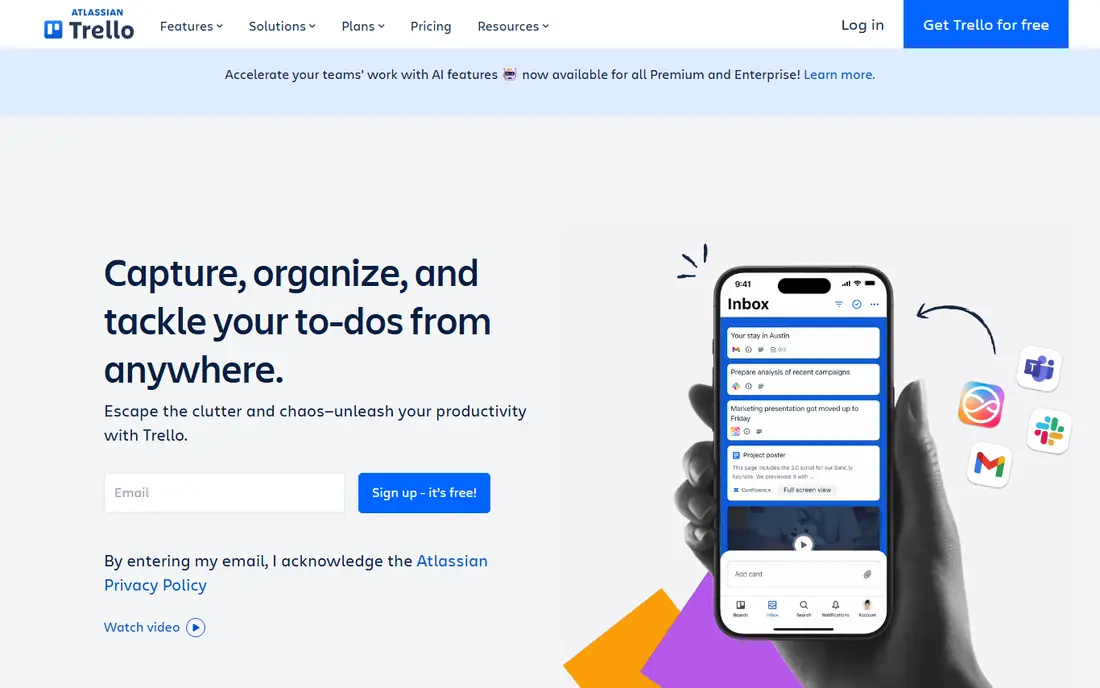
Trello is where most teams meet kanban for the first time, and many never need to leave. Boards, lists and cards mirror a physical whiteboard, so new users need almost no training. The free plan covers up to ten collaborators, and Standard at $5 per user per month billed annually adds unlimited boards and advanced checklists.
The honest limit is ceiling. Trello is a board, not a full project platform, so reporting, workload views and timelines are weaker than the all-in-one tools below. If your process fits on cards, Trello is hard to beat for simplicity and price. If it does not, you will feel the walls quickly.
- Purest kanban experience
- Easy to learn
- Large integration library
- Reporting and timelines are thin
- Advanced features often need extra integrations
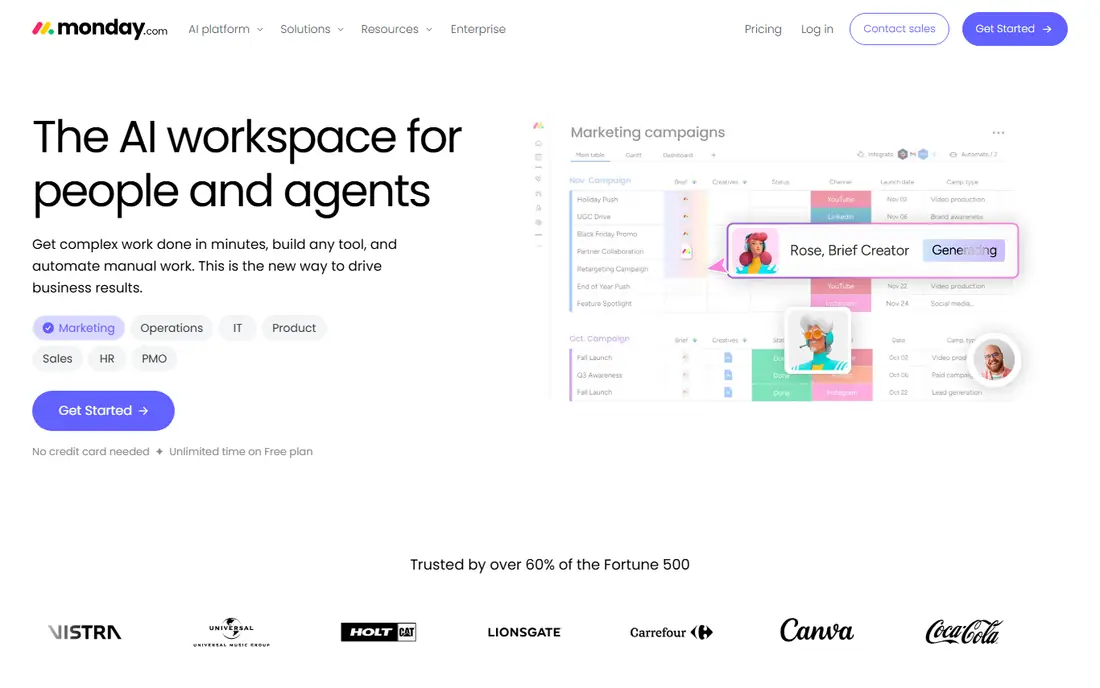
monday.com runs work on colourful boards where items are rows with typed columns, and views include timelines, calendars and Gantt charts on higher tiers. Automations move work along without manual chasing, and unlimited free viewers on paid plans help when many people only need to watch progress. Basic starts at $9 per seat per month billed annually, with a three-seat minimum.
That seat rule matters for small teams, and the features many Planner users want, such as Gantt views and guest access, start at Standard. Price your real team, including viewers, before comparing monday.com with a simple per-user tool.
- Visual boards anyone picks up quickly
- Automations and integrations
- Free viewers
- Seats sold in blocks with a minimum
- Gantt and guests need higher tiers
ClickUp packs more into its entry price than any rival here. Unlimited at $7 per user per month billed annually includes unlimited storage, Gantt charts, custom fields, native time tracking and integrations, while the free plan covers unlimited tasks and members. Docs, goals and dashboards sit in the same app, so teams can replace several tools at once.
The catch is complexity. ClickUp ships so many features that teams without a dedicated owner end up with messy workspaces. Turn off what you do not use, appoint an admin, and it is the best value on this list. Skip it if nobody will own the setup.
- Huge feature set for the price
- Free plan covers unlimited members
- Many views
- Interface can overwhelm new users
- Setup needs an owner
- AI features cost extra
Wrike suits marketing, creative and operations teams that need structure, approvals and resource planning rather than a simple board. Team at $10 per user per month billed annually covers core project work, while Business adds dashboards, approvals and resource management at a much higher price. Free viewers help keep stakeholders in the loop without extra seats.
Seat grouping is the detail to check, since Wrike sells seats in groups of five on some plans. Small teams should confirm the minimum before signing, and teams that need proofing or resource planning should price Business, not Team.
- Structured projects and resource views
- Approvals and proofing on higher tiers
- Free viewers
- Seats sold in groups
- Higher tiers cost much more
- Setup takes time
Notion combines notes, wikis, databases and tasks in one workspace, which suits teams that live in documents as much as in task lists. You can build a project tracker from a database, link it to meeting notes and specs, and keep context beside the work. Plus at $10 per user per month billed annually adds version history and larger file uploads.
It is not a full project platform for large portfolios, and reporting is lighter than Asana or Wrike. Teams that want one place for docs and tasks will like it. Teams that need resource management and portfolio reporting should look elsewhere.
- Docs, wikis and tasks in one workspace
- Flexible databases
- Good for small teams
- Not a full project platform for large portfolios
- Permissions need care on shared pages
Smartsheet will feel familiar to any team that plans in spreadsheets. Rows, columns, formulas and Gantt views cover operations planning, intake tracking and cross-team schedules, and contributors who only view or update can be free on some plans. Pro starts at $9 per user per month billed annually for a small editor group.
Business, at a higher price, adds the dashboards, resource views and controls larger teams usually want, so price the tier that matches your reporting needs. Teams that think in grids will adopt Smartsheet fast. Teams that want a modern board-first tool may prefer monday.com or Asana.
- Familiar grid layout
- Strong for operations planning
- Free contributors who only view
- Per-editor pricing
- Advanced features sit on Business
- Interface feels dated to some users
Zoho Projects is the cheapest paid option on this list, with Premium at $4 per user per month billed annually. It covers tasks, milestones, Gantt charts, timesheets and project templates, which is enough for many small and mid-size teams. It integrates tightly with the rest of Zoho, including CRM and Books, which is a real benefit for Zoho users.
The interface is plainer than Asana or monday.com, and the third-party integration set is smaller, though the core tools most teams need are covered. If budget matters most and your team already uses Zoho, this is an easy pick.
- Lowest paid entry price here
- Gantt, milestones and timesheets
- Good Zoho integrations
- Interface is plainer than rivals
- Smaller third-party integration set
Todoist is for teams and individuals who want a task list, not a project platform. Capture a task in plain language, set a date, share a project, and move on. Pro at $4 per user per month billed annually adds reminders, filters and larger uploads, and the app works on almost every device.
It will not replace Planner for portfolio reporting, timelines or resource planning, and large projects can outgrow it. As a personal and small-team task tool, though, its speed and simplicity are hard to beat, and it pairs well with a separate calendar or docs tool.
- Fast and simple
- Natural-language dates
- Works everywhere
- Low price
- No real project portfolio tools
- Reporting is basic
- Large projects need a fuller platform
How we picked these
We compared official pricing pages, feature pages and recent pricing guides for task and project tools that cover Planner core work: assigning tasks, tracking progress and sharing plans. We favoured tools with free plans or trials, current pricing and broad platform support. Prices are per user per month billed annually unless stated, and seat minimums are noted where they change the real cost.
Switching without losing your plans
Export your Planner boards before you move, and map buckets to the new tool structure early. A Planner bucket often becomes a section, group or status in the new tool, not a separate project, and getting that mapping wrong creates confusion for weeks. Run one real project in the new tool first, with the same people and deadlines, before migrating everything.
Also check Teams and Microsoft 365 links you rely on. Planner lives inside that world, so moving out means replacing Teams tabs, notifications and file links with the new tool equivalents. Most tools here offer Teams integrations, but the depth varies, so test notifications and file access during the trial.
Frequently asked questions
What are the best Microsoft Planner alternatives for small teams?
Trello and Todoist suit very small teams that want simplicity, while Asana Starter suits teams that need timelines and dashboards. ClickUp free plan is worth testing when budget is tight and the team can handle a fuller tool.
Is there a free alternative to Microsoft Planner?
Yes. Trello, Asana, ClickUp, monday.com, Notion, Wrike, Zoho Projects and Todoist all offer free plans with limits, and Smartsheet offers a trial. Free plans usually cap users, projects or features, so check the limits against your team size.
Which Planner alternative is closest to Planner itself?
Trello is closest in feel, since both centre on boards and cards. Asana is closest in scope for teams that want boards plus timelines and reporting. Neither needs Microsoft 365, which is a benefit for mixed-platform teams and a drawback if you rely on Teams integration.
Can I import Planner tasks into these tools?
Most tools offer import from CSV, Excel or other project tools, and several offer direct Planner import or a migration guide. Test the import with one board first, because custom fields, attachments and comments do not always transfer cleanly.
Which alternative is best for large organisations?
Asana, monday.com and Wrike scale best here, with portfolios, dashboards, approvals and admin controls on higher tiers. Price the tier that includes those controls, not the entry tier, and check guest and viewer rules for stakeholders who do not need a full seat.
Sources
See where you really rank - block by block
ProMapRanker scans Google Maps across a grid of your service area. Simple monthly plans from $19, white-label on every plan.
Start freeKeep reading
 zscaler alternatives
Best Zscaler Alternatives in 2026
Looking for zscaler alternatives? We compare 9 SASE and zero trust platforms on architecture, data protection, pricing, and fit for your network and team.
Read → zapier alternatives free
Best Zapier Alternatives Free in 2026
Nine automation tools for zapier alternatives free in 2026, all with genuinely free tiers, plus free plan limits, starting prices and upgrade paths explained.
Read → which platform is best for online reputation
Which Platform Is Best for Online Reputation in 2026
Wondering which platform is best for online reputation? We compare 8 review, listing, and response tools for small and multi-location businesses and agencies.
Read →