 ProMapRanker
Best Alternatives to Looker Studio in 2026


Microsoft-led reporting · Pricing starts at: $14 per user per month
Key takeaways
- Power BI is our pick for Microsoft-led teams, while Tableau suits deep visual analysis at a higher per-user price.
- Metabase and Apache Superset are the best low-cost options, with open-source versions you can self-host.
- Qlik Sense, Sisense, and Domo suit larger or embedded use cases, but pricing is often quoted rather than published.
- Looker Studio is Google free BI tool, formerly called Data Studio, so alternatives should beat it on governance, modeling, or data sources.
Quick comparison
| Pick | Great for | Pricing starts at | Free tier | |
|---|---|---|---|---|
| Microsoft Power BI | Microsoft-led reporting | $14 per user per month | Yes | Visit |
 Tableau | Deep visual analysis | $15 per user per month | Free trial | Visit |
 Metabase | Low-cost self-service BI | Free | Yes | Visit |
 Apache Superset | Open-source dashboards for engineers | Free | Yes | Visit |
 Qlik Sense | Associative data exploration | See website | Free trial | Visit |
 Sisense | Embedded analytics | See website | Free trial | Visit |
 Domo | Executive dashboards at scale | See website | Free trial | Visit |
 Zoho Analytics | Small business dashboards | See website | Free trial | Visit |
 Holistics | Code-based semantic layer | See website | Free trial | Visit |
The best alternatives to Looker Studio
Looker Studio is Google free BI tool, formerly called Data Studio, and it is popular for simple marketing and Google data dashboards. Teams usually leave it when they need stronger governance, better modeling, wider data sources, or a tool that fits a Microsoft or warehouse-led stack. We compared official pricing pages, hosting options, and core BI features for each tool below.
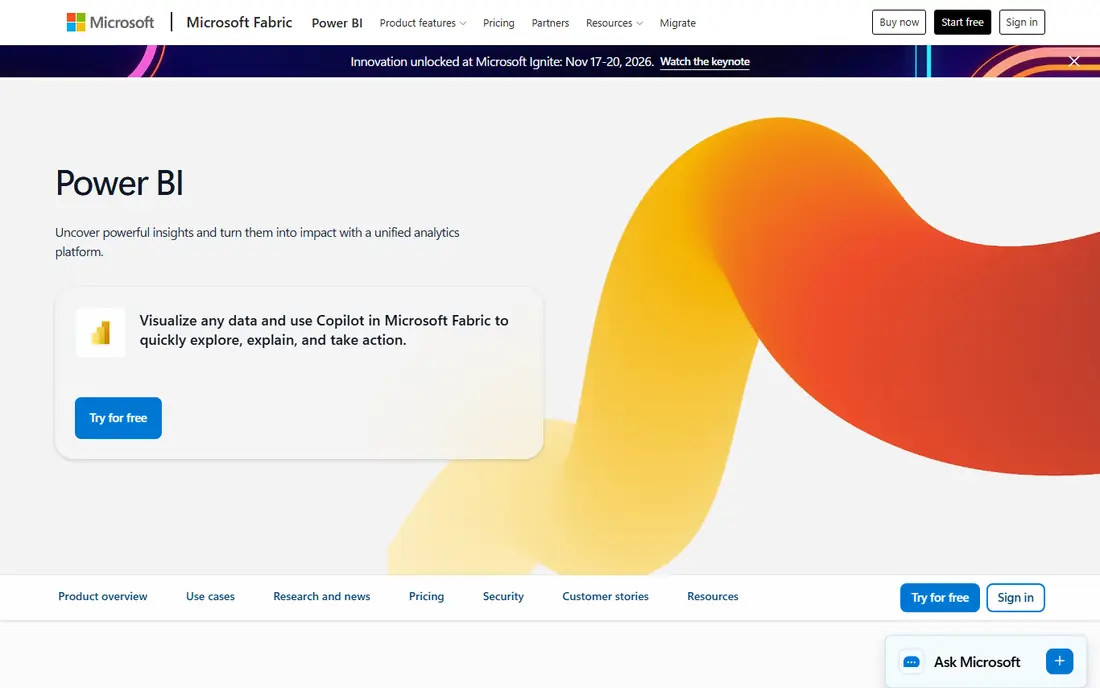
Power BI is the natural move for teams that already use Microsoft 365, Excel, and Teams. Reports built in the free desktop app can be shared through the paid service, and native connectors cover Microsoft sources plus many databases and cloud apps. That ecosystem fit often matters more than any single chart type.
Seat costs are the catch. Viewers need paid licences in many sharing setups, so a dashboard for a whole company can cost more than the creator price suggests. AI features also need paid capacity in some cases. For a Microsoft-led company, Power BI is still our pick.
- Deep Microsoft 365 integration
- Free desktop app
- Wide connector range
- Viewer seat costs add up
- Full AI features need paid capacity
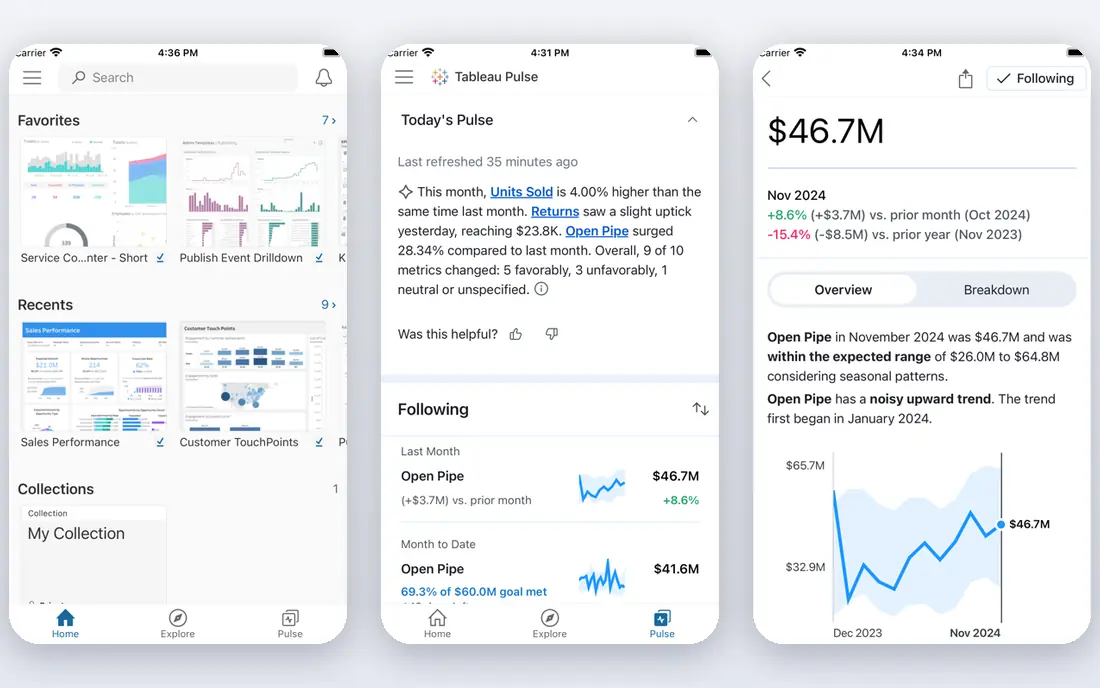
Tableau remains the standard for visual exploration, with drag-and-drop analysis that lets analysts test ideas fast. Its community, public gallery, and training resources help new users learn, and both cloud and server hosting are available. For teams that live in dashboards all day, that depth is hard to match.
Pricing needs care, since the viewer starting price is far below the creator price for people who build dashboards. Advanced features also take time to master. Tableau suits teams that value deep analysis enough to pay for creator seats and training.
- Excellent visual analysis
- Strong community and learning resources
- Cloud and server options
- Creator price is much higher than viewer price
- Learning curve for advanced work
Metabase is a favorite for startups and small teams that want dashboards without an enterprise contract. The open-source version is free to self-host, setup is quick, and business users can ask questions without writing SQL for common cases. Paid cloud plans add hosting, permissions, and support.
Governance is lighter than Power BI or Tableau at scale, so large regulated teams may need more controls. Cloud pricing also rises as usage grows, though it stays competitive for small teams. For a fast, low-cost start, Metabase is hard to beat.
- Free open-source version
- Easy setup
- Self-hosting option
- Lighter governance than enterprise BI
- Cloud pricing rises with scale
Apache Superset is a free, open-source BI tool for technical teams that want full control. You can self-host it, connect many SQL databases, and build dashboards and charts without licence fees. That control suits data engineers who already manage infrastructure.
The cost is time, not licences. Setup, upgrades, security, and user management fall to your team, and the interface is less polished for casual business users than Metabase. Superset is best when engineering capacity exists and licence cost must stay at zero.
- Free and open source
- Self-hosting
- Wide database support
- Needs engineering time to run well
- Less polished for non-technical users
Qlik Sense uses an associative engine that shows how selections relate across fields, which helps analysts explore data without predefining every path. That style suits teams that ask open questions and want to see unexpected links in the data. Cloud and on-prem hosting give deployment flexibility.
Pricing is less transparent than Power BI or Metabase, with tiered plans that often need a quote. Larger deployments also need setup effort. Qlik Sense suits mid-size and large teams that value exploration and are willing to invest in setup.
- Associative engine for exploring data
- Strong for guided and self-service analysis
- Cloud and on-prem options
- Pricing is tiered and often quoted
- Setup effort for larger deployments
Sisense is built for embedding analytics into products and customer-facing apps, as well as for internal dashboards. It handles large volumes and complex models, and white-label options let a product team present dashboards as part of its own app. That embedded strength sets it apart from simpler reporting tools.
Pricing is quoted, so a small team cannot budget from a public rate card alone. Sisense is also more than a tiny team needs for a few internal charts. Choose it when embedded or customer-facing analytics is a core requirement.
- Strong embedded analytics for products
- Handles large data volumes
- Good for customer-facing dashboards
- Pricing is quoted
- Less of a simple tool for a tiny team
Domo combines data connectors, dashboards, and collaboration in one cloud platform, with views designed for executives who want a clear picture fast. Its large connector library helps teams that pull data from many apps, and mobile views suit leaders who check numbers on the go.
Pricing is quoted and the platform is aimed at mid-size and larger companies, so small teams may find it costly. Domo is best when a company wants one executive dashboard platform with broad connectors and is ready for an enterprise-style contract.
- All-in-one dashboards and data connectors
- Executive-friendly views
- Large connector library
- Pricing is quoted
- Can be costly for small teams
Zoho Analytics suits small businesses that want dashboards without enterprise pricing. Tiered plans start at a low cost, an AI assistant helps with questions and insights, and the fit is especially good for companies already using Zoho apps. Setup is quicker than enterprise BI.
Enterprise controls and governance are lighter than Power BI or Tableau, and some connectors are less deep. For a small team that needs clear dashboards at a modest price, Zoho Analytics is a sensible pick. Larger regulated teams should compare governance first.
- Low-cost tiers for small teams
- AI assistant
- Good fit inside the Zoho suite
- Fewer enterprise controls than larger BI tools
- Connector depth varies
Holistics is built for data teams that want metrics defined in code, with version control and a shared semantic layer. That approach reduces metric drift, since everyone uses the same definitions, and it suits teams that already work with SQL and data modeling tools. Dashboards sit on top of that governed layer.
Non-technical users may find it less friendly than Metabase or Power BI for building their own charts. Pricing also requires checking current plans, since entry tiers have changed over time. Holistics is best when metric consistency matters more than drag-and-drop ease.
- Code-based metrics and modeling
- Version control for definitions
- Good for data teams
- Less friendly for non-technical dashboard builders
- Pricing needs a quote at scale
How we picked these
We compared official pricing pages, hosting options, and core features for BI tools that are live in October 2026, and we kept a mix of enterprise, mid-size, and open-source options. We excluded Looker Studio itself, so every entry is a genuine alternative. We did not claim hands-on testing, and we used See website where a vendor uses quoted or tiered pricing.
How to choose a Looker Studio replacement
Name the gap you are fixing
List what Looker Studio lacks for you, such as governance, modeling, data sources, or sharing controls. A team that needs row-level security should shortlist Power BI, Tableau, or Qlik, while a team that only needs cheaper hosting should test Metabase or Superset first. A clear gap list stops you from buying features you will not use.
Test with your real data sources
Connect your actual sources, including any non-Google apps, during a trial. Check refresh speed, connector cost, and how calculated fields behave. A tool that looks strong on Google data may be weaker on your CRM, warehouse, or ad platforms, and that gap only shows in a real test.
Count viewers, not just builders
BI pricing often charges for viewers as well as creators, so total cost depends on how many people open dashboards. Count every regular viewer before comparing plans, and check if a free viewer tier or a capacity plan fits better. That count can change the cheapest option completely.
Frequently asked questions
What is Looker Studio, and what was it called before?
Looker Studio is Google free BI tool for building dashboards and reports, and it was formerly called Data Studio. It is not the same product as Looker, Google enterprise BI platform, which uses a modeling language called LookML and is priced separately. This guide lists alternatives to Looker Studio, the free reporting tool.
Which alternative is best for a small team on a budget?
Metabase is our pick for a small team on a budget, because its open-source version is free to self-host and its cloud plans are modest. Apache Superset is also free, but it needs more engineering time. Zoho Analytics is worth testing if you want a low-cost hosted option with an AI assistant.
Is Power BI really free?
Power BI Desktop is free to download and use for building reports, but sharing reports through the Power BI service usually needs a paid per-user licence. That distinction matters for budgeting, since a team of builders and viewers will pay more than the desktop price suggests. Check current licence rules before planning a rollout.
Can I self-host a Looker Studio alternative?
Yes, Metabase and Apache Superset both offer self-hosted open-source versions, and Tableau offers a server option. Self-hosting gives control over data and hosting, but it adds setup, upgrades, and security work for your team. Hosted cloud plans trade that control for less maintenance.
Do these tools connect to Google Analytics and Sheets?
Most do, including Power BI, Tableau, Metabase, and Zoho Analytics, though connector quality and cost vary. Looker Studio still has an edge for native Google connectors, so test your exact Google sources during a trial. Third-party connectors may add a separate subscription for some tools.
Sources
See where you really rank - block by block
ProMapRanker scans Google Maps across a grid of your service area. Simple monthly plans from $19, white-label on every plan.
Start freeKeep reading
 zoro.to alternatives
Best Zoro.to Alternatives in 2026
We compare the best zoro.to alternatives in 2026, listing only legal licensed anime streaming services, from Crunchyroll to free options for fans today.
Read → zip alternatives
Best Zip Alternatives in 2026
We compare the best zip alternatives for buy now, pay later in 2026, covering pay-in-4 plans, fees, spending limits, and credit reporting options today.
Read → yesware alternatives
Best Yesware Alternatives in 2026
Compare the best yesware alternatives for sales email tracking, templates, and sequences, with current pricing and honest tradeoffs for small sales teams.
Read →