 ProMapRanker
Alternatives to Kindle in 2026

Key takeaways
- Kobo Clara BW is our pick for most readers who want a simple, waterproof reader with library borrowing built in.
- Kobo Libra Colour suits readers who want colour for comics and magazines plus physical page turn buttons.
- PocketBook readers suit readers with large EPUB and PDF libraries who want broad format support.
- Onyx Boox devices suit readers who want many reading apps on one E Ink screen and accept more setup.
- Apple Books suits readers who already use an iPhone or iPad and want a free app with a large store.
Quick comparison
| Pick | Great for | Pricing starts at | Free tier | |
|---|---|---|---|---|
 Kobo Clara BW | Simple waterproof reading | $159.99 | No | Visit |
 Kobo Clara Colour | Colour reading on a budget | $179.99 | No | Visit |
 Kobo Libra Colour | Colour, buttons and library use | See website | No | Visit |
 PocketBook Verse Pro | Broad format support | $189 | No | Visit |
 PocketBook Era Color | Colour reading with a larger screen | $269 | No | Visit |
 Onyx Boox Palma 2 | Pocket Android reading | $249.99 | No | Visit |
 Onyx Boox Go Color 7 | Android apps with colour E Ink | See website | No | Visit |
 Barnes and Noble Nook GlowLight 4 | Simple store based reading in the US | See website | No | Visit |
 Apple Books | Free reading on Apple devices | Free | Yes | Visit |
The best alternatives to Kindle
A good Kindle alternative depends on where your books come from. Some readers want an open EPUB library, some want library borrowing, and some want one device that runs several store apps. We compared devices and apps on screen quality, format support, store access, waterproofing and price.
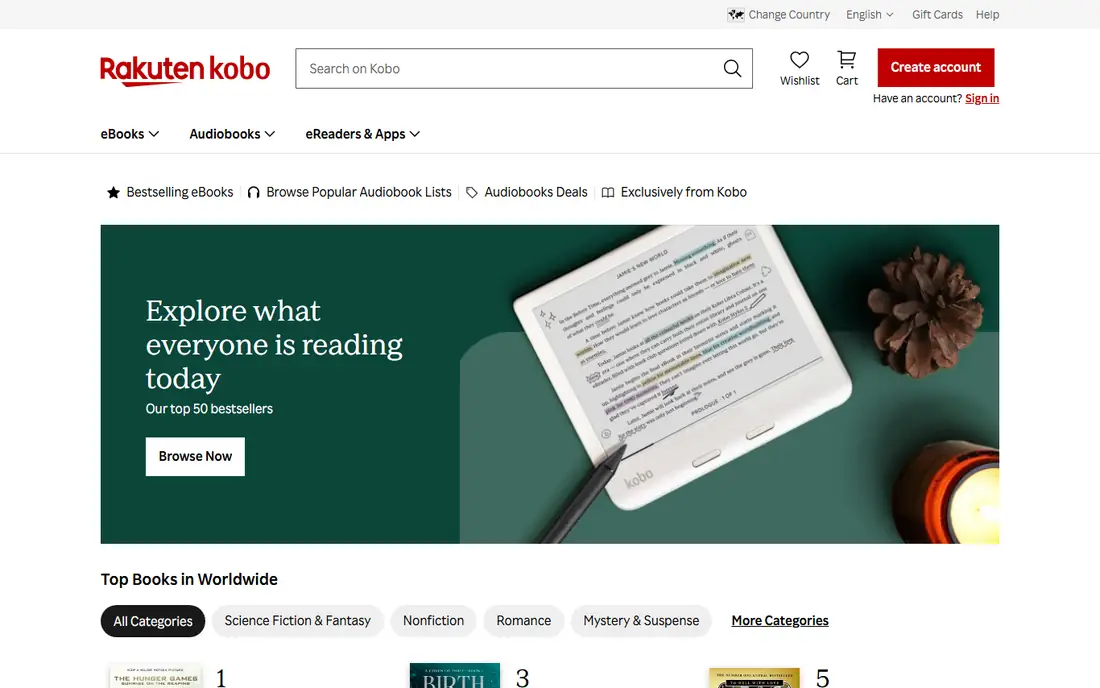
Kobo Clara BW is the most direct alternative for a reader who wants a straightforward device. Its 6 inch glare free screen is sharp for text, its front light adjusts for night reading, and its waterproof design suits reading near water. Library borrowing through OverDrive is built in on supported accounts, which helps readers who borrow more than they buy.
The limits are clear and easy to accept for many readers. There is no colour for comics or illustrated books, and page turns rely on the touchscreen rather than buttons. For text heavy reading, though, Clara BW is hard to beat at its price, and its open EPUB support makes moving a personal library easier than on a locked store device.
- Sharp 6 inch E Ink screen
- IPX8 waterproofing
- Library borrowing built in
- 16GB storage
- No colour screen
- No page turn buttons
- Kobo store is smaller than some rivals in some regions

Kobo Clara Colour adds colour to the same simple formula as Clara BW. Covers, highlighted notes, comics and magazines look better in colour, while text stays sharp enough for daily reading. It keeps the waterproof design, the adjustable front light and library borrowing, so it suits readers who want one device for both novels and illustrated material.
Colour E Ink still has limits. Colour detail is softer than black and white text, and colour screens can use more power than a monochrome screen. Readers who only read novels may prefer Clara BW and save money. Readers who read comics, graphic novels or magazines will notice the colour gain at once.
- Colour E Ink for covers and comics
- Waterproof design
- Library borrowing built in
- 16GB storage
- Colour resolution is lower than black and white text
- Battery and screen trade offs come with colour
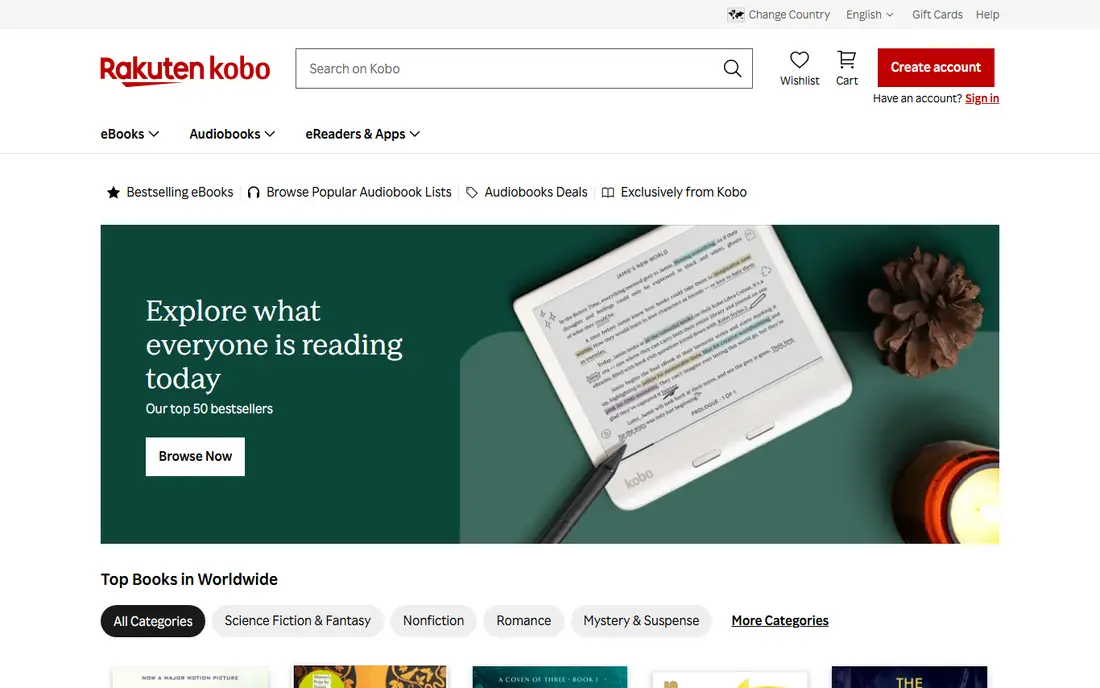
Kobo Libra Colour is our pick for readers who want a larger colour screen and physical buttons. The 7 inch display gives comics and PDFs more room, and the buttons make one handed reading easier, especially for readers who hold a device for long sessions. Stylus support adds note taking for readers who annotate.
The price varies by retailer and bundle, so we list it as See website rather than quote a single figure that may not match checkout. It is larger and heavier than Clara models, so it suits a bag better than a small pocket. For a main reader at home and on trips, that trade is often worth it.
- 7 inch colour screen
- Physical page turn buttons
- Stylus support for notes
- 32GB storage
- Higher price than Clara models
- Larger size is less pocket friendly
- Stylus is sold separately in many bundles
PocketBook Verse Pro suits readers with a library built from many sources. It reads a wide range of formats without conversion, which helps readers who keep EPUB files, PDFs and comics from different stores. Its waterproof design and front light cover bath, beach and night reading, and its interface stays focused on reading rather than apps.
The trade off is ecosystem. PocketBook store and support vary by region, and library borrowing setup can differ from Kobo built in borrowing. Readers who buy mainly from one store should check that store access first. Readers with a large personal file library will value format freedom most.
- Wide EPUB, PDF and comic format support
- Waterproof design
- Adjustable front light
- 16GB storage
- Store and app ecosystem is smaller than Kobo
- Availability varies by region
PocketBook Era Color pairs a larger colour screen with PocketBook format support, which makes it a strong pick for comics, magazines and PDFs. Physical buttons help with page turns, and the larger screen reduces zooming on documents that feel cramped on a 6 inch reader. It is a device for readers who treat illustrated material as a main use, not an extra.
Price and size are the limits. At $269 in the listings we reviewed, it costs more than Clara Colour, and it is less pocket friendly. Readers who mainly read novels will get better value from a smaller monochrome reader. Readers who read a lot of colour material will find the larger screen worth the cost.
- Colour E Ink screen
- Broad format support
- Larger display for PDFs and comics
- Physical buttons
- Higher price
- Colour resolution is lower than text resolution
- Heavier than 6 inch readers
Onyx Boox Palma 2 is the most pocket friendly device here, shaped like a phone with a 6.13 inch E Ink screen. Because it runs Android with Google Play, a reader can run Kindle, Kobo, Libby and other reading apps on one device, which solves the store lock in problem in a direct way. It suits readers who move between stores and libraries.
The trade offs are battery life, waterproofing and setup. Android adds menus, accounts and updates that a basic reader avoids, and battery life is shorter than a dedicated Kobo or PocketBook. Palma 2 is best for a tech comfortable reader who wants app freedom in a pocket size device and accepts those costs.
- Phone sized E Ink device
- Runs many reading apps from Google Play
- Light and pocket friendly
- No waterproof rating
- Shorter battery life than a basic reader
- Android setup takes more time
Onyx Boox Go Color 7 combines a 7 inch colour screen with Android app freedom. Readers can use several store and library apps, read comics in colour, and use page turn buttons for long sessions. That combination is hard to match on a closed store device, and it suits readers who already use more than one reading service.
Setup and price need care. Prices vary by generation, colour generation and bundle, so we list it as See website. Battery life is shorter than a basic reader, and there is no waterproof rating, so it is not a bath or pool pick. For a main reading device at home and on trips, app freedom can outweigh those limits.
- 7 inch colour E Ink screen
- Google Play apps
- Page turn buttons
- Large app choice
- No waterproof rating
- Price varies by generation and bundle
- Stylus sold separately on many bundles
Barnes and Noble Nook GlowLight 4
Great for: Simple store based reading in the US
Nook GlowLight 4 suits readers in the United States who already buy from Barnes and Noble. Its interface is simple, its screen is easy on the eyes, and its adjustable light covers day and night reading. For a reader who wants a basic device tied to a familiar store, it is a calm and easy choice.
Its limits are ecosystem and format. It is less open than Kobo or PocketBook for personal EPUB libraries, and it lacks colour for comics. Readers outside the United States, or readers with a large EPUB library from many sources, will get better value from Kobo or PocketBook. US Nook store readers will find it familiar and easy.
- Simple interface for Nook store readers
- Glare free screen with adjustable light
- Light and easy to hold
- US focused store
- Format support is narrower than Kobo or PocketBook
- No colour screen
Apple Books is the best no cost alternative for readers who already own Apple devices. The app is free, the store is large, and books and audiobooks sync across phone, tablet and Mac. For a reader who does not want a second device, that is a strong case, and the app handles EPUB files bought elsewhere in a basic way.
The catch is the screen. A phone or tablet screen is not E Ink, so long reading sessions bring glare and battery drain that a dedicated reader avoids. Apple Books suits casual and travel reading, and readers who read for hours each day may still want a dedicated E Ink device beside it. As a free starting point, it is hard to beat.
- Free app on iPhone, iPad and Mac
- Large store and audiobook catalogue
- Syncs across Apple devices
- No dedicated E Ink device
- Reading on a phone or tablet means glare and shorter battery focus
- EPUB import is more limited than on Kobo
How we picked these
We compared official store pages, current 2026 e-reader guides and retailer listings, and we kept only e-readers and reading apps that are still sold and that work as a real alternative to a Kindle device or app. We excluded Kindle devices themselves, since the topic is alternatives, and we favored devices with open format support, library borrowing or app freedom. We used See website where retailer prices disagreed, and we did not claim hands on testing.
What to check before you buy
Start with your book source. If you buy from Kobo, a Kobo device is the smoothest fit. If you borrow from a library, check whether borrowing is built in or needs an app. If you use several stores, an Android Boox device or a phone app may fit better than a closed store reader. Moving a large Kindle library to another device can take conversion work, so check format support before you switch.
Match screen to material. Text only readers do well with a 6 inch monochrome screen. Comic, magazine and PDF readers benefit from a 7 inch or larger colour screen. Waterproofing matters for bath and pool readers, while page turn buttons matter for one handed and long session readers. Battery life, storage and weight also differ, so weigh the device in a store if you can.
Check the total cost. Device price is only part of the cost, since covers, styluses and store prices add up. Kobo Plus and library borrowing can lower ongoing book costs for heavy readers, while app based reading on a phone has no device cost at all. Choose the device that fits your reading volume, not just the lowest sticker price.
Frequently asked questions
Can I move my Kindle books to a Kobo or PocketBook?
It depends on the book and its protection. DRM free EPUB files move easily, while Kindle store books with Amazon protection do not transfer directly to another store device. Some readers use conversion tools for books they own, but that process has legal and technical limits. Check the format and protection of your library before switching.
Are Kindle alternatives good for library books?
Yes, in many cases. Kobo devices have library borrowing built in on supported accounts, and Android Boox devices can run library apps such as Libby. PocketBook and Nook library support varies by region and setup, so check library access for your local library before buying.
Is colour E Ink worth it?
Colour E Ink suits comics, magazines, illustrated books and highlighted notes, but colour detail is softer than black and white text. Text only readers often prefer a monochrome screen for sharper text and longer battery life. Choose colour only if illustrated material is a regular part of your reading.
Do I need a dedicated e-reader, or is a phone app enough?
A phone app is enough for casual reading and travel, and it costs nothing extra. A dedicated e-reader suits readers who read for hours, want a glare free screen, want weeks of battery life, and want fewer distractions. Many readers use both, with a phone app for short reads and an e-reader for long sessions.
What is the best Kindle alternative for most people?
For most text readers, Kobo Clara BW is the safest pick, thanks to its sharp screen, waterproof design, library borrowing and open EPUB support. Readers who want colour should look at Kobo Clara Colour, and readers who want many apps should look at Onyx Boox Palma 2 or Go Color 7. Your book source should break any tie.
Sources
See where you really rank - block by block
ProMapRanker scans Google Maps across a grid of your service area. Simple monthly plans from $19, white-label on every plan.
Start freeKeep reading
 zoho inventory alternatives
6 Alternatives to Zoho Inventory, Compared on Price and Fit
Zoho Inventory alternatives: 6 tools compared on price, free plans and fit. Katana leads the list for manufacturers. Fit and flaws are laid out for each entry.
Read → zoho crm alternatives
Best Zoho CRM Alternatives (2026)
Need Zoho CRM alternatives? We compare 7 tools on cost, free access and who each suits. Every pick gets a straight assessment. Built for quick decisions.
Read → zelle alternatives
Best Zelle Alternatives in 2026
Compare the best Zelle alternatives for sending money to friends, paying sellers and moving funds abroad, with honest notes on fees, speed and safety in 2026.
Read →