 ProMapRanker
Best Alternatives to In Conclusion in 2026

Key takeaways
- The strongest fix is not a new stock phrase, it is a closing sentence that states what you want the reader to remember or do next.
- Grammarly is our pick for everyday writing because its free plan works across most apps and its paid plan adds full rewrites.
- QuillBot is the best choice when you need the same idea said in a different way, with several rewrite modes on its paid plan.
- ProWritingAid suits long documents, since its reports look at style and pacing across a whole manuscript.
- Hemingway Editor is the simplest free starting point when a closing paragraph feels dense or hard to read.
Quick comparison
| Pick | Great for | Pricing starts at | Free tier | |
|---|---|---|---|---|
 Grammarly | Everyday editing everywhere | Free | Yes | Visit |
 Hemingway Editor | Short, readable closings | Free | Yes | Visit |
 QuillBot | Rewording a closing sentence | Free | Yes | Visit |
 ProWritingAid | Long documents and manuscripts | Free | Yes | Visit |
 LanguageTool | Multilingual checking | See website | Yes | Visit |
 Writer | Team style and tone | See website | No | Visit |
 Sapling | Support and sales writing | See website | Yes | Visit |
 Ginger | Learning from corrections | See website | Yes | Visit |
The best tools for stronger closings
A tired closing phrase tells the reader that the writer ran out of energy. The tools below help you replace it with a sentence that sums up the point, names the next step, or states a clear recommendation. We compared their free plans, paid prices, and editing depth, and we kept only tools that are live and useful in October 2026.
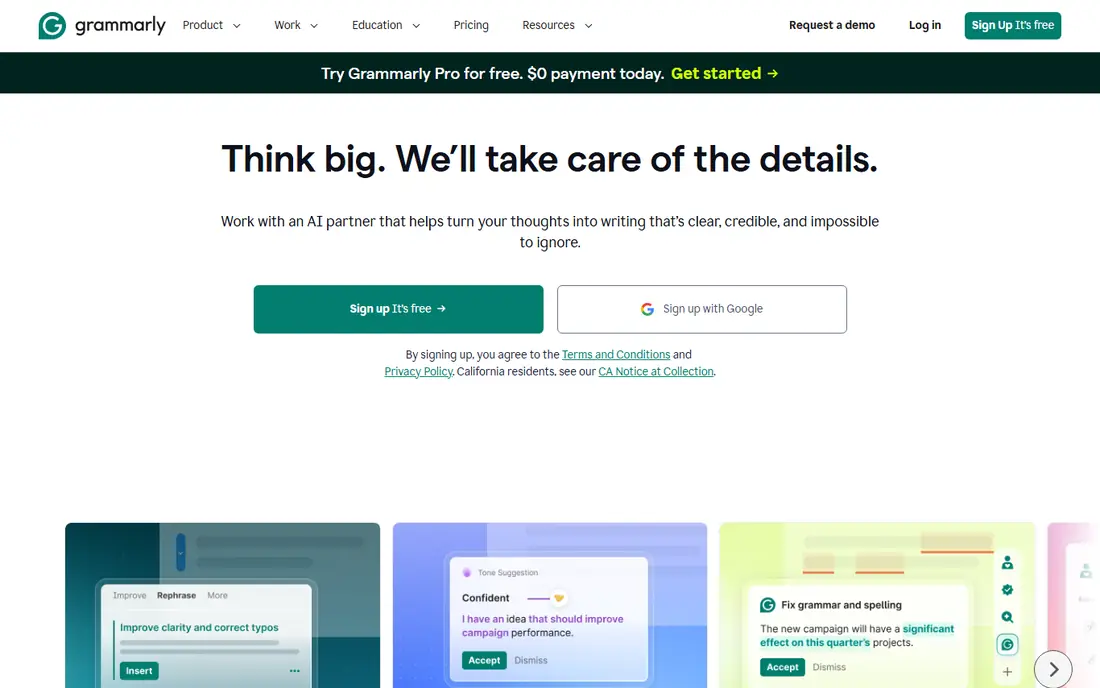
Grammarly is the most practical starting point for most writers. It checks grammar, spelling, clarity and tone as you type, so a weak closing gets flagged while you are still writing, not after you have moved on. The free plan covers basic corrections and a limited number of AI prompts each month, which is enough for short emails, essays and reports.
The paid Pro plan, at $12 per member per month when billed annually, adds full-sentence rewrites, tone adjustment and plagiarism detection. That matters for closings because a rewrite suggestion can turn a vague final sentence into a direct one. The catch is the monthly price, which rises to $30 per month without annual billing, and the per-document size limit that makes it a poor fit for very long manuscripts.
- Works in browsers, documents and desktop apps
- Strong free plan
- Full-sentence rewrites on the paid plan
- Monthly billing is costly at $30 per month
- Long documents have a size limit

Hemingway Editor takes a different approach from a grammar checker. It highlights sentences that are hard to read, flags passive voice and adverbs, and scores the text by reading grade. Paste a closing paragraph into it and the problem spots show up in colour, which makes it easy to cut words and split long sentences.
The web editor is free and unlimited for this kind of readability check. Paid options are separate: a one-time $19.99 desktop app without AI features, and a Plus subscription from $8.33 per month billed annually for AI sentence rewrites. If you only need to spot a bloated final paragraph, the free editor is enough. If you want the tool to rewrite it, you need Plus.
- Free web editor with no account needed
- Highlights dense sentences and passive voice
- Gives a reading grade score
- Grammar checking is a paid feature
- The free editor does not rewrite for you
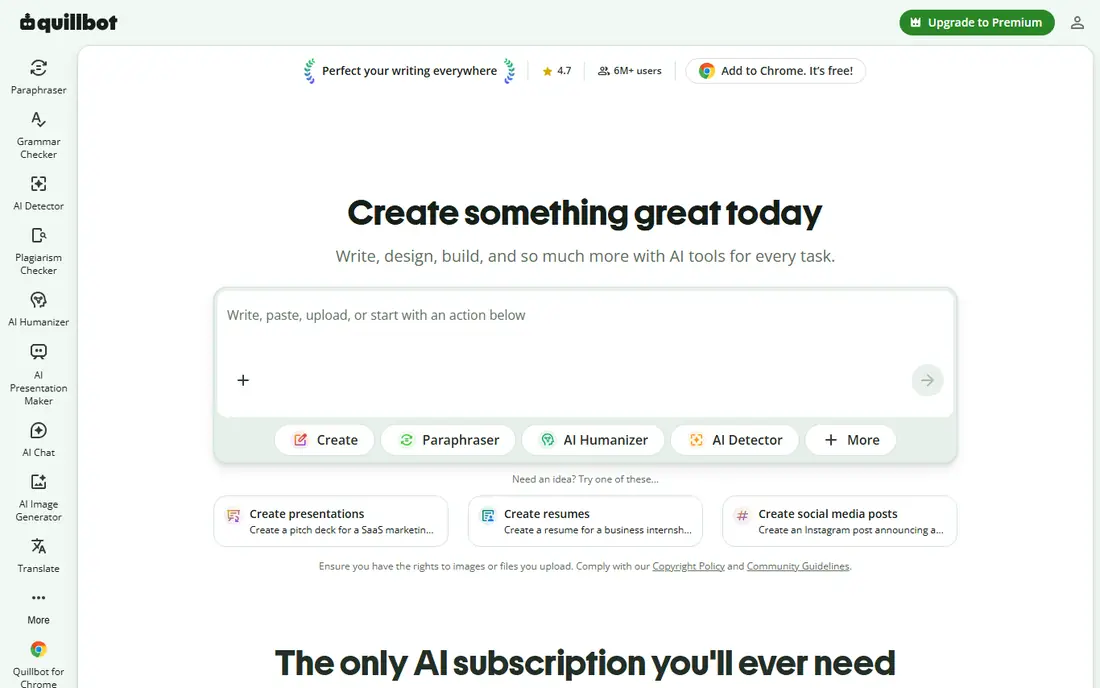
QuillBot is the tool to reach for when you know what you want to say but not how to say it fresh. Its paraphraser offers modes such as Standard, Fluency and Formal on the paid plan, plus a slider that controls how much wording changes. That is useful for a closing that repeats the introduction word for word, since you can test a formal version and a plainer version side by side.
The free plan allows short paraphrases of about 125 words with two modes, which covers a single closing paragraph. Premium costs $8.33 per month when billed annually at $99.95 per year, or $19.95 per month on monthly billing, and it adds unlimited paraphrasing, all modes and a plagiarism checker. The main limit is that QuillBot is a rewording tool first, not a full grammar editor, so pair it with a checker if your draft has frequent errors.
- Several paraphrase modes on the paid plan
- Summarizer and citation tools included
- Works in Word and Google Docs
- Free paraphrases are limited to about 125 words
- Plagiarism checking is paid only
ProWritingAid looks beyond single sentences and reads a whole document for patterns. Its reports cover pacing, repeated words, sticky sentences and dialogue, which helps when a closing feels flat because the whole final section repeats earlier points. Writers working on books, theses or long reports get more from this depth than from a quick grammar pass.
The free plan checks 500 words at a time with limited reports. Premium costs $10 per month when billed annually at $120 per year, or $30 per month on monthly billing, and a lifetime Premium licence costs $399. Plagiarism checks are an extra cost on every tier, so budget for that separately if you need originality scans. The interface can feel busy at first, but the reports reward writers who work through them one at a time.
- More than 20 style reports
- Works with Scrivener and Word
- Lifetime licence option
- Free checks are limited to 500 words at a time
- Plagiarism checks cost extra
LanguageTool is the strongest pick in this list for writers who work in more than one language. It checks grammar and spelling across a wide set of languages, with a browser extension and add-ins for common editors. If you write closings in English and another language, keeping one checker for both avoids switching tools mid-document.
The free plan handles basic checking with limits on text length and check depth. Premium adds more checks, longer text fields and extra features such as a style guide and a personal dictionary. The trade-off is that its tone and rewrite guidance is less developed than Grammarly, so it suits writers who mainly need accurate corrections rather than help reshaping a sentence.
- Checks many languages, not only English
- Browser extension and desktop apps
- Generous free plan for short texts
- Some advanced style checks are paid only
- Tone guidance is lighter than Grammarly
Writer is aimed at companies rather than solo writers. It applies a shared style guide, terminology rules and tone settings across documents, so every report, proposal and customer email ends in a consistent voice. For a team that keeps falling back on the same stock closing phrase, a style rule that flags it is more effective than asking each writer to remember.
The drawback is access. Writer has no free plan for individuals and its pricing is set for teams, so check the vendor pricing page before assuming it fits a small budget. It is also heavier than a simple checker, with setup work needed to define the style guide. Solo writers will get better value from Grammarly or LanguageTool, while larger teams may find the consistency worth the cost.
- Enforces a shared style guide across a team
- Checks tone and terminology
- Built for business documents
- No free plan for individuals
- Priced for teams, not casual writers
Sapling was built for people who write many similar messages each day, such as support agents and sales staff. Its checker catches grammar and spelling errors in browsers and business apps, and its snippet features help teams reuse approved wording for common replies. That matters for closings because a support reply often ends with the same next step, and a consistent, clear version beats a vague sign-off.
The free plan covers basic checking for individuals. Paid plans add team features and deeper controls, and pricing varies by plan, so check the vendor page for current figures. Sapling is not the best choice for novels or long essays, where ProWritingAid offers deeper reports, but for high-volume business writing it is a focused, practical option.
- Works across browsers and common business apps
- Snippet and autocomplete features for repeated replies
- Team options
- Less suited to long-form creative writing
- Paid pricing is not shown as a simple individual plan
Ginger suits writers who want to understand each correction, not just accept it. It explains grammar and spelling fixes and offers sentence rephrasing, which helps non-native English writers build skill over time rather than relying on the same closing habit. Its browser extension and Word support cover the places most people write.
The free plan limits each check to a set number of characters, so long paragraphs need to be checked in parts. Paid plans lift those limits and add more features, with pricing shown on the vendor page. Ginger does not match Grammarly for breadth of integrations, but for a writer who values clear explanations, it is a friendly and affordable alternative.
- Explains corrections in plain terms
- Sentence rephrasing included
- Works in browsers and Word
- Free checks have a character limit per check
- Fewer integrations than Grammarly
How we picked these
We compared official feature pages, pricing pages and app store listings for writing assistants that are live in October 2026. We kept tools that help with the real job behind this search: writing a closing that states a point, a recommendation or a next step, rather than leaning on a clichéd sign-off. We left out tools that only paraphrase without checking, tools with no free or trial access for testing, and any tool we could not verify on its own homepage. Prices quoted here are the vendor figures we found in October 2026, and we wrote See website where a vendor does not publish a simple individual price.
What to write instead of a stock closing phrase
Start by deciding what the closing must do. A report closing should state the recommendation. An essay closing should restate the argument in new words. An email closing should name the next step and who owns it. Once that job is clear, write one sentence for it and delete any sentence that only announces that you are finishing.
Test the closing by reading it on its own. If it could sit at the end of any document on any topic, it is too generic. Replace it with a detail from your own argument, such as the result, the cost, the deadline or the decision you are asking for. Tools help at this stage: Hemingway shows whether the sentence is dense, QuillBot offers a fresh wording, and Grammarly or LanguageTool catches errors that weaken the final impression.
A simple closing checklist
- Does the last sentence state a point, a recommendation or a next step.
- Does it use a detail from the document, not a generic phrase.
- Is it short enough to read in one breath.
- Does it match the tone of the rest of the piece.
Frequently asked questions
What are good alternatives to the closing phrase?
Write a sentence that restates your main point, gives a recommendation, or names the next step. For example, end a report with the decision you are asking for, and end an email with the action and deadline. The tools in this list help you word that sentence clearly, but the content must come from your own argument.
Can a writing tool write my closing for me?
A tool can suggest rewrites and catch errors, but it cannot decide what your closing should argue. Use it to test wording, cut clutter and check grammar, then read the result and confirm it says what you mean. A closing written entirely by a tool often sounds generic and may miss the detail that matters.
Which free tool is best for stronger closings?
Grammarly has the most useful free plan for everyday writing, since it works across many apps. Hemingway Editor is the best free option for readability, since it shows dense sentences and passive voice without an account. Try both on the same paragraph and keep the one whose feedback you actually act on.
Is QuillBot or Grammarly better for rewording a closing?
QuillBot is better for rewording, since it offers several paraphrase modes and a slider for how much wording changes. Grammarly is better for checking grammar, tone and clarity across a whole document. Many writers use QuillBot to find a fresh wording and Grammarly to check the final version.
Do I need a paid plan to write a good closing?
No. A good closing depends on a clear final point, not a subscription. Free plans from Grammarly, Hemingway Editor, QuillBot and LanguageTool cover short closings well. Pay only if you write long documents often, need plagiarism checks, or want team style controls.
How do I stop repeating the same closing in every document?
Keep a short list of closing jobs, such as recommend, summarise, request action or invite a reply, and pick one before you write. Vary the sentence shape as well, so one closing ends with a result and the next ends with a question or a deadline. A style guide in Writer or Sapling can also flag a repeated phrase across a team.
Sources
See where you really rank - block by block
ProMapRanker scans Google Maps across a grid of your service area. Simple monthly plans from $19, white-label on every plan.
Start freeKeep reading
 zscaler alternatives
Best Zscaler Alternatives in 2026
Looking for zscaler alternatives? We compare 9 SASE and zero trust platforms on architecture, data protection, pricing, and fit for your network and team.
Read → zapier alternatives free
Best Zapier Alternatives Free in 2026
Nine automation tools for zapier alternatives free in 2026, all with genuinely free tiers, plus free plan limits, starting prices and upgrade paths explained.
Read → which platform is best for online reputation
Which Platform Is Best for Online Reputation in 2026
Wondering which platform is best for online reputation? We compare 8 review, listing, and response tools for small and multi-location businesses and agencies.
Read →